正在加载视频...
视频加载失败
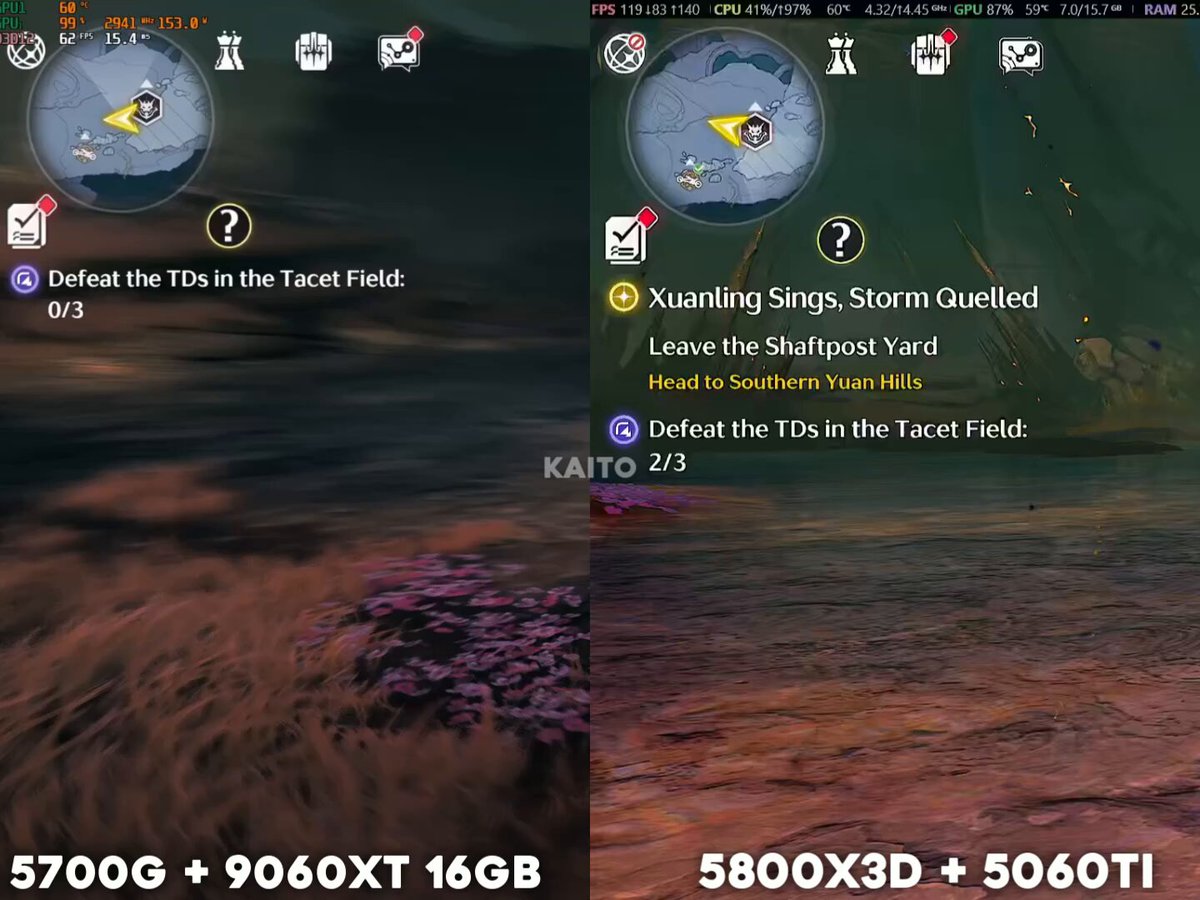
Monster Hunter Wilds big performance patch is out on PC. I spoke with the user who originally discovered the DLC bug and they confirmed that it seems to be fixed. More improvements I noticed from some quick testing (continued): • Better 1% lows for smoother gameplay with less hitching... show more

36 条评论

this was a insane story man

It really was, shame that it took so long but glad things are finally better

why do half the people in these replies think the dlc bug was the ONLY issue and that fixing the game's performance was solely on some random guy on reddit if you got the mod that fixed the dlc bug before the patch you'll realize that bug was a minor problem at best

might actually give the game another shot now!
Now is definitely the time to jump back in!
How viable is the game solo? i mostly play alone. Is it still a good experience?

How I felt launching the game with HRTP today, and not having my computer melt into a puddle of Gogmazios Oil:

it’s about damn time they fixed the DLC frames glitch, that shit is crazy

They should offer the person who found out the issue a job for saving their lead title on an entire platform Insane to say the least

Is FSR4 in-game now? I had FSR3.1 and activated FSR4 in Adrenaline. Now FSR4 appears in-game but Adrenaline says it is unavailable. In another game like ARC Raiders it works normally: FSR3.1 in-game and FSR4 appears in green enabled. Why does this game show FSR4 differently now?

Now Capcom can finally do a damn Hardmode for DD2

A couple months too late. I was already done waiting.

Played at launch got about 45 fps. Maybe 60. On my 3070ti and my ryzen 7. I hope I can enjoy it for at least 80fps

can I finally get the game now @ReturnTower

Anyone with a 4090 willing to tell me what their performance is looking like without FG?

@HuitzilinF_Art

So it went from "abysmal" to "bad" performance. At least frame gen isn't mandatory anymore, yet still runs at 70fps on a 4080s at 1440p. What a joke.

But is the issue of Textures not loading fixed? That became terrible with the previous patch and had been there since like Patch 2 before that.

Now all i need is the moni to buy it

I bought wilds on launch and still can’t play it. Now that’s wild

I am so glad they finally took it seriously. More to be done, but man is it good to see functional on Steam Deck!

misleading to not include that the dlc thing only applied to specific parts of hub areas

so framegen still on...?

So if capcom locks in we could get similar if not slightly better performance on switch 2

I might just wait until the February update to fully start playing the game

I have heavy drops on fps on the new event quest and the framegen seems to lower them even further fuck

The shadows appear on your face

@RanguGamer , empiezo a tener fé 🙏🙏🙏

Still runs like dogshit on a 9070xt, need frame gen to hit 60 in the Scarlet Forest.

Is high res texture pack actually working now?

What about on console?

I was thinking hey the games even smaller now. Womdered if they were doimg the Helldivers 2 Bs of every texture file and if so could they maybe look into Stalker 2 aint no f way tjat game shpuld be lile 140 gigs

i'm used to playing 30~45 FPS at max settings but still had some stuttering here and there,now,there is little to no stuttering,cool shit never seeing that obligated 60FPS min cause CRAPCOM could only pull it off if this game was actually completed before launch but yea

Im glad I kept playing. Bro the high tex pack look sooo much better than before and my frames are still good. The hub is a lot better now. And the fights feel a lot smoother

Ok good to know 👍

70$ game!!! You expect the game to run flawlessly, consistent 60 fps but no it's AAA Open world game who would've guessed it, I guess open world for video games was a mistake Well Capcom got away with it cause simps paid full price for this crap because of a Logo @Marionete04