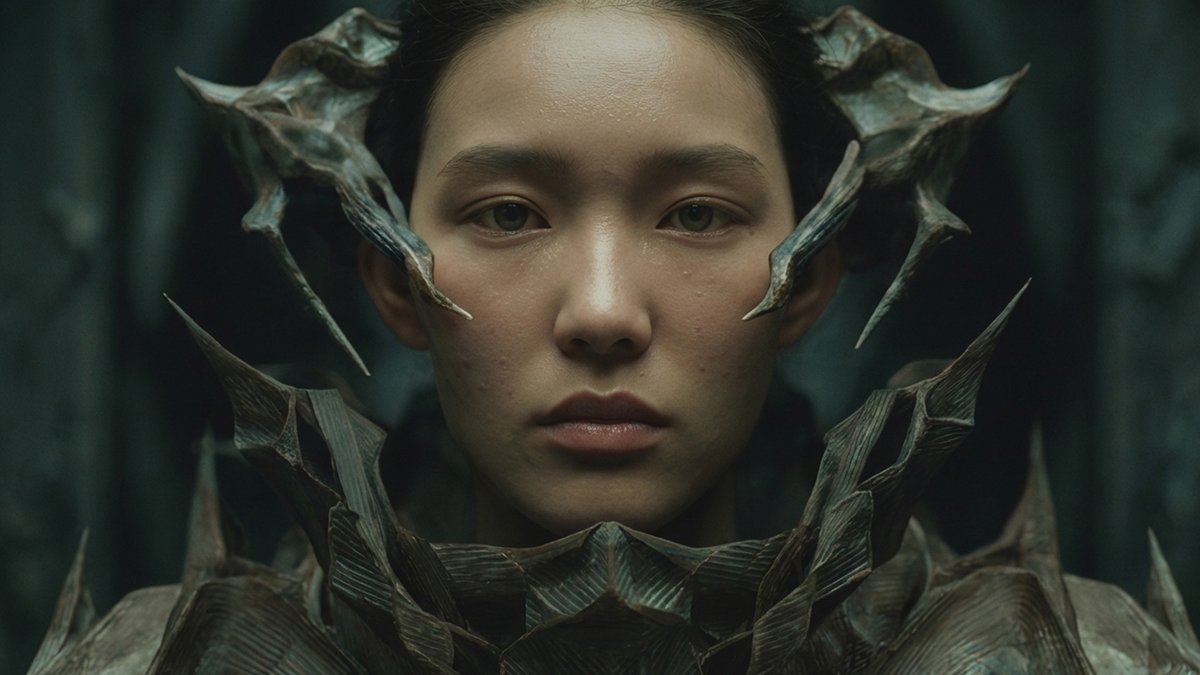
Loading video...

Video Failed to Load

Go Home

Most people use POV. Almost no one uses POV in structured JSON. That’s the difference between random motion and cinematic control. In this thread, I’m dropping insane POV JSON prompts for Kling inside Leonardo.Ai 🎬🔥 Copy. Paste. Dominate. 📌 Bookmark this.

16,057 views • 7 months ago •via X (Twitter)

0 Comments

No comments available

Comments from the original post will appear here
Related Videos

📖THE SEEDANCE 2.0 PROMPT FORMAT THAT NOBODY IS USING BUT EVERYONE SHOULD Most people use Seedance 2.0 wrong. They type a normal prompt and wonder why the result looks generic. The difference between these two visuals isn't a better idea — it's a better prompt format. Normal prompt gives you a good result. JSON prompt gives you a cinematic one. Here's why it works: A normal prompt describes what you want. A JSON prompt tells Seedance exactly how to build the scene — camera movement, lighting angle, atmosphere, texture, depth, timing. You're not asking for a video. You're engineering one. The crystal dolphin jumping above an ancient courtyard with floating jellyfish — same concept, two completely different outputs. The JSON version has golden hour, dramatic clouds, volumetric light, and a sense of scale the normal prompt never reached. The glowing lotus fountain — same story. Normal prompt gives you a clean render. JSON gives you a full cinematic frame with layered depth, warm lantern light, and a composition that looks like it belongs in a feature film. The workflow that produces this: • Step 1 — Write your scene idea in plain language first •Step 2 — Ask Claude to convert it into a structured JSON prompt with fields for: subject, environment, camera, lighting, mood, motion, color grade • Step 3 — Paste the JSON into Seedance 2.0 • Step 4 — Take the best clip into Premiere Pro for final color correction and sound design The tools are free or cheap. The knowledge of how to prompt is what separates the results. This is the gap most creators never close. 📥 BACK TOMORROW. There will be new life hacks 🔖 The full guide is pinned below. Save it before you need it.

Zentrix⌚️

136,911 views • 3 months ago

📖 MOST PEOPLE ARE USING SEEDANCE 2.0 JSON WRONGLY AND HERE'S WHY One small JSON change can improve every video you generate Most users write a prompt, generate a video, dislike the result, and start over. The best creators don’t work that way. They use JSON to give Seedance 2.0 a structured set of instructions that defines exactly what should happen in the video. Instead of a single block of text, JSON breaks everything into components: • Character description • Environment • Camera movement • Actions • Timing • Visual style • Scene transitions This makes outputs far more consistent and predictable. Why JSON is powerful: • Better character consistency across scenes • More control over camera movement • Easier to edit individual elements • Reusable templates for future projects • Faster workflow when creating multiple videos • Less randomness and fewer failed generations A simple workflow: 1.Define the goal of the video. 2.Create the main character description. 3.Describe the environment and visual style. 4.Add actions and camera movements. 5.Organize everything into a JSON structure. Example: Character - AI fitness coach Environment - modern gym Action - walking toward camera Camera - slow cinematic push-in Style - realistic, commercial quality Instead of rewriting the entire prompt every time, you can simply modify individual JSON fields and keep the rest unchanged. That’s why advanced Seedance 2.0 users are moving from prompting to system design. The future of AI video isn’t writing better prompts. It’s building reusable production pipelines. 📥Tomorrow I'll show you what's sitting right next to this opportunity. 🔖The pinned post has the complete system. Use it or watch someone else do it first

Zentrix⌚️

112,210 views • 3 months ago

📖THE JSON PROMPT TRICK THAT TURNS SEEDANCE 2.0 INTO A FILM STUDIO Everyone uses the same tool. Almost nobody uses it the right way. The difference isn't talent. It's structure. A normal prompt tells the model what to show. A JSON prompt tells it how to think — what the camera is doing, where the light is coming from, how fast the scene breathes, what emotional weight the color carries. Look at the pink ceremonial elephant rising from the water at golden hour. Normal prompt gives you an impressive creature. JSON gives you a frame that feels like it was pulled from a $40M fantasy film — the texture on the skin, the mist sitting low on the water, the way the warm light wraps around the gold ornaments. Same concept. One prompt format separates the two outputs completely. The Aztec jaguar in the jungle — normal prompt renders the creature. JSON builds the world around it. The glowing sun symbol on its chest, the waterfall in the background catching green light, the low camera angle that makes it feel genuinely threatening. Structure is the skill. The tool is just executing what you give it. • Step 1 — Describe your scene in one sentence, exactly what you see in your head • Step 2 — Open Claude and ask it to convert your sentence into a JSON prompt with these fields: subject, setting, camera angle, light source, texture detail, emotional tone, motion type, color palette • Step 3 — Paste the JSON directly into Seedance 2.0 and generate three variations • Step 4 — Take the strongest clip into CapCut or Premiere Pro, add ambient sound, and export The output gap between these two approaches is not small. It's the difference between content that gets scrolled past and content that gets saved 📥A different AI opportunity lands tomorrow. This one surprised me too. 🔖The full guide is waiting below. The creators who find it first win.

Zentrix⌚️

22,088 views • 3 months ago