Video yükleniyor...
Video Yüklenemedi
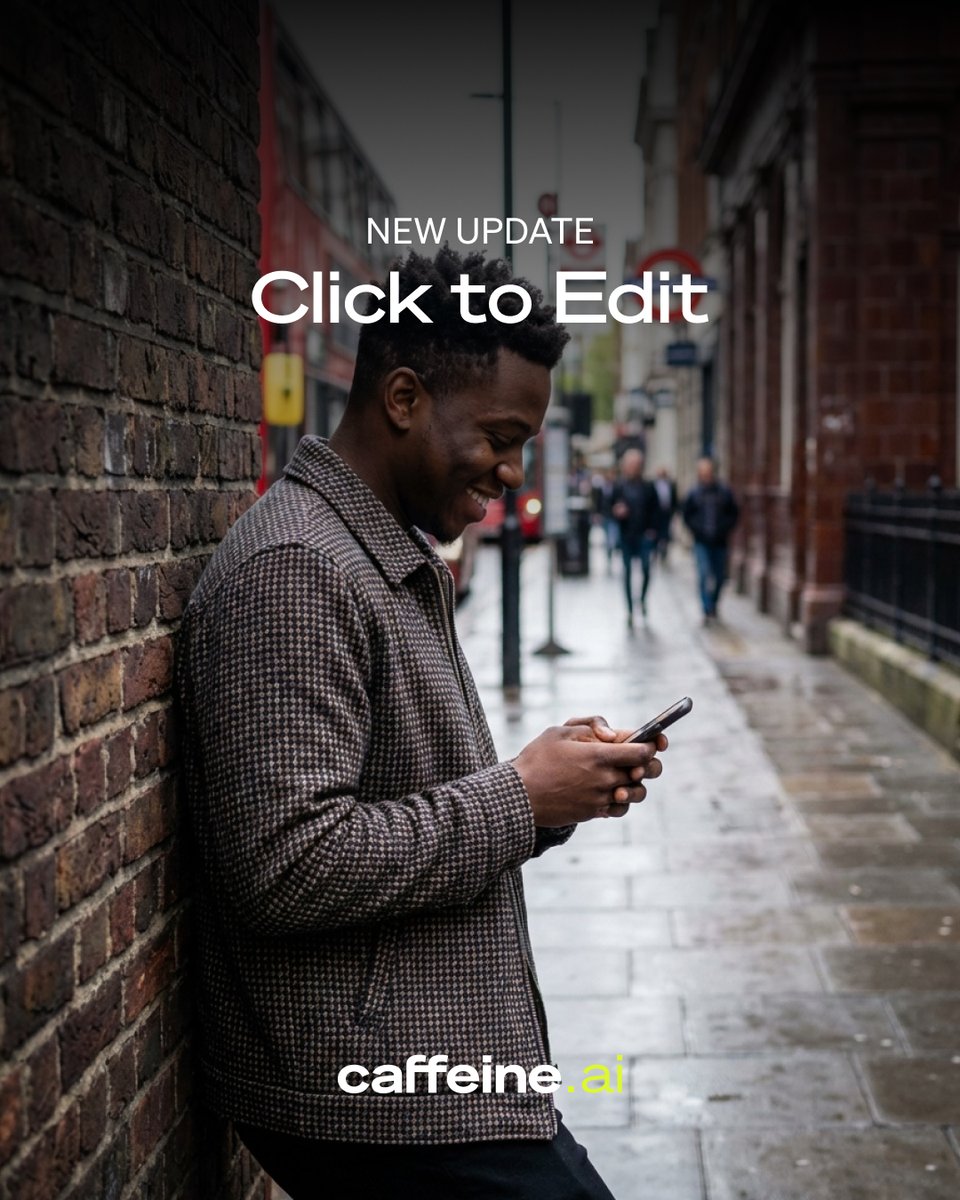
One of our most requested features is here! ✍️✨ Introducing Direct Edits. Vibe Design is incredible for exploring ideas at lightspeed, but sometimes you just need to fix a typo or swap an image. Now, you can add that final layer of polish right inside Stitch. You can manually... show more
187,730 görüntüleme • 7 ay önce •via X (Twitter)
35 Yorum

How many industries do u wanna kill AI with? Google : yes

I found that stitch always generates the designs in this color, like a greenish color. I have generated almost 5-6 designs now using stitch, and all are using these colors only.

vibe coding is great until you need one specific thing fixed. now you can have the best of both - rapid exploration AND surgical precision. this is the workflow every builder actually wants

Double click to center. Double click again to edit. Designers about to double click everything now 😂

Stitch usually produces that weird green interface you often share, or a white-blue one, or its dark mode. However, when I asked it to create a brutal design with a mix of red, white, and turquoise, I think my project below turned out really well.

I love this feature, thank you very much. I would love it if certain components could also be fixed to maintain them in future generations of screens
Direct edits inside Stitch? That’s clutch 🔥

Direct Edits in Stitch is useful feature

nice! does this work for existing generations or just new ones?

Vibe design for the big picture then manual edits for polish This is the workflow that actually makes sense To be fair most AI tools forget the last mile matters

@stitchbygoogle , PLEASE ADD A FEATURE - TO COPY and PASTE items - Edit and MOVE the single or groups across each screens

Granular control is the bridge between AI-assisted ideation and production-ready output. Allowing direct edits within a generative framework like Vibe Design respects the designer's intent while maintaining the speed of automated workflows. Great UX evolution! 🎨✨

You can do this in @figma Make but not elegantly.

Direct edits cut polish time, nice milestone

The Direct Edits feature addresses a critical friction point in the creative workflow: the cognitive and tool-switching cost between the divergent thinking of ideation and the convergent thinking of refinement. Vibe Design operates on a probabilistic, generative layer, which is powerful for exploration but inherently imprecise. Direct Edits introduces deterministic control exactly where it's needed—for final, intentional adjustments. This isn't just a quality-of-life update; it's a strategic move to increase platform "stickiness" by closing the loop. Previously, a user might generate a

This is Insan

@grok compare this and Pencil app

I have tears of excitement I've been waiting for this for so long 🥲

Love how this keeps creativity flowing without breaking momentum. クリエイティブの勢いを止めない設計、最高です。

I don't want to show this tweet to my designer..

Now days @stitchbygoogle is my always open website without its i can't imagine to start designing really very helpful to know the structure with help of it

Last time I left just because of this feature. Thanks for adding

@greenupek

@KevinGeffen

Love this @stitchbygoogle being able to make quick direct edits inside Stitch removes that last-mile friction designers always complain about.

@stitchbygoogle Why does he always make a different bottom menu on different screens in the same app?

This Is too clutch!

Stich is so amazing!!!! Maybe add the ai functionality right in the app? Thank you Google for being amazing.

Una bomba!!! Come On!!!

Vibe design for the 80%, direct control for the finish. This is the right call

If possible, could you show me the token list for this design? I'm particularly curious whether this system is designed in accordance with the M3 design system. It looks more like full hard coding :)

What’s going on with Google today

another banger 🔥

@stitchbygoogle I facing a major design consistency issue. Even with clear and detailed prompts, the style, layout, and components are not consistent across screens. For larger projects, maintaining a unified design system is very important. Please look into this and improve it.

Wow, this is cool. Much needed feature


![Replace sections of your songs 😎 Pro & Premier users can now change lyrics and add instrumental breaks like a guitar riff or drum break. How to use it: 1. Right-click on a song or click the vertical “...” to open the More Actions menu. 2. Go to Edit > Replace Section. 3. You’ll be taken into Edit Mode with the song. Select the song portion you wish to recreate (must be 10-30 seconds long). Lyrics (if present) will automatically be populated into the Lyrics box. 4. Update your lyrics if you wish, or try typing [drum break] 5. Click the “Replace Section” button. 6. Two versions will be generated. Listen to both and click “Select” on the one you prefer. 7. Once you select a section, you’ll be redirected to the Create page where a full song will begin generating automatically.](https://image.24vids.com/tw-1844164083844882812/amplify_video_thumb/1844163986754818048/img/RrlcKq4-WNyg-yGl.jpg)