正在加载视频...
视频加载失败
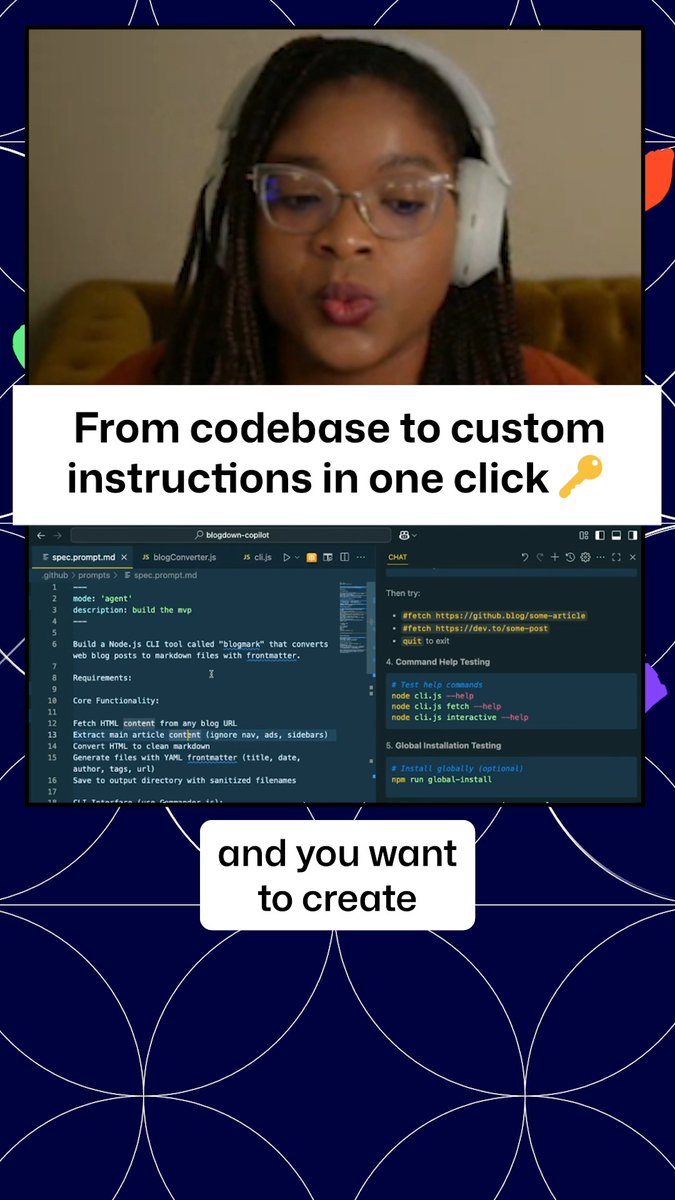
One of the best ways to win your time back with GitHub Copilot is to have it generate Git commit messages for you. Everyone has their own style - share yours with Copilot using Custom Instructions and save yourself a ton of time.

11 条评论

This is awesome! But, @zeddotdev added this feat. last week and did a better job marketing it. Also, why @github Desktop App still doesn't have any AI feature, specially a detailed AI Conventional Commit by default? You guys are sleeping!

What’s the cost of mistakes in your contracts? If you work with contracts day-to-day, it’s time to automate. Track every detail, streamline workflows ... ✨ Make managing contracts as easy as a few clicks. Visit our new website & book your demo today!

Love this feature! I use it all the time.

Is there any way that custom instructions can be on a per project level? I know it can be at the system level, but I am hoping that there is or will be away soon to apply it at the project level.

I use it all the time! Its nifty feature.

That's a great tip! I'll definitely try using Copilot for generating commit messages.

"please comment with wip where applicable, most likely every time 🤷"

This is a fantastic tip for maximizing productivity with GitHub Copilot. Customizing commit messages not only saves time but also enhances clarity in collaboration, reminding us that efficiency is doing things right, while effectiveness is doing the right things.

You can also add to your context “Generate commit message by following the Conventional Commits spec” to follow the specs at if you follow these conventions.

commit message has character limit

I doenst work great for me. I rather use Copilot chat to make Commits