Video yükleniyor...

Video Yüklenemedi

Ana Sayfaya Dön

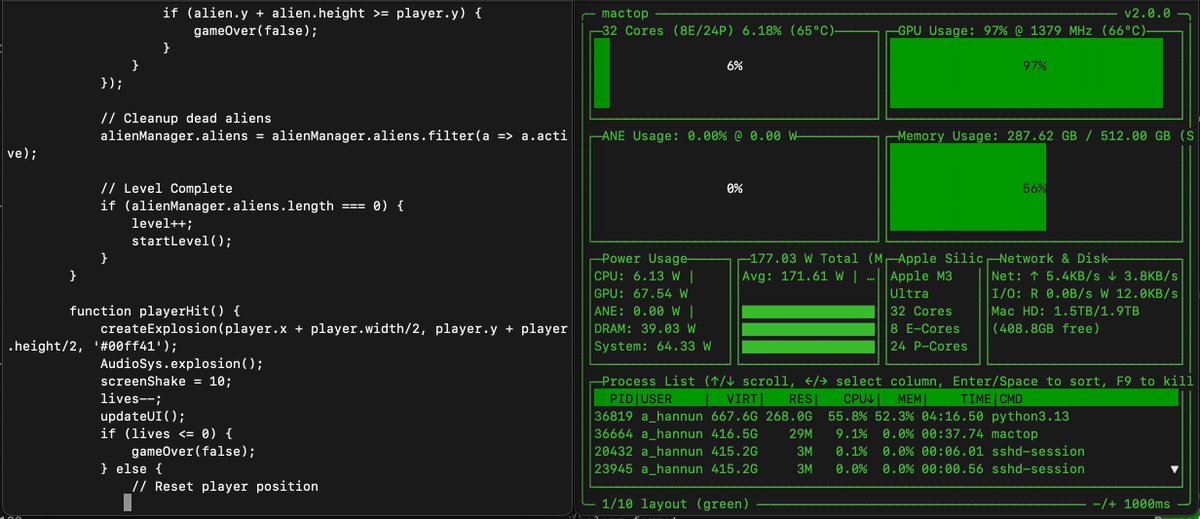
Open-weight MiniMax M3 filled out a US customs form from a driver's license photo For this test we deployed MiniMax M3 Q4 using MLX-VLM on a Mac Studio M3 Ultra 512GB RAM. The model was tasked with reading a scanned document and an ID card photo, then completing a...

109,369 görüntüleme • 2 ay önce •via X (Twitter)

0 Yorum

Yorum bulunmuyor

Orijinal gönderinin yorumları burada görünecek

Benzer Videolar

I designed a new test specifically for multimodal models: fill out a paper form. And it's much harder than it sounds. This isn't typing into an electronic field that captures your text. The form is just an image. The model has to place each form element: text, checkmarks — at the correct pixel position on the canvas itself. Results: 🟢 Kimi K2.6 → done in 3:45, 16.7k output tokens 🟡 Step 3.7 Flash → half the fields, 57k output tokens 🔴 Gemini 3.5 Flash → 489k output tokens, never finished. I had to kill it. Gemini burned ~29x more output tokens than Kimi on the exact same task, and Kimi's was the only form that actually looked filled out. The test, a mocked application form, contains some challenging parts, such as one-character-per-box fields. I provided every model the same set of tools: > get canvas size > drop probe markers to find coordinates > add text > add checkmarks > move elements > take a screenshot anytime to check their own work > ... etc So it's vision + spatial reasoning + tool use + long context, all at once. Small models (Qwen, Gemma) can't really complete this test, so I skipped them. What happened: > Kimi nailed name, DOB, ID, gender, marital status, nationality, email, phone, address, postal code — placement slightly loose, but content correct. 15 turns. Clean. > Step got maybe half right — fields dropped, "United States" landed in the email line, data floating outside boxes. Burned 1.24M input tokens doing it (81 turns of re-reading the canvas). > Gemini almost got there visually... then spiraled. By turn 40 it was issuing a delete_elements call wiping element IDs 365–425, basically erasing its own work. 31 minutes, 489k output tokens, still streaming. Terminated. The takeaway isn't "Gemini bad." This test is indeed difficult. But token efficiency is capability now. A model that needs 30x the tokens and still can't converge is going to be 30x the cost in production. Kimi K2.6 just quietly did the thing.

stevibe

25,455 görüntüleme • 2 ay önce

Hell froze over: announcing FormKit for React. Secretly framework-agnostic since inception, today we’re open sourcing the most popular Vue form library…for React. Why is this a big deal? 1. Forms are still hard. We (the creators of FormKit) thought form libraries were no longer necessary, given the trajectory of coding agents. It turns out we were wrong, and we learned this the hard way. Need repeating conditional fields nested 3 layers deep inside a dynamic component, with accessibility, validation, internationalization, and backend error placement? Turns out coding agents aren’t great at that. It’s table stakes for FormKit. 2. Single component. This matters more than you would think, but FormKit doesn’t ship lots of different components each with its own props. Instead, it has a single one: and unified props. This was done to provide a better DX to human engineers. It makes it easy to spot when a given component was part of the form’s data structure vs a presentational component. It turns out this matters even more to coding agents than humans. No matter where your coding agent is, whenever it sees “FormKit” it immediately knows “oh, that’s part of the form’s data”. 3. No plumbing. FormKit doesn’t require any manual data collection, event listening, or state tracking. It does all this for you on a heavily tested, framework agnostic, self-assembling graph. The only code your agent needs to write is declarative templates and submission handlers that respond to the state. 4. Dense colocation. FormKit’s syntax happens to be ideal for coding agents; nearly everything you need to know about a given input is *on* the input: Colocation dramatically improves the efficacy of coding agents. 5. DOM. FormKit, unlike most form frameworks in React, renders the actual DOM. This also increases colocation and best practices, meaning your coding agent is far more likely to produce consistent and high-quality output that looks and acts the way its supposed to. 6. Schema. FormKit’s own inputs are not written using Vue or React — instead, FormKit has its own render schema — think of it like an AST for the DOM — and you can modify it on the fly. It’s not very human-friendly to write, but it turns out most models are already pretty well trained on FormKit’s schema. Want your inputs to look a bit different on one form than another? No problem, your coding agent can easily make those changes *without* modifying the JSX structure at all. Oh, and any inputs you create for Vue work with React and vice versa. 7. Plugins. FormKit leans into the unstructured tree graph hard. The graph doesn’t just collect data, it also passes down configuration and plugins. Want one form to work a bit differently than another one? No problem — just add a plugin to the top of that form or group and its children will all receive that feature. You can even mass assign props and configuration this way. Of course, FormKit has been solving these exact issues for a long time, but it wasn’t until we started using it on our own projects with coding agents that we realized what a huge advantage it is. With so many people using coding agents with React, it made sense to unveil FormKit for what it has always been — a completely framework-agnostic form framework that happens to unlock your coding agents. ➡️

Justin Schroeder

11,677 görüntüleme • 4 ay önce