Загрузка видео...

Не удалось загрузить видео

На главную

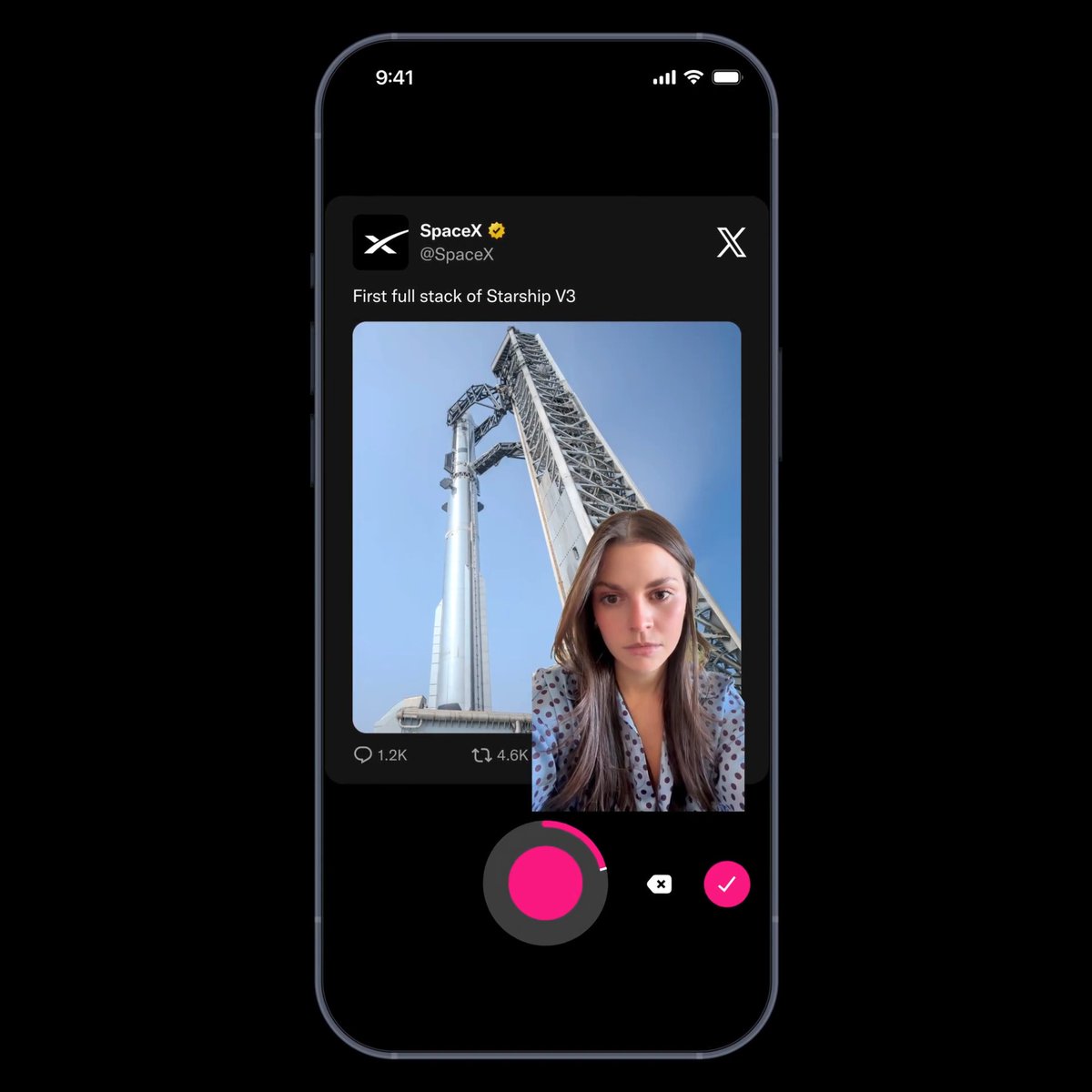
Replying to @judy.freedomlighthouse 🙉 How to Make Your Phone See Through Objects (X-Ray Effect) - CapCut Tutorial Want to make it look like your phone can see through a box? Here’s how: 1. Fill your phone screen with green color. 2. Record yourself scanning the box while displaying the...

Комментарии: 0

Нет доступных комментариев

Здесь появятся комментарии из оригинального поста

Похожие видео

You asked, I delivered ✨ Here’s the tutorial for the fake alarm edit that had y’all thinking your timer was really going off 😏 This trick is such a fun way to grab attention and make your edits stand out. Perfect for a vlog intro, announcement, or even a funny lil message drop ⏱ And if you want to skip the extra steps, I’ve got the timer overlay clip available for less than a Starbucks order ☕️ It’s in my bio for quick access (comes with a .MOV file + simple instructions). Just download and drop it in — done. BUT if you wanna DIY it, here’s how to get the timer: Screen record your phone → set your timer to 5 seconds Let the alarm pop up and ring 3 times, then stop recording In CapCut: add it as an overlay, trim to just the alarm part Crop around the alarm — use the mask tool to soften the edges if needed. Pro tip: Use key frames for the volume at the end when you add the audio of your choice. You know how the volume lowers then the alarm goes off? Then when you swipe it away, the volume returns to normal? If you want to add even more texture and detail to the edit to make it realistic, use key frames to imitate that effect. In the last few seconds of the audio before the silence (the gap where the alarm is going off under the freeze frame), use two key frames on one side with 100% and 0% for the volume so it descends to silence for the alarm. Then the opposite on the other side of the silence to increase the volume after the alarm—0% then 100% in the next 2 key frames. I hope this was helpful! If you need extra help or want to really get into editing magic like this, my private editing class is open — link’s in my bio ✨ As always, happy editing ☺️ #contentcreator #ugccreator #videotips #editingtutorial #capcuttutorial #creatorsearchinsights

Philicia

63,700 просмотров • 1 год назад

⇩ Full Recipe 🍲 ⇩ Macros per serving: Protein: 42g Carbs: 38g Fat: 14g Calories: 454 Ingredients per 3 servings (1 pot makes 3 servings): - 1 lb chicken leg, whole (bone-in, skin on, raw) - 5 garlic cloves - 3 piece ginger, sliced - 1/2 medium onion - 5 green onion - 1/2 tsp peppercorn - salt and pepper to taste - enough water to cover the chicken [Dipping Sauce] - 1 tbsp jalapenos - 5 tbsp soy sauce - 1 tbsp honey - 2 tbsp water [Rice] - 1.5 cup cooked rice How to make it yourself: 1. Chop your green onions and onion. 2. In a pot on high heat, add garlic, ginger, onion, green onions, pepper corns, salt and pepper to taste, and enough water to fill it to the 3/4 of the pot and bring it to a boil. 3. Add in your chicken legs and boil for 30-50min or until the chicken is fully cooked through and tender. 4. Remove your chicken from the soup, place in a bowl, and shred with a fork. 5. In a small bowl, add diced jalapenos, soy sauce, honey, and water and mix well to make your sauce. 6. Strain your soup from the pot, remove and excess impurities, and pour the clear soup into a bowl. 7. Place cooked rice into the soup, add your shredded chicken, and top with diced green onions. Enjoy your shredded chicken with your dipping sauce! 📩 Save this dak gomtang recipe to make for later and if you make it, post it and tag me in it! I’d love to see how you liked the recipe! :) #highprotein #soup #chickensoup #lowcalorierecipes #healthyrecipe

Joe x Fitness

706,100 просмотров • 4 месяцев назад