Загрузка видео...

Не удалось загрузить видео

На главную

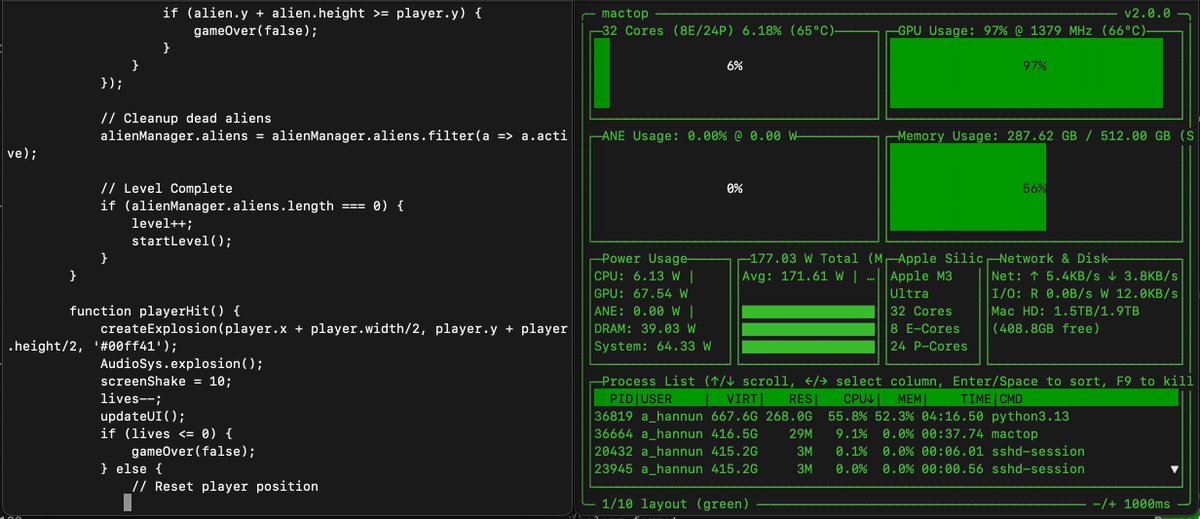
Same Mac. Same model. Same words. My 512 GB M3 Ultra ran GLM-5.3-Flash on MLX last week: 27 tok/s, first token in 0.46 s. Today it runs TensorFold 0.6.2: 61 tok/s, first token in 0.20 s. In the clip it laps the reply twice while the MLX side is...

26,010 просмотров • 4 дней назад •via X (Twitter)

Комментарии: 11

Фото профиля Ash Hart
Ash Hart4 дней назад

Let’s get that to 100tps 👀

Фото профиля matt
matt4 дней назад

61 tok/s on the same box is a nice jump. does it hold once the context gets ugly?

Фото профиля Volatile Markets
Volatile Markets4 дней назад

Like duct tape.

Фото профиля 1x3e2
1x3e24 дней назад

Yep, it almost doubled the speed on my sparks with the same model. And I have already seen improvements with the new updates and recipes. Excited to see where it goes with so many people being able to find these new techniques.

Фото профиля Andrés- e/acc
Andrés- e/acc4 дней назад

The eight-request result is the real systems datapoint: concurrency exposes memory-bandwidth headroom that single-stream tok/s hides.

Фото профиля Mia
Mia4 дней назад

🔥🔥

Фото профиля Drake Stapleton
Drake Stapleton4 дней назад

2.25x on the same box, same model, measured with your own probe, is hard to argue with. The first token drop, 0.46 to 0.20, is the part that gets me. That's where interactive use lives or dies.

Фото профиля Mike Gannotti 🔳
Mike Gannotti 🔳4 дней назад

Love it.

Фото профиля Brandon
Brandon4 дней назад

With vision?

Фото профиля chris_paul_walker
chris_paul_walker4 дней назад

Crushing

Фото профиля Klasta
Klasta4 дней назад

mlx 27 then tf 61 and eight concurrent still matches solo byte for byte

Похожие видео

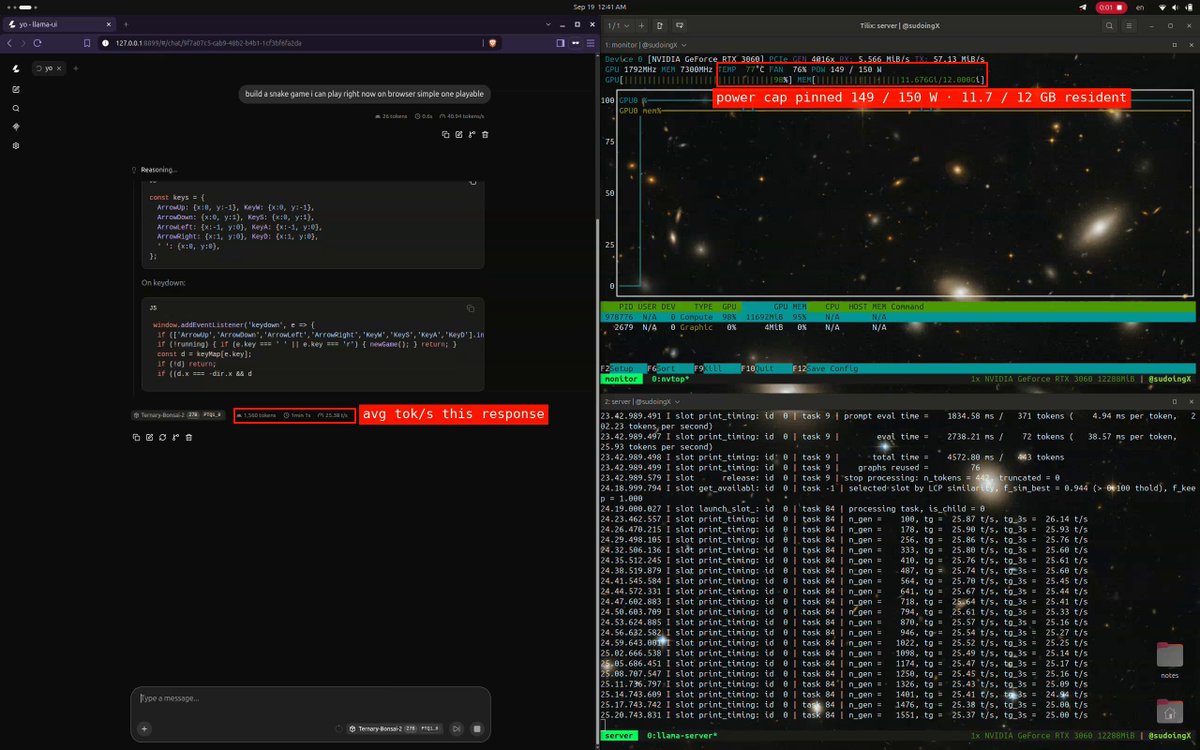
bonsai 2 27b on an rtx 3060 12gb, the full receipt sheet. save this one, the 12gb row of the small gpu guide is built from it. speed by depth, then what context costs, live server, thinking on, real sessions > 7k deep: 24.4 tok/s > 12k deep: 21.9 tok/s > 35k deep: 17.8 tok/s > 77k deep: 13.0 tok/s > 64k window: 7.3gb resident > 128k window: 8.8gb resident > 192k window: 10.2gb resident > 262k window: 11.7gb resident, 0.6gb to spare, the whole native window on a 12gb card > every 64k of context costs 1.47gb, so 327k would not fit > a 41,312 token build session from 35k to 77k of context averaged 15.0 tok/s across 46 minutes > prefill 295 tok/s at 2k of context, 243 tok/s at 35k, first token in 0.6 seconds, fresh decode 26.1 tok/s > the card pinned 149 of 150 w the entire time, 78c, fan at 80%, power bound, not heat bound > 0.158 tok/s per watt at the fresh end the setup > model: ternary bonsai 2 27b, PTQ1_0, 1.75 bits per weight, 5.95gb on disk, base qwen 3.8 27b, apache 2.0 > runtime: prismml llama.cpp fork, prebuilt cuda 12.4 binary, no compile > serve: full 262k native window resident, q4 kv cache, flash attention, one slot, 11.7 of 12gb in use for anyone who followed bonsai 1 in july, that was the 3.9gb 1bit file at 42 tok/s on a 3060 ti, a faster card and a smaller file, so the same card comparison is not on the table yet, it comes with the 8gb test. what changed is the base, qwen 3.8 instead of 3.6, and the retention, 98.2% on their suite instead of 95%, and the whole 262k window fitting on 12gb.

Sudo su

31,174 просмотров • 18 дней назад

i spent 3 hours finding the sweet spot for hermes 4.3 36B on a single RTX 3090. saving you the trouble, anon. the model is 21.8GB at Q4_K_M. that leaves 2.2GB free on 24GB VRAM. not much room for KV cache. here's what actually happened: 4K: 35.3 tok/s 8K: 35.2 tok/s 16K: 34.8 tok/s 32K: 34.6 tok/s 64K: 6.4 tok/s 128K: 1.9 tok/s flat from 4K to 32K. then it falls off a cliff at 64K. the trick is quantized KV cache. without it you OOM at 16K. with quantized KV cache you get 32K at full speed. all 64 layers on GPU. at 64K something weird happens. ngl 99 (all layers on GPU) = 3.96 tok/s. the KV cache silently spills to CPU. drop to ngl 55 and speed jumps to 6.37. drop to ngl 48 and it gets worse again (3.46). there's an offload sweet spot where you free just enough VRAM for the cache without losing too much compute to PCIe transfers. 128K works at ngl 32 but you're at 1.95 tok/s. half the model on CPU. usable for batch work, not for interactive. the sweet spot command: llama-server -m hermes-4.3-36b-Q4_K_M.gguf -ngl 99 -c 32768 --cache-type-k q4_0 --cache-type-v q4_0 32K context. 34.6 tok/s. all on GPU. this is where dense 36B lives on 24GB. for comparison, qwen 3.5 (35B MoE, 3B active) holds 112 tok/s from 4K all the way to 262K on the same GPU. no speed drop. same total params, completely different architecture. hybrid linear attention means flat context scaling. dense pays for every token in the KV cache. code and quality comparison coming next. fast vs slow generation side by side in the videos below.

Sudo su

52,268 просмотров • 7 месяцев назад

"which quant should I download?" is a question you may never have to answer again the team Hamster Labs has figured out how to kill it with pMLX. download once at full precision (bf16) and the engine re-fits it to your machine on the fly, based on the job you give it tell it two things: how much context you need, and the slowest speed you'll accept. it reads your mac and picks the quantization plus how many experts stay in ram vs. stream from disk. no need to download a smaller quant or figure out which quant fits your hardware. same model for every use case and the config changes based on what you need I ran this on my own M4 Max and Qwen3.8-Flash-Next splits into two configs. short context, under 32k: full bf16, ~85% of experts in ram, fast at full precision since it fits my ram long context, 64k to 256k: keep ~70% bf16 and stream the rest from SSD at 22 tok/s, or drop to q8 and get 40 tok/s. I pick per task and the model itself never changes. there are many possibilities since I have the ram to spar - if i need speed, Q4 100% resident (74gb ram @ 62 tok/s) - if i need balance, Q8 95% resident (76gb @ 38 tok/s) - if i need accuracy, bf16 70% resident (96gb @ 16 tok/s) given whatever RAM you have (16/32/64/128/256 GB) + your context + your min speed, the engine picks the precision (bf16→q8→q4) and the expert-residency/paging split that fits your box and maximizes quality & speed last thing to optimize is speed. there are so many things we want to power with open models at Hamster and these 180b-300b class models have the potential to play a big role in that

Eyal Toledano

10,590 просмотров • 1 месяц назад