正在加载视频...

视频加载失败

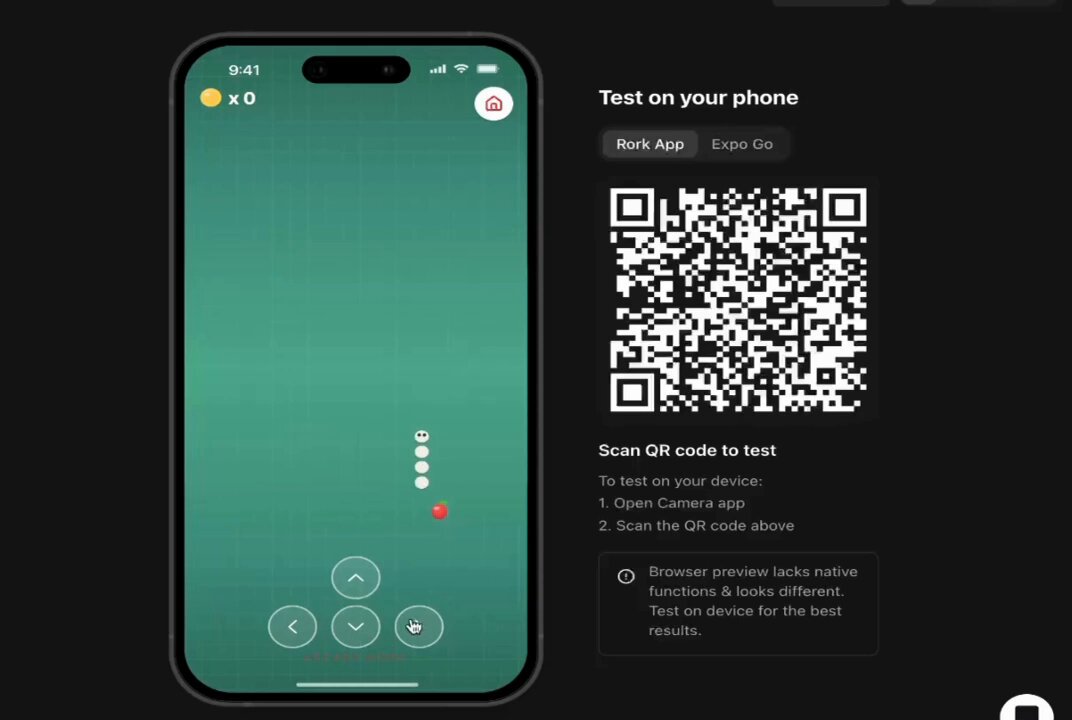
Semih Korkmaz 6/ BeepResearch (Bonus) MCP server to chat with your messaging apps like iMessage, Whatsapp, FB, X, etc. over Beeper. And Ollama + gemma3 to query photos in natural language Honestly, this was barely just a prompt, but it’s super powerful Alex Reibman 🖇️

27,139 次观看 • 11 个月前 •via X (Twitter)

0 条评论

暂无评论

原始帖子的评论将显示在这里

相关视频

If your MCP server has dozens of tools, it’s probably built wrong. You need tools that are specific and clear for each use case—but you also can’t have too many. This creates an almost impossible tradeoff that most companies don’t know how to solve. That’s why I interviewed my friend Alex Rattray (Alex Rattray), the founder and CEO of Stainless. Stainless builds APIs, SDKs, and MCP servers for companies like OpenAI and Anthropic. Alex has spent years mastering how to make software talk to software, and he came on the show to share what he knows. I had him on Every 📧’s AI & I to talk about MCP and the future of the AI-native internet. We get into: • Design MCP servers to be lean and precise. Alex’s best practices for building reliable MCP servers start with keeping the toolset small, giving each tool a precise name and description, and minimizing the inputs and outputs the model has to handle. At Stainless, they also often add a JSON filter on top to strip out unnecessary data. • Make complex APIs manageable with dynamic mode. To solve the problem of how an AI figures out which tool to use in larger APIs, Stainless switches to “dynamic mode,” where the model gets only three tools: List the endpoints, pick one and learn about it, and then execute it. • MCP servers as business copilots. At Stainless, Alex uses MCP servers to connect tools like Notion and HubSpot, so he can ask questions like, “Which customers signed up last week?” The system queries multiple databases and returns a summary that would’ve otherwise taken multiple logins and searches. • Create a “brain” for your company with Claude Code. Alex built a shared company brain at Stainless by keeping Claude Code running on his system and asking it to save useful inputs—like customer feedback and SQL queries—into GitHub. Over time, this creates a curated archive his team can query easily. • The future of MCP is code execution. Instead of giving models hundreds of tools, Alex believes the most powerful setup will be a simple code execution tool and a doc search tool. The AI writes code against an API’s SDK, runs it on a server, and checks the docs when it gets stuck. This is a must-watch for anyone who wants to understand MCP—and learn how to use them as a competitive edge. Watch below! Timestamps: Introduction: 00:01:14 Why Alex likes running barefoot: 00:02:54 APIs and MCP, the connectors of the new internet: 00:05:09 Why MCP servers are hard to get right: 00:10:53 Design principles for reliable MCP servers: 00:20:07 Scaling MCP servers for large APIs: 00:23:50 Using MCP for business ops at Stainless: 00:25:14 Building a company brain with Claude Code: 00:28:12 Where MCP goes from here: 00:33:59 Alex’s take on the security model for MCP: 00:41:10

Dan Shipper 📧

15,645 次观看 • 10 个月前

How to create Farcaster mini app without coding - Step 1: > Go to ChatGPT > Just type: "I would like to create a Farcaster mini app, can you give me some ideas?" > Choose any one of the ideas - Note: - You can also type your own idea to ChatGPT and alter it - Step 2: - Go to ChatGPT > Paste the first prompt (shared in my channel) > Include the project you chose and tell ChatGPT to alter the prompt according to the idea below - Step 3 - Go to: > Sign up using Gmail or GitHub > Projects -> New Project -> Type the name of your project >Just paste the prompt we created earlier > It will start creating your app > If you need to alter anything, just go to GPT and type: [ I need a prompt to alter "your issue (like changing colour, etc.)" in my app already created in v0app by Vercel ] > Copy the prompt and paste it in v0 > No need to worry about errors , it will rectify them for you > If your project is finished, just click "Publish" on your top right > It will automatically host your app in Vercel > Click "Visit site" to see your app on another device and copy the website URL - Step 4 - Go to: v0 app > Just paste Prompt 2 from the file I provided > Click Publish once it’s completed - Step 5 - Go to: v0 app > Just paste the prompt 3 from the file I provided - Step 6 (Important) > Just paste Prompt 4 from the file I provided - Step 7 > Just paste Prompt 4 from the file I provided - Step 8 > Just paste Prompt 6 from the file I provided > It’s an important step to do — you need to create a manifest inside your app so that you can host it on Farcaster - Step 9 - Go to: > Sign up or Login > Settings → Developers → Mini Apps → Create Manifest (New) > Paste your website URL (remove https) > It should be like: > If you find any error while doing this, just copy and paste it in the v0 app > Once everything is finished, you need to create Account Association > Scan the QR on your mobile and tap and hold the Yes button > It will show an error — just copy and paste those errors into the v0 app > Click Publish again, and then click Refresh in Manifest > Click Open your app > for the main prompt file check our tg channel link in our bio

Maran

48,106 次观看 • 8 个月前