正在加载视频...
视频加载失败
Take your favorite sketching brush and let's get started 💥 What are your tips and tricks for linework in #Procreate? Comment below! Artwork by Procreate Team

116,399 次观看 • 2 年前 •via X (Twitter)
10 条评论

Drawing thick lines then using the liquify tool to make parts thinner and thicker to do post-processing lineweight is a fun thing to try.

🙌I love it, Will!

I saw this video and made some mods to one of my favorite brushes. Thank you for this quick tutorial!!!

YESSS so good to hear this 💥

Lasso Tool!! Where are you!!
On its way 💥 We're not ready to share our timeline just yet, but this is planned to roll out in Procreate Dreams 1.1. Check out the roadmap for more info at ✨

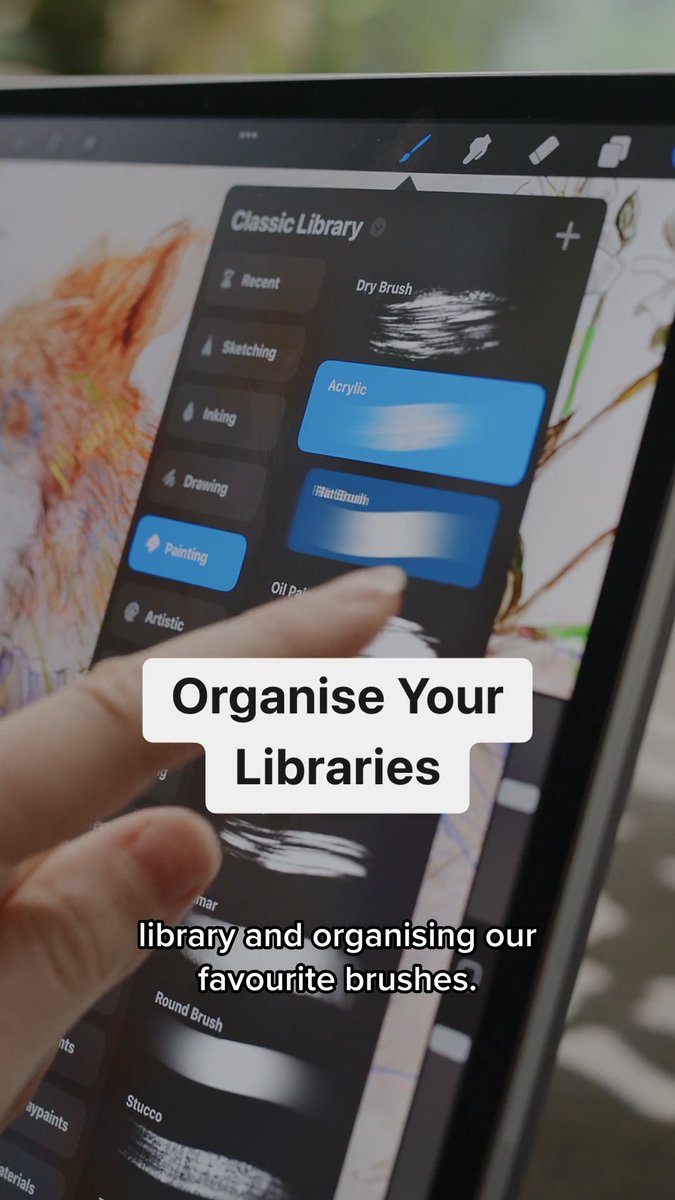
create your own brush folder while dragging different brushes from different folders into one of your own. Saves a lot of time scrolling and searching your favourite brushes.

The original HB pencil that comes with procreate is my comfort brush for sketching! It can even look nice for lineart A+ pencil

Really cool insights!! Who is this illustrator?
This is Will Robinson, our talented in-house artist! Follow his work at ✨