Loading video...
Video Failed to Load
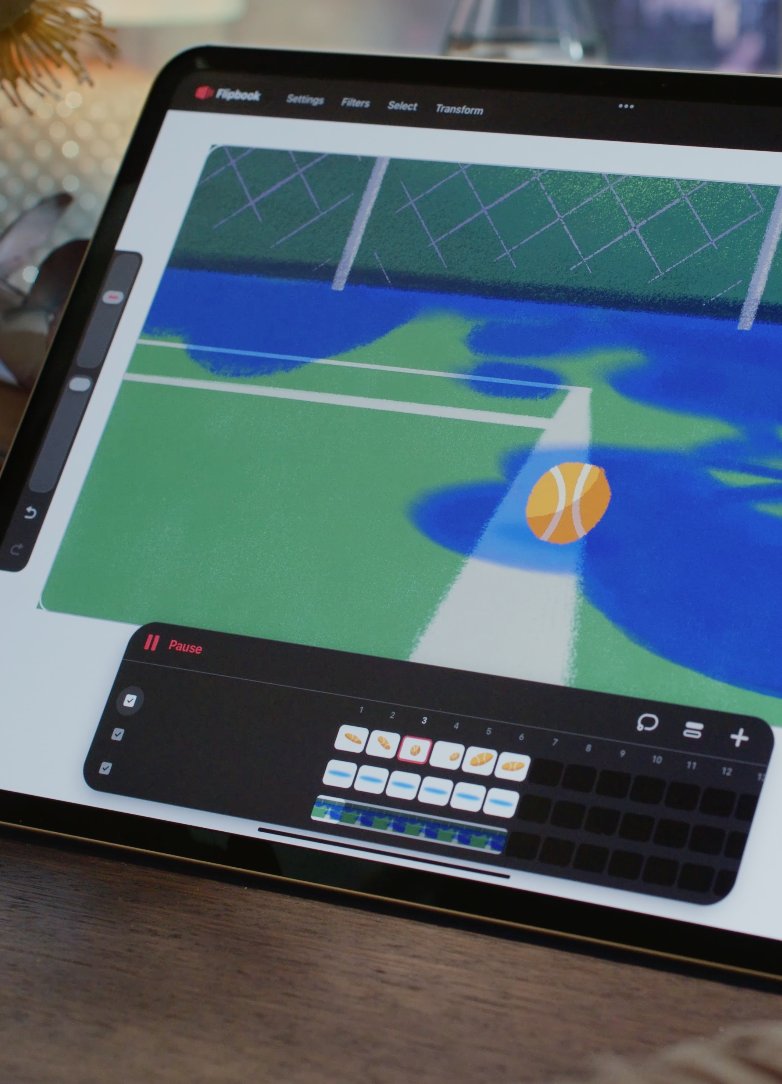
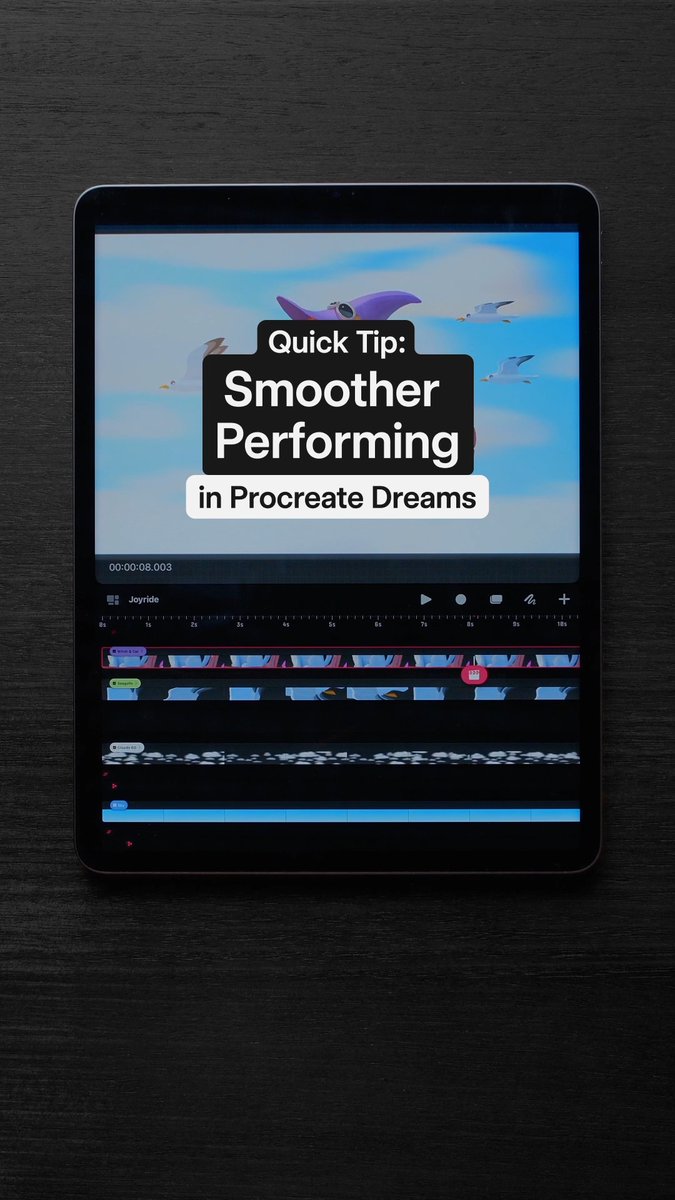
What’s New in Procreate Dreams | Mini Flipbook, Backstage Visibility, Easing Visuals Free your Flipbook, flip and reset your content, activate Backstage Visibility and more in this new update. Happy animating! #ProcreateDreams

72,035 views • 3 months ago •via X (Twitter)
50 Comments

Love procreate just keeps shipping for human artists!

Appreciate the love right back! 🫶

I love you, Procreate

Yes this is unreal 🎨
Happy animating!

For some reason I’ve been unable to move Tracks and Layers around. They just vanish and then jump back to their original position! I’ve tried restarting the app and restarting my iPad 😭 help!
Have you sent us a video of your experience through Happy to help 💜

Nice update!!! 👏🏼
Hope you like the new features! Excited to see what you create with them 💜

Is there a lasso tool yet?
It's been out 💜
Gonna check it out thanks

Thats cool, thanks for that.
We hope you're liking the update 💜🙌
Yes, mini flip book is very handy.

You're the best, guys!! Keep it up!
Thanks for your support 💜✨

Very good!!
🙌 💜

I WAS LITERALLY WISHING FOR THESE UPDATES YESTERDAY THANK YOUUUU OMGG😭
So happy we can bring you this update! Hope you're enjoying 2.1 🙌
I’m so glad let’s procreate together

Awesome update! But, could you add copy and pasting of layers in between flip books?
Try a three-finger swipe down to access the Copy & Paste menu in your Flipbook. This should allow you to Cut or Copy from your layer and Paste to any Flipbook or Drawing layer 🤗
OH DAMN. I didn’t know that. I usually use the actions menu in regular procreate for copying and pasting. Thank you!
Glad we could help! Feel free to check out our Handbook to dive deeper into our tools 💜

really great updates! and if/when you add quick menu’esque procreate magic and keyboard shortcut for toggle onion skin i will finally feel at home in Dreams
We'll note your vote down for it 💜

Are we ever going to get the drawing guide tools
Drawing Guides are planned for the future. We'll add your vote 🫶

Ball 🔥
🔥🔥🔥

can you finally adjust easing on individual layers now
Easings can be set per Track between each Keyframe. Tap hold your Keyframe track to expand and edit your easings further 🤗 Find more information on our Help Centre and let us know if we can help with any questions 💜

Please create a feature that lets us choose which brushes to store on the iPad and which ones on iCloud 💔
We recommend creating a new brush library with your favourite brushes, then in Files App, tap iCloud Drive under Locations on the left bar → Tap and hold on your "Procreate Brushes" folder → Tap “Download Now” to prioritise iCloud Drive downloading this folder. You can also select "Keep Downloaded".
Ohhhh thank you so much for the tip!! ☺️🫶🏻
Glad we could help! Let us know if you run into any other issues 🙏

android when?
Please can we also get the reference layer feature 🤲🏾

I can’t wait for the Scenes feature to be implemented.
We'll note down your feedback for this 🫶
You already confirmed a Scenes feature would be added in this photo here.
Hey again! We've looked into this more and found that 'Scenes' was in the very early stages. We'd love to hear more about what you are hoping to see from this feature. Please let us know how you'd like to see this help in your workflow and we'll take note for our Development team 🫶
There’s many uses for the Scenes feature, uses I tend to use in ToonSquid, which has a Scenes feature: 1. It can make having multiple shots in a single sequence much simpler 2. You can do multiple animations in one project 3. It’s a built-in Demo Reel organizer
Thanks for sharing more and providing examples! This helps us to log your feedback as accurately as we can 🤗

Soooo, have they ever explained WHY they never added Quick Shape?
We're keen to bring this to Procreate Dreams for you 🤗 This development work is quite complex, but rest assured that it's planned for a future release 🫶

Looks promising! Can't wait to try these out 🔥
Enjoy the update 💜