Video yükleniyor...

Video Yüklenemedi

Ana Sayfaya Dön

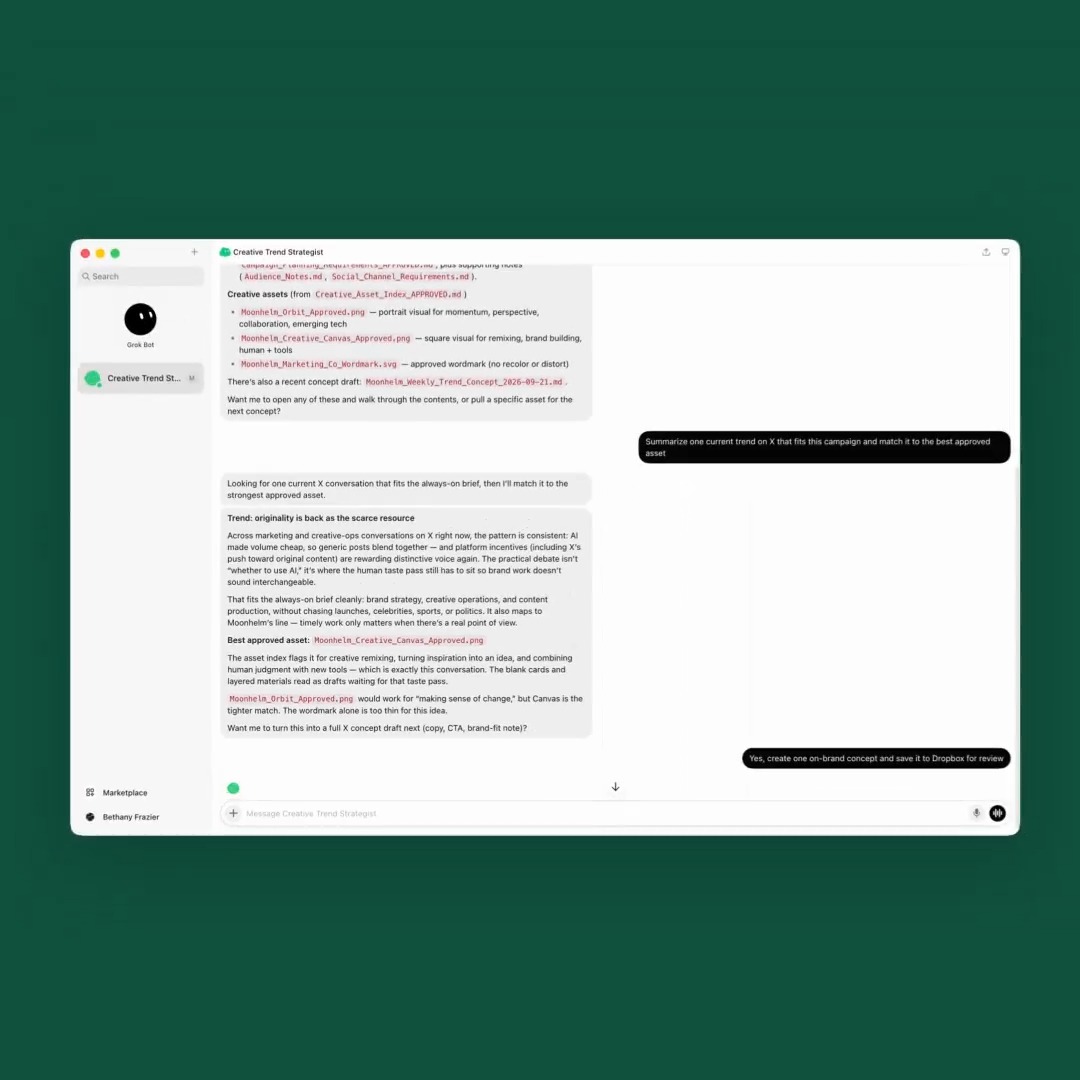
"The designer bot is helpful for bouncing ideas off and making quick changes in Figma." From Peng Zheng, design lead for Grok Grok Bot: "The bot connects to Figma MCP so it will be able to directly change frames and update the design. I have this skill that teaches...

16,832 görüntüleme • 1 ay önce •via X (Twitter)

7 Yorum

serx · fireply.ai profil fotoğrafı
serx · fireply.ai1 ay önce

@pengzheng_ @bot cool. shame it still needs someone who understands the design system to write the skill in the first place

Yu-kai Chou profil fotoğrafı
Yu-kai Chou1 ay önce

@pengzheng_ @bot Having the skill spell out how the Figma file is set up, plus when to use which colors, typography, and spacing, is what lets one keyframe turn into a whole flow. That up-front setup is the part of this workflow I'd copy first.

Deep profil fotoğrafı
Deep1 ay önce

@pengzheng_ @bot letting the bot edit figma frames directly is the bit i want. i spend half my design time copying changes between tools by hand.

HenryDog27 profil fotoğrafı
HenryDog271 ay önce

@pengzheng_ @bot Awesome interview Peter. Big fan of Grok Bot! 👏👏👏

Ash Designs profil fotoğrafı
Ash Designs1 ay önce

@pengzheng_ @bot Scaling one keyframe into a whole flow sounds useful. I’d be curious whether the bot also keeps component names and variants clean after a few rounds of edits.

JH Trader profil fotoğrafı
JH Trader1 ay önce

@pengzheng_ @bot I’ve been trying to get a bot that knows how to pick out a good social media picture. I got one that can edit photos really good. But have yet to find a @bot that can. ChatGPT can easily. But haven’t been able to get it right with Grok Bot

its.nabila.ayu profil fotoğrafı
its.nabila.ayu1 ay önce

@pengzheng_ @bot Menarik sekali. Kemampuan bot untuk langsung berinteraksi dengan Figma MCP bisa menghemat banyak waktu.

Benzer Videolar

BREAKING: SpaceXAI just published a new blog showing how one of their designers uses always-on Grok Bot agents to bring ideas to life. 🤖 How the agents work Each agent has its own computer, memory and tools. They can take work from an initial idea to a finished artifact and continue working while the designer is AFK. The agents can also huddle together, delegate parts of a project and combine everything into one result. 🧑‍💻 Meet the designer’s Bots • Experiments makes uncertain ideas tangible before anyone decides whether they are practical or belong on the roadmap • Motion God prototypes interactions based on descriptions of how the movement should feel • Figma Bro handles repetitive production work using exact information from real Figma files • Devbot answers engineering questions and helps the other agents understand how an idea could actually be built 💡 Turning ideas into testable prototypes The designer wanted to explore ways of making Grok Bot accessible from anywhere on a Mac. Experiments created three concepts: • Bot living inside the Mac’s notch • Bot appearing from the desktop corner on hover • Bot following the cursor like a companion Experiments then delegated the character movement to Motion God and the desktop implementation questions to Devbot before combining their work into prototypes the designer could actually test. These concepts did not ship exactly as explored. That was not the purpose. The goal was to make each idea real enough to determine whether it felt helpful, distracting or somewhere in between. 🎬 Designing motion with real production assets For a promotional video, the designer wanted Grok Bot to appear, notice the app window and bounce into place. Instead of recreating the character from a screenshot, Motion God worked with the actual animation specification already used by the product. It built a local playground where the designer could: • Adjust timing, springs and distance • Change scale and easing • Give simple feedback such as “Bounce is too exaggerated” • Immediately watch the updated sequence The designer did not need to know whether a transition should last 280 or 340 milliseconds before seeing it. The agent made it possible to direct the motion by feel, just like working with a human collaborator. 🎨 Removing repetitive Figma work For Grok Bot’s onboarding flow, the team had 20 starter-Bot descriptions, including ideas such as “Chief of Staff” and “Inbox Triage.” The designer created one auto-layout component and asked Figma Bro to populate the remaining cards with differentiated portraits and supporting details. Figma Bro also searched for the correct tool logos and placed them according to how likely new users were to use them. Through Figma, it could inspect exact: • Positions and dimensions • Spacing and typography • Fills and strokes • Frames and component structures This prevents small inconsistencies from multiplying while preserving the actual design file as the source of truth. The main takeaway: This is not one-prompt, one-shot design. Grok Bot tightens the loop between idea, prototype, feedback and improvement. It helps designers explore more possibilities, respond at higher fidelity and spend more attention judging which version truly feels right. Grok Bot does not replace human judgment. It creates more opportunities to use it. Blog Link:

DogeDesigner

63,268 görüntüleme • 1 ay önce