Video yükleniyor...
Video Yüklenemedi
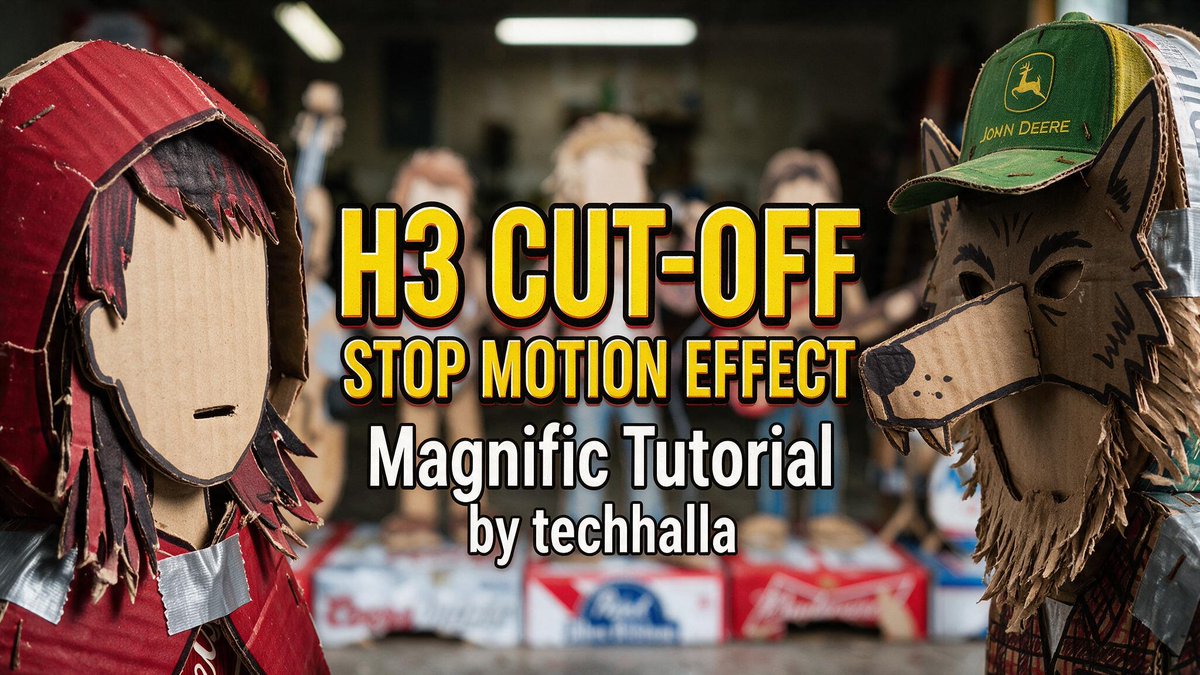
this AI creates 2D animations in 15s GPT spritesheets + H3 Max make the difference here, and I'm sharing the exact Magnific workflow below 👇

26,530 görüntüleme • 5 gün önce •via X (Twitter)
10 Yorum

I’m going to walk you through the @magnific Desktop workflow I built, step by step. Best part: every prompt is right here, because I’m sharing the Space directly. Here’s how it works 👇
I’m using the Magnific Desktop version. No browser, way more comfortable, and my RAM actually thanks me for it. First thing you see in the Space is a character sheet. Just drop in a photo or a design of your character and the workflow generates the 2D version.
Tweak the text variables to match what you need. After that, you’ll see it’s connected to a GPT 2.5 node that generates the first spritesheet. And that one’s already usable. But I also wanted to animate it with H3 Max (in 15s), so we get a smoother animation if we need it.
From here, the process just repeats. We generate new spritesheets from the previous one and tweak the animation prompts. The GPT 2.5 + H3 Max combo is perfect. In under a minute, you’ve got everything ready. Was this useful? 👂

Love you, brother. I don’t know how you’re able to make such good content every day. The amount of effort you put into it is insane 🫡
So glad you liked it fam! Truth is this is my job and I take it seriously 🫡🙏🙏
That’s why we all love you, and we’ll always support you, brother 🫡
🫂🫂

While this workflow claims 15-second generation, it remains unclear what specific parameters in Magnific optimize the frame-to-frame transitions to actually prevent extensive manual cleanup.
You got the direct link to the space mate, what is missing here