Загрузка видео...

Не удалось загрузить видео

На главную

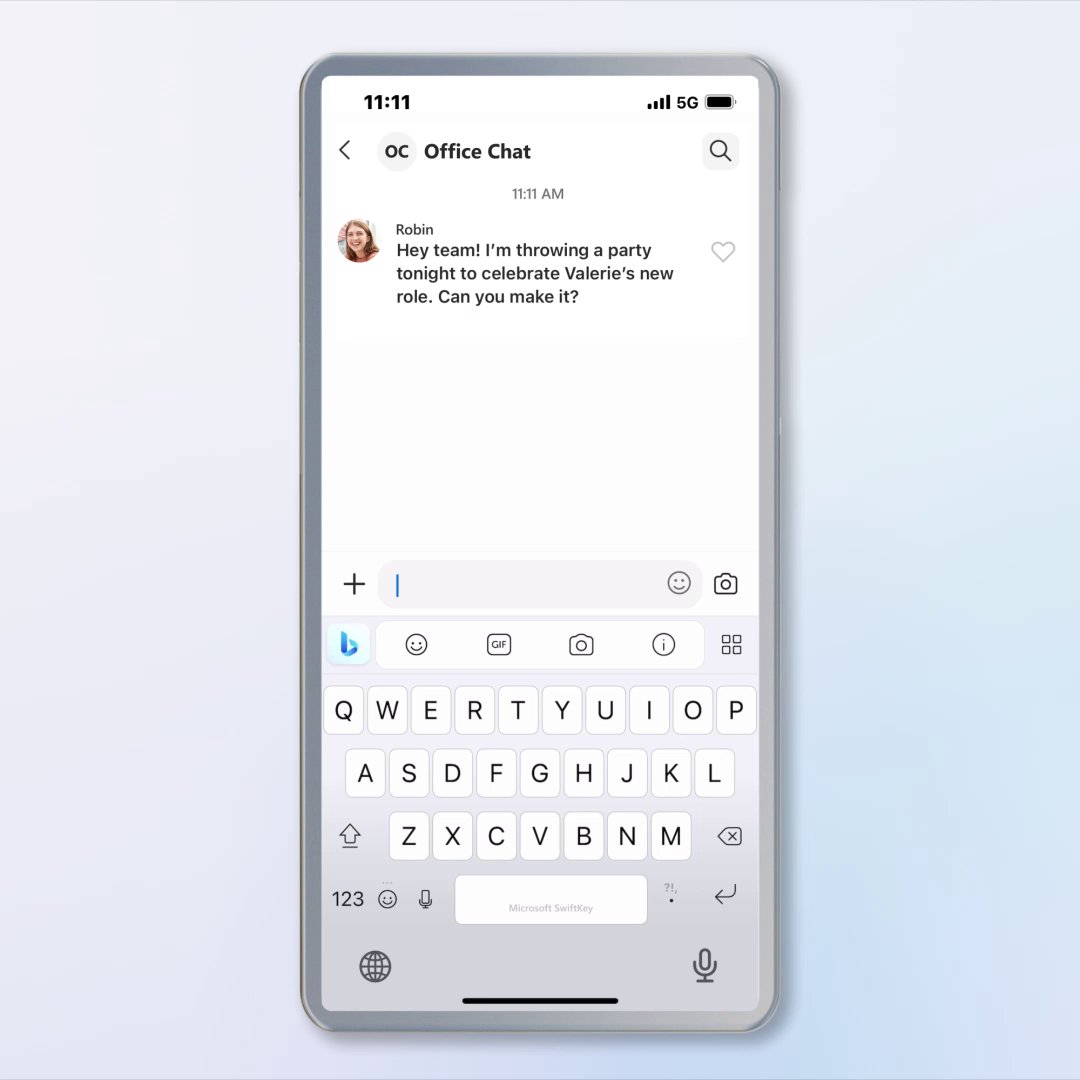
Tool UI is a React framework for conversation-native UIs. Tools return JSON, and Tool UI renders it as inline, narrated, referenceable surfaces inside messages, optimized for chat width and scroll. It’s schema-first: every surface is driven by a serializable schema with stable IDs, so results stay consistent and reusable....

66,900 просмотров • 5 месяцев назад •via X (Twitter)

Комментарии: 0

Нет доступных комментариев

Здесь появятся комментарии из оригинального поста

Похожие видео

LangGraph. CrewAI. Agno. Which one to pick? The good news is that this will not matter soon! Finally, we have a full picture of how the industry is solving this with just three open protocols that work across ALL frameworks. It's not about picking the best framework. Instead, it's about understanding how protocols create interoperability. The Agent Protocol Landscape shows how three complementary protocols are creating a universal language for Agents: > AG-UI (Agent-User Interaction): - The bi-directional connection between agentic backends and frontends. - This is how agents become truly interactive inside your apps, not just as chatbots, but collaborative co-workers. > MCP (Model Context Protocol): - The standard for how agents connect to tools, data, and workflows. > A2A (Agent-to-Agent): - The protocol for multi-agent coordination. - How agents delegate tasks and share intent across systems. These aren't competing standards. They're layers of the same stack and have handshakes with each other. So instead of building point-to-point integrations, you build to protocols. Moreover, you can integrate LangGraph, CrewAI, or Agno into the same frontend, without rewriting your UI logic. These protocols let everything work together. For instance: - Your LangGraph agent pulls data via MCP. - It delegates analysis to a CrewAI agent via A2A. - Results stream to your React app via AG-UI. - Users see real-time collaboration in your interface. This way, you can focus on building agent capabilities instead of integration mechanics. The protocols handle interoperability automatically. CopilotKit unifies this entire stack into one framework so you can build "Cursor for X" style apps without implementing each protocol from scratch. It gives you all three protocols, generative UI support, and production-ready infrastructure in one framework. I have shared this playbook in the replies! It breaks down handshakes, misconceptions, and real examples and shows exactly how to start building.

Avi Chawla

30,762 просмотров • 8 месяцев назад

React Native now has its own shadcn/ui equivalent — introducing 𝗡𝗮𝘁𝗶𝘃𝗲𝗨𝗜. If you love the flexibility of copying customisable components directly into your project (avoiding heavy, dependency-laden packages), NativeUI is designed for you. 𝗡𝗮𝘁𝗶𝘃𝗲𝗨𝗜 offers beautifully crafted, accessible components tailored for React Native, following the same copy-paste philosophy as shadcn/ui. Built with 𝗡𝗮𝘁𝗶𝘃𝗲𝗪𝗶𝗻𝗱 for fast, declarative, and flexible styling optimised for React Native. ➡️ 𝗖𝗼𝗽𝘆 𝗰𝗼𝗺𝗽𝗼𝗻𝗲𝗻𝘁 𝗰𝗼𝗱𝗲 𝗱𝗶𝗿𝗲𝗰𝘁𝗹𝘆 𝗶𝗻𝘁𝗼 𝘆𝗼𝘂𝗿 𝗽𝗿𝗼𝗷𝗲𝗰𝘁 — no black-box dependencies required. ➡️ 𝗖𝗼𝗺𝗽𝗼𝗻𝗲𝗻𝘁𝘀 𝗮𝗿𝗲 𝗮𝗰𝗰𝗲𝘀𝘀𝗶𝗯𝗹𝗲 𝗯𝘆 𝗱𝗲𝗳𝗮𝘂𝗹𝘁, supporting screen readers and keyboard navigation, and designed to align with native iOS and Android UX patterns. ➡️ 𝗙𝘂𝗹𝗹 𝗰𝗼𝗻𝘁𝗿𝗼𝗹 𝗼𝘃𝗲𝗿 𝘆𝗼𝘂𝗿 𝗨𝗜 without rebuilding common elements like buttons, inputs, or sliders from scratch. ➡️ 𝗖𝗼𝗺𝗽𝗮𝘁𝗶𝗯𝗹𝗲 𝘄𝗶𝘁𝗵 𝗘𝘅𝗽𝗼 𝗮𝗻𝗱 𝘃𝗮𝗻𝗶𝗹𝗹𝗮 𝗥𝗲𝗮𝗰𝘁 𝗡𝗮𝘁𝗶𝘃𝗲 𝗽𝗿𝗼𝗷𝗲𝗰𝘁𝘀, but not yet integrated with Tamagui’s styling system (future support may be planned). ➡️ 𝗦𝘂𝗽𝗽𝗼𝗿𝘁𝘀 𝘁𝗵𝗲𝗺𝗶𝗻𝗴 𝘃𝗶𝗮 𝗡𝗮𝘁𝗶𝘃𝗲𝗪𝗶𝗻𝗱 — though you’ll need to wire it up manually using Tailwind variables, context providers, and config files. Note: The term “install” in the documentation refers to using the shadcn CLI (e.g., npx shadcn@latest add component) to fetch and copy component code into your project, not adding a package to your dependencies. NativeUI isn’t a plug-and-play library; it’s a lightweight toolbox that empowers you to shape your UI with precision and control. 𝗪𝗵𝗮𝘁’𝘀 𝘆𝗼𝘂𝗿 𝗽𝗿𝗲𝗳𝗲𝗿𝗲𝗻𝗰𝗲: npm install a pre-built UI kit for speed, or copy/paste NativeUI components for ultimate customisation? #ReactNative #KeyboardUX #MobileDev #OpenSource #JSDev #Performance #iOSDev #KeyboardExtensions #ReactNativeKeyboard #UIUX #shadcn #nativeui

The React Native Rewind

118,414 просмотров • 11 месяцев назад

OpenAI's AgentKit will be so insane, build every step of agents on one platform. These visual agent builders make the whole process of iterating and launching agents far more efficient. It sits on top of the Responses API and unifies the tools that were previously scattered across SDKs and custom orchestration. It lets developers create agent workflows visually, connect data sources securely, and measure performance automatically without coding every layer by hand. The core of AgentKit is the Agent Builder, a drag-and-drop canvas where each node represents an action, guardrail, or decision branch. Developers can link these nodes into multi-agent workflows, preview results instantly, and version each setup. It supports inline evaluation so that developers can see how changes affect output before deploying. The Connector Registry is a single admin panel that manages how data and tools connect across the OpenAI ecosystem. It centralizes integrations like Google Drive, SharePoint, Dropbox, and Microsoft Teams. Large organizations can govern access and flow of data between agents securely under one global console. ChatKit provides a ready-to-use chat interface for embedding agents inside apps or websites. It manages streaming, message threads, and model reasoning displays automatically. Developers can skin the interface to match their product without writing custom front-end code. Under the hood, all these blocks use the same execution core that runs agent reasoning through OpenAI’s APIs. Workflows in Agent Builder compile down to structured instructions for the Responses API, which handles model calls, tool use, and context passing. Connector Registry handles authentication and routing for external tools, while Evals and RFT provide feedback loops that improve agents over time. This integration means developers no longer need to handle orchestration logic, model evaluation pipelines, or safety layers separately. Everything runs natively within OpenAI’s control plane with managed security, automatic versioning, and built-in testing. In short, AgentKit standardizes the entire life cycle of an AI agent—from visual design to deployment and performance tuning—inside a single unified system.

Rohan Paul

178,460 просмотров • 9 месяцев назад

THIS GUY JUST REBUILT A $35,000 ANIMATED SITE FOR $12. IF YOU RUN A WEB STUDIO, YOU SHOULD PROBABLY KEEP SCROLLING. Every agency billing $100-149/hr is selling you five departments wearing one invoice. Here’s each one - collapsed into a single agentic session. LAYER 1 - THE CONCEPT ROOM (Claude) Reads the brief, pulls references, and scripts the scroll: what the visitor feels at second 3, second 15, second 40. → Used to be a strategist and a wall of mood boards. Now it’s a conversation. LAYER 2 - THE MOTION STUDIO (Higgsfield) Cinematic clips from 30+ generative models - hero shots, transitions, ambient loops - all matched to the story from Layer 1. → Used to be a motion artist on retainer. Now it’s a prompt. LAYER 3 - THE DEV TEAM (Claude Code) Scaffolds the site, writes the GSAP ScrollTrigger timelines and Lenis smooth-scroll, extracts frames, optimizes every asset. → A full scroll-driven build with zero hand-coded keyframes. LAYER 4 - THE DESIGN DEPT (baked-in cinematic layer) Six effects, zero config: film grain, particles, vignette, glass cards, color tints, scroll pacing. → The polish that justified the invoice - now it ships by default. LAYER 5 - THE QA PASS (Claude) Checks load speed, mobile breakpoints, and whether the scroll actually lands - then rewrites whatever doesn’t. → Used to be a client call and a revision cycle. Now it’s one more turn in the same session. Five departments. One operator. One pass. A strategist, a motion artist, a developer, a designer, and a QA lead - weeks of handoffs - now run in a single session. For a Claude subscription and a few dollars of Higgsfield credits. The studio was never selling talent. It was selling overhead. And the overhead just became five layers. Follow me, reply “website” to this post and I will send you the step-by-step Playbook 👇

ZEUS⚡️

134,166 просмотров • 23 дней назад