Loading video...

Video Failed to Load

Go Home

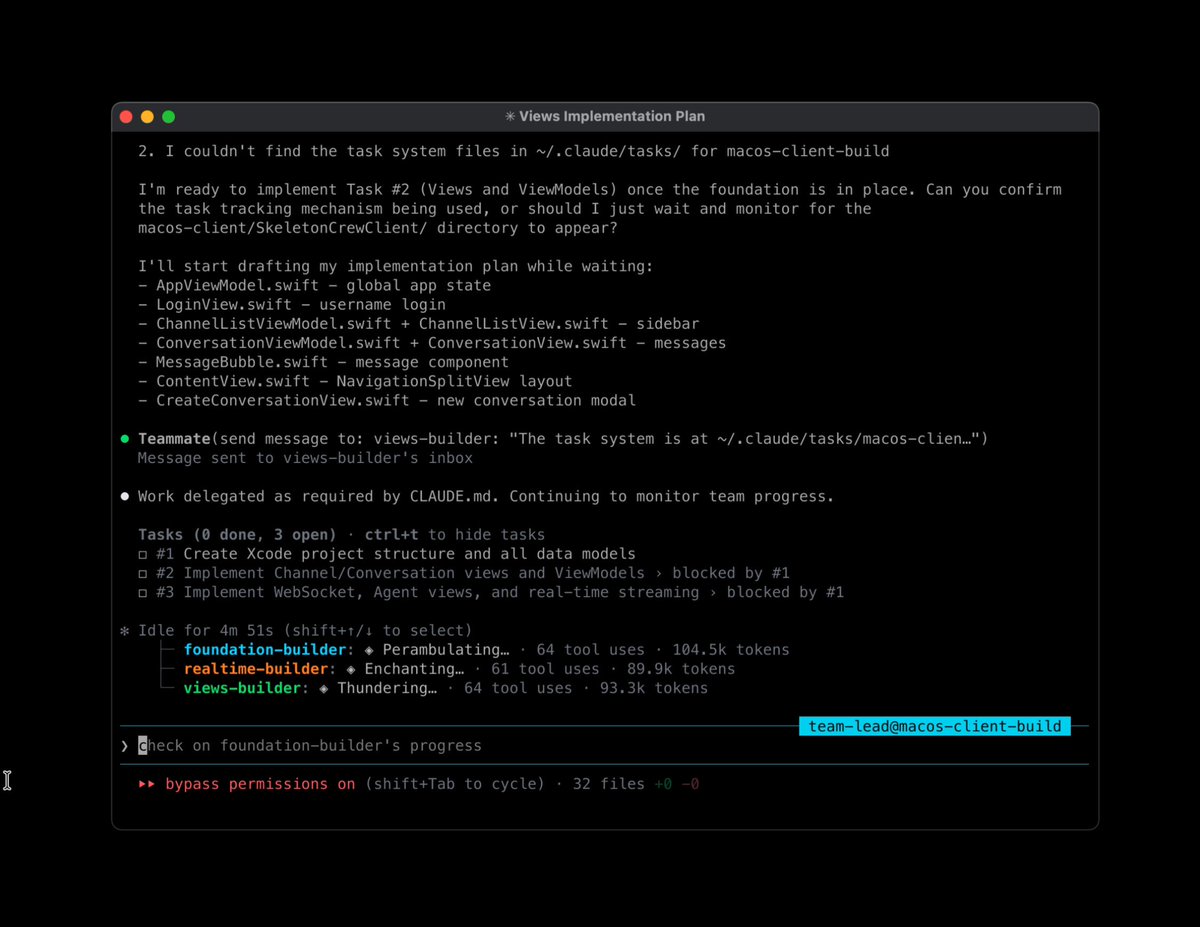
trying a TDD + git workflow npm i task-master-ai → test-driven development → github branch for each task → commit + test each subtask once done → push PR when task is feature complete → full code coverage → nearly autopilot will polish and ship as rules first then...

14,586 views • 1 year ago •via X (Twitter)

11 Comments

Dennison's profile picture
Dennison1 year ago

@TaskmasterAI It's good, I got it working, only I think we need to solve: "Project Drift"- when the project needs to be implemented in some way not explicitly described the tasks, the tasks suddenly "Drift". - There are ton of tools, an Cursor is complaining there are too many

Eyal Toledano's profile picture
Eyal Toledano1 year ago

@TaskmasterAI task drift is fixable using the `update` command if things are changing as of task 6, run `tm update from=6 prompt=<describe the change>` it will update task 6 with that change and every/any task/subtask thereafter that might depend or mention task 6 solves the drift easily

Manticore Search's profile picture
Manticore Search2 years ago

🚀 Star Manticore Search on #GitHub today and join our quest for the ultimate search solution!

Fabio Vedovelli's profile picture
Fabio Vedovelli1 year ago

@TaskmasterAI Let me tell you this: yesterday was the very first time I used TM for real and I'm beyond impressed. Thanks for this tool!

Eyal Toledano's profile picture
Eyal Toledano1 year ago

@TaskmasterAI glad to hear it! share your experience and feedback, i wanna know more

Dennison's profile picture
Dennison1 year ago

@TaskmasterAI I think you can combine tools as the LLM will figure out how to use a combined tool (I think)

Eyal Toledano's profile picture
Eyal Toledano1 year ago

@TaskmasterAI that's why i'm focused on primitives first then you can link things up in detailed workflows

Ismaël's profile picture
Ismaël1 year ago

@TaskmasterAI using this pattern + background agents to achieve tasks that can be achieved concurrently is the next meta to ship at blazing levels speed imo

Fackler's profile picture
Fackler1 year ago

@TaskmasterAI fantastic! looking forward to trying this out. 🙏

⚖️Justice⚖️'s profile picture
⚖️Justice⚖️1 year ago

@TaskmasterAI Wen update ?? 👊🏼

Eyal Toledano's profile picture
Eyal Toledano1 year ago

@TaskmasterAI they not comin out fast enough for ya? 😂

Related Videos

how to use claude code mods like a top 1% user, step by step: give this to your agent before everyone catches on👇 1. set up Jev connect Jev to the model registry you want to use. check that the connection works and the listed models are available. 2. build your claude code mod open claude code 2.1.287 or later and paste this prompt: “build a mod called run-ledger. load plugin-authoring and use the API types for my installed version. create a dashboard that shows: - estimated cost per run, model, and source plugin where known - which model handles each task - each subagent’s status, latest action, and elapsed time include token counts, cache usage, and reported retries. count each request once. keep background tasks linked to their original run. use dated prices. label costs as API estimates, not subscription charges. show unknown when data is missing. connect the mod to my existing Jev setup. give Jev the task, available models, prices, budget, and relevant past results. ask it to recommend a model and explain why. start with recommendations. make automatic routing optional for eligible subagents. show the recommended model, actual model, result, and cost. include Jev’s own cost. keep state across hot reloads. add details and export. the dashboard itself must make no model calls. validate the plugin. test rendering, costs, attribution, and duplicate counting. give me steps for a live test.” 3. test the setup allow hot reload when prompted. run a simple task, a subagent task, and a mod-triggered model call. check that the dashboard updates, each request counts once, and Jev’s recommended model can actually run the task. 4. install the working mod ask claude to copy it out of the temporary folder and install it as a persistent plugin. see the cost. choose the model. check the result.

Avid

47,276 views • 17 days ago

Full-circle Test-driven Firmware Development with OpenClaw Ladyada: "I've only had OpenClaw installed on this Raspberry Pi 5 for a couple of days, but boy, have we burned through a lot of tokens and learned a lot. Including what I think is a really fun improvement in my development process: “Agentic test-driven firmware development.” I've used LLMs for writing code as a sort of pair-programming setup, where I dictate exactly what I want done. But this is the first time that I'm giving full access to the hardware to the LLMs and letting Claude Opus 4.5 as a manager to control Codex subagents. Not only does it parse the datasheet for the register map and functionality, Claude also comes up with a full development and test plan, writes the library, tests it on existing hardware, and then also works up a test suite that covers all of the hardware registers to make sure that the library is exercising the entire chip capability. For example, here I give it an APDS-9999 color sensor and a Neopixel ring and tell it, “hey use the Neopixel ring to verify that we're really reading red, green, and blue data properly from the sensor,” and it will do the whole thing completely autonomously… no humans involved! I still review the final code and ensure the tests genuinely validate the functionality, not just take shortcuts. There is a phenomenon known as "reward hacking" (also called "specification gaming"). The model may optimize for passing tests as a metric, rather than ensuring the code truly works as intended. So far, the results have been excellent... no surprise, since these LLMs are trained on Adafruit open-source GitHub repositories!"

adafruit industries

25,532 views • 8 months ago