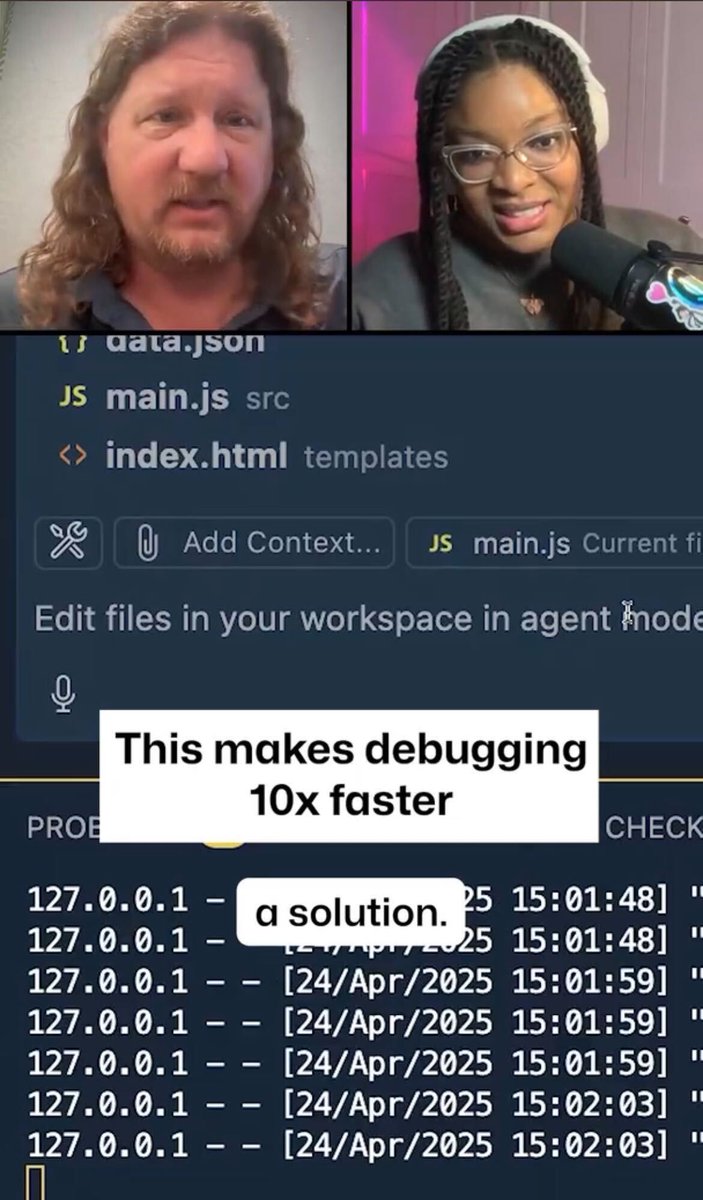
Two Copilot tips to speed up your debugging:

GitHub
Visit on X2.7M followers
27,796 views
Two Copilot tips to speed up your debugging:
1. Paste a screenshot of your error. 📸
2. Drag & drop files from anywhere (not just your project) to add context. 💡
Here are both in action. ▶️
6 Comments
Comments from the original post on X (Twitter)

@Bharath43342403
Small tips, big time-savers. Love how Copilot makes debugging easier.
1 like

@EriTech91
Why would I paste let it take the screenshot itself please like @antigravity

@shubhamv_cloud
using it for so long and i just got to know about this

@KevSmitty907
Two more copilot tips: Uninstall Windows Install Linux

@HandleChanger
How much does it add to your context token when the screenshot is uploaded

@0xcyberw1zard
Have been trying to subscribe to this but it keeps failing pls help