Загрузка видео...

Не удалось загрузить видео

На главную

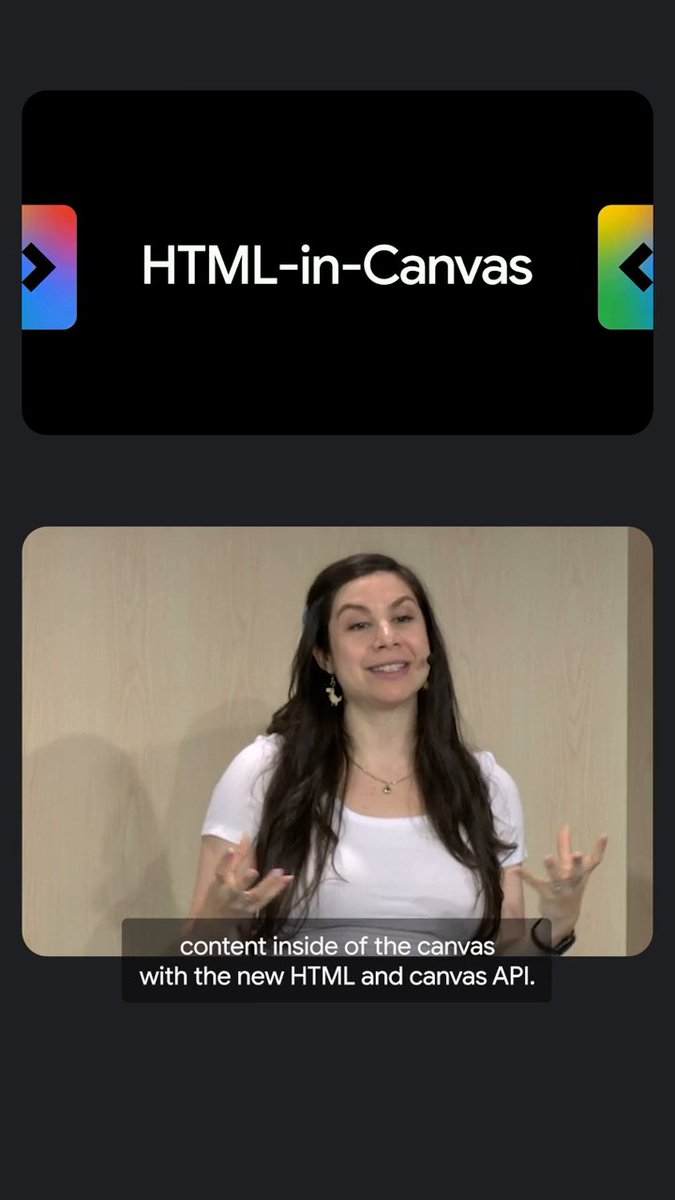
VFX-JS supports HTML-in-Canvas now. You can turn HTML element into a WebGL texture. It automatically detects the browser and fallback to the old SVG foreignObject workaround. So it works on Chrome, Firefox, and Safari, of course! #WebGL #VFXJS #Codepen

52,893 просмотров • 6 месяцев назад •via X (Twitter)

Комментарии: 8

Фото профиля 𝘼𝙈𝘼𝙂𝙄
𝘼𝙈𝘼𝙂𝙄6 месяцев назад

Code:

Фото профиля Nick Daniel
Nick Daniel6 месяцев назад

Wow that’s impressive. Feels like we should link to this in the demos of (oss on GitHub and over 1k daily visitors)

Фото профиля Kuwazy
Kuwazy6 месяцев назад

It's so great!

Фото профиля Sync Kun
Sync Kun6 месяцев назад

Interesting

Фото профиля Rudresh H R
Rudresh H R6 месяцев назад

it feels like a new custom cursor but much much beautiful and interactive😁😁

Фото профиля Red Sun Prophecy
Red Sun Prophecy6 месяцев назад

Nice user unfriendly effect.

Фото профиля ᴊᴏᴀɴɪᴇ ʟᴇᴍᴇʀᴄɪᴇʀ
ᴊᴏᴀɴɪᴇ ʟᴇᴍᴇʀᴄɪᴇʀ6 месяцев назад

so good

Фото профиля 𝘼𝙈𝘼𝙂𝙄
𝘼𝙈𝘼𝙂𝙄6 месяцев назад

thx🙌

Похожие видео

007/100 Buttons. This button was way more complex than I first thought. I love the page transition on the Truus site that Dennis Snellenberg and Jordan Gilroy worked on. So I wanted to use that drawing SVG Path idea somehow and fit it into a button. In best case with a mask effect. The idea was to have an SVG path in the background that fills the button. At the same time, this path should also be used as a mask to reveal the differently colored text. The SVG should also be replaceable and work with other SVGs. For the path animation, I can use the DrawSVGPlugin from GSAP. Sounds like a solid plan. I built the button so far, and it worked great in Chrome and Firefox. In Safari, nope. I used an SVG mask that I referenced through CSS. But Safari can’t handle that properly when the path inside the mask is animated, so the animation lags. There was no simple solution for that. At least I didn’t find something. So I had to rebuild the button in another way. What I found was that the SVG mask animation works in Safari when the mask is placed on the desired element inside the SVG. That’s where foreignObject comes in, it allows you to use normal HTML elements inside an SVG. Using that, I rebuilt the hover text inside the SVG. I then referenced the mask on the foreignObject with a bit of JavaScript. And it worked! The button’s structure looks more complicated than I wanted it to be, but that happens quite often when you need to make something work across different browsers 😃 Crafting 100 Buttons with Osmo ⏳ Total time: 96h

Eduard Bodak

67,987 просмотров • 6 месяцев назад