Video yükleniyor...

Video Yüklenemedi

Ana Sayfaya Dön

Warzone Mobile Stability Test community Thread: • Mention your device name • Mention your graphics settings • Set the FPS to 60 FPS/High • Upload a 1-2 minute clip • Use FPS meter

10,385 görüntüleme • 1 yıl önce •via X (Twitter)

11 Yorum

LaymanPlaysYT profil fotoğrafı
LaymanPlaysYT1 yıl önce

iFone 14 Everything on High Dont have fps meter.

Pixel Gamer 4k profil fotoğrafı
Pixel Gamer 4k1 yıl önce

Check fps in photos app

RedDeer.Games IR profil fotoğrafı
RedDeer.Games IR1 yıl önce

🚀 Ready for an epic gaming adventure? Join the action with @RedDeer_Games! 🎮 Watch the latest game videos and make sure to SUBSCRIBE for exclusive content! 📺 👉 Dive in now! 👉 Youtube: 👉 Play On: #Nintendo #Xbox #PS5 #Steam

TheWiseOne profil fotoğrafı
TheWiseOne1 yıl önce

Deleted this garbage but here are the stats Device - ONEPLUS 8T avg fps - 30-45 (drops at muzzle smokes and precision and stutters like crazy) I play on everything at its lowest.

IndoriYT profil fotoğrafı
IndoriYT1 yıl önce

Ipad Pro M1

Anir Chakraborty profil fotoğrafı
Anir Chakraborty1 yıl önce

OnePlus 13 runs the best warzone mobile IMO after I tested with all performance centric smartphone launched in India recently

Pixel Gamer 4k profil fotoğrafı
Pixel Gamer 4k1 yıl önce

Not only Warzone Mobile 😉

BhaloBAGH 🇮🇳 profil fotoğrafı
BhaloBAGH 🇮🇳1 yıl önce

Device: OnePlus 12 (Not Rooted) Graphics Settings: Very Low Visuals, Low Res, High Upscaling and Low Shadow Quality

Pixel Gamer 4k profil fotoğrafı
Pixel Gamer 4k1 yıl önce

Remove Warzone Mobile from the games app

Alex profil fotoğrafı
Alex1 yıl önce

Device- poco F6 Graphic- low Resolutions- high

Dr Morphine profil fotoğrafı
Dr Morphine1 yıl önce

In a 56 sec video , you didn't even fire your gun once? Show the FPS count in between gun fights with real players, it will be much helpful.

Benzer Videolar

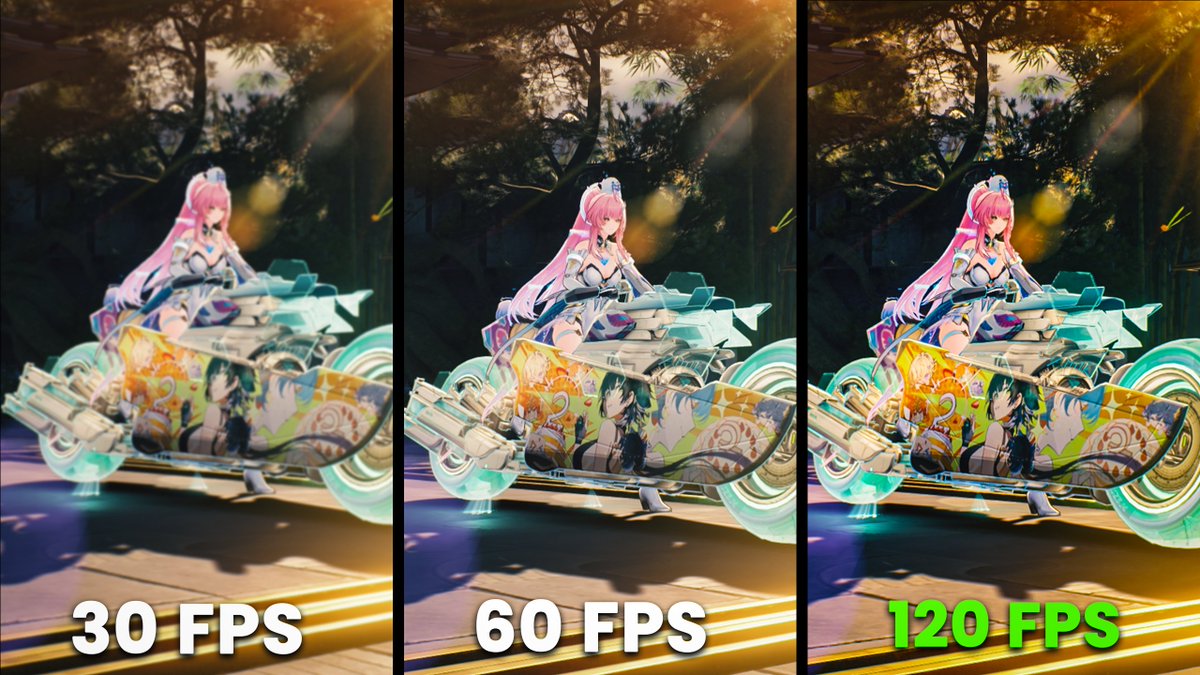
In my previous post about the #Nioh3 demo, I mentioned that when the game isn’t consistently holding 60 FPS or 120 FPS, several issues can show up. Here’s a clearer breakdown of what's going on. The main reason is that the game speed and physics are tied to the frame rate. When you enable the 120 FPS cap, the engine start overreacting and pushes CPU usage very high, even if the game is still running at around 60 FPS (as shown in the first example). In the second clip, you can see the uneven, jittery camera movement I mentioned before. Notice how much smoother 60 FPS and 120 FPS look compared to the unlocked side. Also, camera movement at 60 FPS is slightly faster than at 120 FPS. In the third clip, player movement is slower when the frame rate is unlocked. This doesn’t happen all the time, but it shows up often enough to be noticeable. Because of how the Katana Engine behaves, the game is clearly designed around 60 FPS. Running at 120 FPS is possible, but it’s only recommended if your system can maintain that target almost all the time, which isn’t easy to achieve. There’s also an alternative workaround where you select the 60 (locked) option and enable Frame Generation (DLSS or FSR 3), as shown in the last clip. The downside is that DLSS Frame Generation tends to show the same stuttery look as when the frame rate isn’t holding a fixed target, likely due to Reflex keeping the frame rate slightly below target. FSR Frame Generation, on the other hand, looks much smoother and works better here.

BenchmarKing

17,820 görüntüleme • 6 ay önce