Loading video...
Video Failed to Load
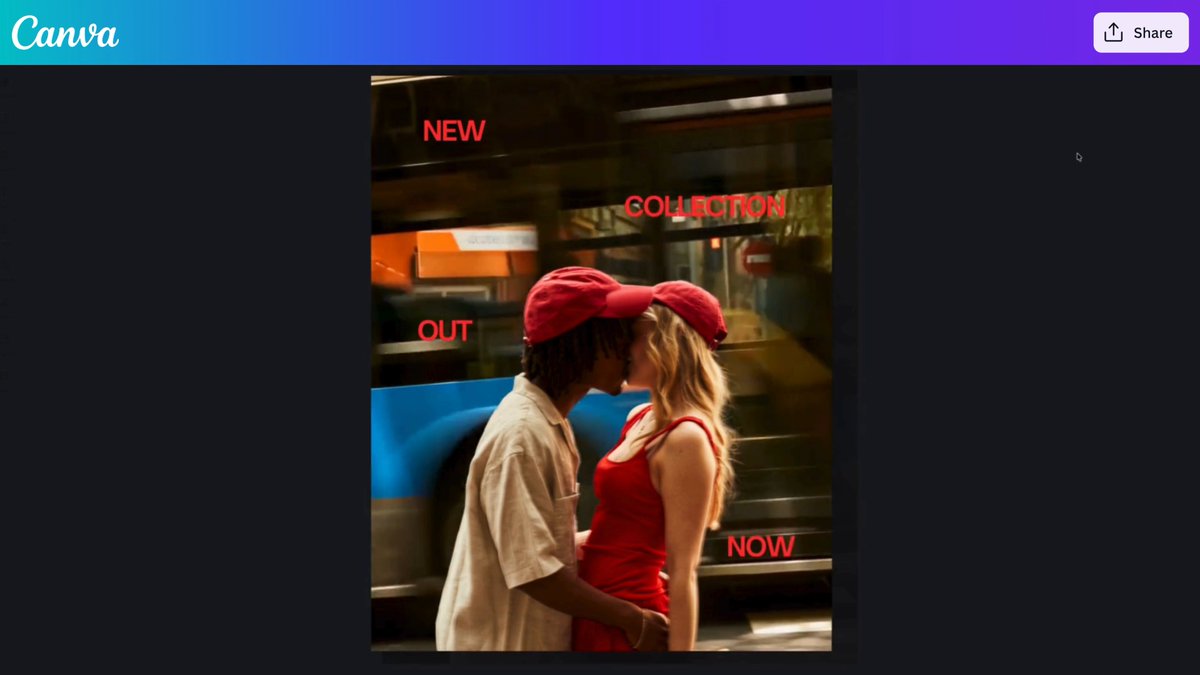
We’re #Canvamaxxing masking. 🖼️ The latest Canva update includes a tool to turn shapes into a frame. Start with a basic shape, an AI-generated shape, or a draw stroke, convert it to a frame, then drop in an image or video.

25,215 views • 6 days ago •via X (Twitter)
16 Comments

I've been waiting for this

We’ve been excited to bring this one to you, Elera! ✨
Oh yes, I so love Canva

Love this 👏🏾👏🏾
Hope you're excited to try this new feature! 😍

So it's like rolling down the windows in your car manually via hand crank?

Enseñar con Canva + IA rinde si estandarizan, no si improvisan cada clase. Tip para docentes: creen 1 plantilla «objetivo → ejemplo → ejercicio → salida» y prohíban pegar el prompt suelto. La IA solo rellena bloques. Así el diseño no se come el tiempo de pedagogía. ¿Ya tienen esa plantilla en su colegio/equipo?

This is the kind of small feature that makes a big difference in the design workflow. Turning almost any shape or AI-generated element into a usable frame is seriously convenient. 🔥

Great point!

Nice!

What else can be masked?

Peakkkk

C'est top plus besoin de se prendre la tête pour créer des masques... Merci

Shape-to-frame masking is a small feature people will use constantly. I'll try it on a product still and see if the AI fill respects the mask.

Oh my canvaaaaa

Ghen ghen !!!! 🫠🫠🫠