正在加载视频...

视频加载失败

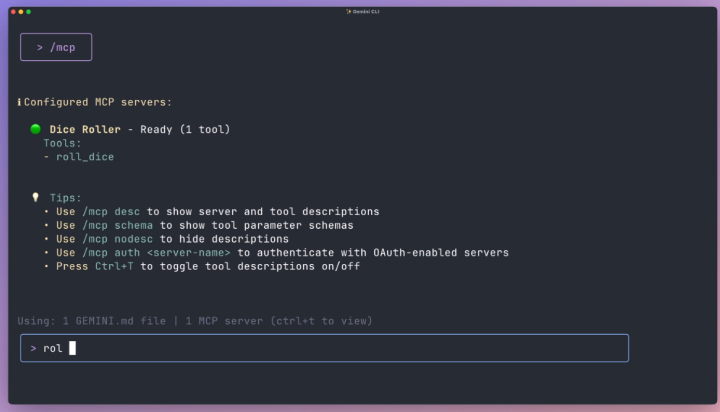
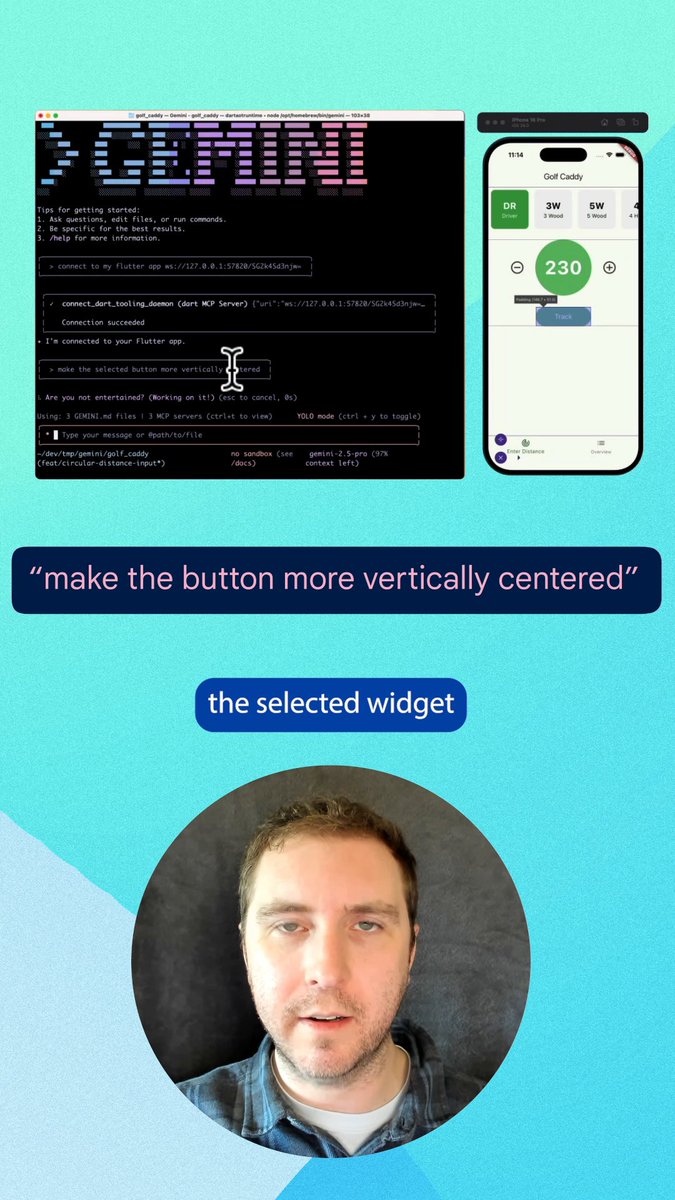
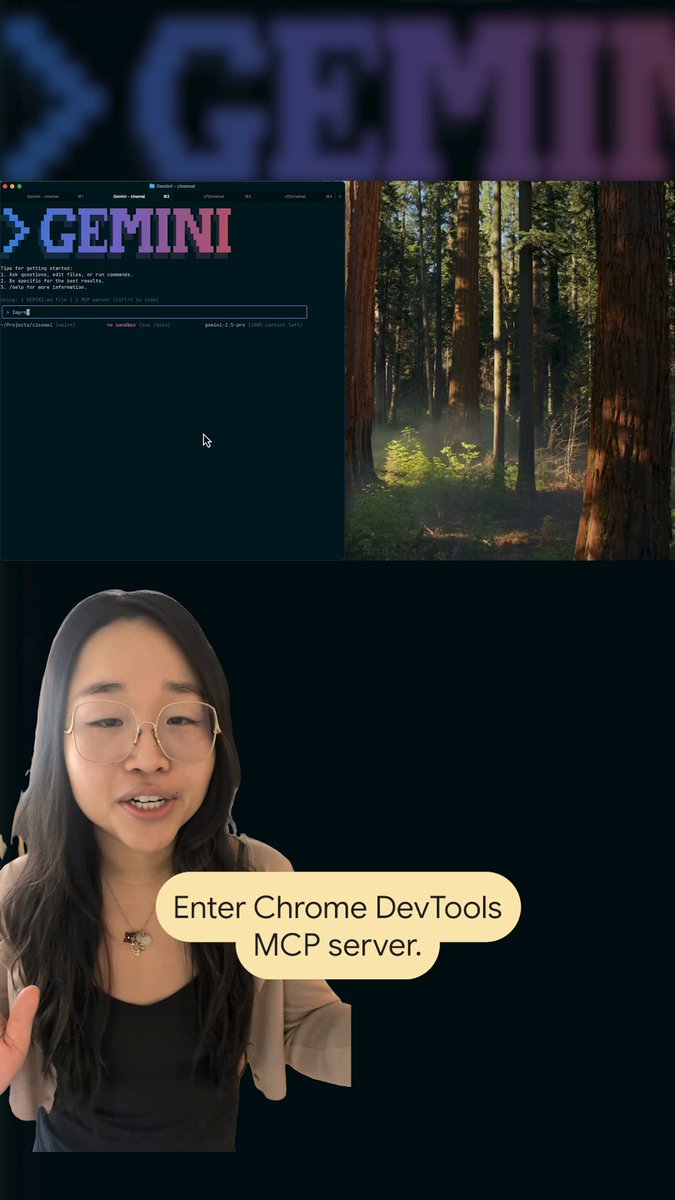
We’re excited to introduce the Unity CLI, our new terminal-native path for connecting coding agents, CI pipelines, and custom tooling to Unity. Unity MCP remains fully supported for your existing setups but to help with the transition, the CLI includes an "MCP Mode," allowing you to leverage existing MCP-based...

612,371 次观看 • 1 个月前 •via X (Twitter)

34 条评论

Unity 的头像
Unity1 个月前

🔗 Learn more: 🔗 Read the full tech blog:

SaturaDev 的头像
SaturaDev1 个月前

it's a nice idea, but terminals should work INSIDE unity, not outside it. alt-tabbing between windows isn't the way to work with many tasks in today's world.

Dan 的头像
Dan1 个月前

I was able to create something in less than 5 minutes with one prompt.. Crazy

阿伟 | Agent 落地 的头像
阿伟 | Agent 落地1 个月前

Finally, there's a CLI! This is pretty good for making small games.

Gamer 𝕃𝕏𝕏𝕏𝕍𝕀 的头像
Gamer 𝕃𝕏𝕏𝕏𝕍𝕀1 个月前

How much does it cost?

iMuffin 的头像
iMuffin1 个月前

@TimSweeneyEpic can we have an unreal cli please?

ジトメ 的头像
ジトメ1 个月前

@otsune AIと相性がよい制作環境が整っていくのをめっちゃ嬉しく思います!

AI Mastery Guide 的头像
AI Mastery Guide1 个月前

No concurrency limits and free is huge.

Suraj Sharma 的头像
Suraj Sharma1 个月前

Time to be a game dev 😀

Athena’s Palace 的头像
Athena’s Palace1 个月前

To truly be “free”, people need an open source engine. For those wanting to run a first-class kind of game in a browser, that means a WebGPU open source engine.

Tang Vu 的头像
Tang Vu1 个月前

This is great. Terminal-native access is exactly what you need for integrating agents into build pipelines. Having an MCP compatibility mode is a smart move for adoption too.

Eric ⚡️ Building... 的头像
Eric ⚡️ Building...1 个月前

@jasonkneen Love unity

Cosmic P. 的头像
Cosmic P.1 个月前

Your AI team clearly has no idea what open-source Unity AI projects on GitHub are capable of. You keep releasing inferior, paid versions of tools that the community already built for free. Honestly, what happened to Muse Texture, Muse Chat, and my personal favorite failure, Unity Sentis?

Cagan Gedik 的头像
Cagan Gedik1 个月前

This is incredible. We’d never built a game before, made one in Three.js and it randomly took off. Right when we had no idea what to do next, this update dropped. Game’s almost done now. Unity nailed it this time:

Makaroni 的头像
Makaroni1 个月前

unity being free for tooling is fine but i still remember the runtime fee announcement

Carry 的头像
Carry1 个月前

unity making stuff free is my villain origin story in reverse like watching a final boss hand you a sandwich

Ziwen 的头像
Ziwen1 个月前

Make me want to get into unity instead 😂

Dan 的头像
Dan1 个月前

Latest game I made with it

JC Buenaventura 的头像
JC Buenaventura1 个月前

Can’t wait to test this when I get home

Mr Aforj 的头像
Mr Aforj1 个月前

Can wait to try it out.

afedb 的头像
afedb1 个月前

@minirobenoire

Alice The Ai Expert 的头像
Alice The Ai Expert1 个月前

Unity in your terminal. Free, fast, and agent ready. Let's connect

YMX 的头像
YMX1 个月前

Try SparkLabs, it’s 100% free & open-source 🔥 True AI-Native Game Engine built for every creator!

ecume des jours 的头像
ecume des jours1 个月前

Unity is still the best way to author content for VR. This is a great addition to the workflow!

SPEKULATOR 的头像
SPEKULATOR1 个月前

the mcp mode here is smart; lets teams keep the old toolchain running while they test new pipeline integrations.

Tristan Rhodes 的头像
Tristan Rhodes1 个月前

Do you publish skills we can import for our AI agents to learn how to use this new tool?

Diego Alejandro 的头像
Diego Alejandro1 个月前

This post is very likely to get 1M views

∀ɯɹo oɹɯ∀ 的头像
∀ɯɹo oɹɯ∀1 个月前

Unity CLI becomes valuable when the AI can complete the entire verification loop: change - compile - read errors - enter Play Mode - run tests - inspect result Now, Surgical code modification is more efficient. It lets you know where every function is.

Ben Coleman 的头像
Ben Coleman1 个月前

@unitygames Slop engine. Go!

A̸̬͌a̶͛͜r̸̟͗ō̵̟ň̷͎ ̵̬̋B̸̧̌ò̴̱w̷̤̎ĺ̵͓ě̶̜y̸̺͛ 的头像
A̸̬͌a̶͛͜r̸̟͗ō̵̟ň̷͎ ̵̬̋B̸̧̌ò̴̱w̷̤̎ĺ̵͓ě̶̜y̸̺͛1 个月前

so you’re saying i can use the free model of chat gpt and make the next fortnite thanks dood !!!

mmmmarco 的头像
mmmmarco1 个月前

a free cli, what a deal..

Sebastiano Mandalà 的头像
Sebastiano Mandalà1 个月前

Unicli already exists like unity mcp already existed, but I'll try this one

Brosko 的头像
Brosko1 个月前

free with no concurrency limits is the part that actually matters for CI been burned by per-seat agent tooling costs before, this removes a real friction point 🔥

Alexander Benz 的头像
Alexander Benz1 个月前

CLI is the right call. MCP is a great protocol but it's a layer on top of what most pipelines actually speak.

相关视频

New course: MCP: Build Rich-Context AI Apps with Anthropic. Learn to build AI apps that access tools, data, and prompts using the Model Context Protocol in this short course, created in partnership with Anthropic Anthropic and taught by Elie Schoppik Elie Schoppik, its Head of Technical Education. Connecting AI applications to external systems that bring rich context to LLM-based applications has often meant writing custom integrations for each use case. MCP is an open protocol that standardizes how LLMs access tools, data, and prompts from external sources, and simplifies how you provide context to your LLM-based applications. For example, you can provide context via third-party tools that let your LLM make API calls to search the web, access data from local docs, retrieve code from a GitHub repo, and so on. MCP, developed by Anthropic, is based on a client-server architecture that defines the communication details between an MCP client, hosted inside the AI application, and an MCP server that exposes tools, resources, and prompt templates. The server can be a subprocess launched by the client that runs locally or an independent process running remotely. In this hands-on course, you'll learn the core architecture behind MCP. You’ll create an MCP-compatible chatbot, build and deploy an MCP server, and connect the chatbot to your MCP server and other open-source servers. Here’s what you’ll do: - Understand why MCP makes AI development less fragmented and standardizes connections between AI applications and external data sources - Learn the core components of the client-server architecture of MCP and the underlying communication mechanism - Build a chatbot with custom tools for searching academic papers, and transform it into an MCP-compatible application - Build a local MCP server that exposes tools, resources, and prompt templates using FastMCP, and test it using MCP Inspector - Create an MCP client inside your chatbot to dynamically connect to your server - Connect your chatbot to reference servers built by Anthropic’s MCP team, such as filesystem, which implements filesystem operations, and fetch, which extracts contents from the web as markdown - Configure Claude Desktop to connect to your server and others, and explore how it abstracts away the low-level logic of MCP clients - Deploy your MCP server remotely and test it with the Inspector or other MCP-compatible applications - Learn about the roadmap for future MCP development, such as multi-agent architecture, MCP registry API, server discovery, authorization, and authentication MCP is an exciting and important technology that lets you build rich-context AI applications that connect to a growing ecosystem of MCP servers, with minimal integration work. Please sign up here!

Andrew Ng

142,234 次观看 • 1 年前