Video wird geladen...
Video konnte nicht geladen werden
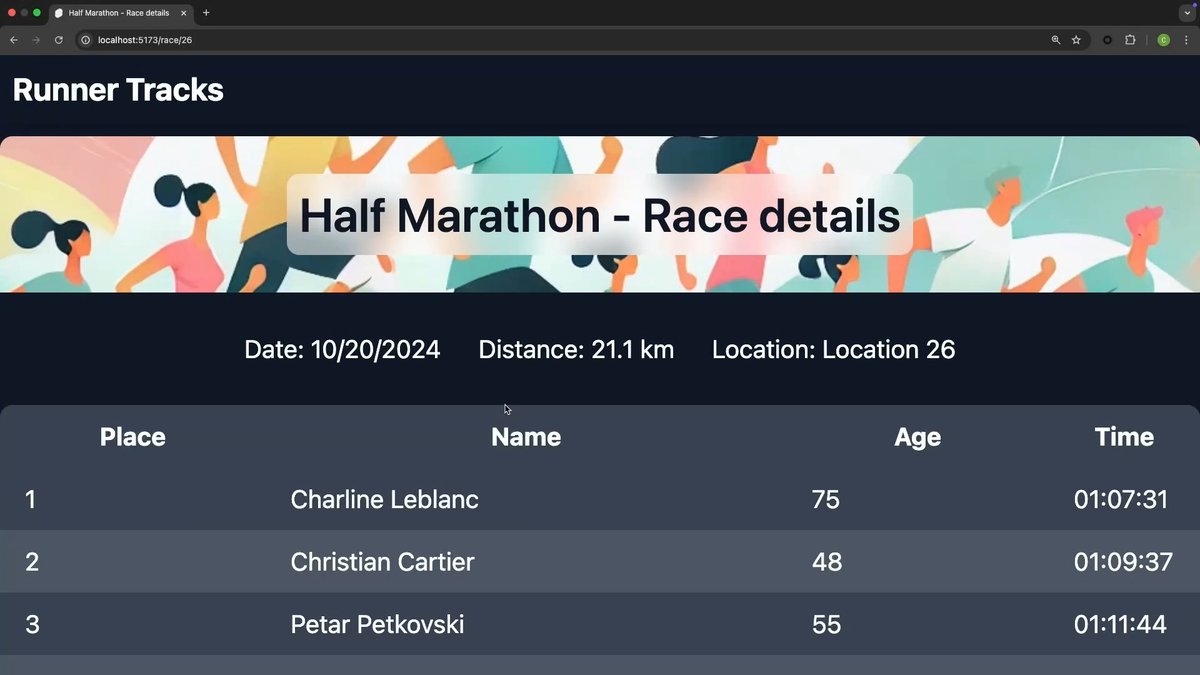
With the VS Code Speech extension + agent mode in Copilot Edits, you can iterate over your code without typing anything at all.

97,812 Aufrufe • vor 1 Jahr •via X (Twitter)
11 Kommentare

Code without typing? Yes, please! 🤖

This is the biggest productivity cheat code right now. Kiss reading documents goodbye. You can get an instant summary of any document with this tool.

Please remove the "Under Preview" Tag on the new LLMs... At least at the (meanwhile) "old" Sonnet 3.5 Thanks...

I don't think any real developer would use that, tho

The VS Code Speech extension combined with Copilot Edits is a game changer. This innovation empowers developers to code more intuitively, breaking barriers in accessibility and efficiency. Imagine a world where coding becomes as seamless as conversation.

have got a question is claude 3.7 unlimited in the pro individual plan or is it limited? because the agent was using it and it got a rate limited for about 6 min. Please clarify

Does it also work in dark mode? 👀👀👀👀

Is there a debounce setting or keyphrase like „do it“? Something to tell Copilot not to start when I am thinking on what to say next. Most people are not native speakers

@metx_mike

With my Nigerian accent; it won’t work for me

Is the rate limit okay?