Загрузка видео...

Не удалось загрузить видео

На главную

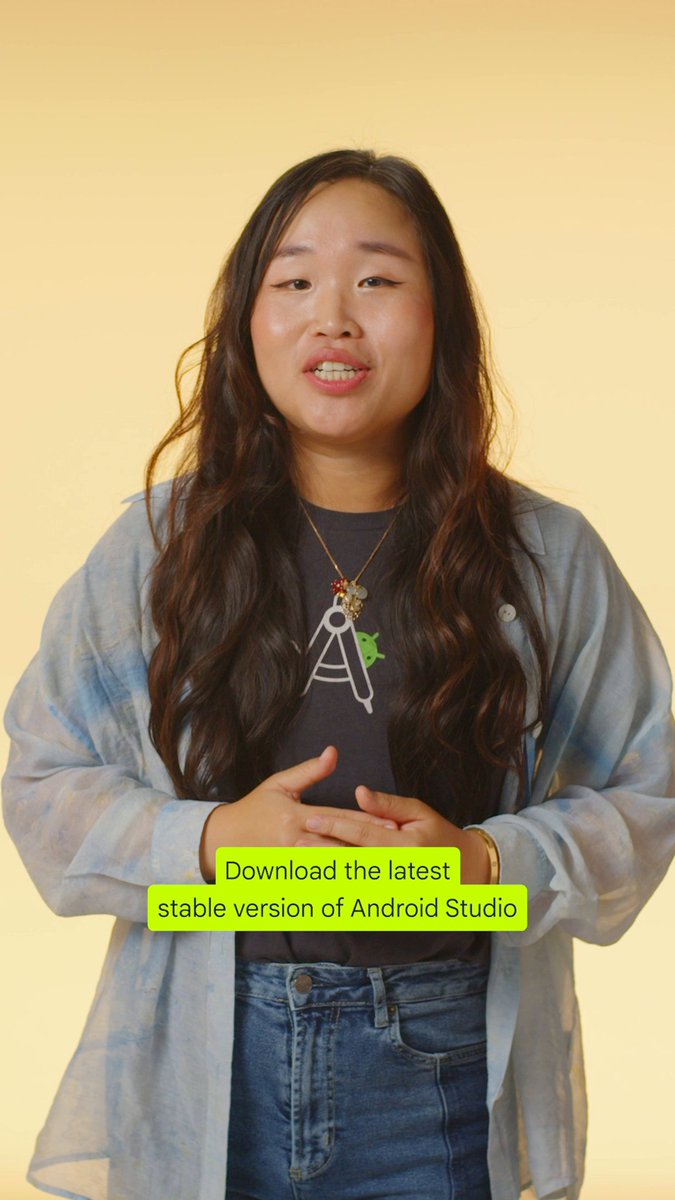
Your IDE, your workflow 🛠️ Android Studio Narwhal 4 lets you set the Project view as the default for all new projects, saving you a step every time you get started →

15,375 просмотров • 8 месяцев назад •via X (Twitter)

Комментарии: 0

Нет доступных комментариев

Здесь появятся комментарии из оригинального поста

Похожие видео

There is a strategy for Claude Max users that will 3-5X productivity and vibe coding learning curve. Which most vibe coders don't utilize! Most people using Claude Code just sit and watch the terminal while their prompt cooks. That’s dead time. If you’re on Claude Max, you’re paying for parallel capacity you’re probably not using fully. And tokens get wasted. Here’s a methodology to fix that and boost the way you use Claude forever: The Setup & Workflow 1. Add the repos you’re actively working on to your workspace from your IDE 2. Click “new terminal” and open 3-4 terminal instances, each pointed at a different project 3. Toggle between them on the right side of your terminal panel 4. When one terminal is cooking a prompt, look at the others 5. Use the time Claude is working to prompt the next project 6. Continuously rotate and ship across 3-4 projects like this 7. Use your tokens effectively, build more, learn faster The Result You ship 3-4 projects simultaneously. You burn through your token allocation on actual output instead of letting it sit unused. You learn faster because you’re getting more reps in the same amount of time, too. As long as you work on different projects at the same time like this, it will only be a boost in productivity, with no chance for code to get spaghetti. In the video, you can see where to find add workspace, run new terminal, and change between terminals:

Meta Alchemist

82,000 просмотров • 5 месяцев назад