
Canva
@canva • 339,575 subscribers
Amazingly simple design. Have a question? Or looking for some design tips? We’re here to help: https://t.co/aiUZ91blfu 😊
Shorts







Videos

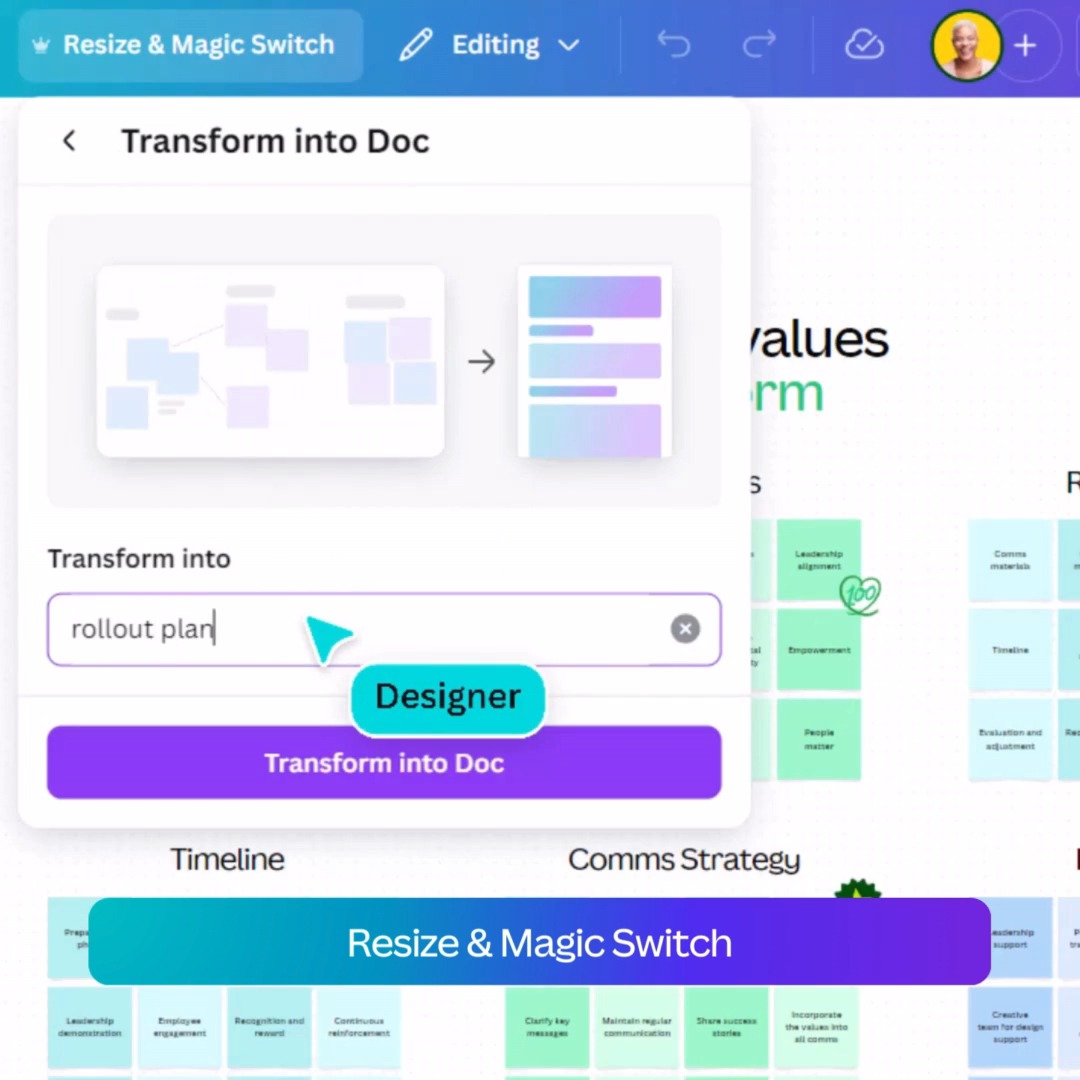
Ribet rapihin brainstorm🤯? Pakai Magic Sort Canva bikin brainstorming jadi lebih praktis! Cobain sekarang!
Canva1,171,352 Aufrufe • vor 1 Jahr


🎉 Big News Alert! 🚀 We’re super excited to share Canva has joined forces with @affinitybyserif the creative software suite loved by millions of designers around the world. Get ready for an incredible fusion of creativity and innovation like never before. Together, we're looking forward to shaping the future of design for creative professionals across the globe. More:
Canva263,104 Aufrufe • vor 2 Jahren

Turn your insights into impactful campaigns. Connect Canva to Claude for Small Business and transform your workflows into on-brand assets, then refine, collaborate and publish straight to your platforms – all without switching tools. Download the guide to get started:
Canva15,732 Aufrufe • vor 1 Monat

Millions of people are trying out new workflows pairing Canva and AI assistants. The latest unlock? Whether you're coming from Gemini, Claude, ChatGPT, or Microsoft Copilot, you can use Canva's Magic Layers to unlock every visual element as a separate, editable layer to remix, refine, and make your own.
Canva38,823 Aufrufe • vor 3 Monaten


What happens when the next generation grows up building with AI from day one? ⚡️ Atlassian Head of AI Sherif Mansour (Sherif Mansour) shares with Cam Adams (Cameron Adams) why AI-native talent could be the most valuable hire for businesses today. 🎙️ #PromptedPodcast:
Canva11,223 Aufrufe • vor 1 Monat


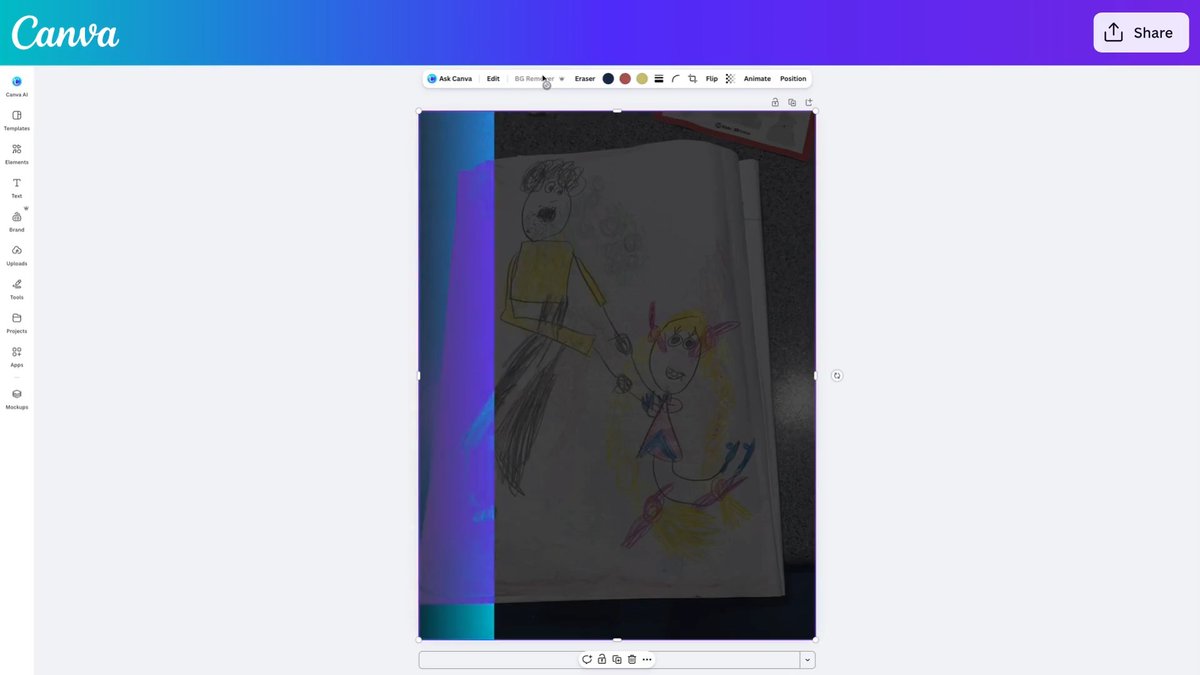
Eat your own dog food, but make it cute: “My niece drew this yesterday of my brother spinning her around (so cute). I decided it should be printed, so I put it into Canva and used the new Magic Layers feature to see if it could help me clean it up. It worked so well! Huge kudos to the team who shipped this.” ⁃ Maddy, Creative Lead at Canva
Canva13,429 Aufrufe • vor 2 Monaten
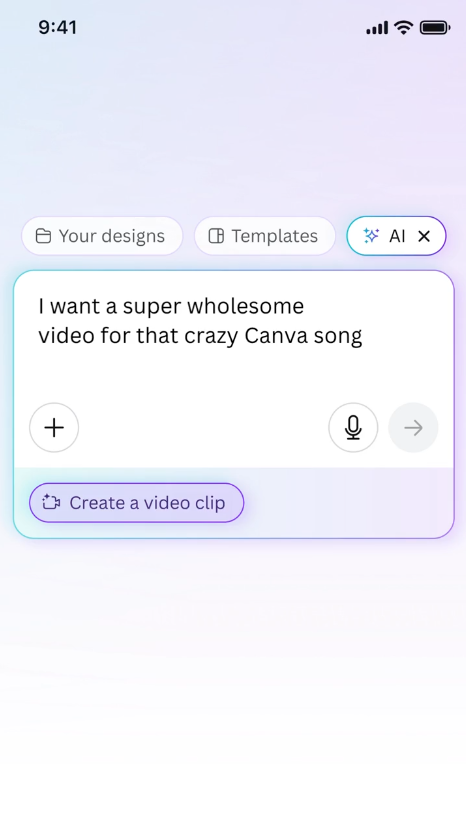
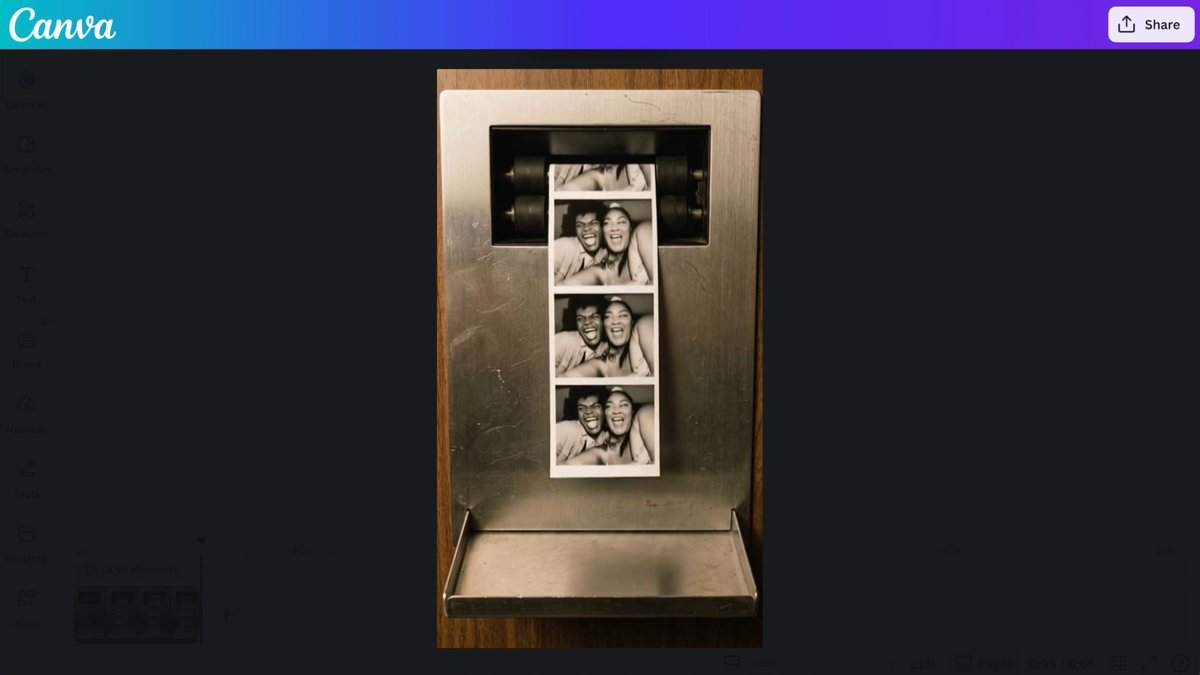
The world’s most powerful video tool is landing in Canva. 🤯 Say hi to Canva AI’s Create a Video Clip, powered by Google’s Veo 3. How did we test it? By making a music video in Canva Video, of course. 👉 Now it’s your turn. Prompt it. Edit it. Share it. #Canva #CanvaAI #CanvaCreateAVideoClip
Canva57,680 Aufrufe • vor 1 Jahr
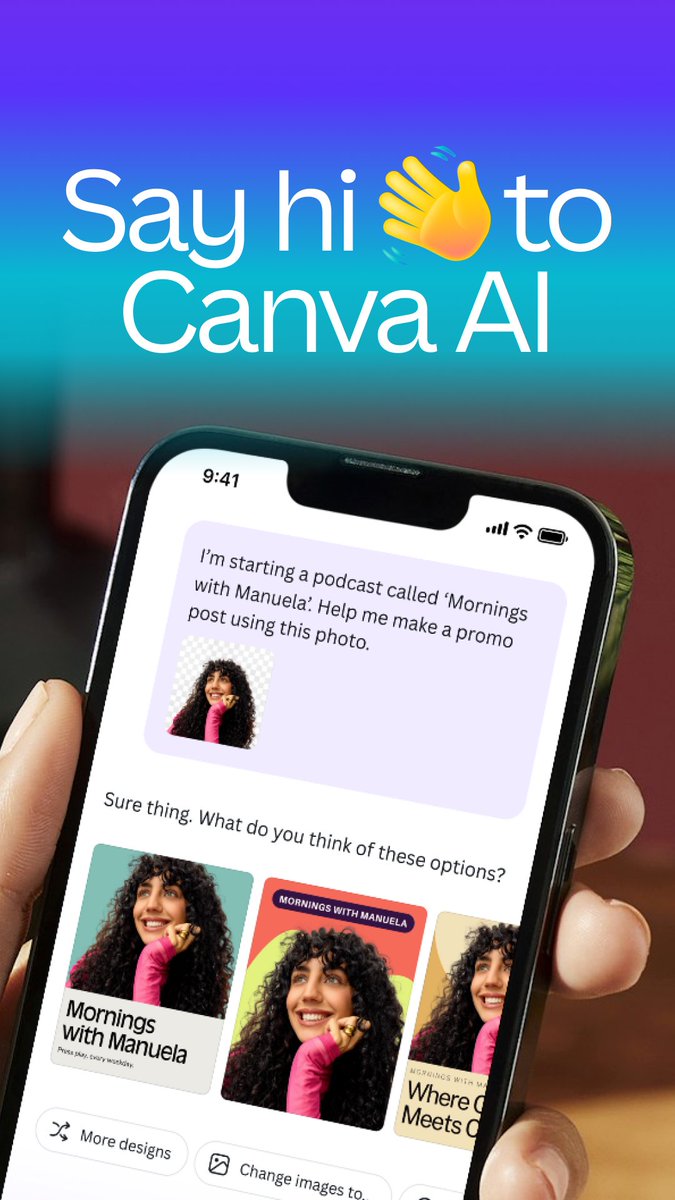
PSA: Your new creative BFF has entered the chat 💬 What will you create together? ✨ #CanvaAI
Canva50,563 Aufrufe • vor 1 Jahr