Video wird geladen...

Video konnte nicht geladen werden

Zur Startseite

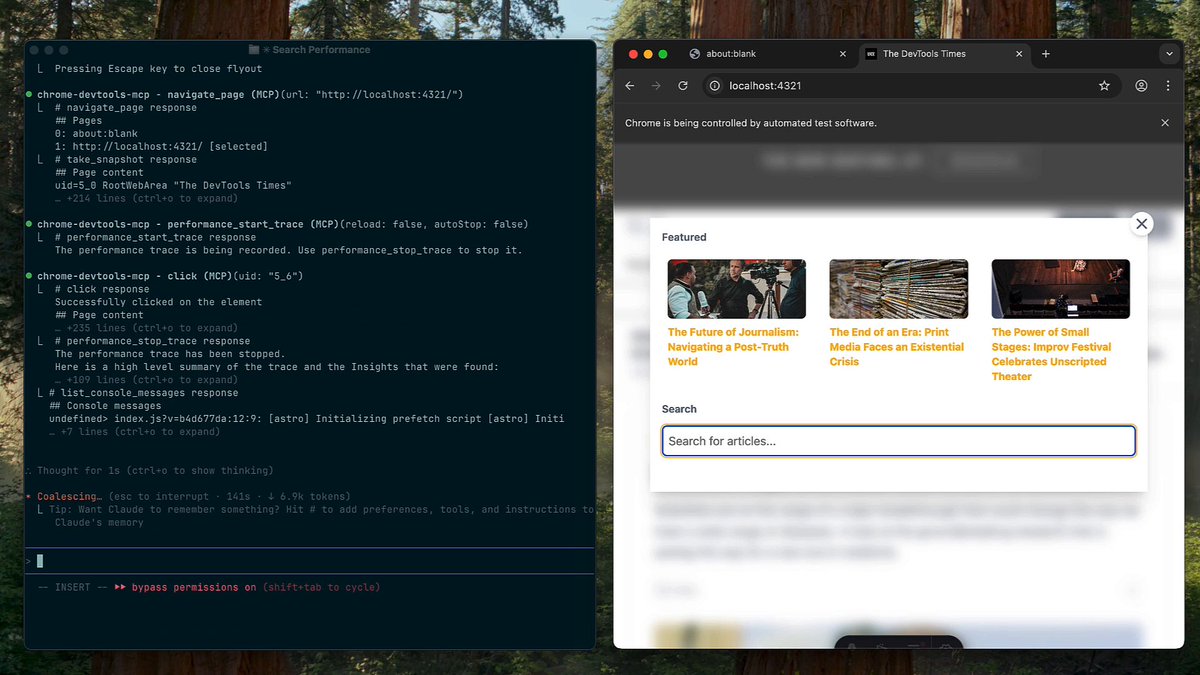
Agent-in-the-browser unlocks superpowers. The magic really shines when you bring your own model, system prompts, and MCP tools into the mix. Hence, AgentBoard 🪄. Your models, keys, and settings. Integration with remote MCP servers and — this is where it gets really fun — ability to register and allow...

22,940 Aufrufe • vor 8 Monaten •via X (Twitter)

0 Kommentare

Keine Kommentare verfügbar

Kommentare vom Original-Post werden hier angezeigt

Ähnliche Videos

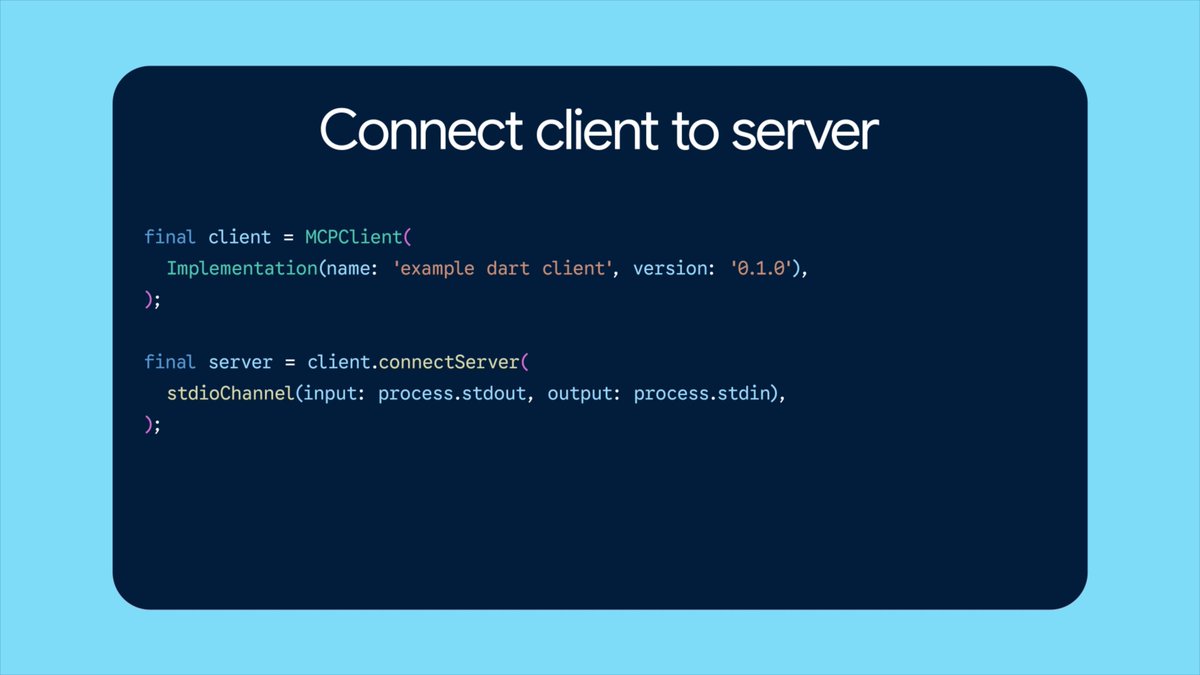
New course: MCP: Build Rich-Context AI Apps with Anthropic. Learn to build AI apps that access tools, data, and prompts using the Model Context Protocol in this short course, created in partnership with Anthropic Anthropic and taught by Elie Schoppik Elie Schoppik, its Head of Technical Education. Connecting AI applications to external systems that bring rich context to LLM-based applications has often meant writing custom integrations for each use case. MCP is an open protocol that standardizes how LLMs access tools, data, and prompts from external sources, and simplifies how you provide context to your LLM-based applications. For example, you can provide context via third-party tools that let your LLM make API calls to search the web, access data from local docs, retrieve code from a GitHub repo, and so on. MCP, developed by Anthropic, is based on a client-server architecture that defines the communication details between an MCP client, hosted inside the AI application, and an MCP server that exposes tools, resources, and prompt templates. The server can be a subprocess launched by the client that runs locally or an independent process running remotely. In this hands-on course, you'll learn the core architecture behind MCP. You’ll create an MCP-compatible chatbot, build and deploy an MCP server, and connect the chatbot to your MCP server and other open-source servers. Here’s what you’ll do: - Understand why MCP makes AI development less fragmented and standardizes connections between AI applications and external data sources - Learn the core components of the client-server architecture of MCP and the underlying communication mechanism - Build a chatbot with custom tools for searching academic papers, and transform it into an MCP-compatible application - Build a local MCP server that exposes tools, resources, and prompt templates using FastMCP, and test it using MCP Inspector - Create an MCP client inside your chatbot to dynamically connect to your server - Connect your chatbot to reference servers built by Anthropic’s MCP team, such as filesystem, which implements filesystem operations, and fetch, which extracts contents from the web as markdown - Configure Claude Desktop to connect to your server and others, and explore how it abstracts away the low-level logic of MCP clients - Deploy your MCP server remotely and test it with the Inspector or other MCP-compatible applications - Learn about the roadmap for future MCP development, such as multi-agent architecture, MCP registry API, server discovery, authorization, and authentication MCP is an exciting and important technology that lets you build rich-context AI applications that connect to a growing ecosystem of MCP servers, with minimal integration work. Please sign up here!

Andrew Ng

141,952 Aufrufe • vor 1 Jahr

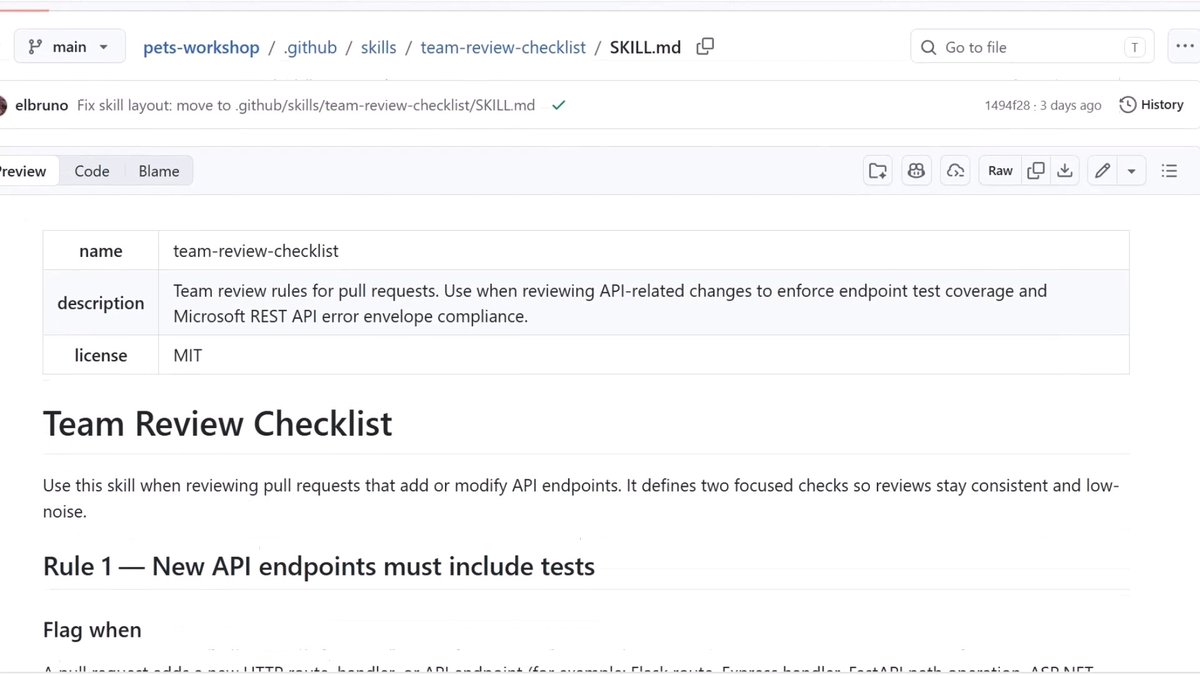
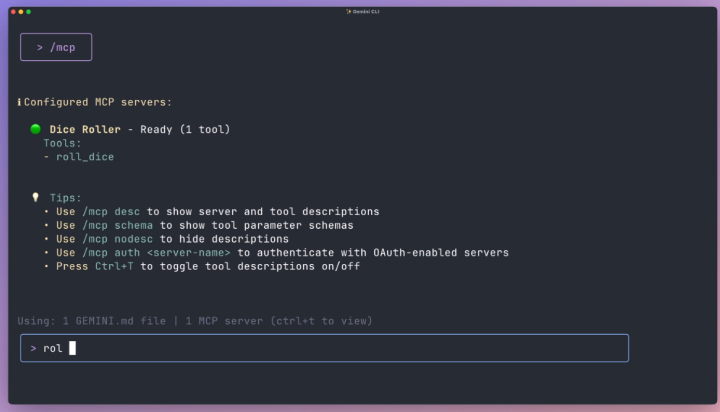
HERMES AGENT WITHOUT TOOLS IS A CHATBOT. WITH THEM IT BUILDS 3D TOWERS IN BLENDER, CHECKS STOCK PRICES, AND DRIVES VS CODE. tonbi JUST DROPPED THE FULL GUIDE. module 6 of his 10-part Hermes masterclass. best breakdown of the tool layer anyone has published. what you need to know: TOOLS vs SKILLS vs MCP skills = instructions (markdown, loaded into context) tools = callable functions (Python, agent emits call, Hermes executes) MCP = adapters to external systems (Blender, Stripe, Linear, Notion) every tool has three parts: → the function (does the real work) → the schema (what the model sees to decide when to call it) → the registry (makes the tool exist in the agent) the model never runs the function directly. it emits a structured request (tool name + JSON args). Hermes executes and returns the result. if the tool fails, the error goes back as JSON. the agent recovers instead of crashing. TOOL SETS CONTROL THE SURFACE hermes chat --tool-sets web # only web tools loaded. no files, no terminal. hermes chat --tool-sets safe # read-only: web search, vision, image gen. # no file writes. no terminal. no code execution. mid-session: /tools enable video /tools disable terminal or toggle in the dashboard: hermes dashboard → Skills → Tool Sets MCP SERVERS two transport types: STDIO (local subprocess) or HTTP (remote endpoint). add a server: hermes mcp # or ask: "add the MCP server for Blender" filter tools with include/exclude per server. keep only what you trust. security: → OAuth 2.1 PKCE (no long-lived tokens in config) → package scanning via api.osv. dev before launch → all MCP calls go through approval gates HERMES AS MCP SERVER hermes mcp serve exposes 10 tools via FastMCP. connect VS Code Copilot or Cursor to your running Hermes instance. BUILD YOUR OWN TOOL He built a stock price tool live: → Python function calling Finnhub API → schema with name, description, parameters → registered in tool_sets.py → agent calls it automatically when relevant any repeating API call in your workflow can become a native tool. full Hermes architecture deep-dive in the article 👇

YanXbt

32,680 Aufrufe • vor 9 Tagen