正在加载视频...

视频加载失败

Barcode!! Stop wasting time! This quick Excel trick will [Specific, valuable outcome, e.g., 'automate your reporting' or 'clean your data in seconds']. Excel isn't just a spreadsheet; it's a data powerhouse. Watch till the end to see how to implement [Name of the function/tool you are showing, e.g., 'XLOOKUP'...

156,370 次观看 • 7 个月前 •via X (Twitter)

0 条评论

暂无评论

原始帖子的评论将显示在这里

相关视频

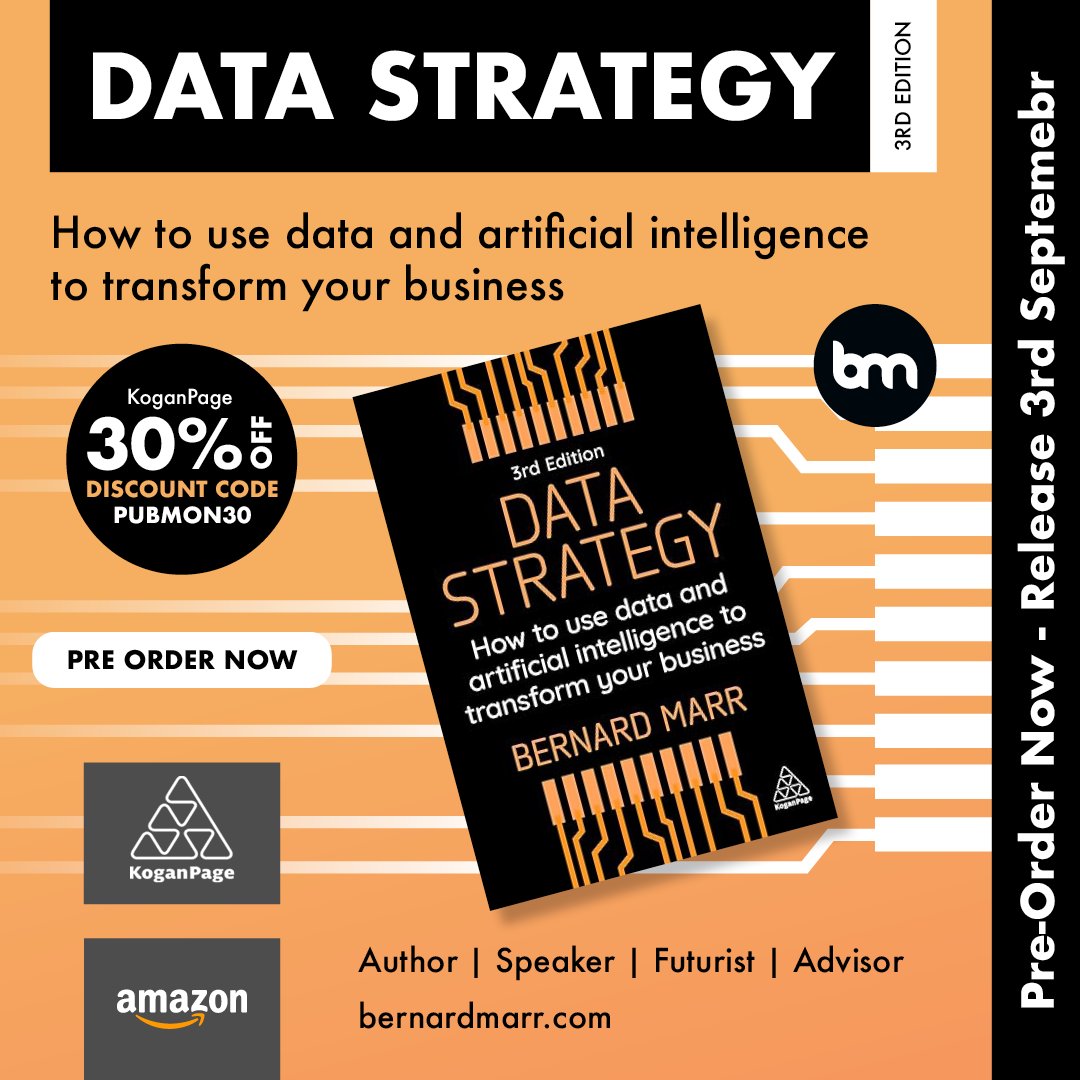
🚀 My New Book is Here: Data Strategy (3rd Edition) 🚀 I’m thrilled to share the release of my latest bestselling book, Data Strategy: How to Use Data and Artificial Intelligence to Transform Your Business. Every business today needs data to survive - but simply having data is not enough. What matters is how you use it. A well-designed data strategy is the key to unlocking value, driving insights, and giving your organisation the competitive edge it needs to thrive in the digital economy. From small organisations to global enterprises, I’ve seen first-hand how a data-driven approach can transform operations, improve decision-making, and unlock entirely new opportunities. That’s why I’ve poured my experience into this book — to help leaders and teams build strategies that don’t just talk about data, but actually deliver measurable impact. 🔍 In this third edition, I’ve expanded the book to reflect the latest developments in data and AI, including: ✅ Generative AI and its role in shaping business innovation. ✅ Synthetic data and how it can accelerate AI adoption. ✅ The potential of quantum computing and what it means for the future of data. ✅ Expanded guidance on cybersecurity, regulations, and ethics in a data-driven world. This isn’t just a theoretical framework - it’s a practical guide to collecting, managing, and using data effectively in order to drive growth, innovation, and long-term success. Whether you’re leading a start-up or a multinational, Data Strategy will equip you with the tools you need to stay ahead in a rapidly evolving landscape. 📖 Pre-order your copy today: 👉 Amazon - 👉 Kogan Page - I can’t wait to hear how this book helps you craft your own data-driven strategy and transform your business for the future.

Bernard Marr

10,980 次观看 • 10 个月前

Boom! Grok Tasks Make It One Of The Most POWERFUL Real-Time AI Systems In The World. — My How to Use Grok Tasks With Hidden Tools For Powerful Daily Output. Grok Tasks are customizable AI workflows that integrate a variety of tools to streamline daily activities, from research and analysis to creative planning and problem-solving. I have been using them for quite sometime and because of the vital heartbeat of news and first person data on X, it is the most powerful AI platform available. By combining Tasks with tools like web searches, X platform interactions, code execution, and media viewers, you can build efficient, automated processes. These tasks work by prompting Grok with a clear description of what you want to achieve, and Grok will intelligently call the necessary tools in sequence or parallel to deliver results. Here's a step-by-step guide to creating and using Grok Tasks: Step 1: Define Your Task Start by clearly outlining the daily activity or goal. Consider what inputs you have (e.g., a URL, a query, or an attachment) and what output you need (e.g., a summary, calculation, or visual analysis). Break it down into subtasks to identify tool needs. For example, if your task involves researching current events, note that you'll need search and browsing capabilities. Step 2: Review Available Tools Familiarize yourself with the tools Grok can access. Here's a quick overview: - Code Execution: Run Python code for calculations, data processing, or simulations using libraries like numpy, pandas, or sympy. - Browse Page: Fetch and summarize content from any website URL with custom instructions. - Web Search: Perform general internet searches, returning results with optional operators like site:. - Web Search With Snippets: Get quick, detailed excerpts from search results for fact-checking. - X Keyword Search: Advanced search for X posts using operators like from:, since:, or filter:. - X Semantic Search: Find semantically related X posts based on a query, with filters for dates or users. - X User Search: Locate X users by name or handle. - X Thread Fetch: Retrieve a full X post thread, including context like replies and parents. - View Image: Analyze an image from a URL or conversation ID. - View X Video: Extract frames and subtitles from an X-hosted video. - Search PDF Attachment: Query a PDF file for relevant pages using keyword or regex modes. - Browse PDF Attachment: View specific pages of a PDF with text and screenshots. Select tools that align with your task. Aim for a mix to handle data gathering, processing, and visualization. Step 3: Craft Your Prompt Write a detailed prompt to Grok describing the task. Include: - The overall goal. - Specific steps or subtasks. - References to tools if you want to guide the process (e.g., "Use web_search to find sources, then code_execution to analyze data"). - Any constraints, like dates or limits. Example prompt: "Create a Grok Task for my morning routine: Search recent X posts about tech news using x_keyword_search, fetch a key thread with x_thread_fetch, and summarize with browse_page on linked articles." Step 4: Submit and Interact Send your prompt to Grok. It will process the task by calling tools as needed, often in parallel for efficiency. Review the output and refine with follow-up prompts if required (e.g., "Expand on that using view_image for visuals"). Iterate to fine-tune the workflow for reuse. Step 5: Save and Reuse Once refined, note the prompt as a template for future use. You can adapt it for similar tasks, making Grok Tasks a habitual part of your day. Finding Grok Tasks To discover existing Grok Tasks or inspiration for new ones, use X searches with tools like x_keyword_search or x_semantic_search (e.g., query: "Grok Tasks examples" with mode: Latest). Browse community-shared threads via x_thread_fetch, or web_search for tutorials on xAI features. Prompt Grok directly: "Show me popular Grok Tasks for productivity." 1 of 3

Brian Roemmele

152,242 次观看 • 6 个月前