Loading video...

Video Failed to Load

Go Home

Check out these new performance optimizations and distant rendering objects! It feels really smooth and the game looks absolutely beautiful! ✨ These FPS numbers are the courtesy of Nvidia DLSS + Nvidia frame generation - coming out in 0.95! #SCUM #ScumGame #SurvivalGaming

51,835 views • 2 years ago •via X (Twitter)

11 Comments

OPEN's profile picture
OPEN1 year ago

OP3N delivers the ultimate gaming experience with no limits. Wishlist now and be one of the first to dive into the excitement of the new game!

Andrik's profile picture
Andrik2 years ago

It looks fantastic and I can't wait to play 0.95. But what really gets on my nerves are all the crybabies on here. "I WANT, I WANT, I WANT!" LOOK AT THIS GREAT PIECE OF ART AND BE HAPPY THAT IT'S ALREADY SO BIG AND GOOD! Woopsie, little bit much Caps 😅

Djuk4's profile picture
Djuk42 years ago

I fall in love when i saw scum graphics for the first time...i didnt know what is game about but i order it instantly coz of graphics

21Roberto21's profile picture
21Roberto212 years ago

When are we going to be able to go to other parts of the island?

Wing Commander Aurore's profile picture
Wing Commander Aurore2 years ago

I can see my house!!!

AlexDerKoenich 👑's profile picture
AlexDerKoenich 👑2 years ago

Looks smooth

Deathwhisper's profile picture
Deathwhisper2 years ago

The island presents itself in its most beautifull dress! Love it :D!

dabeatz's profile picture
dabeatz2 years ago

Anyway to fix being unable to load into games? Takes 3-10 mins then just says connection lost

SCUM's profile picture
SCUM2 years ago

Try installing the game on an SSD/Nvme drive. It fixes 90% of connection issues 🤞

LunaDark's profile picture
LunaDark2 years ago

and what for amd graphics cards?

SCUM's profile picture
SCUM2 years ago

We have the last available FSR in game which 2.0. Unfortunately, there still isn't a FSR 3.0 plugin for UE4 (we did our due diligence), so it's not up to us actually. As soon as they put it out, we can implement it!

Related Videos

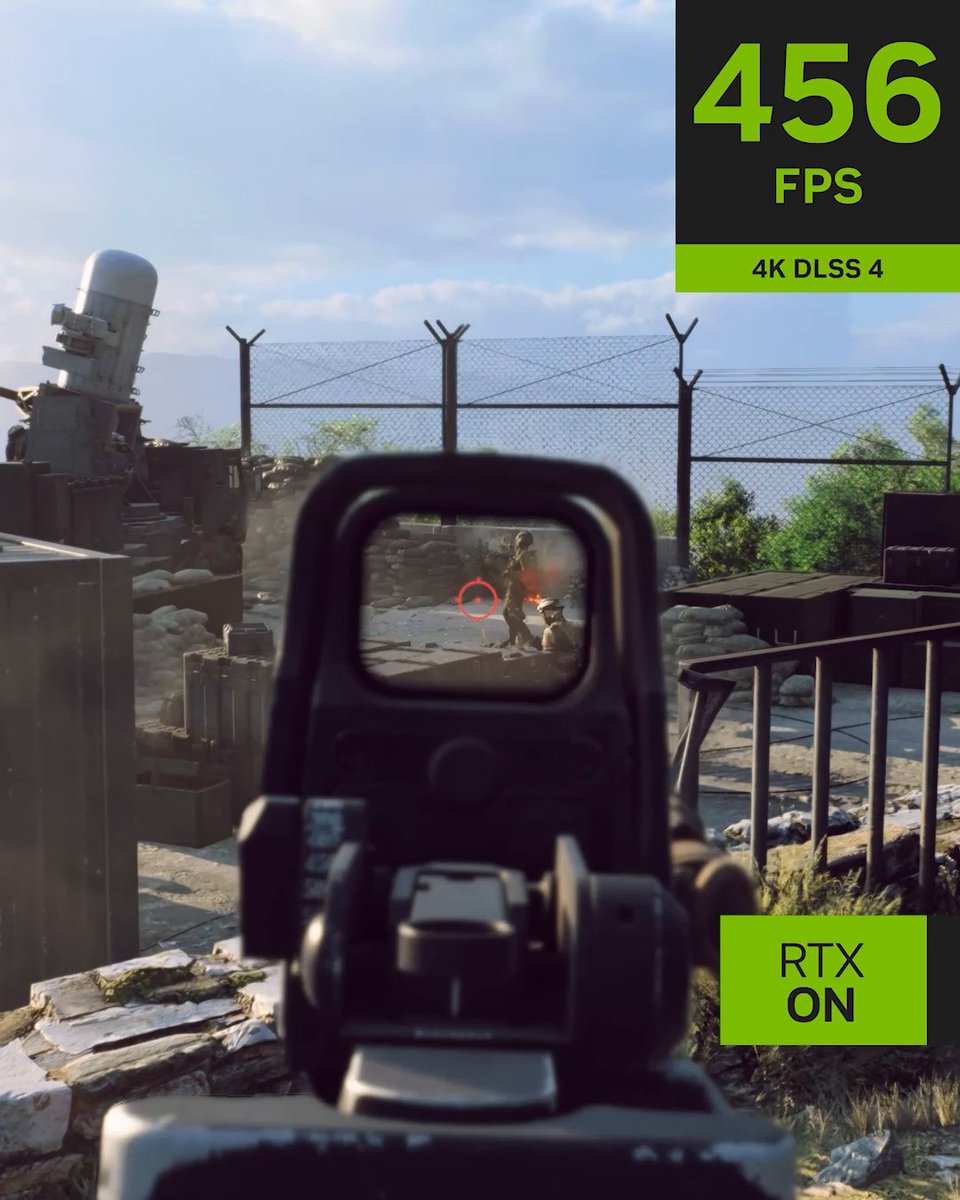
#Battlefield6 NVIDIA DLSS 4 Reveal Trailer 📽️ The game includes support for DLSS 4 with Multi Frame Generation, DLSS Frame Generation, DLSS Super Resolution, DLAA, and NVIDIA Reflex. Desktop GPUs Performance At 4K, Ultra settings, DLSS 4 with Multi Frame Generation and DLSS Super Resolution multiply Battlefield 6's GeForce RTX 50 Series frame rates by an average of 3.8X. ▪️ GeForce RTX 5090 performance rockets to over 470 FPS. ▪️ GeForce RTX 5080 exceeds 330 FPS. ▪️ GeForce RTX 5070 Ti is in touching distance of 300 FPS. ▪️ GeForce RTX 5070 surpasses 230 FPS. At 2560x1440, Ultra settings, DLSS 4 with Multi Frame Generation and DLSS Super Resolution increase Battlefield 6 frame rates by an average of 3X. ▪️ GeForce RTX 5090 runs at almost 600 FPS. ▪️ GeForce RTX 5060 Ti over 240 FPS. At 1920x1080, Ultra settings, the combination of DLSS 4 with Multi Frame Generation and DLSS Super Resolution boost Battlefield 6’s GeForce RTX 50 Series frame rates by an average of 2.9X. ▪️ Allowing every GPU in NVIDIA's line-up to play at over 230 FPS, maxing out at over 740 FPS on the GeForce RTX 5090. Laptop GPUs Performance GeForce RTX 50 Series Laptop GPUs benefit similarly from DLSS 4 with Multi Frame Generation and DLSS Super Resolution, with Battlefield 6 frame rates multiplied by 3X on average at 2560x1600, with Ultra settings, enabling performance of up to 360 FPS. At 1920x1080, Ultra settings, GeForce RTX 50 Series Laptop GPU performance increases by 2.8X on average, enabling Battlefield 6 frame rates to surpass 480 FPS, and the range to run at over 200 frames per second.

Battlefield Bulletin

30,559 views • 9 months ago