Video wird geladen...
Video konnte nicht geladen werden
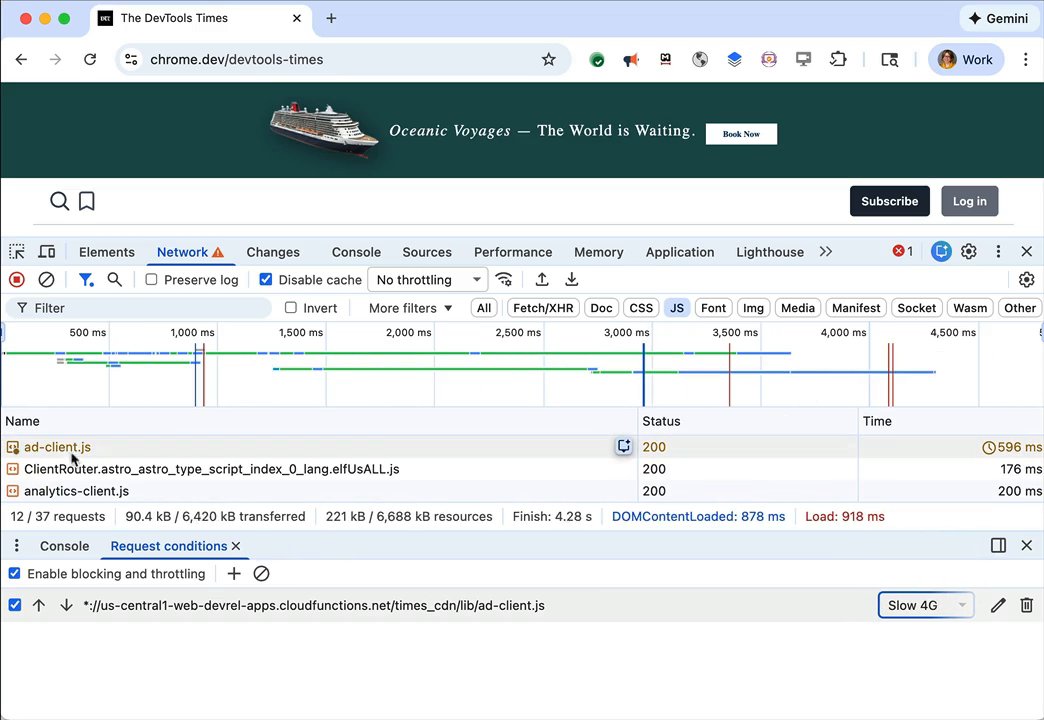
Chrome DevTools now supports *individual* network request throttling! Folks have been asking for this for years! DevTools now allows developers to simulate slow network conditions for specific requests rather than the entire page. This helps in testing how a web application performs and handles issues when specific resources (like... show more

281,879 Aufrufe • vor 10 Monaten •via X (Twitter)
56 Kommentare

I believe I opened the original request for this feature years ago. Thank you for delivering on this!

Thanks for opening the request!

cool

oh wow, this is sick
Thanks Nick!

This was a much needed feature was this semi vibe coded with gemini 3 pro? If so will we be getting more requested features like these more often due to the increase in the velocity of code generated.
It depends :) AI-assisted coding is definitely providing productivity wins, but for DevTools it's often "should we build this?" (product surface is already large) vs. "can we". Wouldn't be surprised if the wins part created more space for product velocity though.
True there are so many features in devtools at this point that most don't even think of. hell the newbie vibe coding so called software engineers don't even know to check the network tab properly these days. So makes complete sense!! Informing us of the dev tools that are now available you are doing god's work addy thanks!!

Why did this take so long ??
Complexity and priorities 😅

This is awesome! Does chrome devtools MCP support it too already?
Paging @mathias as he may be able to confirm

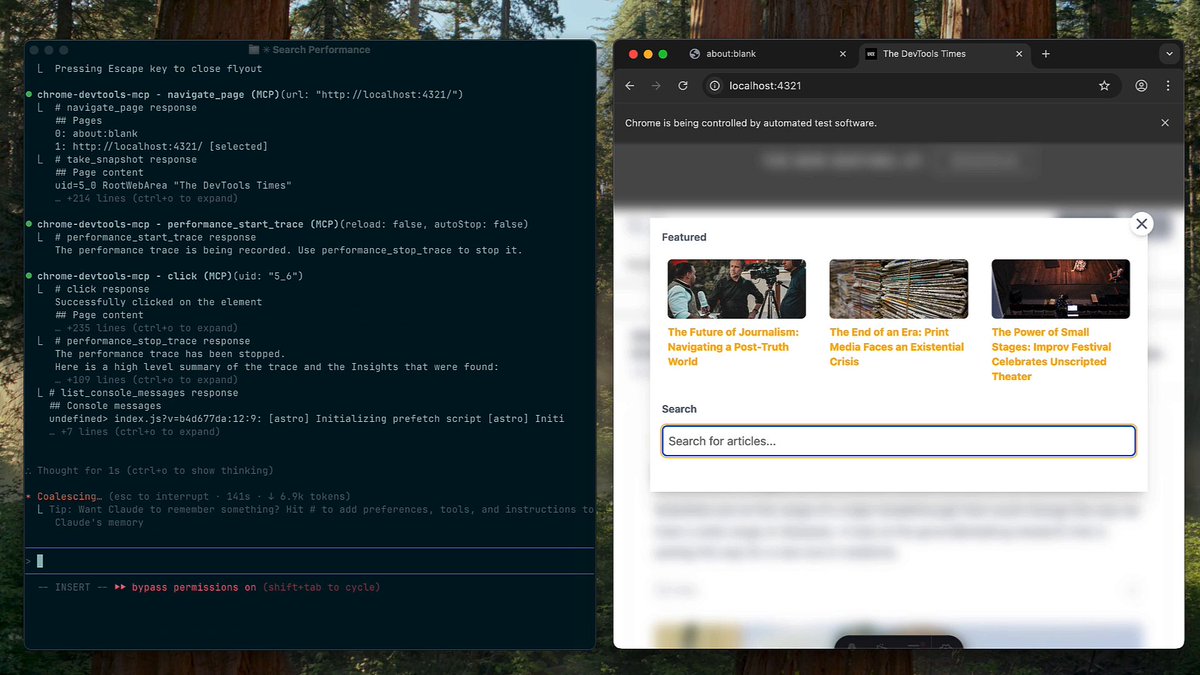
@alperortac Currently chrome-devtools-mcp supports global network throttling, but not on a per-request basis (yet). To help us prioritize per-request throttling support in chrome-devtools-mcp, please file a feature request with a motivating use case here:
@addyosmani Appreciate you taking the time to answer. Will do!

really needed this 🙏
I hope it helps!

I'm so excited for this!
🙏

This is really nice to see! And if you need this programmatically or as a part of your test suite, we've got you covered with

Oh nice, that's a feature I've definitely wanted. Wondering how you even find out which Chrome version this is in though.
Added in Chrome 144:

Awesome! 🥳

Finally!
Hope it helps!
Helps a lot! I was needing this multiple times. I used workarounds but was always looking for a light, built it solution

Thank youuu!
Pleasure!

so cool

amazing tip. meanwhile, safari still has 0 request throttling features whatsoever :(

Oh woow’ this is something i needed a while back
Hope it's useful the next time you need it! 🙏

This feature would be of great help thanks for sharing.
Glad to hear it will be helpful!

Awesome demo of Chrome DevTools Addy! Here's an AI narrated version of your demo video in case you want to showcase something more polished. Keep shipping great updates! 💪

This is going to be very helpful for debugging

finally
@chow_won 🙏

Literally needed this on Friday, trying to fix a 3rd party script race condition - much appreciated!
Glad to hear! Hopefully comes in helpful in the future 🙏

Does this add latency too? Would be powerful for testing loading states on specific APIs

Being able to throttle requests individually makes debugging real-world bottlenecks way more practical.
Yes, exactly!

can we have "Disable cache" option that ignores cdn links?

This is really a needed feature. Thanks 🙏🙏🙏
@itsaj123 🙏 The @ChromeDevTools team cooked!

This js going to be super helpful
Glad to hear it!

Oo this is actually pretty good!
Hope it's helpful!

Awesome news. Now I wait for Apple to implement this in safari as well

@Med7atDawoud i still remember your tweet that after sometime with bad network you realize you were testing something and forgot the throttle 😅

cool

I have never used it. It would be a different day when I need to test that

this is great. Throttling during local development was tricky because HMR loads large payloads so you'd have to try start the throttling the moment you see them finish, but before the appropriate API call!

Finally! No more using Charles Proxy just for this, thanks a lot 🚀

Could you give some insight on performance optimization for getting good results when using this testing feature?