正在加载视频...

视频加载失败

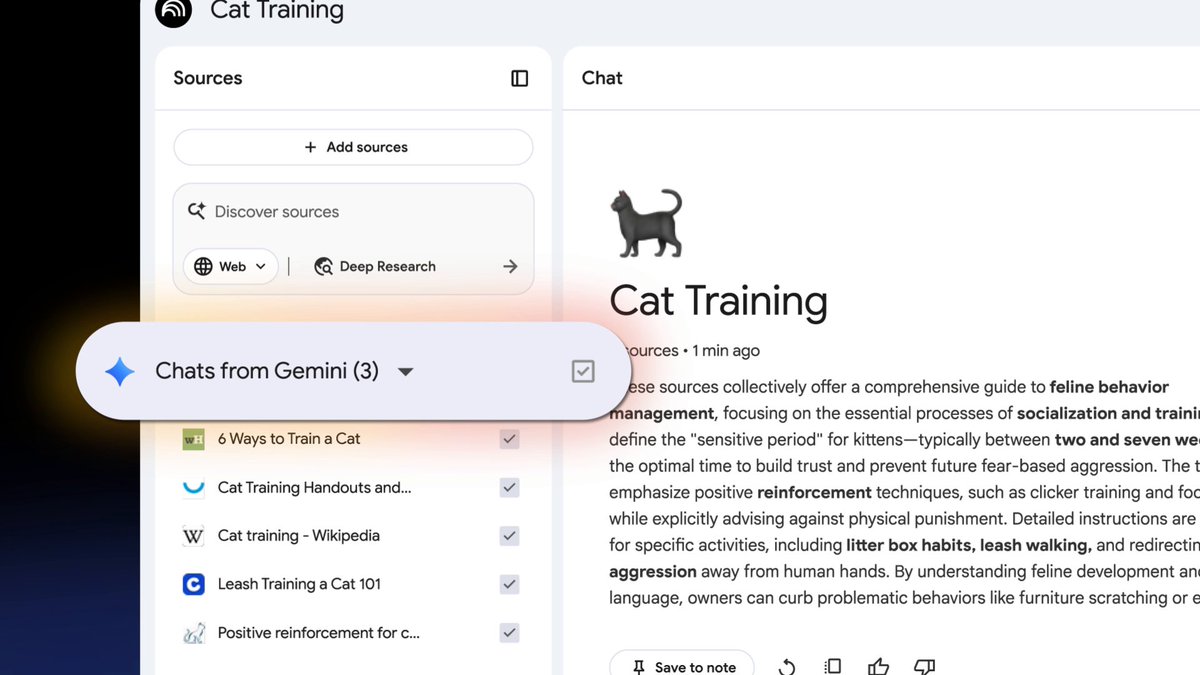
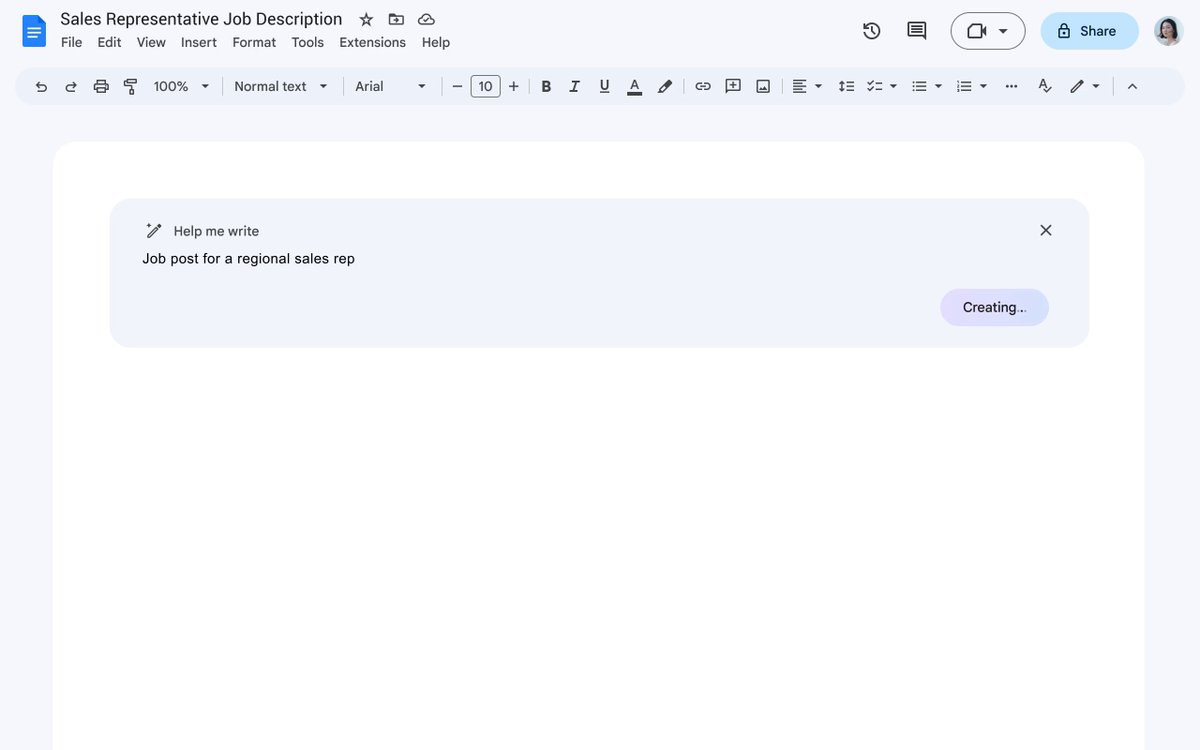
Coming soon, Gemini in Google Docs will offer writing assistance based on a specific set of sources linked in your Doc. Focus Gemini suggestions in content that you trust, like decks, reports, and spreadsheets - all without ever leaving Docs. → #GoogleIO

19,224 次观看 • 1 年前 •via X (Twitter)

1 条评论

Kayli Lewis 的头像
Kayli Lewis1 年前

@googledocs 🧐

相关视频

Gemini for Android is here! This new app makes it easier to access Google's chatbot, powered by the Gemini Pro LLM, right from your Android device. You can ask Gemini a question by tapping the launcher icon or long-pressing the power button. Once invoked, the Gemini overlay lets you enter a text or text+image prompt. You can tap the camera icon to snap a photo or press the "add this screen" button to take a screenshot of the current page to include in your prompt. The Gemini app for Android is available on Google Play with support for English, but support for Korean and Japanese will be coming next week. While there won't be an app for iOS, iPhone users can access Gemini by opening the Google App and tapping the "Gemini" button up top. How can you long-press the power button to invoke Gemini if that gesture is handled by Google Assistant? The answer is that the Gemini Android app can replace Google Assistant as your default assistant if you want, meaning all the ways you'd normally invoke Google Assistant on your phone can instead invoke Gemini. Unfortunately, Gemini currently doesn't offer ALL the same functionality as Google Assistant and requires an active data connection, but more features will be added over time. There's also now a Gemini Advanced tier, which offers access to Google's most powerful Ultra 1.0 LLM. Access to Gemini Advanced requires a subscription to the new $20/month "AI Premium" Google One plan, which offers the same benefits as the 2TB plan but adds access to Gemini Advanced and soon Gemini features in Gmail, Docs, & other Workspace apps (formerly under the Duet AI umbrella). Gemini Advanced is available in English on the web.

Mishaal Rahman

38,428 次观看 • 2 年前