Loading video...
Video Failed to Load
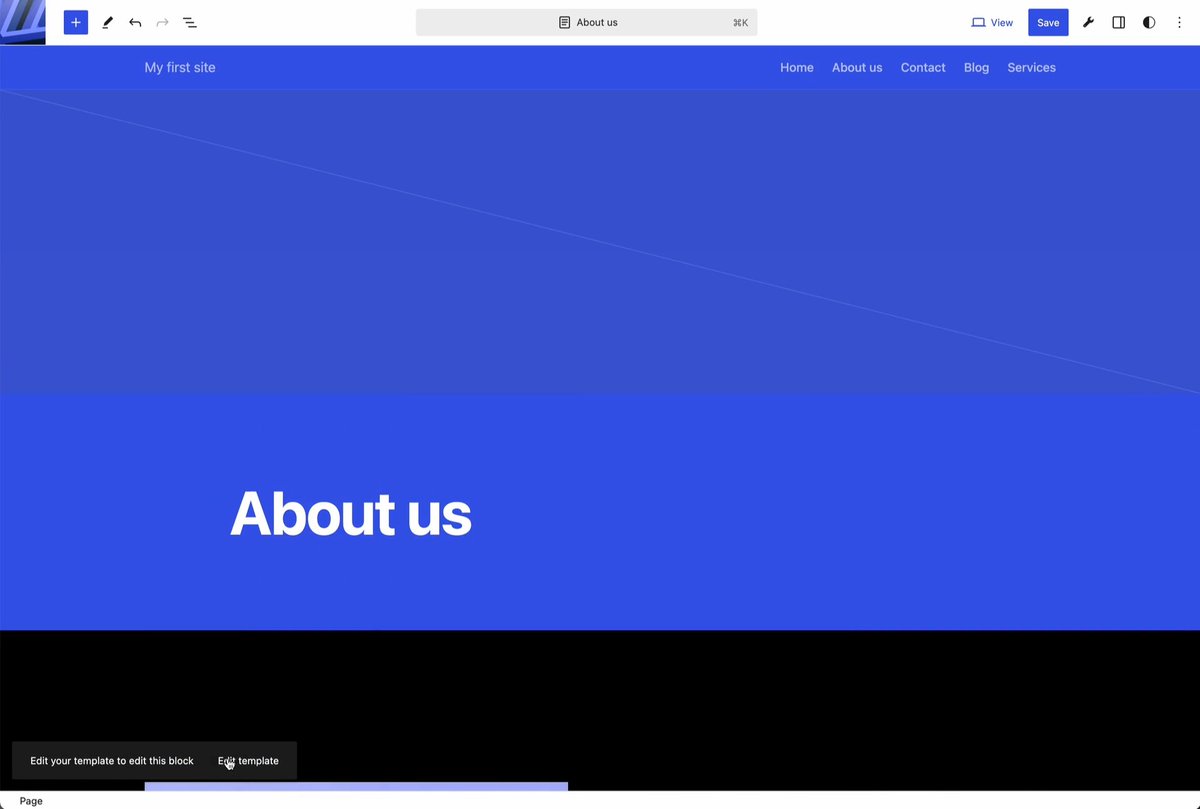
Content types in WordPress has always been done by 3rd-party plugins built for the pre-block editor paradigm. I decided to show you how we should bring modern, AI-native content modeling to WordPress, in this very alpha prototype:

38,324 views • 6 months ago •via X (Twitter)
45 Comments

@remkusdevries Looks great, and I love how you called it "content types" rather than "post types."

@mikemcalister It would be great to see this in core. Should’ve been in there years ago. This is a nice modern take on it though. Kudos.

Kudos for working on this. It’s crazy to me how much effort goes into making Wordpress work like a modern CMS where content modeling is at the core.

This is exactly what we need, and it should be in core!

Beautiful design Brian!

I created a plugin that does the same 10 years ago :)

Haha yeah there’s a few popular plugins for this that I can think of.

Nice! I was just working on the same thing on my @modern_fields plugin yesterday 😃. I have no AI implementation for now but plan to add it in the future.

If you’re shipping to client, content types have been done directly in php using core WordPress functions like god intended. Though on the metabox end, yes, plugins, but ideally programmatically via CMB2 so metabox configurations ship with theme unlike that ACF noise. Plays nicely with the block editor.
Yeah definitely. And that exists. You could have Claude or a good engineer build these UIs in minutes. But management of content types, and the ability for AI to build them without access to your filesystem, feels important to me.
No, that's legit as hell. Apologies, between sleep deprivation and my feed being full of questionable takes (a lot of shitting on the block editor these days), my initial post was pointlessly agro. Integrating AI into site management is one of the biggest and most exciting opportunities that currently exists in the ecosystem.
No worries. I didn’t take it as agro. I have some sort of code-based version control on my todo list here. (When I was at an agency, we used the ACF JSON feature heavily)

That’s really awesome. Especially like that you’ve moved custom fields away from the sidebar. That gets awfully cramped very quickly. And data views are just so nice.

WOW! This is amazing! I like it so much and i want to use it! By the way, did you have skills for claude to make this kind of things 😊
I didn't rely on too many skills (except one that guides it to use Playwright CLI to test itself as it builds). I did however give it specific examples to look at for each feature as I went along, so it had some good context for each task.

@javier_rd_ Give Context > Skills
@briancoords If you explain me more i will be super grateful! 😊
I love it. It’s kind of crazy we get so excited about something so basic a CMS should have built-in. What happened?

Page builders should auto-generate fields (esp. repetitive ones) like placeholders. Current workflows—create, edit, invoke—force constant context switching. Custom data widgets add complexity and make tracing data back to its source harder.

AI-native content modeling that lives in the block editor and doesn’t depend on filesystem access is exactly what we need to finally bridge classic CPT workflows with a modern, hosted-friendly WordPress.

hoping to see this in core 🤞

I mean.. this feels like how i would like to see @WooCommerce implement the product editor. Pair that with a quick inline edit approach with dataviews for the current "product table" and we are back in business compared to competitors. Amazing work.

A must.

@remkusdevries This is exactly what WordPress is missing, great job

I have even more compact version on my theme 3k+ sites already using this.

This is interesting @briancoords. I've been working on a similar implementation, but not exactly identical I guess. Let me try and put my words together and will definitely get back to this post. 🫡
Share it! Would love to see it.
.@briancoords got a min pal? I finally nailed the routing problem and I'd like to run the feature by you. How can I best be in touch?

@mattmedeiros This looks great at a glance! How safe do you feel this would be to use?
@mattmedeiros It's still a beta (a prototype, really), so things will change under the hood. I have some concerns about performance implications at scale that require more eyes on it. Or it may not get enough community traction to be maintained/grown.

I see, it kinda reminds of webflow CMS

Lol the uncalled for shade being thrown at emdash is pretty funny

Very cool! This is quite similar to something I did on a project where we just needed some fields and not a full block editor. Except my approach was a locked block with fields in it because Data Views and stuff didn't have much in it yet.
That’s a good idea too. I’m really trying to separate content and data but I would love more feedback. Then again, this UI is probably not something you’d need/want in your role, since you can crank out top notch React like nobody’s business.
The thesis I'm operating from is that the block editor and blocks right now are content-first, they don't have to be. Nothing about the phrase 'block editor' is opposite of data, it's about how we create those blocks that matters. So my experiments are really - what do data-first or data-driven blocks look like? What is good UI for that type of block? What should a single block in that worldview have? Is a block a field? Is a block a fieldset? There's more to figure out and dig into there. And what does first class support look like for easily connecting post meta to blocks like how attributes work for blocks? I could keep going, but you get the idea.

@WPMoree I love the interface. What was your approach to creating that?
@WPMoree Recorded long voice notes of ideas/concerns and used that to draft a plan with Claude. Then I went step by step, sharing examples, docs, Gutenberg features, etc at each step to get code that felt close to core.
@WPMoree Thats awesome, thanks for sharing. Love the voice notes, I need to try that.
@WPMoree It was helpful. Just rambling my ideas and plans and things to research while I was driving home, then organized it all when I got back to my desk.

Seeing this made me reflect on what I've been struggling with until now. I'd like to try it out and test it right away.

@pootlepress Why not reload the screen on creat new content type so it appears as a user might expect?
@pootlepress File an issue! But yes I think we’ll need to especially if I move it into the site editor or new build process.
@pootlepress The nice thing is with the new view transitions, the reload wouldn’t even feel like a reload.

This is really solid. Would love to see something like this make its way into core. Feels like the kind of shift WordPress 7.0 should’ve already nailed. More native, structured, and aligned with how content is actually evolving.

Hi Brian, that is cool. Maybe you can take a look @nativefieldswp to more advanced plugin to create custom content types and fields.