Video yükleniyor...

Video Yüklenemedi

Ana Sayfaya Dön

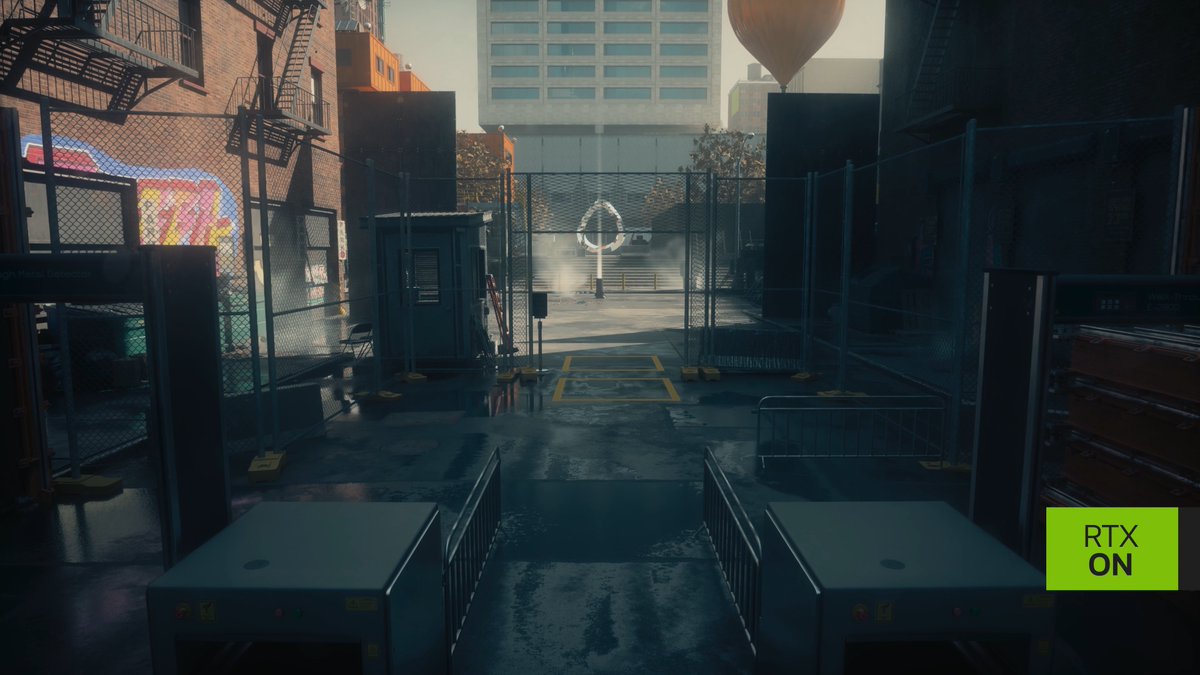
CONTROL Resonant Ultra + Path Tracing Ultra vs Optimized + Path Tracing on the 5070 Ti. You can gain up to 50% in performance with almost no impact to visuals. I used Sebastian Castellanos optimized settings here.

46,297 görüntüleme • 2 gün önce •via X (Twitter)

12 Yorum

Mostly Positive Reviews profil fotoğrafı
Mostly Positive Reviews2 gün önce

Went from dropping below 60 fps at times to never having to worry about 60 fps at all. DLSS Balanced + FG2X and I manage to hit my 158 fps target 95% of the time.

Sebastian Castellanos profil fotoğrafı
Sebastian Castellanos2 gün önce

That CR CPU usage though, simply chef's kiss. Coming off Stutterfall, it's such a sight for sore eyes.

Galvatron Bean profil fotoğrafı
Galvatron Bean2 gün önce

@Sebasti66855537 Still one of the best uses of RT

M_7_D_7 profil fotoğrafı
M_7_D_72 gün önce

@Sebasti66855537

TomCatBomber profil fotoğrafı
TomCatBomber2 gün önce

@Sebasti66855537 gpu usage at 100% and cpu usage very low. oof, nice. unless you're one of those clowns thinking the higher the gpu usage, the worse the optimization.

Jorgie profil fotoğrafı
Jorgie2 gün önce

@Sebasti66855537 Can you post the selection so I don’t have to rummage through that entire article

Matthew profil fotoğrafı
Matthew2 gün önce

@Sebasti66855537 What is it like at 4k? Keen to see your video on this if you are making one 😀

Mostly Positive Reviews profil fotoğrafı
Mostly Positive Reviews2 gün önce

@Sebasti66855537 At DLSS Performance with these settings it still maintains 60+ in this scene. I was actually recording and editing last night, but I fell asleep in front of my PC, so just decided to do this short video today. Will see how Monday goes and if I get time to finish my edit.

Matthew profil fotoğrafı
Matthew2 gün önce

@Sebasti66855537 Awesome bro! Looking forward to it

Rick Sanchez profil fotoğrafı
Rick Sanchez2 gün önce

@Sebasti66855537 run the memory at 17000MHz and the GPU core at 3150MHz with +400 XBAR overclock for this heavy ah game

Raywhisper profil fotoğrafı
Raywhisper2 gün önce

@Sebasti66855537

Raditzlfutz profil fotoğrafı
Raditzlfutz2 gün önce

@Sebasti66855537 What is the performance and image quality like at 1920p DLDSR with DLSS on Performance? Similar base resolution to 1440p DLSS Q.

Benzer Videolar

#Battlefield6 NVIDIA DLSS 4 Reveal Trailer 📽️ The game includes support for DLSS 4 with Multi Frame Generation, DLSS Frame Generation, DLSS Super Resolution, DLAA, and NVIDIA Reflex. Desktop GPUs Performance At 4K, Ultra settings, DLSS 4 with Multi Frame Generation and DLSS Super Resolution multiply Battlefield 6's GeForce RTX 50 Series frame rates by an average of 3.8X. ▪️ GeForce RTX 5090 performance rockets to over 470 FPS. ▪️ GeForce RTX 5080 exceeds 330 FPS. ▪️ GeForce RTX 5070 Ti is in touching distance of 300 FPS. ▪️ GeForce RTX 5070 surpasses 230 FPS. At 2560x1440, Ultra settings, DLSS 4 with Multi Frame Generation and DLSS Super Resolution increase Battlefield 6 frame rates by an average of 3X. ▪️ GeForce RTX 5090 runs at almost 600 FPS. ▪️ GeForce RTX 5060 Ti over 240 FPS. At 1920x1080, Ultra settings, the combination of DLSS 4 with Multi Frame Generation and DLSS Super Resolution boost Battlefield 6’s GeForce RTX 50 Series frame rates by an average of 2.9X. ▪️ Allowing every GPU in NVIDIA's line-up to play at over 230 FPS, maxing out at over 740 FPS on the GeForce RTX 5090. Laptop GPUs Performance GeForce RTX 50 Series Laptop GPUs benefit similarly from DLSS 4 with Multi Frame Generation and DLSS Super Resolution, with Battlefield 6 frame rates multiplied by 3X on average at 2560x1600, with Ultra settings, enabling performance of up to 360 FPS. At 1920x1080, Ultra settings, GeForce RTX 50 Series Laptop GPU performance increases by 2.8X on average, enabling Battlefield 6 frame rates to surpass 480 FPS, and the range to run at over 200 frames per second.

Battlefield Bulletin

30,559 görüntüleme • 11 ay önce