Loading video...
Video Failed to Load
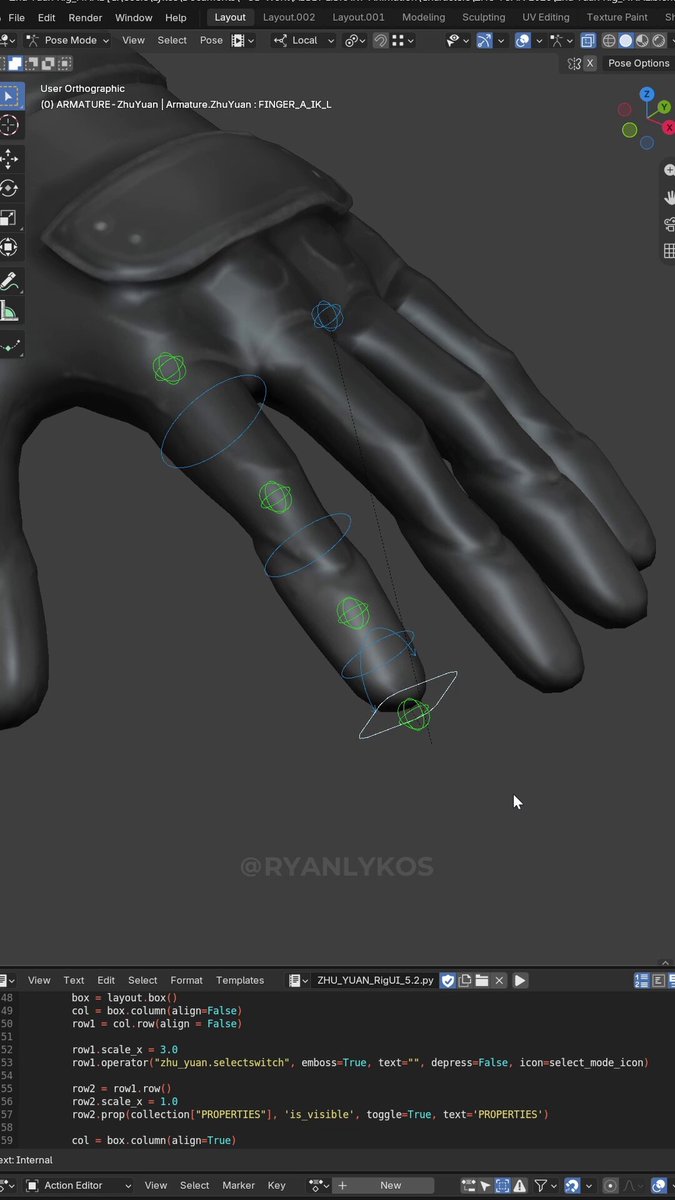
Don't forget to let your rigs loosen up between animation projects! #blender #rigging #rig

15 Comments

Haha, I made the same joke a long time ago! 😂

howd you get the hair to look so awesome this the kinda shit im workin w looks awesome from the front but as soon as you go to the back...

I'm running the normal map into a separate colour node and processing that for my roughness etc. It's tough, i still want to make improvements to mine to make it look less flat in bright light
this what im working w lolll

She's beautiful 😍

Very nice!

I'm still fairly new to rigging (just finished the skinning part of the P2D Bot from Pierrick's AOER2) and i really want to know how you render the rig aswell, i cant convert mine to a mesh, and in the object properties it is set to visible in renders, but it still doesn't show.
Awesome! I'll see if i can make a post on how i do it. It's basically a viewport render, overlaid onto the video in davinci resolve
A post about it will be great! So you just do a viewport render of just the armature and everything else is transparent?
I set everything to black and use the "screen" composite in post to overlay it. You can set everything to black by setting the viewport to "custom" and "flat"
Ah, that makes sense. I would still love to see a post explaining it, as I'm still fairly new to Blender. Apart from the Donut Tutorial, I haven't really touched the compositor or anything in post at all; I've only done simple sequencing in the video editor.😅😅
🫡🫡

Great advice! Also, never forget to let your rigs stretch in-between animations

Loosen your rigs? My rigs are only tightening. #LaraCroft

Shoulder don't work that way. failed flex. keep trying.