Video wird geladen...

Video konnte nicht geladen werden

Zur Startseite

Herdr Annotate, full throttle! This is now a herdr plugin with an optional full experience as a TUI. Built to: - Annotate Agent Messages (e.g. grill sessions) - Annotate Files (e.g. plans, specs, etc) - Create a native feedback loop with agents - Open as popover or pane -...

36,512 Aufrufe • vor 5 Tagen •via X (Twitter)

0 Kommentare

Keine Kommentare verfügbar

Kommentare vom Original-Post werden hier angezeigt

Ähnliche Videos

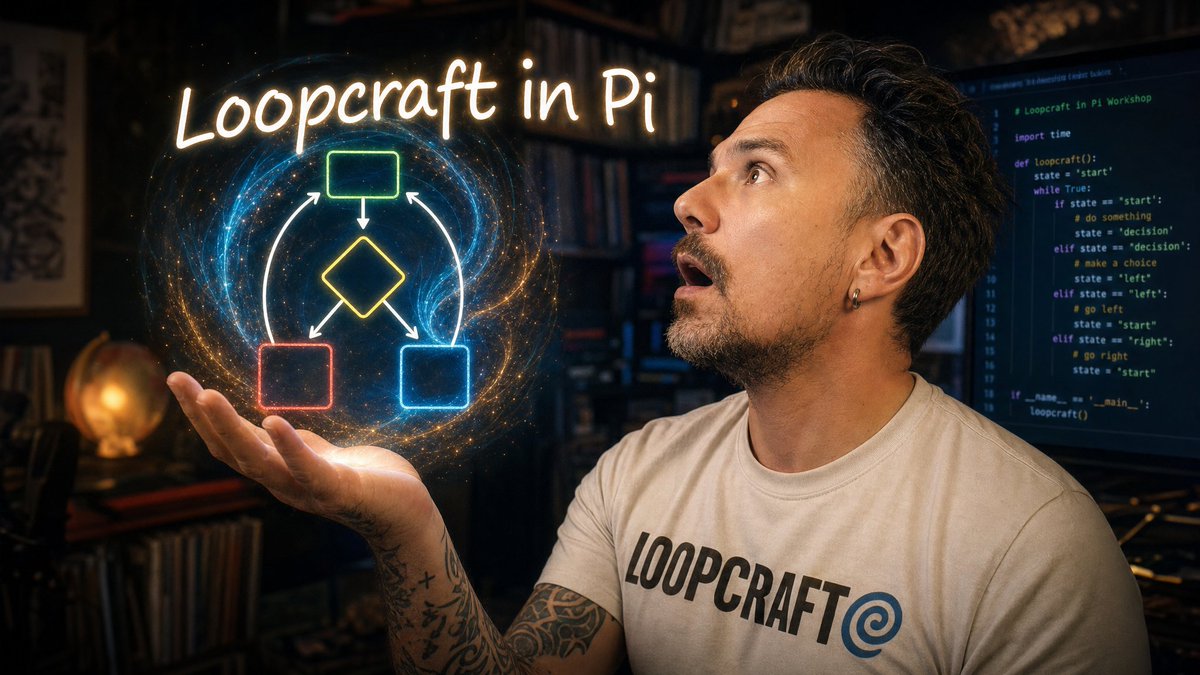
This is a fun project Lakedbed, Herdr, Pi, Effect, XState prototyping a looping autonomous agent that monitors issues and clears its own backlog. The project is dogfooding an issue tracker into a durable agent that is building the issue tracker its looping over. It's an imperfect demo and the result isn't polished, but I think there's a lot fo interesting ideas to explore and expand on. The goal here is to demo a stack of tools that have been giving me consistently reliable results. Herdr and Pi make a KILLER combo for building a bespoke custom harness around your work. Lakebed is really nice to work with. Plenty of other opinions in the workshop lol - Pi as the agent harness — a minimal loop you own instead of rent, running GPT-5.5 through a Codex subscription inside a Docker workshop container - Planning before prompting: TLDraw sketches, a grilling session with Matt Pocock's Wayfinder skill, and a VISION.md to act as guardrails for the looping agent - Event sourcing with Effect v4 and Effect Schema, ports-and-adapters so the JSONL issue store can become GitHub Issues or Linear or whatever later - Multi-agent orchestration in herdr: an operator pane and an agent-loop pane, where one Pi session literally types prompts into another (fuckin LOVE this) - Enforcement that actually bites: OxLint with Ultracite, Lefthook hooks, and an agent that tries to eslint-disable its way past a complexity rule before fixing it properly 🤡 - A live issue tracker UI on Lakebed, built by the loop it tracks Workshop repo: The repo has a docker container to fire it up as a sandbox. Chapters: 0:00 Intro: Loopcraft and the workshop setup 2:25 Starting Pi inside the Docker container 4:31 Designing the looping issue resolver 10:16 Choosing XState v5 and Effect v4, prompting the starter 15:17 Why Pi: a minimal harness you own 19:35 Reviewing the generated scaffold 24:53 Architecture summary page with Lakebed 30:43 Matt Pocock skills and the vision.md concept 36:37 Grilling session: defining the vision 46:54 Daemon architecture and spec/ticket skills 55:38 Agent loop pane: one agent prompting another 1:01:22 Watching the build: compaction, tests, lint enforcement 1:07:59 Building the Loopcraft Pi extension and monitor 1:15:32 Lakebed issue tracker UI 1:21:07 Kanban board live: running the loop end to end 1:31:49 Wrap-up: bugs, next steps, takeaways

joel ⛈️

15,610 Aufrufe • vor 1 Monat

I tried jack's Buzz. It's like Slack + OpenClaw + Herdr + but with some really unique features that people are sleeping on. The video below shows how it works, and some of my thoughts on the process and platform, e.g.: - Create and interact with agents on top of any harness (claude code, codex, pi, etc.) - Choose which models agents use, including local ones - Agents can delegate work and work in parallel in git worktrees - Agents are first-class citizens and work like humans (creating channels, delegating, access to chat history) - You can share AI compute within a community - It's completely open-source and decentralized Things I like: - Delegating work in chat feels natural: tag an agent, it replies in a thread with status updates as it e.g. compiles, commits, and deploys. - Shared compute: relay owners can share local compute with members, so a community could pool funds for one beefy machine running a local model and everyone uses it. - It's built on Nostr, an open protocol already tied into Bitcoin Lightning so I can imagine communities tipping each other or paying for compute/agent tasks with instant zero-fee micropayments in the future. - It ties together things like OpenClaw, an agent manager, and Slack-style chat into one tool. Things I didn't like: - You can't see what the agent is doing in a terminal. The activity view exists, but if you're used to watching a session run, this UI feels a bit abstracted. A terminal view would be great. - It feels slower than running a session in Claude Code, though no evidence to back that up. For that reason I found myself doing one-off tasks in the terminal instead. Verdict: - I really like it so far and can genuinely imagine working with a team this way. - It doesn't feel ready for big, complex tasks yet. For shallower tasks, it's perfect. - The shared compute + Nostr/Lightning angle is what really separates it from every other agent manager for me, and I think that future is coming.

Vinny

1,354,785 Aufrufe • vor 1 Monat