正在加载视频...

视频加载失败

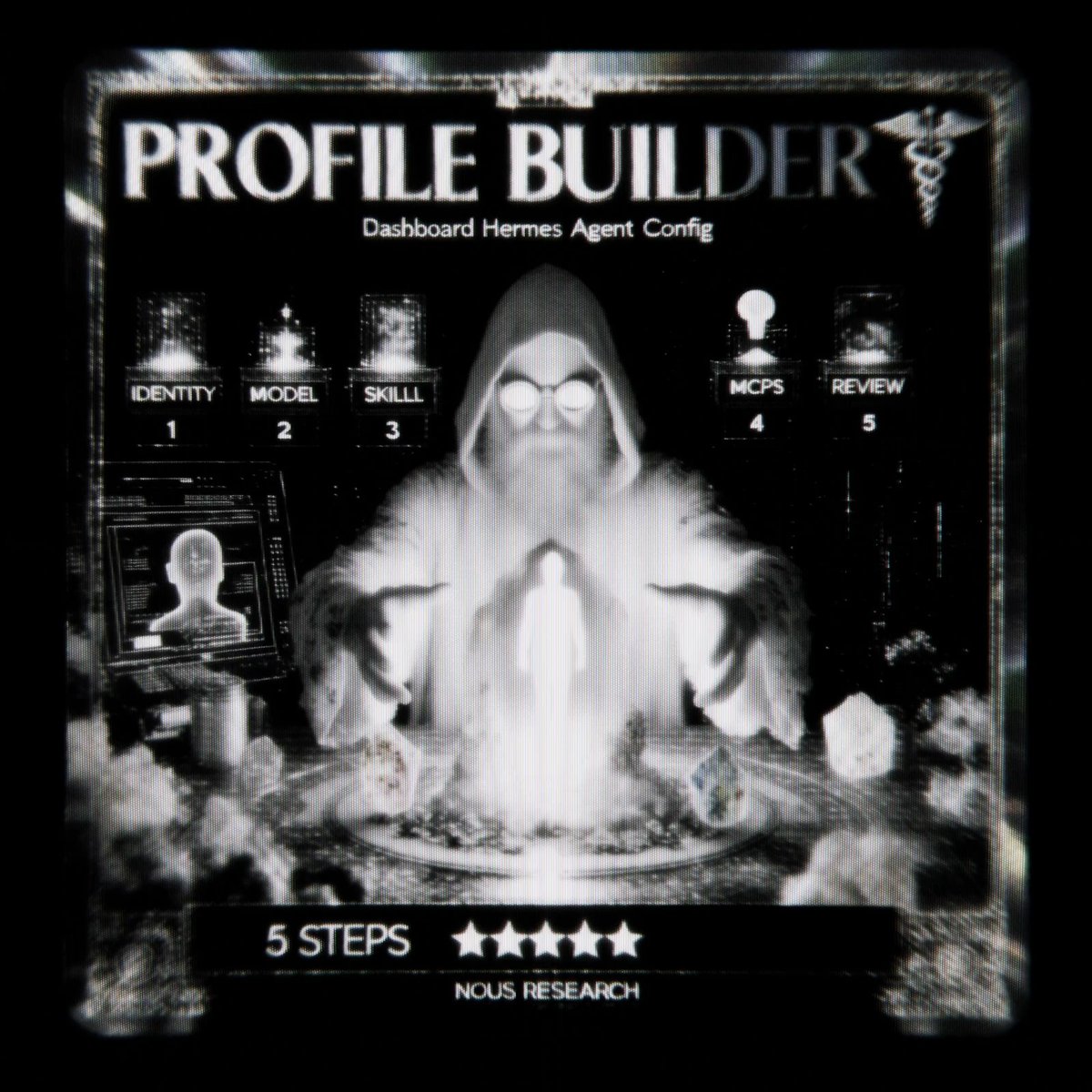
HERMES AGENT DASHBOARD JUST GOT A FULL CONTROL PLANE. Before: you edited YAML files, ran CLI commands, and hoped nothing broke. Now: everything lives in one clean UI. → MCP catalog — browse and install servers in one click → Webhooks — create, toggle and disable without restarting gateway...

18,146 次观看 • 2 个月前 •via X (Twitter)

0 条评论

暂无评论

原始帖子的评论将显示在这里

相关视频

HERMES AGENT TURNS EXPENSE TRACKING INTO ZERO FRICTION. No Siri Shortcuts. No manual entry. Just open Telegram and say: “Hey Bob, I spent $15 on dinner at Guzman Y Gomez.” Done. Hermes profile “Bob” automatically: - Parses the message - Categorizes the expense - Writes directly to your Notion database - Asks clarifying questions when needed (e.g. “Summit” — clothing brand or location?) This is the real advantage of Hermes profiles. You create specialist agents with their own memory, tools, and instructions instead of talking to one generic assistant. Quick setup: 1. Create the profile `hermes profile create bob` 2. Connect Telegram `hermes gateway setup` 3. Equip Bob with tools Enable the Notion integration + required MCP servers so he can write to your database. 4. Define the rules Set categories, formatting and clarification logic in his system prompt or SOUL. md .HERMES AGENT TURNS EXPENSE TRACKING INTO ZERO FRICTION. No Siri Shortcuts. No manual entry. Just open Telegram and say: “Hey Bob, I spent $15 on dinner at Guzman Y Gomez.” Done. Hermes profile “Bob” automatically: - Parses the message - Categorizes the expense - Writes directly to your Notion database - Asks clarifying questions when needed This is the real power of Hermes profiles — you create specialist agents with their own memory, tools, and instructions. Quick setup: 1. Create the profile `hermes profile create bob` 2. Connect Telegram `hermes gateway setup` 3. Equip Bob with tools Enable Notion integration + required MCP servers 4. Set the rules Define categories and logic in his system prompt / SOUL.md The best expense system is the one you actually use every day. Hermes + Telegram removes almost all friction. Want the full ready-to-use setup for your own expense tracker? comment “TELEGRAM” below and I’ll send you the complete configuration. Now you have a real personal finance assistant living in Telegram — always on, zero effort. The best expense system is the one you actually use every day. Hermes + Telegram removes almost all friction. This is how you turn an AI into a daily virtual employee. full guide on building these workflows in the article 👇

YanXbt

21,511 次观看 • 2 个月前

HERMES AGENT WITHOUT TOOLS IS A CHATBOT. WITH THEM IT BUILDS 3D TOWERS IN BLENDER, CHECKS STOCK PRICES, AND DRIVES VS CODE. tonbi JUST DROPPED THE FULL GUIDE. module 6 of his 10-part Hermes masterclass. best breakdown of the tool layer anyone has published. what you need to know: TOOLS vs SKILLS vs MCP skills = instructions (markdown, loaded into context) tools = callable functions (Python, agent emits call, Hermes executes) MCP = adapters to external systems (Blender, Stripe, Linear, Notion) every tool has three parts: → the function (does the real work) → the schema (what the model sees to decide when to call it) → the registry (makes the tool exist in the agent) the model never runs the function directly. it emits a structured request (tool name + JSON args). Hermes executes and returns the result. if the tool fails, the error goes back as JSON. the agent recovers instead of crashing. TOOL SETS CONTROL THE SURFACE hermes chat --tool-sets web # only web tools loaded. no files, no terminal. hermes chat --tool-sets safe # read-only: web search, vision, image gen. # no file writes. no terminal. no code execution. mid-session: /tools enable video /tools disable terminal or toggle in the dashboard: hermes dashboard → Skills → Tool Sets MCP SERVERS two transport types: STDIO (local subprocess) or HTTP (remote endpoint). add a server: hermes mcp # or ask: "add the MCP server for Blender" filter tools with include/exclude per server. keep only what you trust. security: → OAuth 2.1 PKCE (no long-lived tokens in config) → package scanning via api.osv. dev before launch → all MCP calls go through approval gates HERMES AS MCP SERVER hermes mcp serve exposes 10 tools via FastMCP. connect VS Code Copilot or Cursor to your running Hermes instance. BUILD YOUR OWN TOOL He built a stock price tool live: → Python function calling Finnhub API → schema with name, description, parameters → registered in tool_sets.py → agent calls it automatically when relevant any repeating API call in your workflow can become a native tool. full Hermes architecture deep-dive in the article 👇

YanXbt

32,680 次观看 • 2 个月前

Hermes agent just left the terminal. 𝗛𝗲𝗿𝗺𝗲𝘀 𝗗𝗲𝘀𝗸𝘁𝗼𝗽 dropped yesterday. native app for macOS, Windows, and Linux. for months Hermes was the agent that learned your projects, wrote its own skills, and built a model of who you are. all of it buried in terminal logs. now it has a window. the important part is that it's not a wrapper. it runs the same agent core, the same sessions, memory, and skills as the CLI. you can start a task in the terminal and finish it in the app without anything resetting. the state is shared across every interface, not copied between them. what the GUI actually adds: → streaming chat that shows live tool calls and inline reasoning instead of a spinner → a preview rail that renders pages, code, and images right beside the conversation → an artifacts panel that collects every file the agent has ever produced → remote gateway mode, so you can point the app at a VPS and run the heavy work elsewhere → skills, cron, profiles, and gateways managed point-and-click instead of through YAML → voice mode, drag-drop files, and inline image generation remote gateway mode is the one worth slowing down on. the agent runs 24/7 on a $5 server while you control it from your laptop like a local app. other agent UIs are chatboxes with a logo. this one shows the autonomy instead of hiding it, so you watch the skills load, the tools fire, and the artifacts pile up as it works. it was teased in Jensen's GTC keynote. MIT licensed, local-first, no telemetry. if you already run Hermes, download it and everything is already there. your chats, memory, and skills carry straight over. i wrote a full masterclass on Hermes Agent that walks through the SOUL. md identity layer, the three-tier memory system, the self-evolving skills loop, and how to run three specialized agents 24/7. desktop is the interface that finally does all of it justice. the article is quoted below.

Akshay 🚀

51,540 次观看 • 2 个月前

HERMES AGENT CAN SHARE MEMORY WITH CODEX AND CLAUDE CODE THROUGH HINDSIGHT. ONE MEMORY BANK. ONE AGENT REMEMBERS, EVERY OTHER AGENT KNOWS. the problem: you use Hermes for orchestration. Codex for coding. Claude Code for debugging. each has its own memory. switch between them and you explain the same project three times. Hindsight fixes this. one shared memory bank that every agent reads and writes to. tell Codex: "the test color for this project is purple." switch to Hermes. ask: "what test color did I pick?" Hermes answers: "purple." no copy-paste. no re-explaining. instant recall. HOW IT WORKS: Hindsight runs as a Docker container on your machine. self-hosted. your data stays local. an LLM powers the memory processing (retain, recall, reflect). RETAIN: extracts facts from your conversations. entities, decisions, preferences, project context. saved to the memory bank automatically. RECALL: when you ask a question, Hindsight pulls from semantic search, keywords, graph connections, and temporal data. fused into one answer. REFLECT: deeper reasoning layer. connects memories across sessions. identifies patterns in your work. produces observations that get smarter over time. CONNECT TO HERMES: Desktop app: Settings → Memory and Context → switch provider from Namosin to Hindsight. set API URL to your local Docker container. set bank ID. done. CLI: hermes memory setup → select Hindsight. verify: hermes memory status should show: provider: hindsight, installed, available. CONNECT TO CODEX: npx hindsight-coding-agents install codex \ --self-hosted --server this installs lifecycle hooks: initialize memory on session start. recall context during work. retain the session when done. enable hooks in Codex: Settings → Hooks → trust all three. CONNECT TO CLAUDE CODE (same command): npx hindsight-coding-agents install all "all" connects every detected agent on your machine. Claude Code, Codex, Cursor, and others. one command. every agent shares the same bank. TAGS FOR FILTERING: every memory gets tagged by harness (Hermes, Codex, Claude Code) and optionally by project name. in the Hindsight control plane: filter by harness. see only Hermes memories. or only Codex memories. or search across everything. soft partitions inside one bank. not hard walls. cross-reference when you need to. ONE BANK OR MANY: one global bank: solo dev, related projects. all agents share everything. patterns emerge across projects. per-project banks: unrelated codebases. each project gets its own memory. no cross-contamination. your call. start with one. split when projects diverge. KNOWLEDGE PAGES (v0.9.0): Hindsight auto-generates living summaries from your accumulated memories. components, concepts, conventions, decisions. not static docs. projected from real agent conversations. auto-refresh as new memories land. WHAT TO KNOW: self-hosted via Docker. your data never leaves your machine. backup system built in (admin CLI + scheduled exports). works with any LLM (local Ollama, OpenAI, Codex subscription). memory defense: redact or block sensitive content automatically. 33,000+ memories accumulated in ~10 days of normal use.

YanXbt

29,045 次观看 • 11 天前

HERMES AGENT IS NOW IN THE CLOUD. NO VPS. NO TERMINAL. NO SETUP. PICK A MODEL. PICK A SERVER SIZE. AGENT IS LIVE IN 60 SECONDS. Nous Portal just launched hosted Hermes Agent. two clicks. one minute. done. Nous Research WHAT THIS MEANS: before today: install Hermes on a VPS or your laptop. configure providers. set up gateway. manage updates. run hermes setup. edit config.yaml. great for power users. friction for everyone else. now: go to pick a model. pick a server size. your agent is live and reachable in 60 seconds. no terminal. no SSH. no Docker. same Hermes. same features. same tools. someone else handles the infrastructure. FOR TEAMS: this is where it gets interesting. spin up agents for everyone at your org. each team member gets their own Hermes instance. granular access controls per user. unified billing through Nous Portal. your team gets Hermes on day one. no DevOps needed. no VPS per person. one admin dashboard. one bill. WHAT'S INCLUDED: → 300+ models via Nous Portal (Claude, GPT, Gemini, DeepSeek, Grok, MiniMax, and more) → Tool Gateway (web search, image generation, TTS, browser automation) → all messaging platforms (Telegram, Discord, Slack, WhatsApp, Signal) → full feature set (profiles, cron, kanban, skills, memory, sub-agents, MoA, /goal, /learn, /journey) → automatic updates ONE PORTAL. FOUR TIERS: Free: $0/month. pay-as-you-go credits from $10. Plus: $20/month. $22 in monthly usage credit. Super: $100/month. $110 in monthly credit. Ultra: $200/month. $220 in monthly credit. highest rate limits. every paid tier includes Tool Gateway. one OAuth. one subscription. no extra API keys. SELF-HOSTED IS NOT GOING ANYWHERE: Hermes is MIT licensed. open source. free forever. you can still run it on your laptop, VPS, or GPU cluster. nothing changes for self-hosted users. the cloud version is for people who want the agent running without managing the machine. pick your path: → self-hosted: full control. you manage everything. → cloud: zero ops. Nous manages infrastructure. → hybrid: self-host your main agent, cloud for team members. HOW TO START: cloud: self-hosted: hermes setup --portal both connect to the same Nous Portal. same models. same tools. same billing. learn how to replace your entire team with 8 hermes agents 👇

YanXbt

45,446 次观看 • 1 个月前