正在加载视频...
视频加载失败
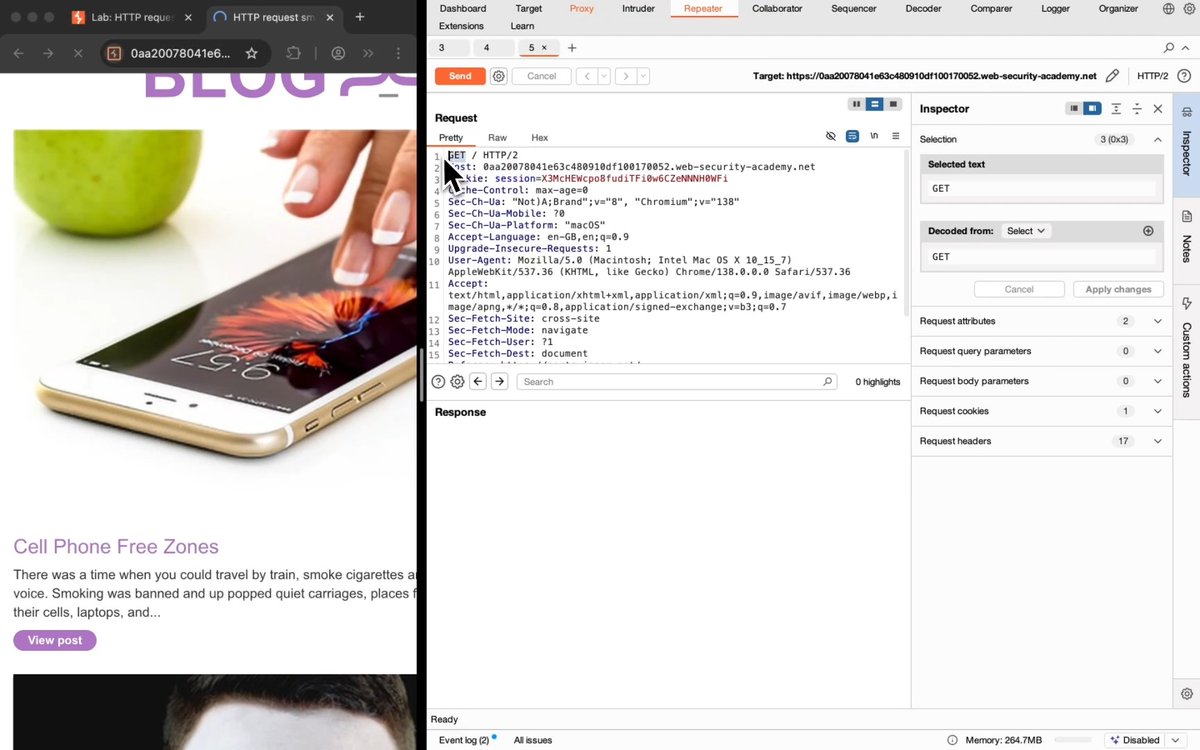
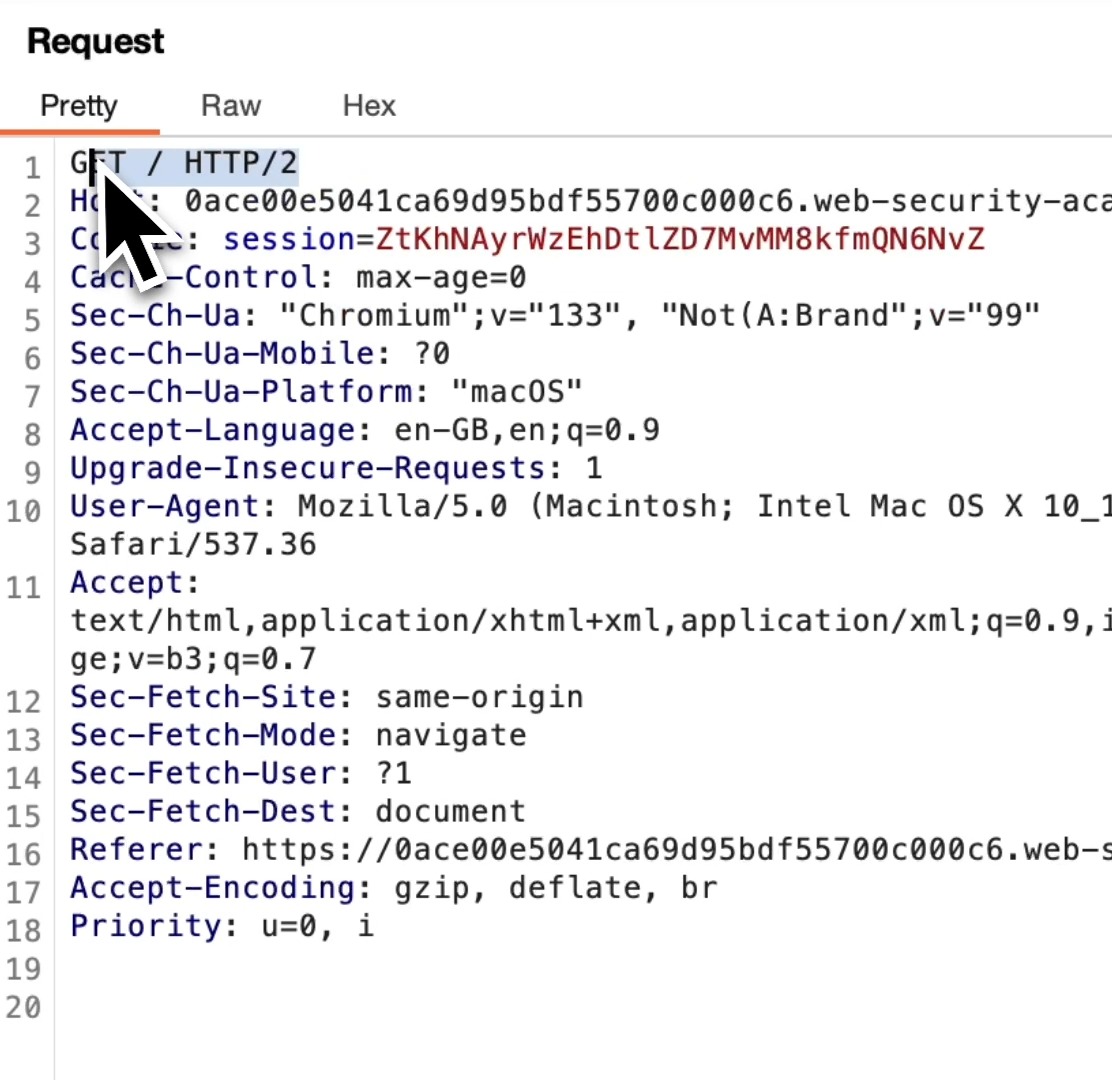
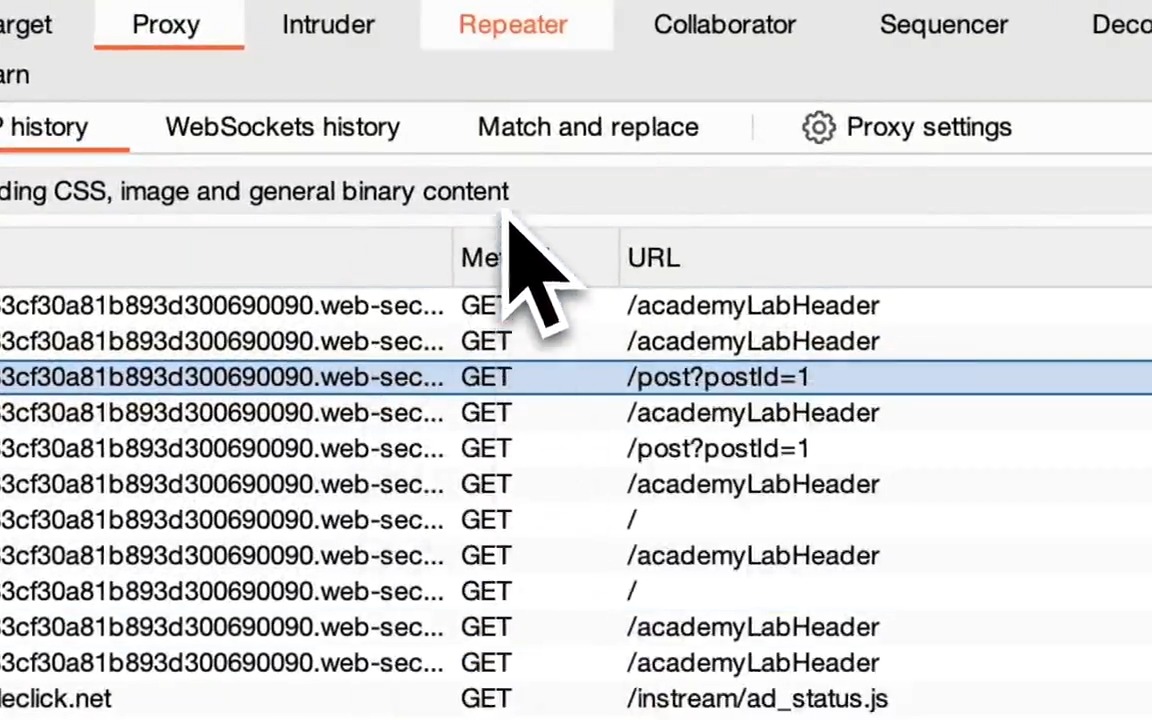
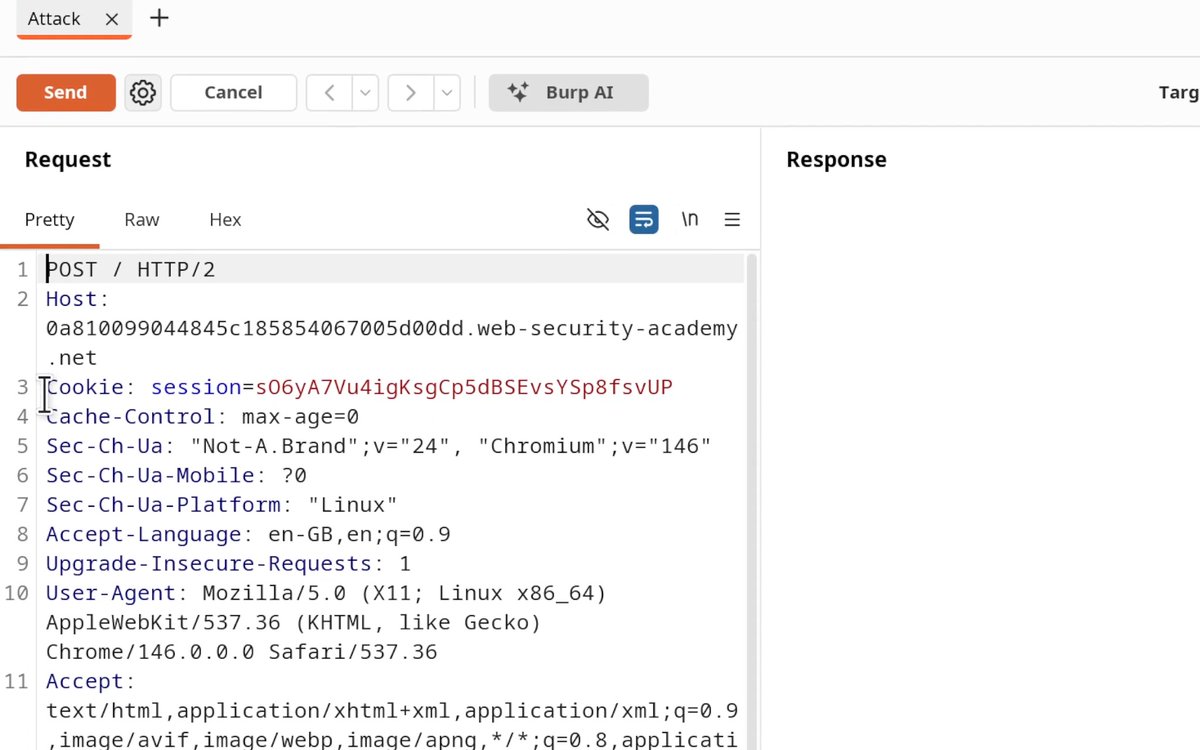
HTTP Request Smuggling Lab Walkthrough: Confirming a CL.TE vulnerability via differential responses. How to identify CLTE Vulnerabilities: 1. Send request to repeater 2. Downgrade protocol to HTTP/1.1 3. Disable "Update Content-Length" 4. Set Content-Length to 6 5. Add "Transfer-Encoding: chunked" heading 6. Send a chunk with an invalid chunk... show more

2 条评论

A_dude1 年前
What's the impact pls?

SecBriefs | Making Cybersecurity Simple2 年前
🧠Studying for #CompTIA #Security+ but struggling with #Cybersecurity terms?🔍 Cybersecurity Dictionary for Everyone covers everything you need to know and is available on Amazon!🔐 🚀Boost your Security+ prep with it today!💡
![How did I test the IDOR vulnerability that leads to all user Data leakage? 1:Change the /me endpoint to /users. 2.Change the GET method to the POST method. 3.Add the Content-Type: application/json header. 4.Add this payload to the HTTP request body. {"ids":["1"]} #bugbountytips](https://image.24vids.com/tw-1675905779004583947/ext_tw_video_thumb/1675905522657099778/pu/img/xN2701328scSThUO.jpg)


![How to Find Path Delimiter Issues with Burp Suite Intruder Sometimes web servers treat special characters (like ; or ?) differently in URLs. This can lead to security issues like web cache deception or access control problems. Here's how you can test for path delimiter discrepancies: 1️⃣ Capture the Request Find a request you want to test GET /my-account HTTP/2 2️⃣ Right click the request and "Send to Intruder". In Intruder, highlight add a new position after /my-account followed by abc. It should look like this: GET /my-account§§abc HTTP/2 Attack Type = Sniper (only changing one spot). Payload: Paste a list of special characters, like this: ! # $ % & ' ( ) * + , - . / : ; = ? @ [ \ ] _ ~ ... A full list of delimiters can be found here: 3️⃣ Start the Attack Press Start Attack. Look at the Status, Length, and Response columns. Watch for differences (like bigger/smaller pages, changes to status code or different behavior) and if you notice something different then you've likely found a delimiter discrepancy! 🎉 Why is this important? When special characters confuse the server or cache, you might find: 🔸 Web cache deception: Caching personal pages by accident 🔸 Access bypass: Skipping security checks 🔸 Leaked info: Seeing data you shouldn't Try this lab for yourself and dive even deeper into how to exploit this when you find it: #BugBounty #WebSecurity #BurpSuite #EthicalHacking #Cybersecurity](https://image.24vids.com/tw-1919142786885943404/media/GqIqLRLXIAAdsLM.jpg)