Video wird geladen...

Video konnte nicht geladen werden

Zur Startseite

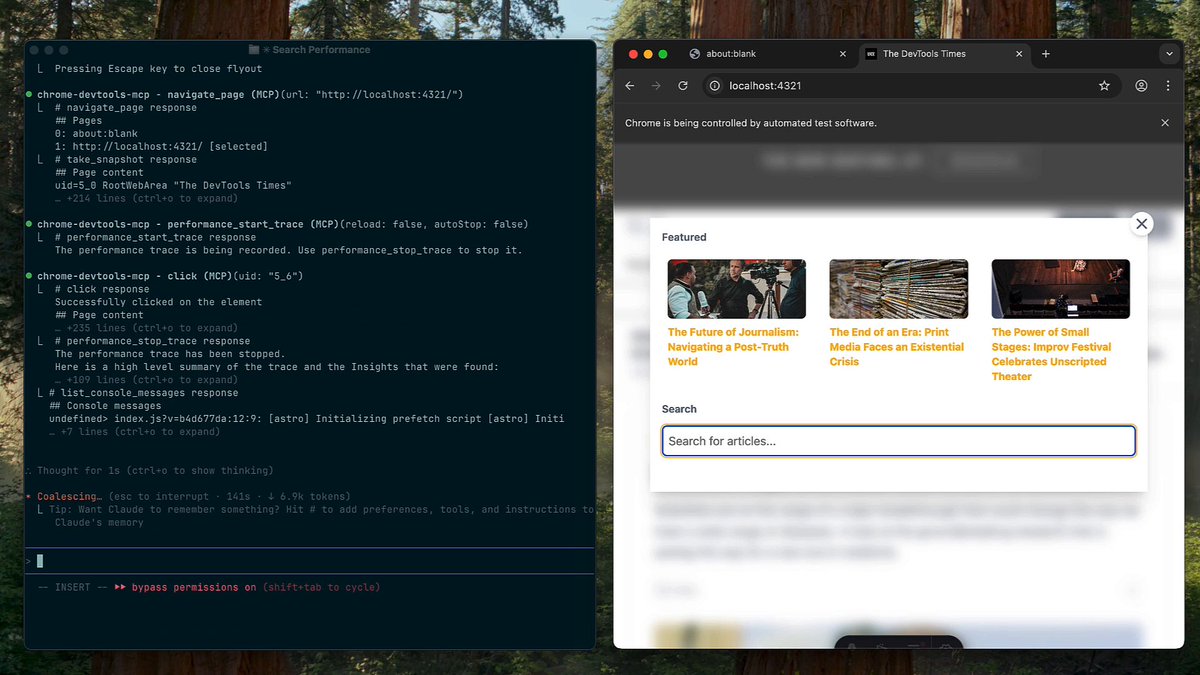
I just built this CRACKED Cursor MCP extension that makes your IDE fully aware of all the logs in your browser. Was struggling with a few issues recently and kept having to copy/paste logs but with this tool you can: ✅ Check all console logs + errors ✅ Analyze...

179,882 Aufrufe • vor 1 Jahr •via X (Twitter)

10 Kommentare

Profilbild von Matt Figdore
Matt Figdorevor 2 Jahren

This is the biggest productivity cheat code right now. Kiss reading documents goodbye. You can get an instant summary of any document with this tool.

Profilbild von Alex
Alexvor 1 Jahr

This is cool as hell Ted. A real problem yet solved by Cursor itself. Now if we can only do it for the terminal log for backend errors!

Profilbild von Ted Werbel
Ted Werbelvor 1 Jahr

Great idea.. maybe I'll build another MCP too exactly for this 🤔

Profilbild von Brandon Macer
Brandon Macervor 1 Jahr

first time i've seen a non-trivial custom mcp implementation. beautiful work. excellent walkthrough too.

Profilbild von Ted Werbel
Ted Werbelvor 1 Jahr

Appreciate the kind words! Really enjoyed building this 😄

Profilbild von Mat Silverstein
Mat Silversteinvor 1 Jahr

This is awesome. Can't believe I'm the first star on this repo. Should be the 10,000th.

Profilbild von Phat T. Pham
Phat T. Phamvor 1 Jahr

ooh I like this. So you can ask it how to make a certain request faster and optimize. Love this

Profilbild von Ted Werbel
Ted Werbelvor 1 Jahr

OHH, you got me thinking... would be cool to integrate a performance analysis tool into this! I'll see what I can do to make this possible 🦾

Profilbild von Dan Mac
Dan Macvor 1 Jahr

nice Ted this is v helpful

Profilbild von Ted Werbel
Ted Werbelvor 1 Jahr

Thanks, I think so too! I was super tired of copy/pasting logs all the time and having to truncate long logs to avoid context window limits... This tool handles all the truncation for you so it saves me a TON of time here n there 😄

Ähnliche Videos

Introducing the Clips chrome extension - the easiest way to send bug reports to agents with video, transcript, and browser debug info captured automatically. 100% free and open source. If you are like me and get tired of manually typing instructions to agents, attaching screenshots, pasting debug logs, and all of that, this might be your new favorite tool. With the Clips chrome extension, you can just click the Clips icon, hit record, and start talking. Visually demonstrate your issue, go through the flow, point out what’s broken. Clips will capture everything on your screen, plus network requests, browser logs, client errors, and all the details around them. And it redacts sensitive information. Then it gives you a link you can send to humans so they can play it and take a look. Or, more importantly, just give it to your agents by just pasting the URL to them. The link has special metadata for agents so just from the URL, the agent can pull all information from the clip automatically. No plugin or MCP server required. That means it can "see and hear" what’s in the video - read the transcript, grab snapshots at any timestamp, and inspect the logs and network requests that were shared with it. So whether you want to quickly demo an issue and send all that context to an agent, or get better bug reports from teammates, recording and sending Clips makes that super easy. Unlike expensive apps like Loom, this is all 100% free and open source. The framework that powers this, plus a bunch of other free applications, is open source too. You can just sign up and use it, or fork it and customize it to your needs. This, in my opinion, is the future of software. Rather than bloated SaaS that charges you a ton of money and still doesn’t even have the things you need, we get free open source canonical apps that you can fork and customize in any way you want. I'll link to all this stuff in the replies. If you try it, let me know your feedback.

Steve (Builder.io)

59,979 Aufrufe • vor 19 Tagen