Loading video...

Video Failed to Load

Go Home

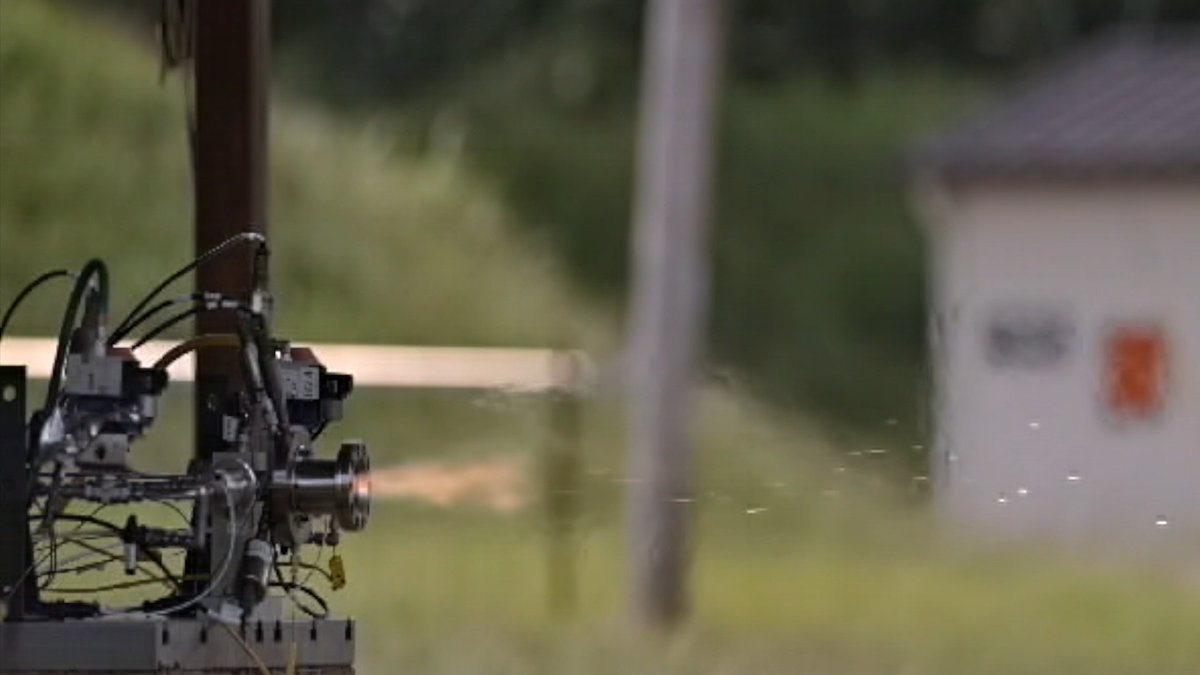
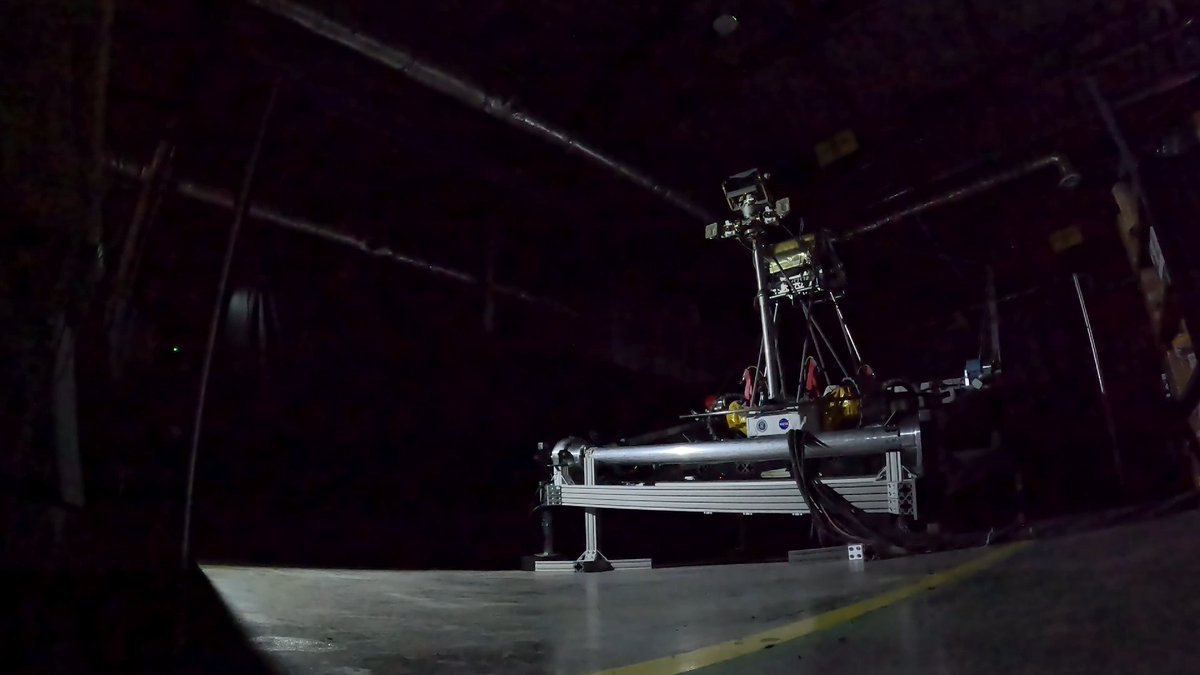
Our Orbital Adjustment Module just completed its full stage-level test. Meeting flight conditions through more than 1,000 thruster pulses—one Raman-2 engine, four Raman Mini thrusters, eight cold gas thrusters, all firing in perfect harmony. The OAM played to the script—a script with a good ring to it. 🇮🇳 Sound...

46,380 views • 10 months ago •via X (Twitter)

0 Comments

No comments available

Comments from the original post will appear here

Related Videos

Huge update from Astranis Mission Control: all four Block 2 satellites have successfully completed initial commissioning and are now headed to GEO using their on board ion thrusters. This is a huge deal. Here are some highlights from our first week and half on orbit: - Nominal deployment in our target orbit: 400km x 65,000km x 12.5 deg inclination (thank you SpaceX) - All pre-separation logic and separation autonomy worked perfectly, and all autonomous deployments (solar arrays, ion thruster gimbals, and secondary antenna reflectors) successfully completed - Checkouts of thermal management systems, power subsystems, software, and GNC - Reaction wheel, SADA, and monopropellant thruster commissioning - Monoprop detumble and transition to fine pointing control using reaction wheels and star trackers - Sun-pointing mode achieved for maximum power generation - High rate TTC downlink and download of onboard data - Subreflector boom deployment and verification via photodiode telemetry - Ion thruster gimbal commissioning, demonstrating successful gimbal deployment - Simultaneous command of all 5 Astranis satellites, using 9 different ground stations across 4 continents - 100% successful deployments: all solar arrays, booms, gimbals, reflectors, splashplates — 60x total hold down release mechanism deployments without issue - Test-fired and characterized all 8 monoprop thrusters on all 4 satellites (32x thrusters total) - Commissioned the Electric Propulsion (EP) system, including successfully test-firing each satellite's ion thruster - Conducted an initial payload checkout on all 4 vehicles— the Software-Defined Radios, RF front end electronics, high-power amplifiers (TWTAs), and LNAs have all been checked out and are performing nominally - Executed long-duration EP burns on all four vehicles, and have beginning orbit raises to GEO from our current GTO orbits In short: the satellites are working great and are on their way to GEO where they will start their missions for our customers. All of our hard work — designing, testing, manufacturing, and operating — is paying off. LET’S GO.

John Gedmark

64,203 views • 1 year ago

Canada's first orbital-class rocket engine is now being manufactured! Our patent pending Hadfield-150 engine is the largest and most powerful rocket engine ever built in Canada, and the first known Canadian orbital-class engine to make it to this stage. The Hadfield-150 builds on everything we learned after years of painstakingly designing, manufacturing, and testing the Hadfield-10 series, our first regeneratively cooled and additively manufactured liquid rocket engine. Every engine test, both successful and unsuccessful on our Darkhorse test stand at Area 66, retired risk that's now carried straight into Hadfield-150 and sovereign orbital launch for Canada. A few details about the Hadfield-150 engine series: ✅ Designed to power Tundra and Tundra+, our light and medium-lift launch vehicles, and built to scale to Tempest, our larger reusable medium lift vehicle ✅ Manufactured entirely in-house, from design to print to test, for true sovereign launch capability ✅ Produced at Rocket Factory 1, on our expanding fleet of metal additive manufacturing systems at the AMA Lab, including the largest known metal 3D printer in Canada ✅ Designed for reusability and medium-lift scale from the outset, and built to significantly cut the time, infrastructure, manufacturing and cost iterative engine testing usually requires, with room to scale to even larger engines by leveraging the same design ✅ Capable of engine-out functionality, so losing one on an early flight doesn't have to mean losing the mission ✅ Optimized for Canada's Launch the North initiative, to deliver sovereign operational capability in a time and cost efficient manner Initial testing starts later this year at our new Blackhawk orbital engine test cell at Area 66, our private test range in Ontario. Stacked, integrated vehicle testing comes later at the Atlantic Spaceport Complex, our spaceport in Newfoundland and Labrador. Stay tuned for some exciting and fiery milestones ahead! 🚀🇨🇦 National Defence Defence Research and Development Canada Canadian Space Agency Transport Canada NGen Canada

NordSpace 🇨🇦

27,641 views • 1 month ago

So over the years as a Content Creator for World of Warcraft, I've picked up a few great camera tricks that can make your footage look more professional. Not sure how widely known these are but I'll share some that I know and hopefully it will be helpful to someone! So firstly, let me show you how to do a smooth rotation shot. You're going to want to create a Macro for this with this script; /script MoveViewRightStart(0.15) To modify the direction, you can change the word "Right" to Left, In, Out, Up or Down. The number at the end indicates the speed of the rotation, the higher the number the faster the rotation. I tend to keep this fairly low for a nice non-sickening rotation. Now you can combine as many of these as you like. So if you wanted a smooth shot that zoomed in on your Character while rotating Right you would make a macro like this; /script MoveViewRightStart(0.15) /script MoveViewInStart(0.15) It is fun to play around with but you will also need to create a "Stop" macro. I go with a generic one like this which will stop all rotation in all directions; /script MoveViewLeftStop() /script MoveViewDownStop() /script MoveViewRightStop() /script MoveViewUpStop() /script MoveViewInStop() /script MoveViewOutStop() Another trick to get the best possible shots of areas or up close combat is to hide your Character model. This is done with a simple console command; /console showplayer To show your player character again just type it again. I'm sure there are easier ways to do this, but that's just the way I've always done it to get nice smooth footage of World of Warcraft for videos. Let me know if you have any questions or have any other cool tips to share!

MrGM

111,442 views • 1 year ago