Video yükleniyor...

Video Yüklenemedi

Ana Sayfaya Dön

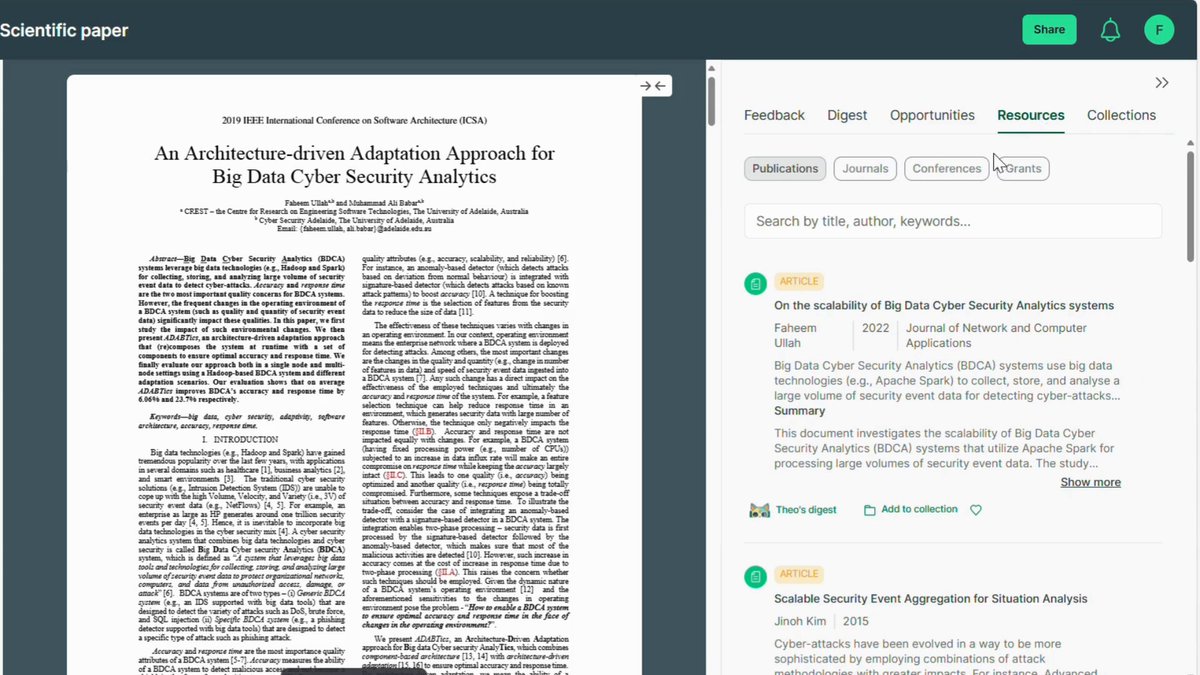
PhD Students - How to create a poster in seconds. 1. Go to 2. Paste the abstract or upload your paper 3. At the top, click on portrait abstract 4. Your poster will be created 5. Download and edit it if needed

48,197 görüntüleme • 5 ay önce •via X (Twitter)

0 Yorum

Yorum bulunmuyor

Orijinal gönderinin yorumları burada görünecek

Benzer Videolar

PhD Students – How to extract data from papers for your literature review in seconds? Extracting data from papers takes a lot of time. You can automate this process with Bohrium 𝐇𝐨𝐰 𝐭𝐨 𝐚𝐮𝐭𝐨𝐦𝐚𝐭𝐢𝐜𝐚𝐥𝐥𝐲 𝐞𝐱𝐭𝐫𝐚𝐜𝐭 𝐝𝐚𝐭𝐚 𝐟𝐫𝐨𝐦 𝐩𝐚𝐩𝐞𝐫𝐬? 1. Go to and log in 2. Click on 𝐾𝑛𝑜𝑤𝑙𝑒𝑑𝑔𝑒 𝐵𝑎𝑠𝑒 from the left menu 3. Upload the papers you selected for literature review 4. You will see the following option against each paper - Read PDF - Key Takeaway - AI Poster 5. Click on 𝑅𝑒𝑎𝑑 𝑃𝐷𝐹 for the first paper in your list 6. Write a prompt for the data you want to extract 7. For example, you can enter datasets, methodology etc. 8. It will extract the required data from the paper 9. If you want to extract Key Takeaways from the paper 10. Go back and click on 𝐾𝑒𝑦 𝑇𝑎𝑘𝑒𝑎𝑤𝑎𝑦𝑠 11. Bohrium will extract Key Takeaways from the paper 12. In addition to this, you also have 2 more options - AI Poster - Podcast 13. Click on 𝐴𝐼 𝑃𝑜𝑠𝑡𝑒𝑟 and it will create a poster for you 14. This is the poster based on the given research paper 15. If you click on 𝑃𝑜𝑑𝑐𝑎𝑠𝑡, it will convert the paper to audio 16. You can listen to the paper instead of reading it Repeat this cycle for all the papers in your pool. You will end up with the required data. You can use this data to write your literature review Try Bohrium today for FREE: Anything you’d like to add?

Faheem Ullah

13,433 görüntüleme • 1 yıl önce