Video yükleniyor...
Video Yüklenemedi
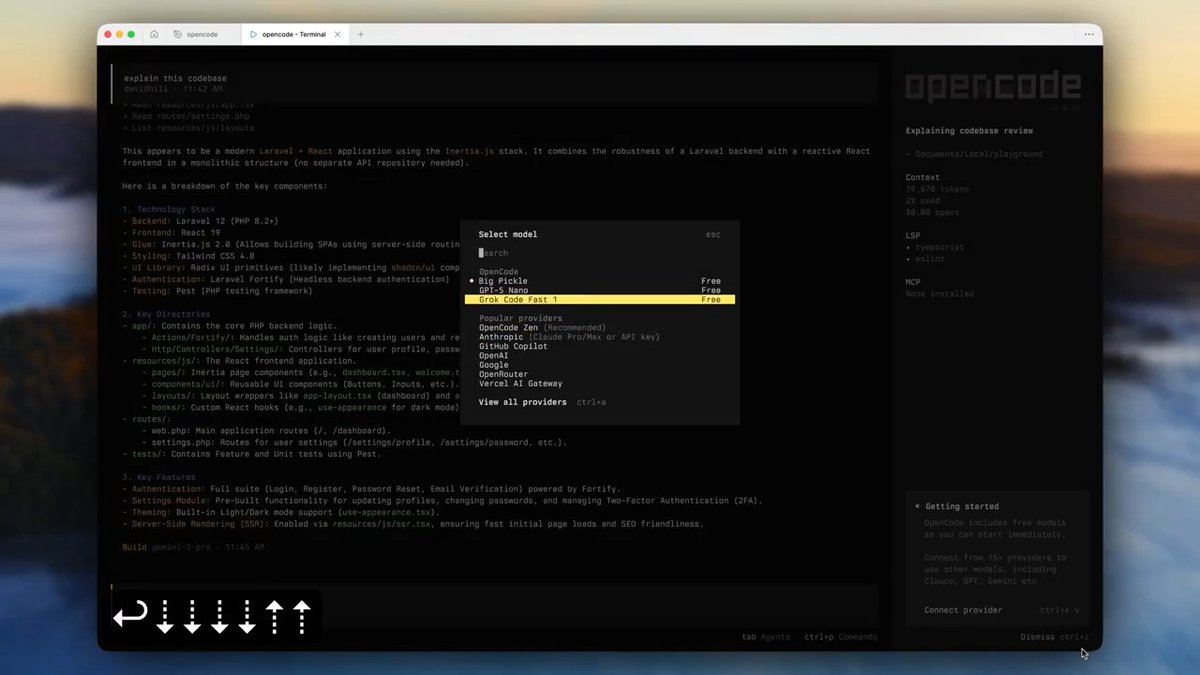
Releasing a herdr plugin that was mostly a prototype... annotate anything in herdr. ctrl+b A (create annotation) ctrl+b M (view annotations) link below

130,361 görüntüleme • 1 ay önce •via X (Twitter)
29 Yorum

will also roll out soon. I do think ai providers will eventually either own an entire OS-native context experience where these type of things are less needed.

@herdrdev Me maybe asking the obvious, but this replaces annotate last message right? will it submit directly in my opencode? Testing now
@herdrdev I wouldnt say that, but this does provide a quicker convenience. Let me know how I can improve the ergonomics. I just updated it so you could copy and clear out all your annotations (shift+c). Seems to work well in OpenCode.
@herdrdev I wonder if having multiple annotations from different terminals would be helpful. cause i see we are adding annotation context and which source is this but why would we paste annotations from different places into the same agent? Maybe i just dont see the use case though
When I tested it a few weeks ago, the source was for me, because I was using Herdr heavy and I couldn't remember sometimes where I created an annotation. I also liked using it just to stash certain things in the chats. Sometimes I would copy something from like an orchestrator agent and then pass it into the subagent or vice versa. But source itself is probably context that doesn't need to carry to the agent
@herdrdev Alright okay makes sense. I can see me annotating a message of the agent and then some logs maybe from a different terminal. But I think i agree the source doesnt need to end up in the agent. That said i doubt it changes any behavior

@herdrdev You da man!

@herdrdev holy fuck, let's go!

@herdrdev dope man thank you for your work

@herdrdev

@herdrdev You a fool for this one! Thank you!

@herdrdev what the 🤯!!!!!

@herdrdev In love with plannotator

@herdrdev bloody hell I love you guys

@herdrdev definitely gonna try, when using herdr —remote, plannotator won’t work right now, will plannotator support opening in local browser in the future?
@herdrdev this setup isnt working for you? Docs: I'll try to recreate. What does your setup look like so I can maybe reproduce exactly?
@herdrdev pi + herdr on my mac, easytier setup as private network, herdr remote from wsl, it’s been great experience so far, except for remote review. Thanks, plannotator improved my review experience a lot, great product.
@herdrdev Sounds good. I'll spin up my PC tomorrow and should be able to recreate this.

@herdrdev bro this is sick

@herdrdev cmux when?
@herdrdev Our browser-based annotations seem to work in the cmux browser /plannotator-last (annotate agent messages in browser) /plannotator-review (code review in browser) otherwise I dont think cmux has extensions

@herdrdev so coollll

@herdrdev Amazing ! How do you edit videos like this ? I've seen plenty of media with this zoom/focus through X/LinkedIn and always wondered if thats AI edited.
@herdrdev Screen studio, there is an open source tool called cap as well

@herdrdev This does not support --remote yet, right? Do you plan to add support for it?
@herdrdev The tool has decent remote support but I will double check and make the path through herdr more smooth

@herdrdev nice. Needs an edit mode though...or at least "open in $EDITOR"
@herdrdev edit the annotation?
@herdrdev yup so one doesn't have to delete it, find the text again and enter the changed comment.
Benzer Videolar




Sensitive content
TRIGGER WARNING ‼️ There was a B in that settlement.
D ♱
304,024 görüntüleme • 1 yıl önce


