Загрузка видео...

Не удалось загрузить видео

На главную

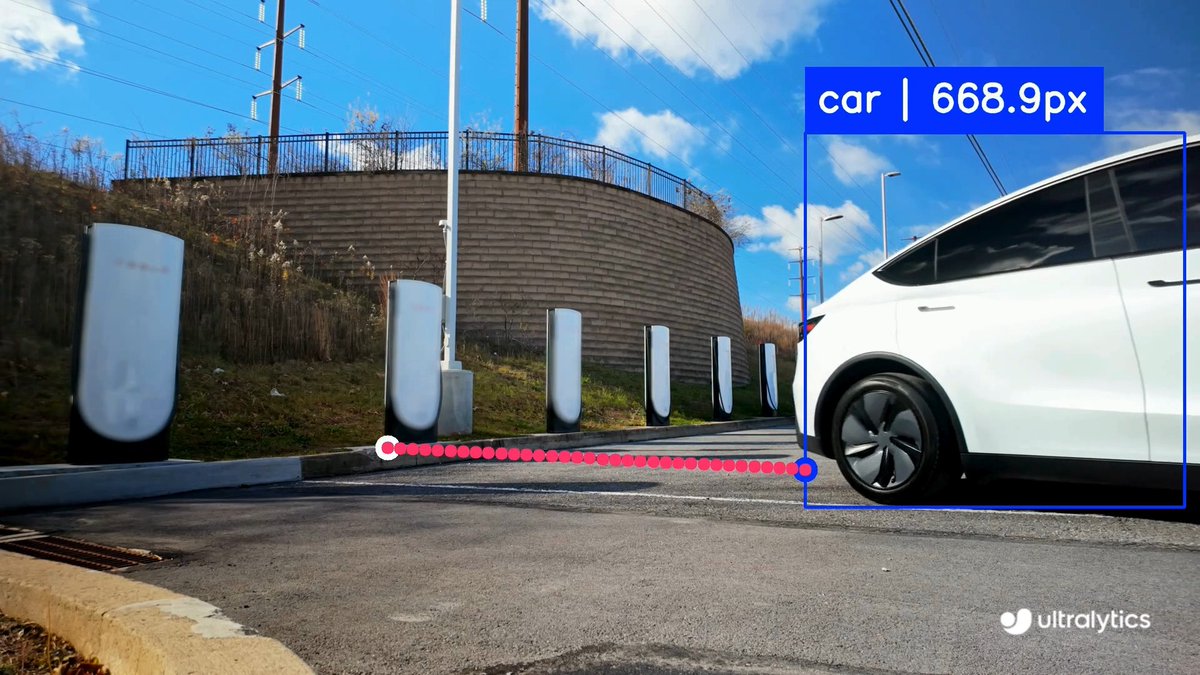
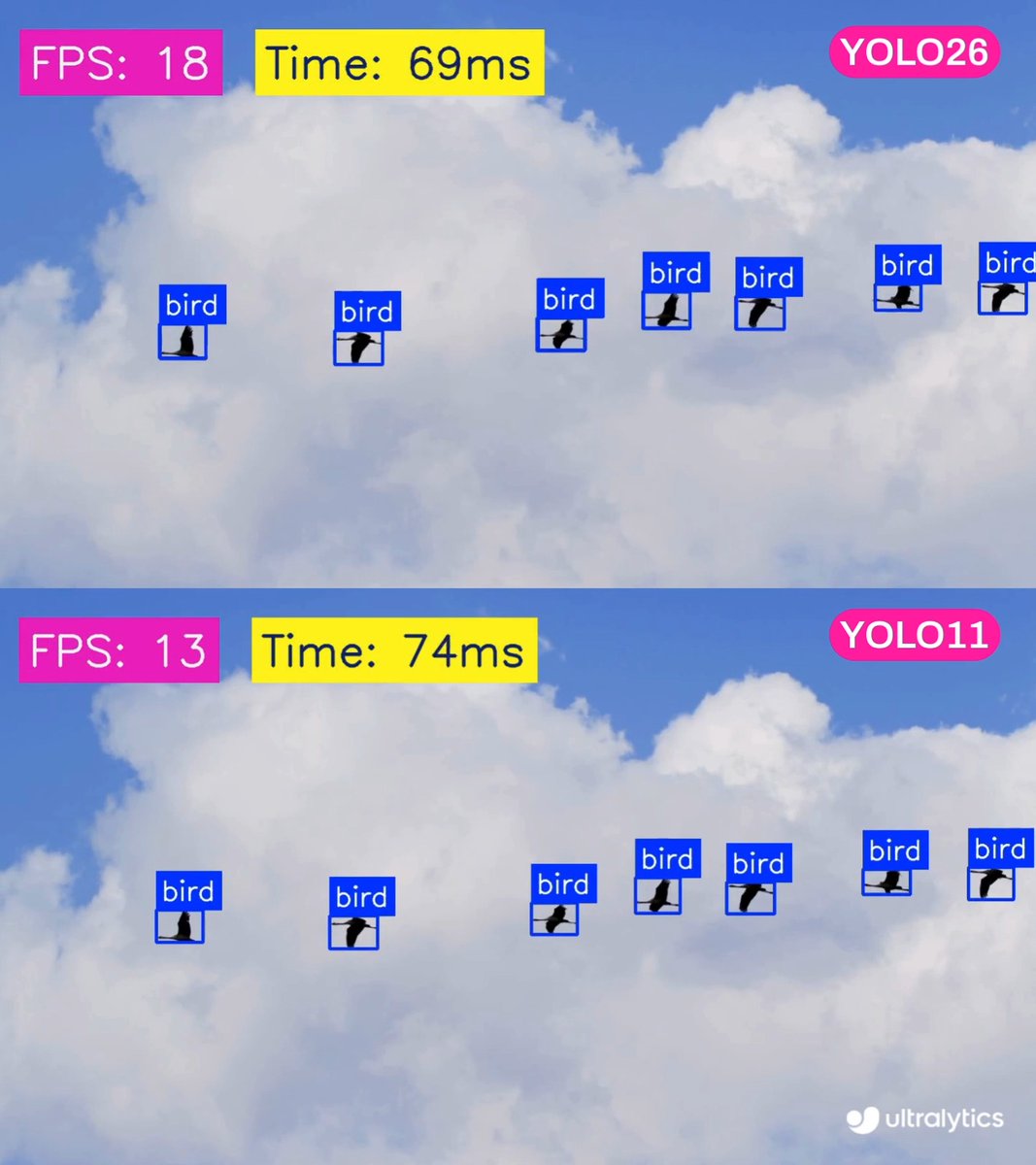
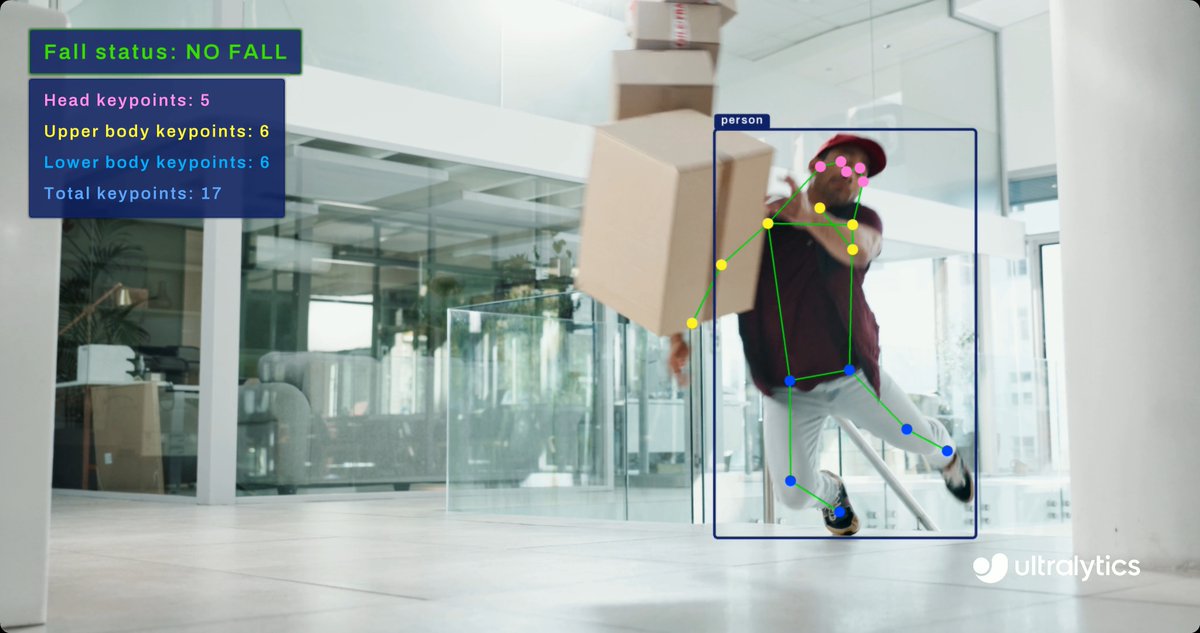
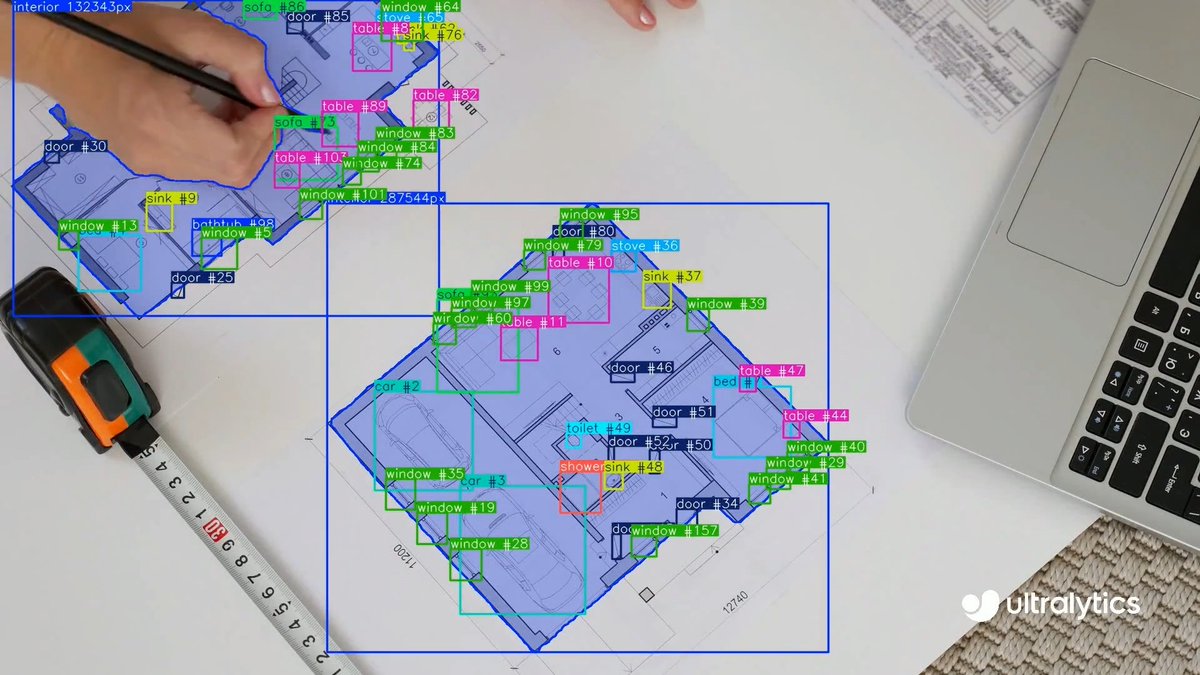
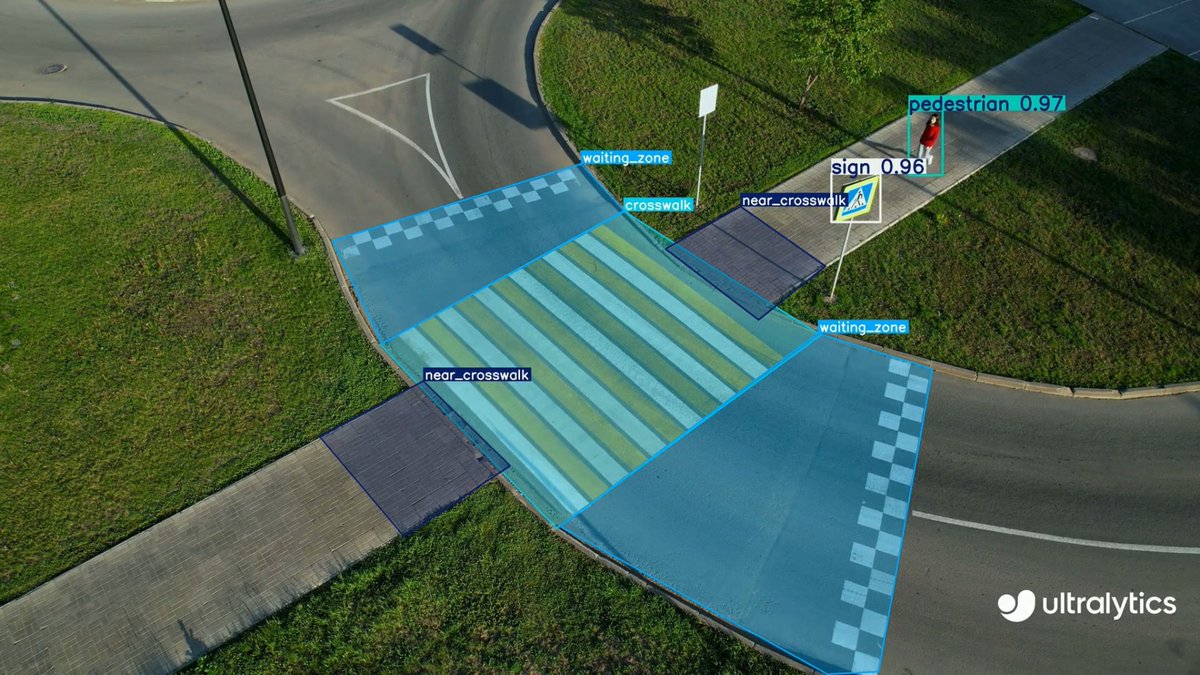
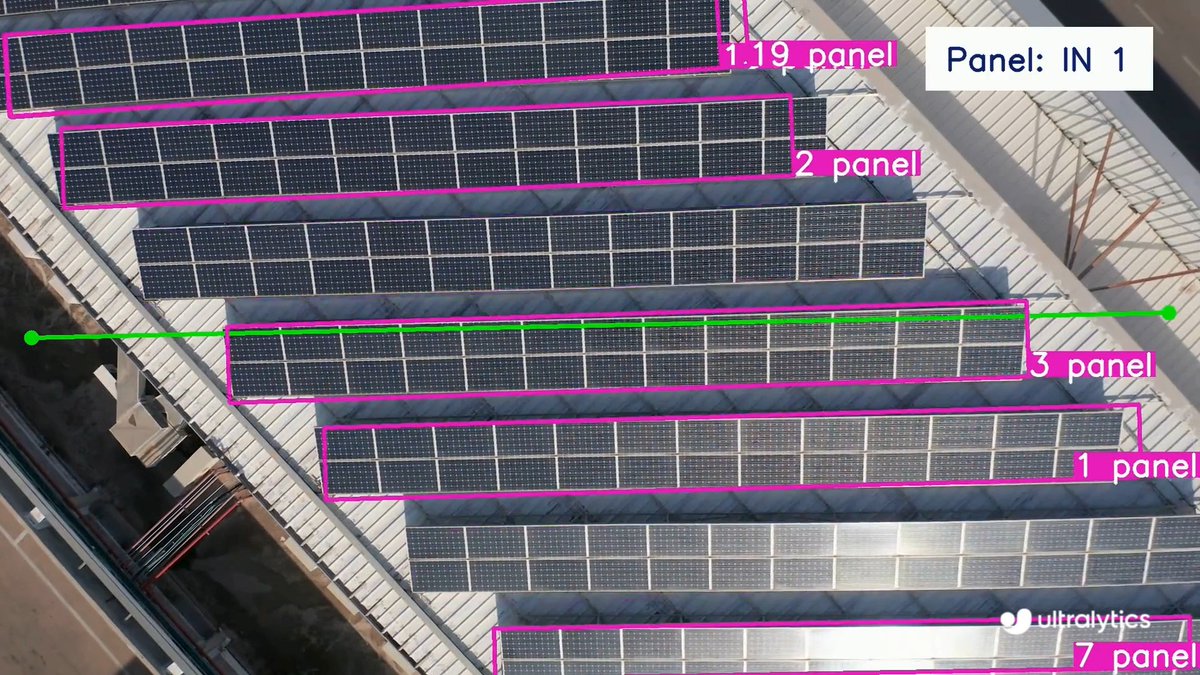
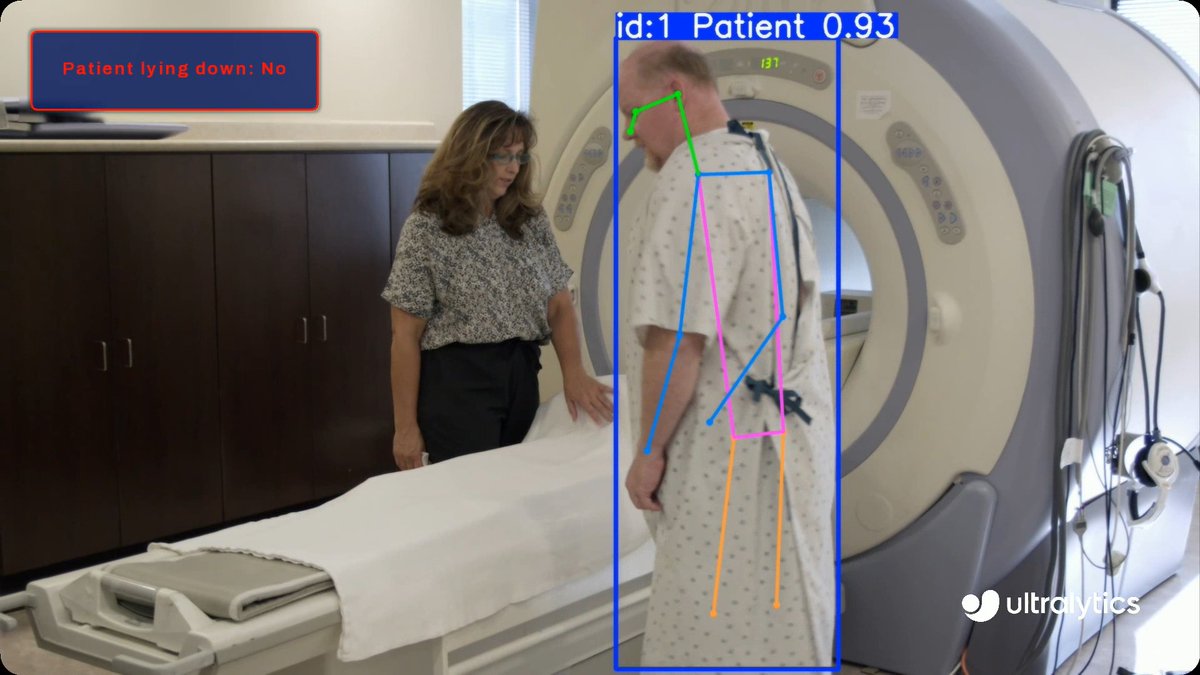
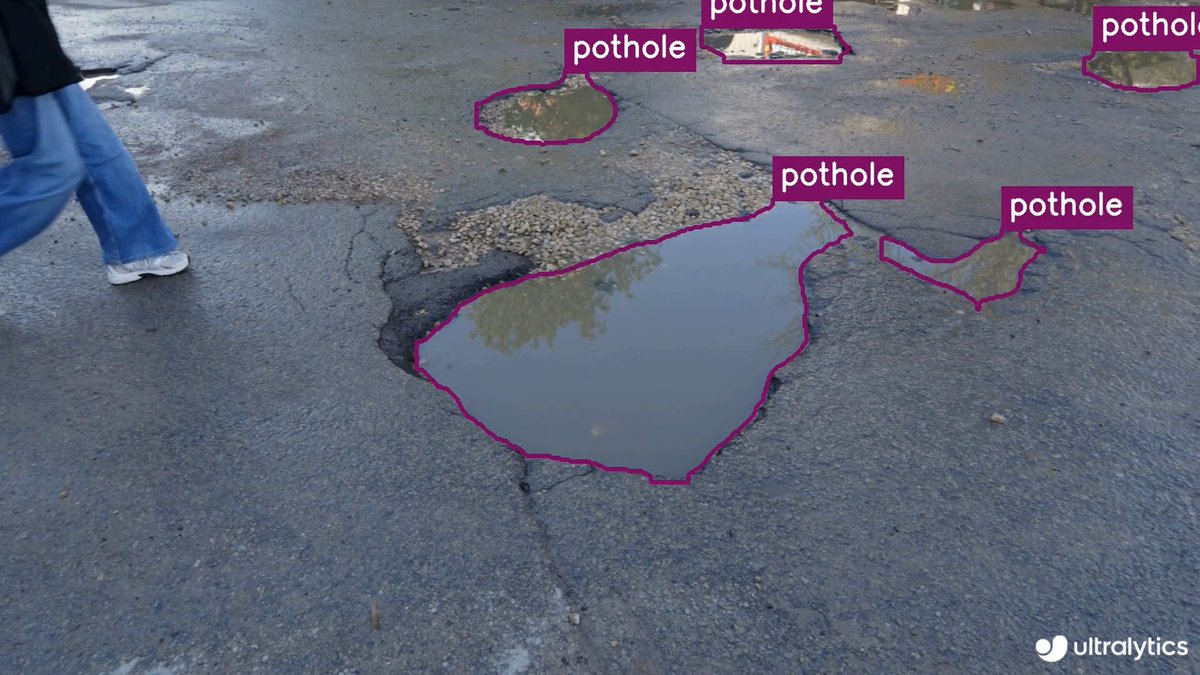
Run promptable segmentation with Ultralytics YOLO26-E! 🧠 Segment objects using natural language prompts with YOLO26-E, ideal for flexible visual search, rapid annotation, and interactive computer vision workflows. Get started ➡️ #Ultralytics #YOLO26 #AI #Research

34,316 просмотров • 3 месяцев назад •via X (Twitter)

Комментарии: 0

Нет доступных комментариев

Здесь появятся комментарии из оригинального поста

Похожие видео

Boom! Grok Tasks Make It One Of The Most POWERFUL Real-Time AI Systems In The World. — My How to Use Grok Tasks With Hidden Tools For Powerful Daily Output. Grok Tasks are customizable AI workflows that integrate a variety of tools to streamline daily activities, from research and analysis to creative planning and problem-solving. I have been using them for quite sometime and because of the vital heartbeat of news and first person data on X, it is the most powerful AI platform available. By combining Tasks with tools like web searches, X platform interactions, code execution, and media viewers, you can build efficient, automated processes. These tasks work by prompting Grok with a clear description of what you want to achieve, and Grok will intelligently call the necessary tools in sequence or parallel to deliver results. Here's a step-by-step guide to creating and using Grok Tasks: Step 1: Define Your Task Start by clearly outlining the daily activity or goal. Consider what inputs you have (e.g., a URL, a query, or an attachment) and what output you need (e.g., a summary, calculation, or visual analysis). Break it down into subtasks to identify tool needs. For example, if your task involves researching current events, note that you'll need search and browsing capabilities. Step 2: Review Available Tools Familiarize yourself with the tools Grok can access. Here's a quick overview: - Code Execution: Run Python code for calculations, data processing, or simulations using libraries like numpy, pandas, or sympy. - Browse Page: Fetch and summarize content from any website URL with custom instructions. - Web Search: Perform general internet searches, returning results with optional operators like site:. - Web Search With Snippets: Get quick, detailed excerpts from search results for fact-checking. - X Keyword Search: Advanced search for X posts using operators like from:, since:, or filter:. - X Semantic Search: Find semantically related X posts based on a query, with filters for dates or users. - X User Search: Locate X users by name or handle. - X Thread Fetch: Retrieve a full X post thread, including context like replies and parents. - View Image: Analyze an image from a URL or conversation ID. - View X Video: Extract frames and subtitles from an X-hosted video. - Search PDF Attachment: Query a PDF file for relevant pages using keyword or regex modes. - Browse PDF Attachment: View specific pages of a PDF with text and screenshots. Select tools that align with your task. Aim for a mix to handle data gathering, processing, and visualization. Step 3: Craft Your Prompt Write a detailed prompt to Grok describing the task. Include: - The overall goal. - Specific steps or subtasks. - References to tools if you want to guide the process (e.g., "Use web_search to find sources, then code_execution to analyze data"). - Any constraints, like dates or limits. Example prompt: "Create a Grok Task for my morning routine: Search recent X posts about tech news using x_keyword_search, fetch a key thread with x_thread_fetch, and summarize with browse_page on linked articles." Step 4: Submit and Interact Send your prompt to Grok. It will process the task by calling tools as needed, often in parallel for efficiency. Review the output and refine with follow-up prompts if required (e.g., "Expand on that using view_image for visuals"). Iterate to fine-tune the workflow for reuse. Step 5: Save and Reuse Once refined, note the prompt as a template for future use. You can adapt it for similar tasks, making Grok Tasks a habitual part of your day. Finding Grok Tasks To discover existing Grok Tasks or inspiration for new ones, use X searches with tools like x_keyword_search or x_semantic_search (e.g., query: "Grok Tasks examples" with mode: Latest). Browse community-shared threads via x_thread_fetch, or web_search for tutorials on xAI features. Prompt Grok directly: "Show me popular Grok Tasks for productivity." 1 of 3

Brian Roemmele

152,242 просмотров • 7 месяцев назад

Introducing ASAL: Automating the Search for Artificial Life with Foundation Models Artificial Life (ALife) research holds key insights that can transform and accelerate progress in AI. By speeding up ALife discovery with AI, we accelerate our understanding of emergence, evolution, and intelligence–core principles that can inspire the next generation of AI systems! We proudly collaborated with MIT, OpenAI, Swiss AI Lab IDSIA, and Ken Stanley on this exciting project. Full Paper (Website): Full Paper (arxiv): Code: In this work, we propose a new algorithm called Automated Search for Artificial Life (“ASAL”) to automate the discovery of artificial life using vision-language foundation models. Instead of tediously hand-designing every tiny rule of an Alife simulation, simply describe the space of simulations to search over, and ASAL will automatically discover the most interesting and open-ended artificial lifeforms! Because of the generality of foundation models, ASAL can discover new lifeforms across a diverse range of seminal ALife simulations, including Boids, Particle Life, Game of Life, Lenia, and Neural Cellular Automata. ASAL even discovered novel cellular automata rules that are more open-ended and expressive than the original Conway’s Game of Life. We believe this new paradigm may reignite ALife research by overcoming the bottleneck of manually designed simulations, thus advancing beyond the limits of human ingenuity.

Sakana AI

750,886 просмотров • 1 год назад

Claude Cowork is f*cking ridiculous 🤯 One prompt → competitive research, creative briefs, 15 hook variations, and a full performance dashboard. All saved as real files on your computer. All inside Claude Desktop. If you're spending hours every week copy-pasting between tools, pulling competitor ads manually, writing briefs from scratch, and building reports in spreadsheets ... Claude Cowork eliminates the entire loop: → Point it at your project folder with brand voice + context files → It asks YOU clarifying questions instead of guessing → It builds a multi-step plan and executes while you step away → It creates real .docx, .xlsx, .pptx files — not chat responses → It connects to Slack, Google Drive, Airtable, and 50+ tools live No copy-pasting between tools. No babysitting the AI mid-task. No downloading and re-uploading files. What you get: → Competitive research synthesized into actionable creative angles → Ad briefs, hooks, and scripts generated in your brand voice → Interactive HTML dashboards built from your own customer data → Weekly performance reports created while you're getting coffee Built 100% inside Claude Desktop with skills, plugins, and connectors. I put together a full DTC playbook: 10 workflows with copy-paste prompts, the exact setup process, and the weekly operating rhythm I use. Want it for free? > Like this post > Comment "COWORK" And I'll send it over (must be following so I can DM)

Utkarsh Sharma

29,875 просмотров • 4 месяцев назад

Claude Cowork is f*cking ridiculous 🤯 One prompt → competitive research, creative briefs, 15 hook variations, and a full performance dashboard. All saved as real files on your computer. All inside Claude Desktop. If you're spending hours every week copy-pasting between tools, pulling competitor ads manually, writing briefs from scratch, and building reports in spreadsheets ... Claude Cowork eliminates the entire loop: → Point it at your project folder with brand voice + context files → It asks YOU clarifying questions instead of guessing → It builds a multi-step plan and executes while you step away → It creates real .docx, .xlsx, .pptx files — not chat responses → It connects to Slack, Google Drive, Airtable, and 50+ tools live No copy-pasting between tools. No babysitting the AI mid-task. No downloading and re-uploading files. What you get: → Competitive research synthesized into actionable creative angles → Ad briefs, hooks, and scripts generated in your brand voice → Interactive HTML dashboards built from your own customer data → Weekly performance reports created while you're getting coffee Built 100% inside Claude Desktop with skills, plugins, and connectors. I put together a full DTC playbook: 10 workflows with copy-paste prompts, the exact setup process, and the weekly operating rhythm I use. Want it for free? > Like this post > Comment "COWORK" And I'll send it over (must be following so I can DM)

Manoj Kumar Shah

17,128 просмотров • 5 месяцев назад

Claude Cowork is f*cking ridiculous 🤯 One prompt → competitive research, creative briefs, 15 hook variations, and a full performance dashboard. All saved as real files on your computer. All inside Claude Desktop. If you're spending hours every week copy-pasting between tools, pulling competitor ads manually, writing briefs from scratch, and building reports in spreadsheets ... Claude Cowork eliminates the entire loop: → Point it at your project folder with brand voice + context files → It asks YOU clarifying questions instead of guessing → It builds a multi-step plan and executes while you step away → It creates real .docx, .xlsx, .pptx files — not chat responses → It connects to Slack, Google Drive, Airtable, and 50+ tools live No copy-pasting between tools. No babysitting the AI mid-task. No downloading and re-uploading files. What you get: → Competitive research synthesized into actionable creative angles → Ad briefs, hooks, and scripts generated in your brand voice → Interactive HTML dashboards built from your own customer data → Weekly performance reports created while you're getting coffee Built 100% inside Claude Desktop with skills, plugins, and connectors. I put together a full DTC playbook: 10 workflows with copy-paste prompts, the exact setup process, and the weekly operating rhythm I use. Want it for free? > Like this post > Comment "COWORK" And I'll send it over (must be following so I can DM)

Mike Futia

112,938 просмотров • 5 месяцев назад

Claude Cowork is f*cking ridiculous 🤯 One prompt → competitive research, creative briefs, 15 hook variations, and a full performance dashboard. All saved as real files on your computer. All inside Claude Desktop. If you're spending hours every week copy-pasting between tools, pulling competitor ads manually, writing briefs from scratch, and building reports in spreadsheets ... Claude Cowork eliminates the entire loop: → Point it at your project folder with brand voice + context files → It asks YOU clarifying questions instead of guessing → It builds a multi-step plan and executes while you step away → It creates real .docx, .xlsx, .pptx files — not chat responses → It connects to Slack, Google Drive, Airtable, and 50+ tools live No copy-pasting between tools. No babysitting the AI mid-task. No downloading and re-uploading files. What you get: → Competitive research synthesized into actionable creative angles → Ad briefs, hooks, and scripts generated in your brand voice → Interactive HTML dashboards built from your own customer data → Weekly performance reports created while you're getting coffee Built 100% inside Claude Desktop with skills, plugins, and connectors. I put together a full DTC playbook: 10 workflows with copy-paste prompts, the exact setup process, and the weekly operating rhythm I use. Want it for free? > Like this post > Comment "COWORK" And I'll send it over (must be following so I can DM)

Abdul Sarfraj

30,854 просмотров • 5 месяцев назад