Video yükleniyor...

Video Yüklenemedi

Ana Sayfaya Dön

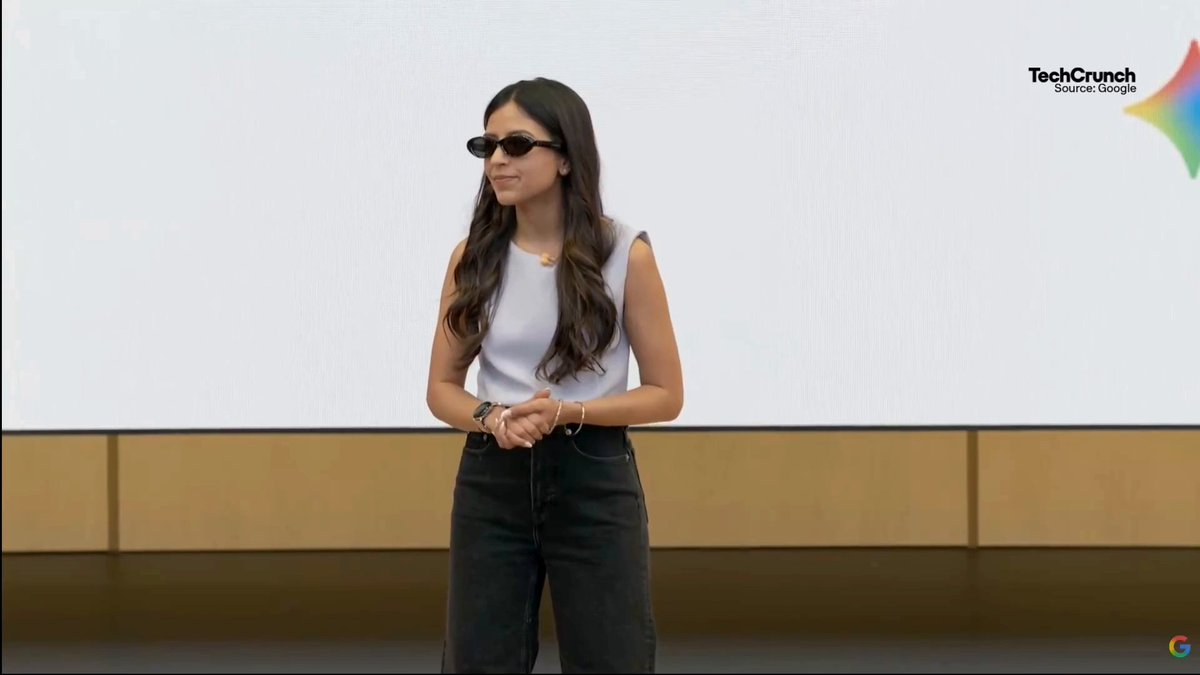
So Google just showed off their Android XR glasses using Gemini to remember details like a location, navigate there and schedule an appointment all without taking your phone out of your pocket.

14,322 görüntüleme • 1 yıl önce •via X (Twitter)

9 Yorum

Nathie 🔜 AWE 2025 profil fotoğrafı
Nathie 🔜 AWE 20251 yıl önce

You can watch the rest of the live demo of the prototype here:

Cloaked Wireless profil fotoğrafı
Cloaked Wireless1 yıl önce

🚨 Your Wireless Carrier Is Spying on You. ❌ They Sell Your Data. They Expose Your Privacy. 💥 Not Cloaked Wireless. ✅ SIM Swap-Proof Accounts ✅ Pay Anonymously with Bitcoin ✅ No Tracking. No Data Sales. Ever. ⚡ Switch Now. Cloak Your Wireless Life

TonyVT SkarredGhost profil fotoğrafı
TonyVT SkarredGhost1 yıl önce

Privacy management will be fun

Robert Scoble profil fotoğrafı
Robert Scoble1 yıl önce

I'll meet you in line to buy them. :-)

Lhun profil fotoğrafı
Lhun1 yıl önce

I watched this live and I can't tell you how happy I am that there's no nose pads. I still want to buy them... when :(

FSOnet profil fotoğrafı
FSOnet1 yıl önce

These glasses look like they’ll change how we connect with the world. 👓

MadMan 408 🔜 AWE 2025 profil fotoğrafı
MadMan 408 🔜 AWE 20251 yıl önce

Definitely want one of these

SharpenIron profil fotoğrafı
SharpenIron1 yıl önce

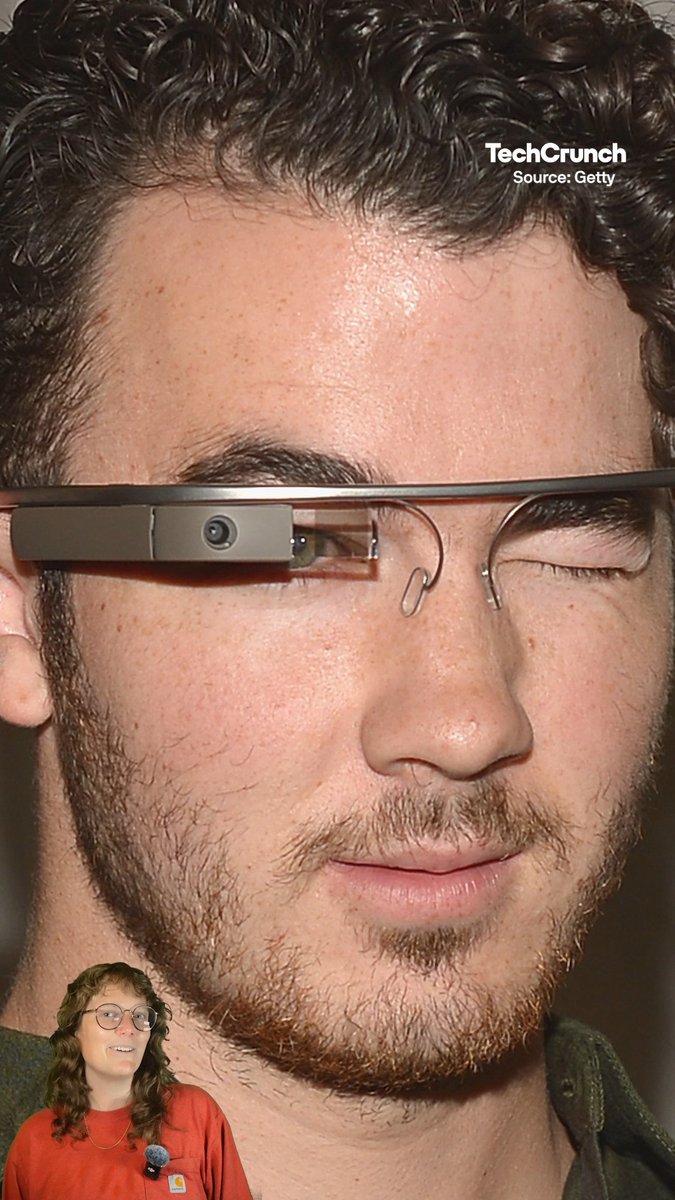
Didn't they do this before with Google Glass?

Gabriel from SometimesIPlayGames.com profil fotoğrafı
Gabriel from SometimesIPlayGames.com1 yıl önce

Glasshole 2.0
Benzer Videolar

Gemini for Android is here! This new app makes it easier to access Google's chatbot, powered by the Gemini Pro LLM, right from your Android device. You can ask Gemini a question by tapping the launcher icon or long-pressing the power button. Once invoked, the Gemini overlay lets you enter a text or text+image prompt. You can tap the camera icon to snap a photo or press the "add this screen" button to take a screenshot of the current page to include in your prompt. The Gemini app for Android is available on Google Play with support for English, but support for Korean and Japanese will be coming next week. While there won't be an app for iOS, iPhone users can access Gemini by opening the Google App and tapping the "Gemini" button up top. How can you long-press the power button to invoke Gemini if that gesture is handled by Google Assistant? The answer is that the Gemini Android app can replace Google Assistant as your default assistant if you want, meaning all the ways you'd normally invoke Google Assistant on your phone can instead invoke Gemini. Unfortunately, Gemini currently doesn't offer ALL the same functionality as Google Assistant and requires an active data connection, but more features will be added over time. There's also now a Gemini Advanced tier, which offers access to Google's most powerful Ultra 1.0 LLM. Access to Gemini Advanced requires a subscription to the new $20/month "AI Premium" Google One plan, which offers the same benefits as the 2TB plan but adds access to Gemini Advanced and soon Gemini features in Gmail, Docs, & other Workspace apps (formerly under the Duet AI umbrella). Gemini Advanced is available in English on the web.

Mishaal Rahman

38,428 görüntüleme • 2 yıl önce