Video yükleniyor...
Video Yüklenemedi
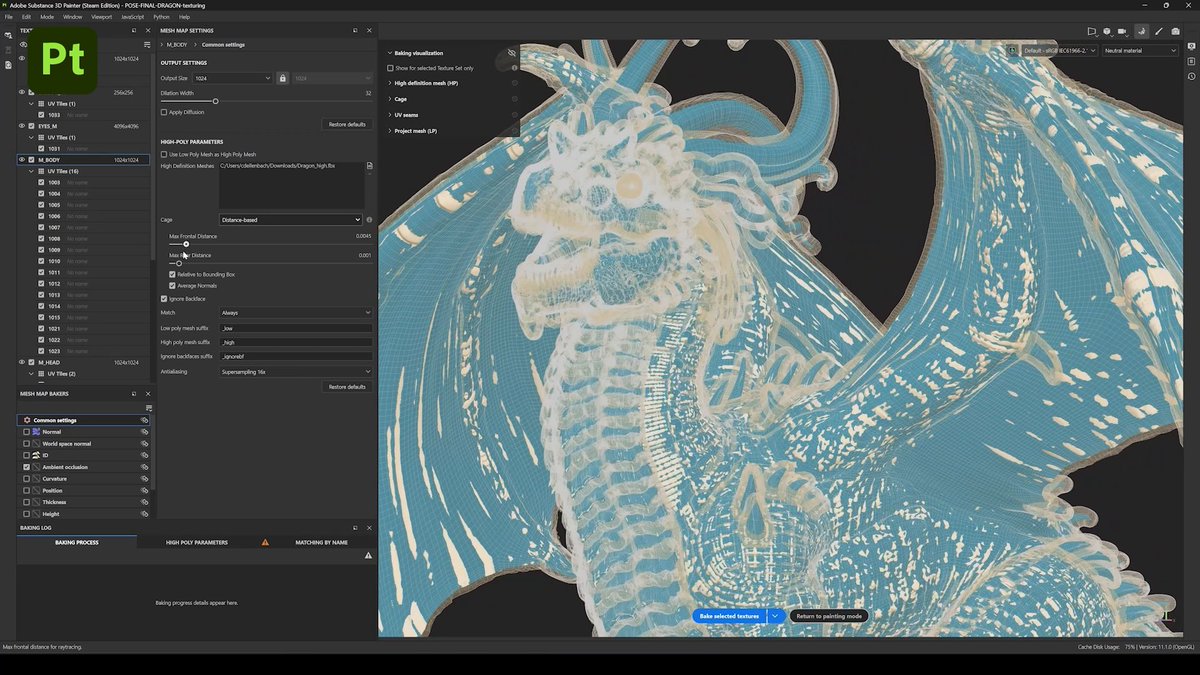
The new easy setup feature is presented automatically upon downloading the app, or you can access it within the Providers section in Settings.

38,054 görüntüleme • 15 gün önce •via X (Twitter)
24 Yorum

Hermes Desktop now sets up local models in one click. It automatically reads your hardware, picks the best model for you, then downloads it and configures the runtime.

I just updated using the cmd line in WSL... I don't see local models section? Is there some hermes voodoo I missed?

Next level guys you making my life soooo easy!
🫡

wen on linux @Teknium?

You are welcome! @NousResearch Pretty sure i was one of the first to do this bundle hermes! Im grateful for you guys! I have learned alot from bundling hermes, openclaw, localai, many systems and apps come separated. we decided months ago to bundle llamacpp, Hermes, and hugging face, with memory management and multiple themes!

Interesting, so how does it choose inference , how do you tweak flags, how does it actually kbow what is the best model for the users setup?

Theme is so good. Which one?

That is pretty cool! Well done! As f*cking always!

Is this supposed to be working on linux? because that hasn't been showing up for me and not in any update since it was announced.

This is the best. Thanks!

Now can it be a provider for the remote gateway?

Love this!!!!! So easy. And btw love the answer (and that two Zeldas are mentioned in the thinking process)

What theme is that?

If without llama.cpp or beellama it was hilarious

Just when I added custom endpoint in Hermes’ from lm studio 🤣🥲

✨

Needs a model reset option when changing to local. This would avoid local config headaches.

Needs Ollama?

thank you

但是它的速度没有我在lm studio上快,我感觉是不是内置的llm在设置GPU时参数没有选择最佳

For Users who not seeing this new ‘Local Models’ option in hermes desktop, just simply close and relaunch with “hermes desktop —local”.

This is just like @Nativ_AI but for Windows👌

Which Inference server, did you make your own?



![New Replay Video Feature A new Automatic gameplay save option that lets you download and save your pre recorded gameplay in High Quality found in the Chinese Version. Players can choose specific clips to download from the saved gameplays. This feature is available in the recording section of the settings. Note: Some phone models may experience lag, overheating, or higher power consumption during screen recording, and voice chat might be affected. Once saved, videos can be viewed and shared from [My Video Folder]. No info when the feature will be added to Garena or Global. Credits to Xiemeimei #callofdutymobile #codm #codmobile](https://image.24vids.com/tw-1831650488678543522/ext_tw_video_thumb/1831650456231141377/pu/img/nuT9rgv99TWLjt0J.jpg)