Загрузка видео...
Не удалось загрузить видео
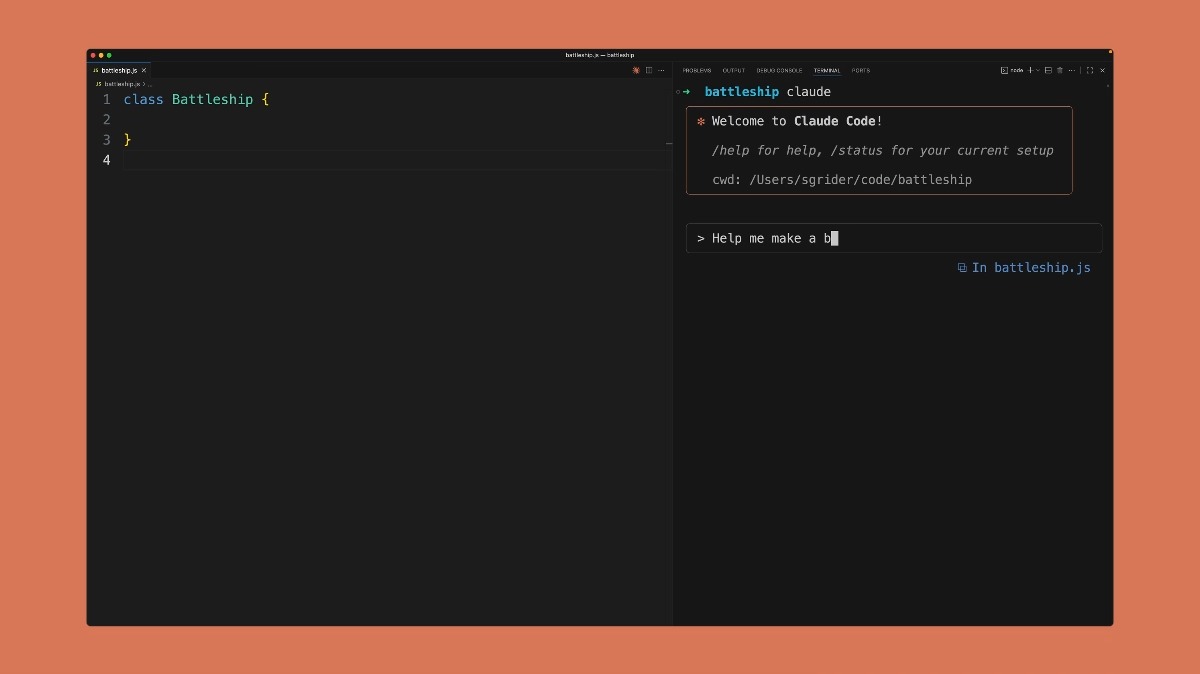
Type ! followed by your bash command to run it instantly without leaving Claude Code. The output is injected in the context window. Saves you tokens, time, and keeps you in the flow.

97,424 просмотров • 9 месяцев назад •via X (Twitter)
Комментарии: 34

But wait, what if I don't want the output to be injected into the context window? I'd rather have a second command that explicitly does that or vice versa a command that just outputs and bypasses context window.

This is one of those things where you don't realize how useful it is till you start doing it.

Why thanks for turning my blunder into a feature

Some it’s bash it won’t work if the command is zsh or executes a zsh script?

Whelp. Don't need those stupid extra tabs now. Thanks.

How many "crazy" people only work with 1 terminal? Haha. Ok ok I know there is a few. But I guess for others that work in IDE, this was never a pain point.

prefix with & to send your prompt + context to the claude cloud ..

This is the "Context Switching" killer. Alt-tabbing between the terminal and the AI breaks the flow state. Being able to run ! npm test and have Claude see the error instantly without copy-pasting? That is peak efficiency.

@bcherny @bcherny Is there a way to disable this? Claude runs as an elevated user for some workflows while the end user doesn’t have those permissions (enterprise/team contexts)

that inline execution is huge for debugging workflows

Cool trick! I'll definitely try that.

Imagine thinking sending the full verbose output of a command “saves you tokens” vs pasting in relevant parts

But, the command log may be very large. It will occupy the context window.🤣

Ooooooh my god, what a lifesaver of a feature 🙏🙏🙏

Great tip!

interesting

How didn’t I know about this until now?!

Nice!

That is how you do that!?!?

Wait this is actually a game changer. Been switching terminals constantly. Thanks for the tip!

Nice tip 😊

@bcherny claude code is the new shell.

Wow, yes there are sometimes that I only need to run a very short command and still need open the second tab. Thanks for the tip.

@bcherny What if the cmd outputs a quadrillion tokens?

Please explain easier

The real power move: chain it with grep !grep -r "TODO" src/ Instantly shows Claude exactly what needs work without parsing the whole codebase first. Saved me ~30% tokens on a refactor. Bonus: !git diff --stat before asking Claude to review - now it knows the scope without reading files it won't touch.

@adocomplete, this method truly boosts productivity by allowing quicker command execution within Claude.

Instant commands without context switching. Flow state unlocked.

Awesome. Also would be ideal to make this optional --> "output is injected in the context window"

finally !!

@bcherny Omg yes finally!

Faster commands + visible output = better flow, right? But hidden context costs add up quietly. Sometimes the slow way of checking a separate terminal keeps your token budget honest.

@bcherny the fact there is no Linux binary for Claude Desktop can only mean 2 things.

fuck u make me happy