正在加载视频...

视频加载失败

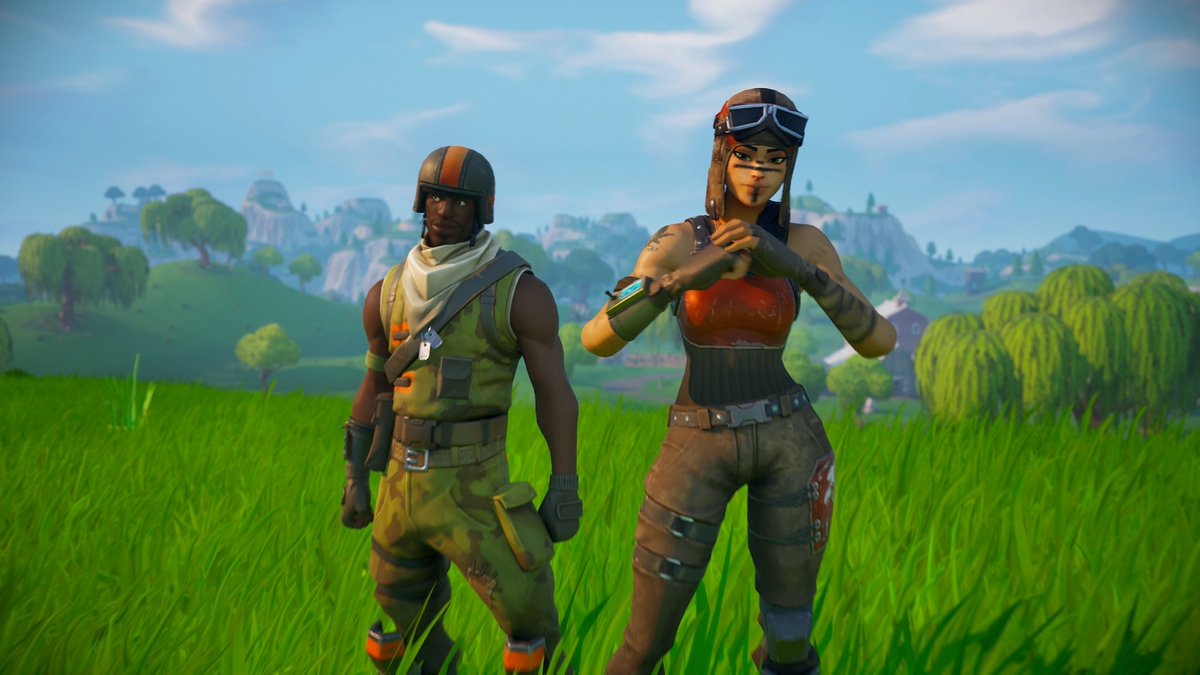
🔄Version 2.98 returns to the roots! - Original tracks are back! - 60 FPS option for emulators! - Better Elimination Mode with checkpoints! - Reverse traffic toggle! - Cool clouds! - And much more! Download the patch in the reply. #MarioKart64 #MK64 #N64 #OverKart64 #AmpedUp

16,496 次观看 • 2 年前 •via X (Twitter)

9 条评论

Litronom 的头像
Litronom2 年前

Download v.2.98: Patch with "Mario Kart 64 (U) [!].z64" (CRC32: 434389C1) via your favorite patcher, or this website: 8MB / Expansion Pak and 16k EEPROM save type is required for this mod.

Litronom 的头像
Litronom2 年前

Full changelog:

RedDeer.Games IR 的头像
RedDeer.Games IR2 年前

🌈✨ Transform playtime into learning time with The Smurfs on Nintendo Switch! 🎓🎮 Perfect for curious minds. Buy now: [The Smurfs: Learn and Play]( #Smurfs #NintendoSwitch

M64 的头像
M642 年前

I would like at least one more option that mixes both these visual styles, for example modern Hud and drifting with classic items

Litronom 的头像
Litronom2 年前

That's an idea! Would need some careful execution in code and a new sub menu. I'm going to think about the feasability

Buggzy_BomberX. 的头像
Buggzy_BomberX.2 年前

Could you expand the item box hit box a bit. Their are times I run through them and not get a item. (It's rare)

Kristoffer Relling 的头像
Kristoffer Relling2 年前

I today intended to ask whether or not you at some point would add the original tracks to Amped Up, and to my pleasant surprise, it'd already been done more than a month ago. Thank you very much, Litronom! :-)

Litronom 的头像
Litronom2 年前

You're welcome! Enjoy the game!

YoshiGM 的头像
YoshiGM2 年前

Thanks for the update! I will download it asap ^^

相关视频

In my previous post about the #Nioh3 demo, I mentioned that when the game isn’t consistently holding 60 FPS or 120 FPS, several issues can show up. Here’s a clearer breakdown of what's going on. The main reason is that the game speed and physics are tied to the frame rate. When you enable the 120 FPS cap, the engine start overreacting and pushes CPU usage very high, even if the game is still running at around 60 FPS (as shown in the first example). In the second clip, you can see the uneven, jittery camera movement I mentioned before. Notice how much smoother 60 FPS and 120 FPS look compared to the unlocked side. Also, camera movement at 60 FPS is slightly faster than at 120 FPS. In the third clip, player movement is slower when the frame rate is unlocked. This doesn’t happen all the time, but it shows up often enough to be noticeable. Because of how the Katana Engine behaves, the game is clearly designed around 60 FPS. Running at 120 FPS is possible, but it’s only recommended if your system can maintain that target almost all the time, which isn’t easy to achieve. There’s also an alternative workaround where you select the 60 (locked) option and enable Frame Generation (DLSS or FSR 3), as shown in the last clip. The downside is that DLSS Frame Generation tends to show the same stuttery look as when the frame rate isn’t holding a fixed target, likely due to Reflex keeping the frame rate slightly below target. FSR Frame Generation, on the other hand, looks much smoother and works better here.

BenchmarKing

17,820 次观看 • 7 个月前