Video wird geladen...
Video konnte nicht geladen werden
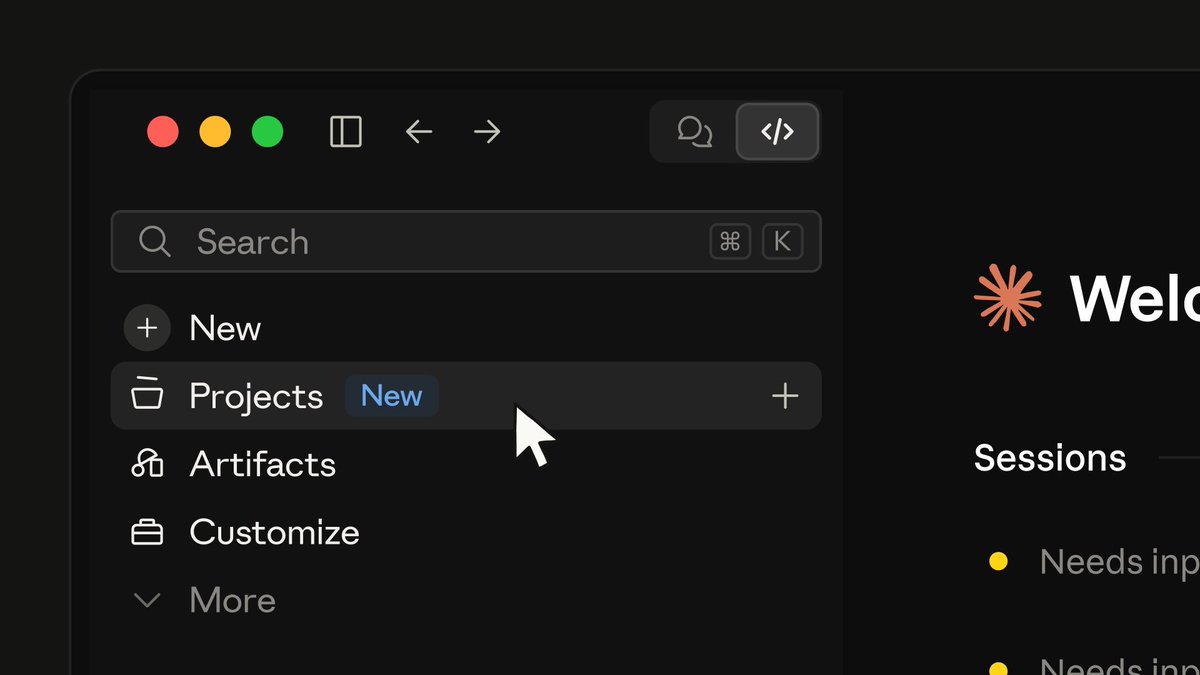
We just let in every Pro and Max user from the Claude Code Projects waitlist! If you're new to Claude Code Projects, here's a 4 minute walkthrough to get you started:

1,931,654 Aufrufe • vor 3 Tagen •via X (Twitter)
31 Kommentare

A project is an ongoing conversation where Claude coordinates the work for you, running each task as its own thread in parallel. Docs:
Projects are in beta. If you haven't signed up yet, join the waitlist. We're letting in more Pro and Max users as capacity allows.

🔥🔥🔥

Oh snaps I’ve been using it for awhile and have built out multiple projects I thought everyone had access 😆 Enjoy!

Day 9 waiting for projects feature

the bug now has its own management team

Parallel agents don't multiply productivity. They multiply spend, if you're not watching

That’s not Lydia 😭

Is it me or Claude seems to have more compute

Let in everyone from the waitlist after making them refresh for weeks

@bcherny The waitlist was doing an excellent job of protecting my weekend from my ideas.

Skills were the last new feature that I actually put to use. Not sure why I really need “projects.”

I just have a question how do I get rid of the projects on new blank screen or session I can’t see my nice clean ui usage progress I synced the projects but can’t get rid of them when I start a new session they just stay there

Finally, a place to organize all the projects I started with AI and never finished. 😂

How can I get access?

4 min walkthrough is the right call, most people quit onboarding at the first wall of docs. quick question: does a project keep its context between sessions, or does it start fresh each time?

The real test: Does a project remember the repo across sessions, or am I re-explaining everything every morning? 😅

It’s great y’all!

Super super dope

Excited to try this. The first thing I'll check is how much context a project loads on each message. In my tests, compacting a long session down to a short note cut it 95–99% in tokens and still kept 12 of 12 key facts, so I'd love project context to stay that lean.

W from claude team!

Siiiiick

Is only for CC in Claude Desktop or its available in terminal?

everyone gets in, then the 4 minute video decides who actually ships

a 4 minute walkthrough means the setup took longer than 4 minutes

That’s nice. I had to build something similar, add a kanban board and have the main session orchestrate each task, initiate tests etc, and keep an eye on dependencies coming next. So this is a great direction to see

Such a joy!! Working with Projects in @claudeai makes non clinical work / administrative work FUN again!! And most importantly Claude acts as my Chief of Staff for everything and I can focus on thinking and taking care of patients! Truly amazing. And yes FUN! ♥️ Thanks folks

do projects share context across threads, or does each task start clean?

@bcherny Great feature! Any word on Project on Team plans?

for anyone just starting, i'd probably run /init first, it lets claude write a starter CLAUDE.md from your repo. then cut it down to what really matters, shorter ones seem to work better. have fun with it

Primero necesito mas uso de límites...