Video yükleniyor...

Video Yüklenemedi

Ana Sayfaya Dön

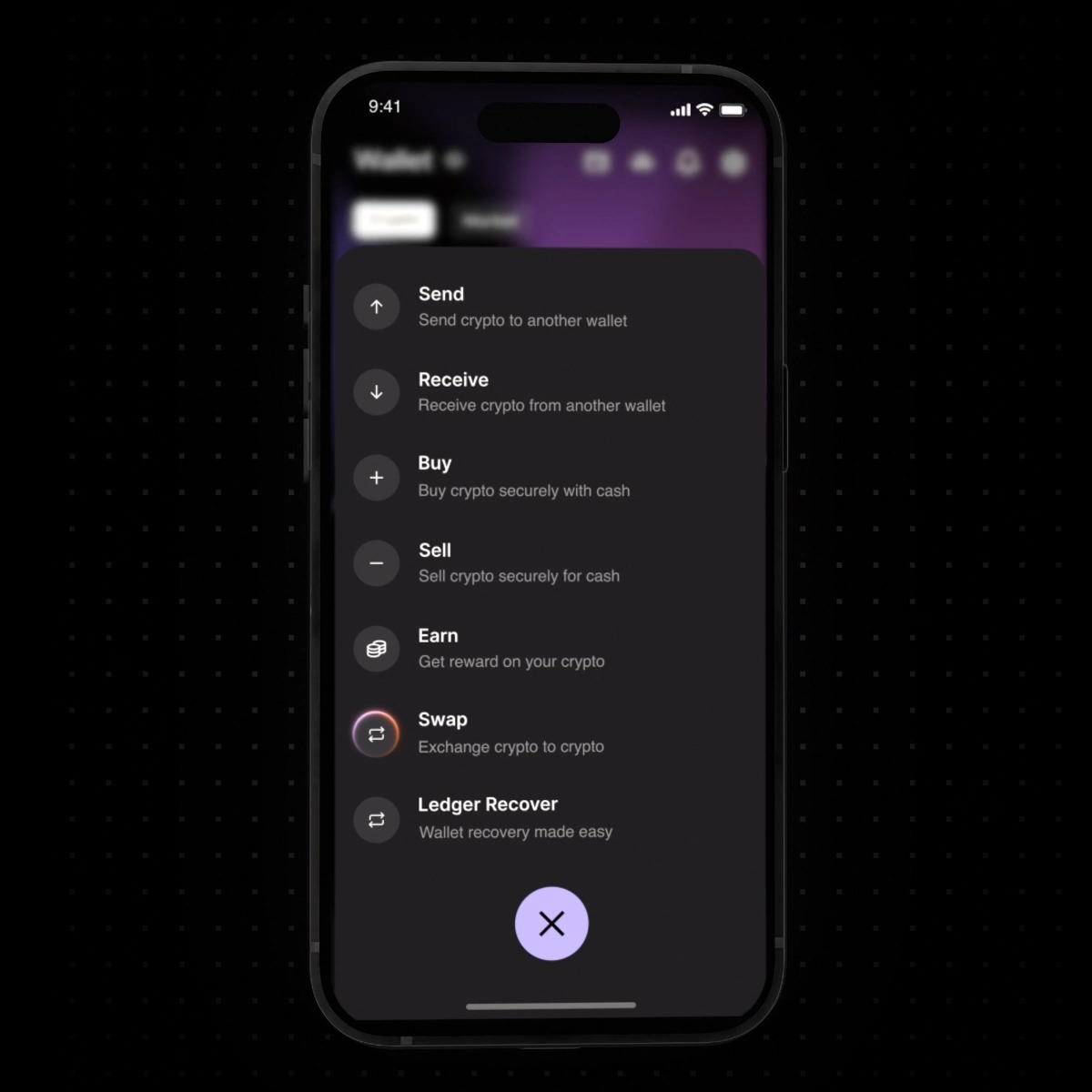
Wen iOS? Monday, June 15th. Offchain version 1.0 goes live for every iPhone user. We've been live on Android and the Solana dApp Store for a while now, and starting Monday the full Offchain wallet lands on iOS too. Same features, same offline-first rails, now in your iPhone. Here's...

11,737 görüntüleme • 3 ay önce •via X (Twitter)

0 Yorum

Yorum bulunmuyor

Orijinal gönderinin yorumları burada görünecek

Benzer Videolar

iPhone Takes a Photo of You Every 5 Seconds While you’re using your iPhone, it takes a photo of you every 5 seconds. More precisely - when you pick up or put down your iPhone, and also when it’s unlocked and sits motionless for a long time, the Face ID sensors take pictures every 5 seconds. You can see this through the infrared lens: it looks like the iPhone is taking a photo in the dark with a flash. Even if you cover the sensor, it will still keep trying to take a picture. In reality, of course, the iPhone isn’t taking photos. It scans your face to figure out whether you’re looking at it. In Face ID settings this mode is called Attention Awareness. You’re working on your iPhone, it’s charging, you get a call - and the iPhone “takes pictures” with the Face ID camera. As soon as it realizes you’re looking at it, the ringtone gets quieter. The same thing works with alarms and other notifications. This is not actually taking photos - it’s the TrueDepth infrared sensors scanning your face for the Attention Aware Features. How to turn this off on iPhone. You need to disable Attention Aware Features. Method 1 (main one): 1. Open Settings. 2. Tap Face ID & Passcode. 3. Enter your passcode. 4. Find Attention Aware Features and turn it off. Method 2 (via Accessibility): 1. Open Settings → Accessibility. 2. Tap Face ID & Attention. 3. Turn off Attention Aware Features. After that, your iPhone will stop automatically lowering the volume of calls, alarms, and notifications when you’re looking at the screen, and it won’t scan your face as actively for “attention.”

Officer's Notes

18,831 görüntüleme • 1 ay önce

🚨 ANNOUNCEMENT: STABLECOINS ARE LIVE ON Meow. SEND AND RECEIVE USDC, FOR FREE, ALL FROM YOUR EXISTING CASH BALANCE! Now on Meow, you can send and receive USDC for free. All from your existing cash balance. That's right: the days of needing to pre-fund, maintain, and log in to a crypto exchange just to send and receive USDC are over, permanently. The SAME balance that you use for ALL your business finances, payroll, and corporate cards — is the one you can now use to send and receive USDC. This has huge ramifications for: — Crypto companies: that transact in USDC — Crypto VCs: who fund investments in USDC — Businesses: that receive vendor payments in USDC, and pay contractors internationally And the best part? These USDC transactions integrate natively with your accounting software, like QuickBooks, NetSuite, Puzzle, and more. And if that’s not enough? You can set up: — Custom spend controls, per dollar amount — Multi-user permissions And 2FA is enforced on every transaction This is one of our MOST REQUESTED FEATURES and we believe Meow is the first major business banking fintech in the U.S. (over $1 billion in assets on the platform) to support free sending and receiving USDC. Business finance is business finance, whether it's cash or stablecoins. The "bridge between Web2 and Web3" is finally here, for real. No more maintaining separate accounts at crypto exchanges for businesses. Crypto companies and crypto funds, apply today: Meow is a financial technology company, not a bank. Bridge is a licensed Money Services Business operating out of the United States.

Brandon Arvanaghi

126,571 görüntüleme • 1 yıl önce