Загрузка видео...
Не удалось загрузить видео
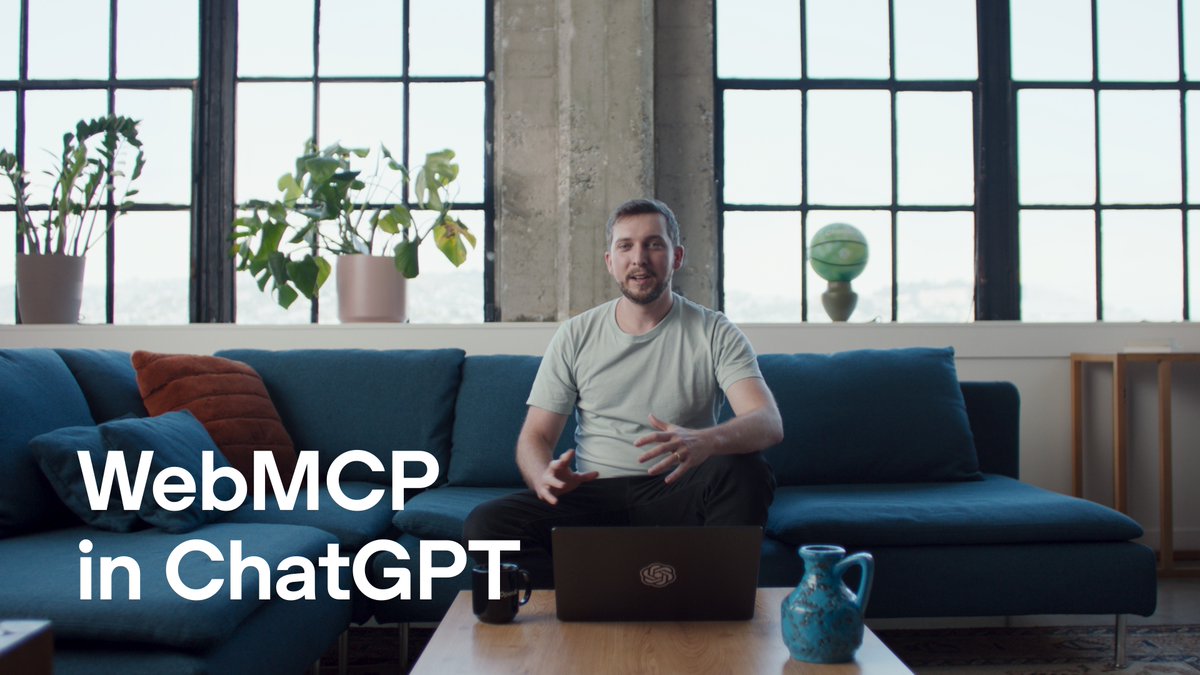
We’ve (finally) added full support for MCP tools in ChatGPT. In developer mode, developers can create connectors and use them in chat for write actions (not just search/fetch). Update Jira tickets, trigger Zapier workflows, or combine connectors for complex automations.

1,034,224 просмотров • 1 год назад •via X (Twitter)
Комментарии: 35

Available now for Plus and Pro users. Get started:
Full MCP support is now available in beta for Business, Enterprise and Edu plans.

I got exited when I first saw this, but after trying it out I realized that you need to use your custom tools in "developer mode" too - not just for setting them up. This disables the ability to use any of the regular tools in ChatGPT including basic things like web search which kind of cancels out doing anything useful here...

Sorry, but this is not "MCP Support" if we are forced to have a "search" and "fetch" tool. Do you expect every single existing MCP server to spend time implementing search/fetch to make it usable? Call it "MCP Support" when we can just plug in any MCP server. Until then, it's really not.

Need auth for your MCP server? WorkOS is the easiest way to add OAuth 2.1 support to your app Used by @MuxHQ, @composio and more!

Seems like this disables the built-in connectors, which is a bit of a dealbreaker. I want to be able to use the Github connector to give the model access to pull context from code along with MCP access to select services (e.g., Sentry).

This is huge! I got it set up with my own server!

Dev mode 💪

This will make ChatGPT 10x more practically useful.

We need desktop app MCP support for local control like in Claude. This is still only partial MCP support.

cool release! please consider allowing users to connect to localhost servers on the chatgpt desktop app :)

I know. You said this yesterday and I toggled it on. Then you all deleted your posts. Very confusing. 😀

This + is insane

You can try it out with Todoist: 👍

Super easy to set up, here's how to use it to quickly spin up a Postgres db 💯 Huge level up for devs.

And for the desktop version of ChatGPT, is it also available? For my local MCPs developed by me?

Worth noting they deleted this post yesterday after 30min…

its about time, in gpt now

Openai could also start its own MCP marketplace... listing official mcps from companies and let users upload their own... just like with custom gpt marketplace. that would be nice too. You could then also host them so they have your url and are easy to integrate in chatgpt connectors.

No Auth Bearer support? Only OAuth or not authorized? :(

Feels like the foundation for composable agent ecosystems, where connectors become building blocks, not just endpoints.

That's awesome! Looking forward to the mcp-ui support as well.
Dev mode FTW! We're going to update our docs soon to showcase how devs can use the Prisma MCP server with ChatGPT! 🚀

awesome

It's about time! I am trying to connect a few MCP's that don't use oauth, I see an option for "no authentication" but whenever i try to connect them i get the message" "Connector is not safe"

Can it support local MCP servers?

amazing! much awaited. just connected my twitter, gmail, and slack to chatgpt with @Ask_Rube overall it works pretty smoothly, saw one bug where it asks for permission for each tool call, even after setting remember for session

Great for - hope it has one click installs (or will have it soon!)

if you wanna find some servers to try this with 😉

I can't connect a local MCP, right? What about in desktop?

I had to double-take 😅

FYI @Merkousha @AmirNapster @poooooriya @mehrandvd

Is it possible to call MCP servers that implemented using subprocesses with the stdio transport? If it's HTTP-only, I'm still better off using VSCode + GitHub Copilot as my MCP client

I have been waiting for this 👏

Powerful. Connectors unlock incredible automation possibilities.




![This is the setup that changed everything for me, Claude can now browse the internet on its own. Not with your browser. Its own dedicated browser.. It can now login with your credentials, scrape data, monitors communities and generates leads.. all in the background while you sleep First how you can set it up, > Open Claude Desktop > Click the plus (+) icon in the chat bar and select Connectors (or "Manage Connectors") > Click Add Custom Connector and enter the following details - Name: Firecrawl - URL: dev/{FIRECRAWL_API_KEY}/v2/mcp - API Key: Paste your API key from the Firecrawl dashboard. > Click Add. then just enable and Authorize, > Once added, find "Firecrawl" in your connectors list and toggle it on. > Claude will ask for approval to use the connector; select Always Allow to let it run tasks without prompting you every time can start using it normally in chat now.. Prompt it like: "Go to [website], extract [data], and organize it" It opens its own browser, navigates, scrapes, and brings you clean results. will share how i use this setup in my next post, so be sure to follow me and turn post notifications on.](https://image.24vids.com/tw-2038300538346045914/amplify_video_thumb/2038300477163778048/img/-21-mVU69fwhzPL2.jpg)


