Video wird geladen...

Video konnte nicht geladen werden

Zur Startseite

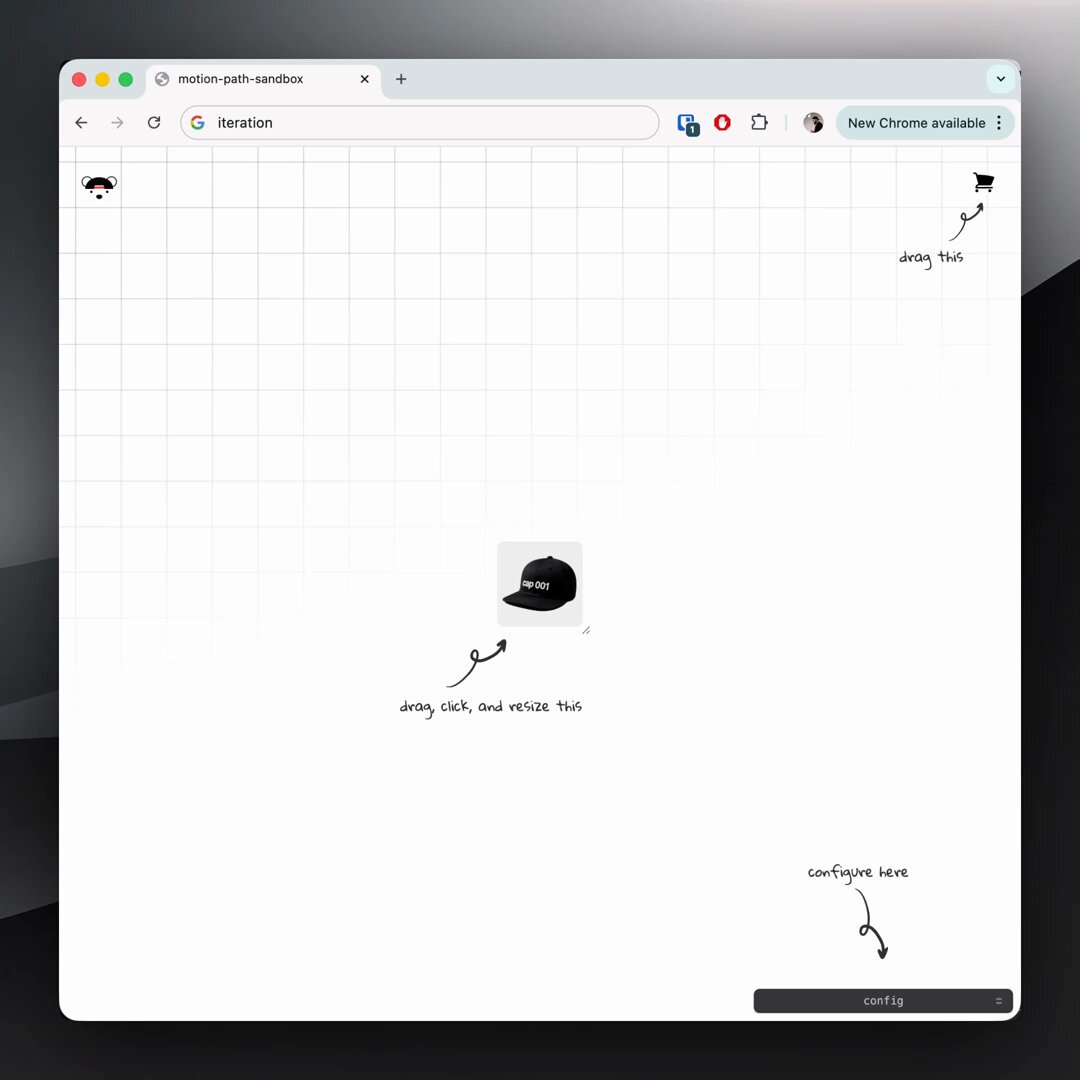
when the tool is missing, make it 👨‍🍳 motion path visualizer w/ SVG for accumulated cubic-bezier timed CSS animations ⚡

213,366 Aufrufe • vor 8 Monaten •via X (Twitter)

0 Kommentare

Keine Kommentare verfügbar

Kommentare vom Original-Post werden hier angezeigt

Ähnliche Videos

007/100 Buttons. This button was way more complex than I first thought. I love the page transition on the Truus site that Dennis Snellenberg and Jordan Gilroy worked on. So I wanted to use that drawing SVG Path idea somehow and fit it into a button. In best case with a mask effect. The idea was to have an SVG path in the background that fills the button. At the same time, this path should also be used as a mask to reveal the differently colored text. The SVG should also be replaceable and work with other SVGs. For the path animation, I can use the DrawSVGPlugin from GSAP. Sounds like a solid plan. I built the button so far, and it worked great in Chrome and Firefox. In Safari, nope. I used an SVG mask that I referenced through CSS. But Safari can’t handle that properly when the path inside the mask is animated, so the animation lags. There was no simple solution for that. At least I didn’t find something. So I had to rebuild the button in another way. What I found was that the SVG mask animation works in Safari when the mask is placed on the desired element inside the SVG. That’s where foreignObject comes in, it allows you to use normal HTML elements inside an SVG. Using that, I rebuilt the hover text inside the SVG. I then referenced the mask on the foreignObject with a bit of JavaScript. And it worked! The button’s structure looks more complicated than I wanted it to be, but that happens quite often when you need to make something work across different browsers 😃 Crafting 100 Buttons with Osmo ⏳ Total time: 96h

Eduard Bodak

67,256 Aufrufe • vor 2 Monaten

New Tools for a New Era. Coding agents like Claude and Cursor have dramatically reduced the time it takes to go from idea to functional software. But the experience of designing and refining with them sucks. One reason for this is that while the terminal is an incredible tool for communicating direction with language, it is a terrible tool for defining and exploring visual and interactive objects. Here is one idea for how we might fix a small part of that. In the old world, when you wanted to create a transition or animation in your app, you would type some code, refresh your local server, and click to run your animation. It probably wasn't right, because after all no one can know what 'cubic-bezier(0.3, 0.05, 0.45, 1)' really feels like when you read it. You need to see it. Feel it. Interact with it in a real world context. So you'd edit some values, save, refresh, and keep guessing and checking until it felt right. Today, you can write a quick, single-use tool that's a visual studio for designing animations. You can then configure some components and containers common in all apps, and explore different animations in real time, adjusting key properties, and getting it just right. Then, you can copy a highly detailed prompt (or export a skill containing all your animations) that captures your intent and direction with perfect clarity. Paste this into your terminal and your agent instantly implements it everywhere. To me, this is an improvement over the old world, and a better way to work in today's. I'm extremely excited to see the ways in which our ability to rapidly create software will shape how we design software tomorrow. Feedback, ideas, and critiques welcome!

joshpuckett

82,065 Aufrufe • vor 6 Monaten