Video yükleniyor...
Video Yüklenemedi
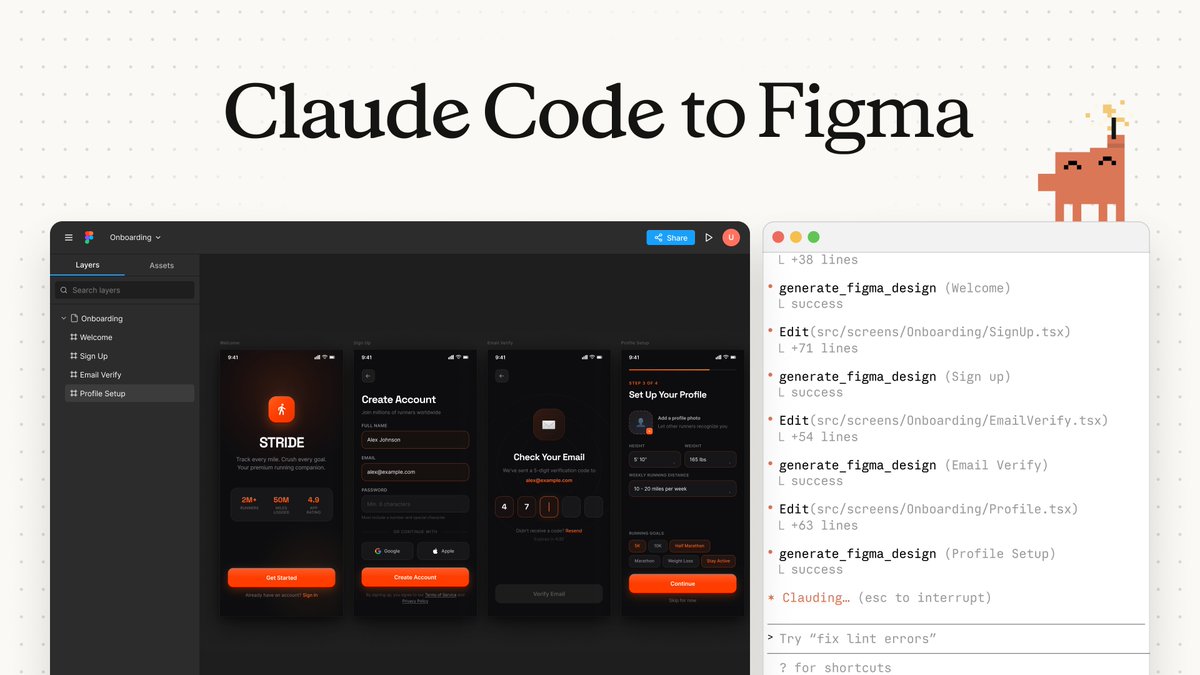
You can make your Figma designs functional with Claude AI Select component, go to Dev Mode and use Figma to Code plugin to turn to React/Tailwind. Copy the code and paste to Claude AI. Prompt "Create this component and center it". Then, "Make this functional", "Add rounded corners", "add... show more

171,880 görüntüleme • 2 yıl önce •via X (Twitter)
10 Yorum

This is from my Claude AI course. I have ~3 hours of video teaching how to build all kinds of web apps from scratch using Cursor Composer, NextJS, v0, Claude Artifacts. Basically my entire workflow. At least 2 more hours coming!

OMG this prompt is dopeeee! For those who are using Shadcn components, tried out this "figma to code" workflow and it works pretty well on v0 dev too. Super surprised that it generated the gradient banner that was pretty close to the original 🤯

Nice. Just need to reduce friction on that step and get figma to release their design AI and we’re getting close to doing full unique design to code flow.

Hey, that's my plugin!! If you have any feedback/suggestion/bug/request, feel free to ask and I'll get that solved!

It’s so obvious in hindsight I felt like 🤦♂️ Thanks for sharing.

Seems I will reactivate my design+code subscription
Huge help, thank you! 🫡

Is there a solution to inject custom content into a Figma template at scale? I'm looking to create hundreds of unique figma mockups with different content (for different companies) in each template. Any recommendations on a plugin that does this?
I’m sure a plugin or figma AI will get there soon

You can also just copy and paste a screenshot into @cursor_ai