
Web Security Academy
@WebSecAcademy • 145,620 subscribers
Free web security training from @PortSwigger
Shorts
Videos
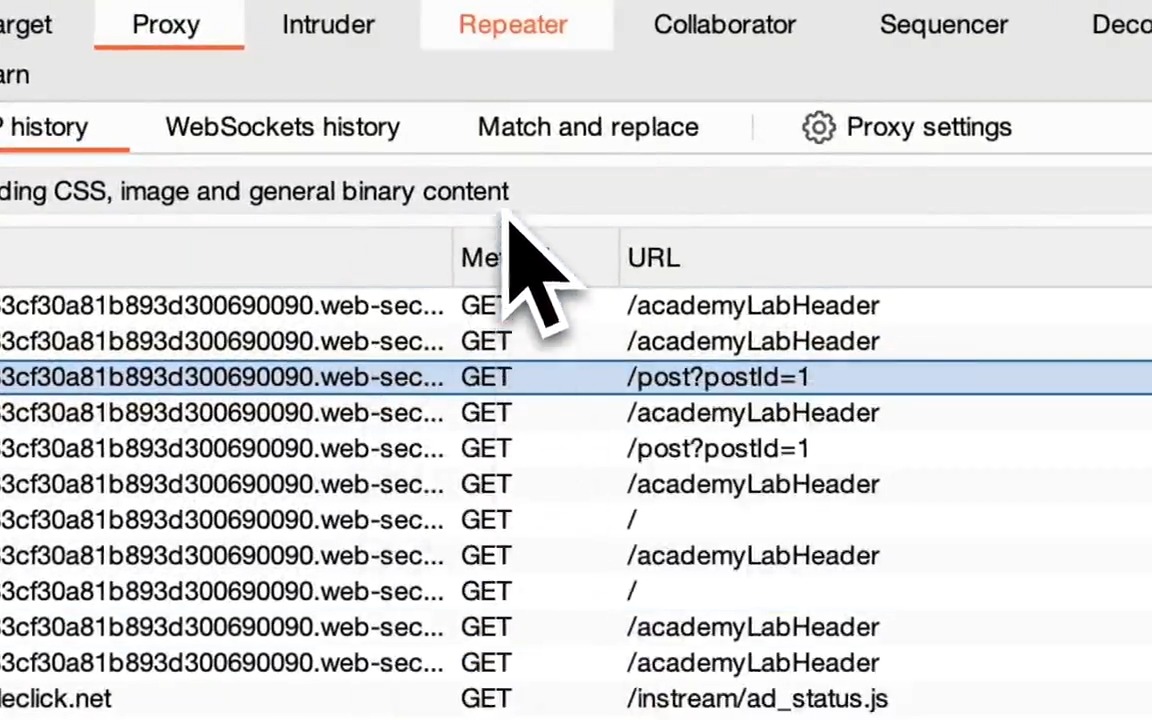
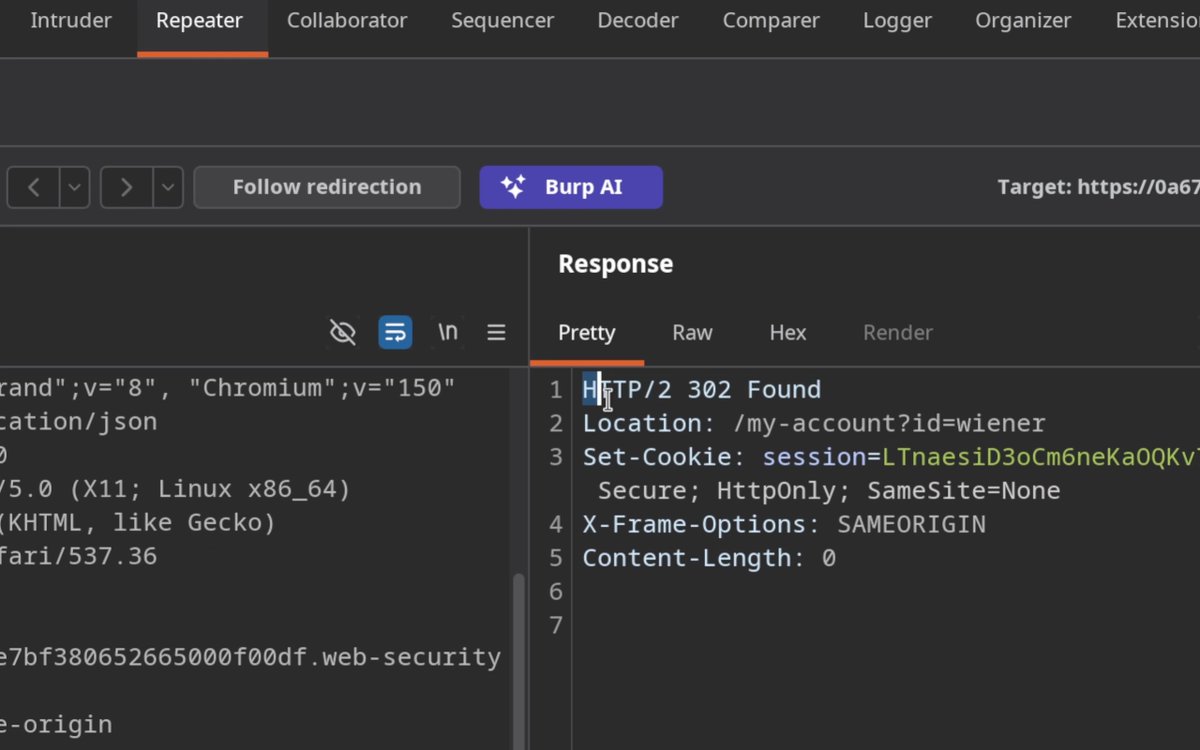
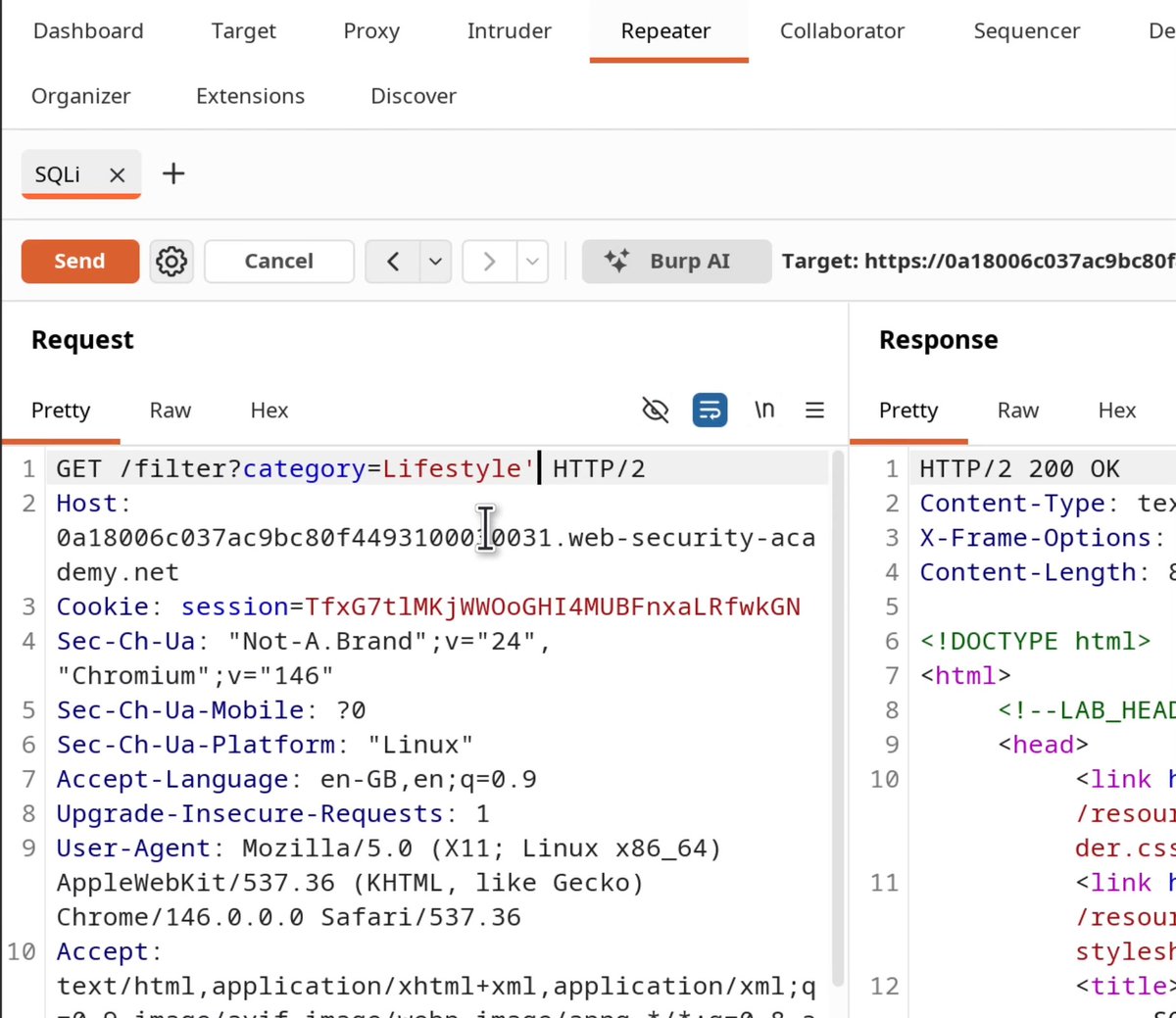
You've heard of SQL injection, but have you heard of NoSQL injection? In this video, we perform a full account takeover using NoSQL injection. We use the NoSQL injection to find the admin username, and reset their password! Learn this in our FREE labs 👇
Web Security Academy35,015 Aufrufe • vor 2 Monaten
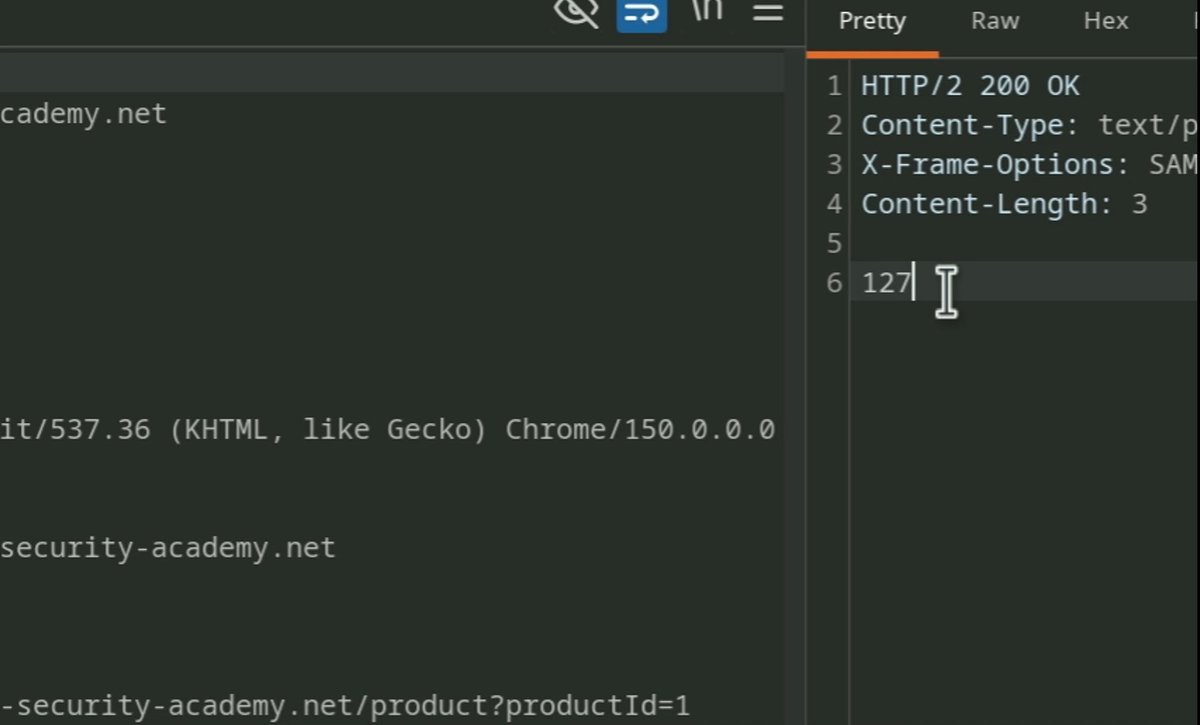
In Burp Repeater, try changing the file’s Content-Type to image/jpeg. If a previously blocked upload is now accepted, the server may be trusting the multipart header instead of checking the file itself. That header is supplied by the client. Validation also needs to consider the filename, extension, actual contents, storage location, and whether the server can execute the uploaded file. Try it in the file upload labs 👇
Web Security Academy12,562 Aufrufe • vor 21 Tagen
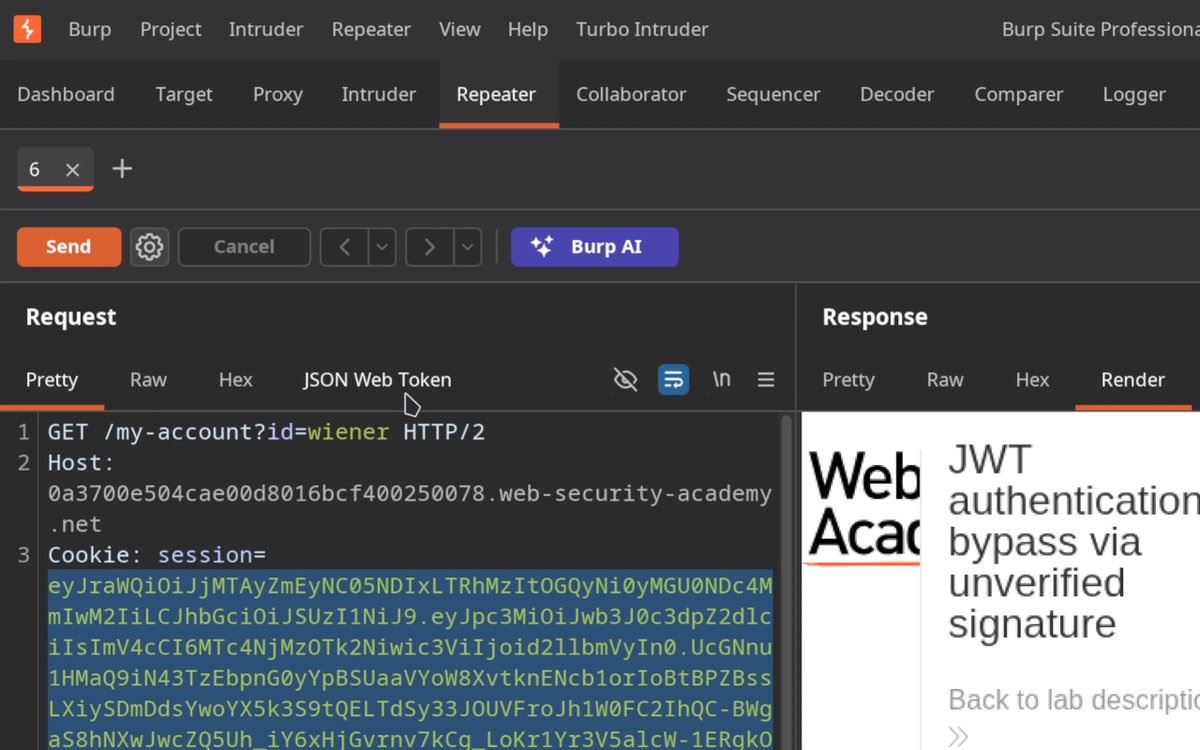
One of the simplest (and most impactful) bugs to look for is switching out the algorithm on JWT tokens to "none". Here are the steps: 🟧 Decode the JWT and set the header to {"alg":"none","typ":"JWT"}. 🟧 Change the sub claim to {"sub":"administrator"}. 🟧 Strip the signature, keeping the trailing dot so the token ends in . 🟧 Send it! Try it yourself here 👇
Web Security Academy20,483 Aufrufe • vor 2 Monaten
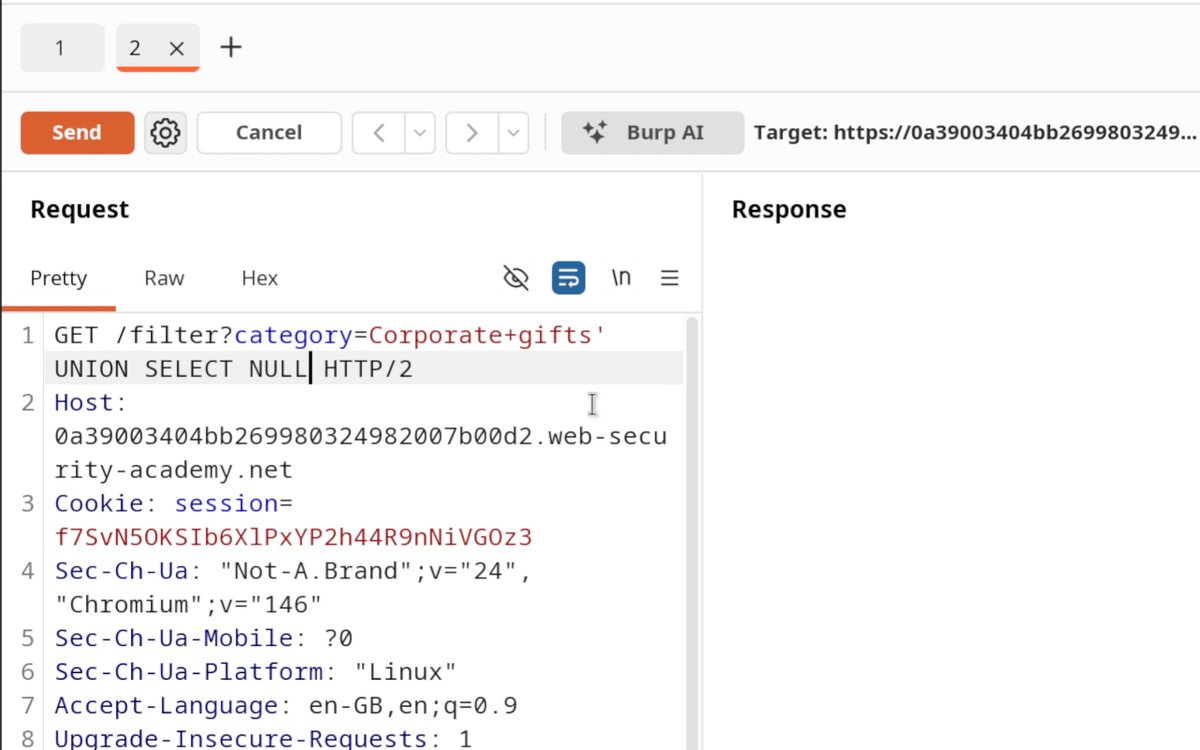
SQL injection! 💉 After finding the number of columns using the NULL trick, you can take it a step further and identify which column takes which data type. Swap 'abc' into one position at a time. The one that comes back without an error is your string column, and that's where your data goes. Want to practice this technique? Hack our FREE labs! 👇
Web Security Academy20,968 Aufrufe • vor 2 Monaten
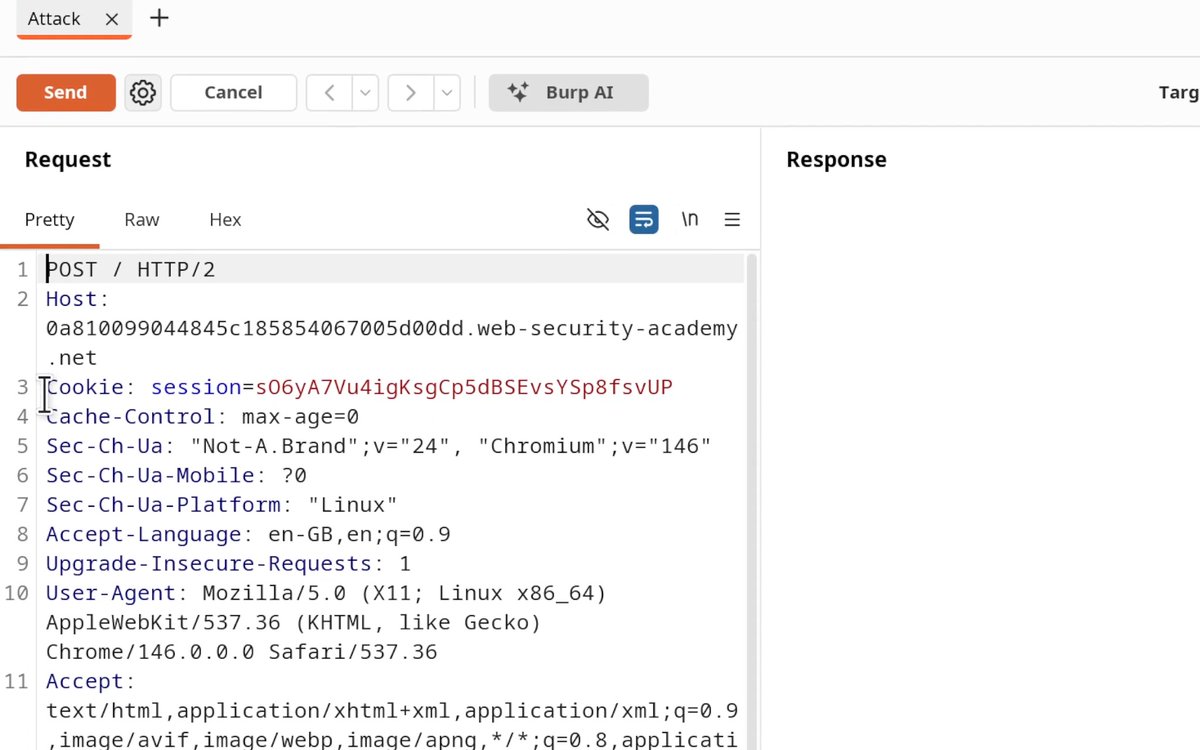
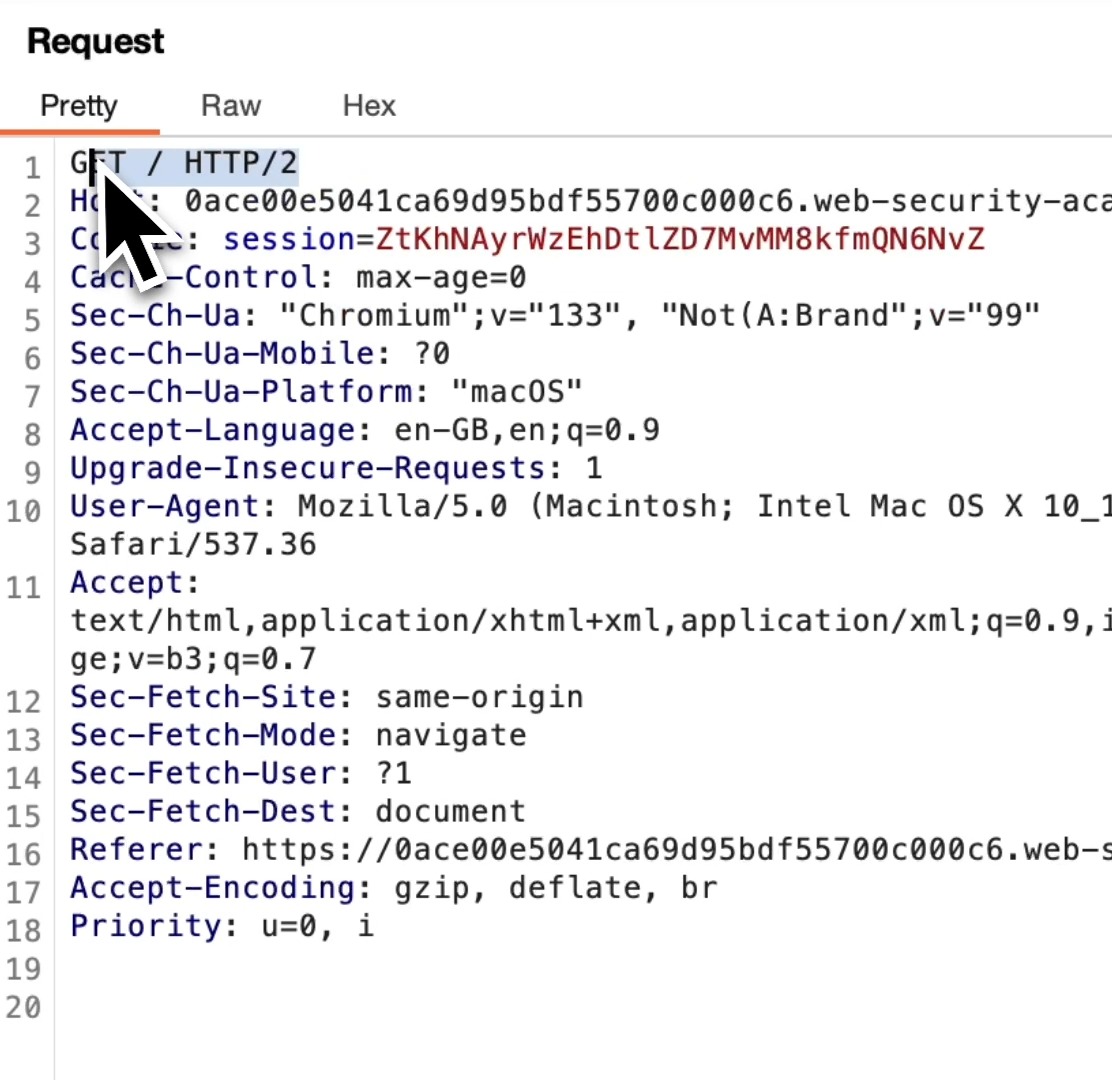
What is HTTP Downgrading, why use it, and how does it work? HTTP/2 is default for most web apps these days, however, it's not uncommon for backend servers to still use HTTP/1.1 causing parsing mismatches between frontend and backend. And that's where HTTP downgrading comes in! But what is it? HTTP downgrading is the process of forcing a request to be processed under HTTP/1.1 instead of HTTP/2. This allows you to manipulate how the frontend and backend servers interpret requests and exploit vulnerabilities unique to HTTP/1.1 parsing such as Content-Length Transfer-Encoding (CL.TE) attacks. How to downgrade HTTP/2 to HTTP/1.1 using Burp Suite 1️⃣ Open Burp Suite and Navigate to Proxy → HTTP History 2️⃣ Locate the request that is currently using HTTP/2. 3️⃣ Send the Request to Repeater 4️⃣ In the Repeater tab, open the "Inspector" panel → Request Attributes → Protocol 5️⃣ Change HTTP Version to HTTP/1.1 6️⃣ Click "Send" in Repeater. If successful, you should receive a valid response, confirming the server accepts HTTP/1.1. And that's it! You've just downgraded the HTTP protocol and confirmed that the frontend server accepts HTTP/1.1! 🥳 You are now ready to smuggle requests! If you want to learn how to exploit this, we've got a Web Academy Lab you need to check out: Thanks for reading! #requestsmuggling #cybersecurity #BurpSuite #hacking #infosec
Web Security Academy62,874 Aufrufe • vor 1 Jahr
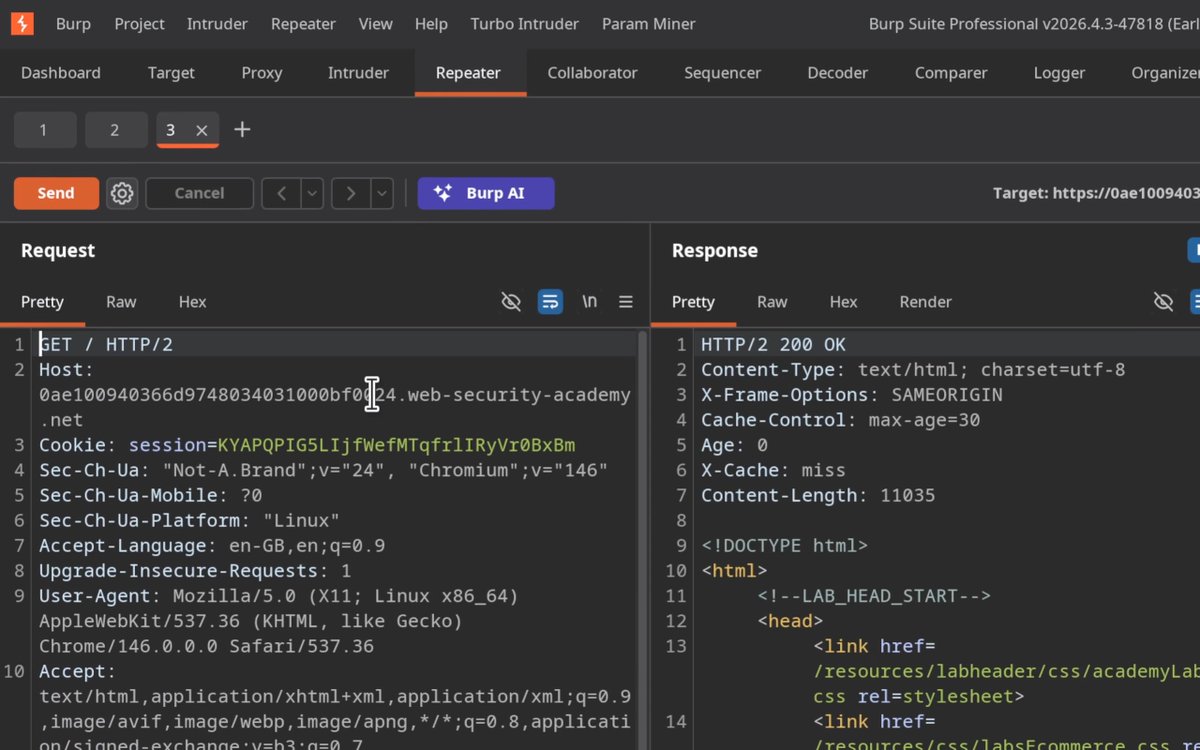
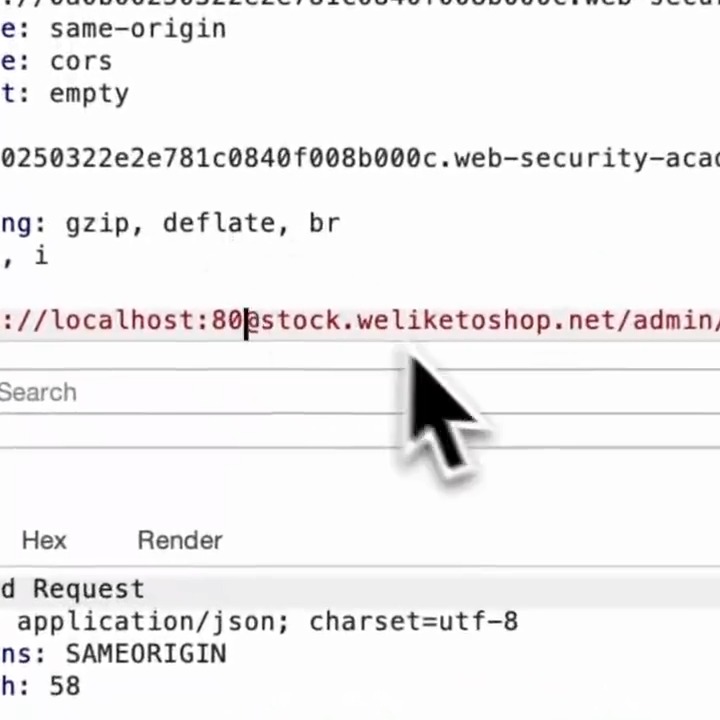
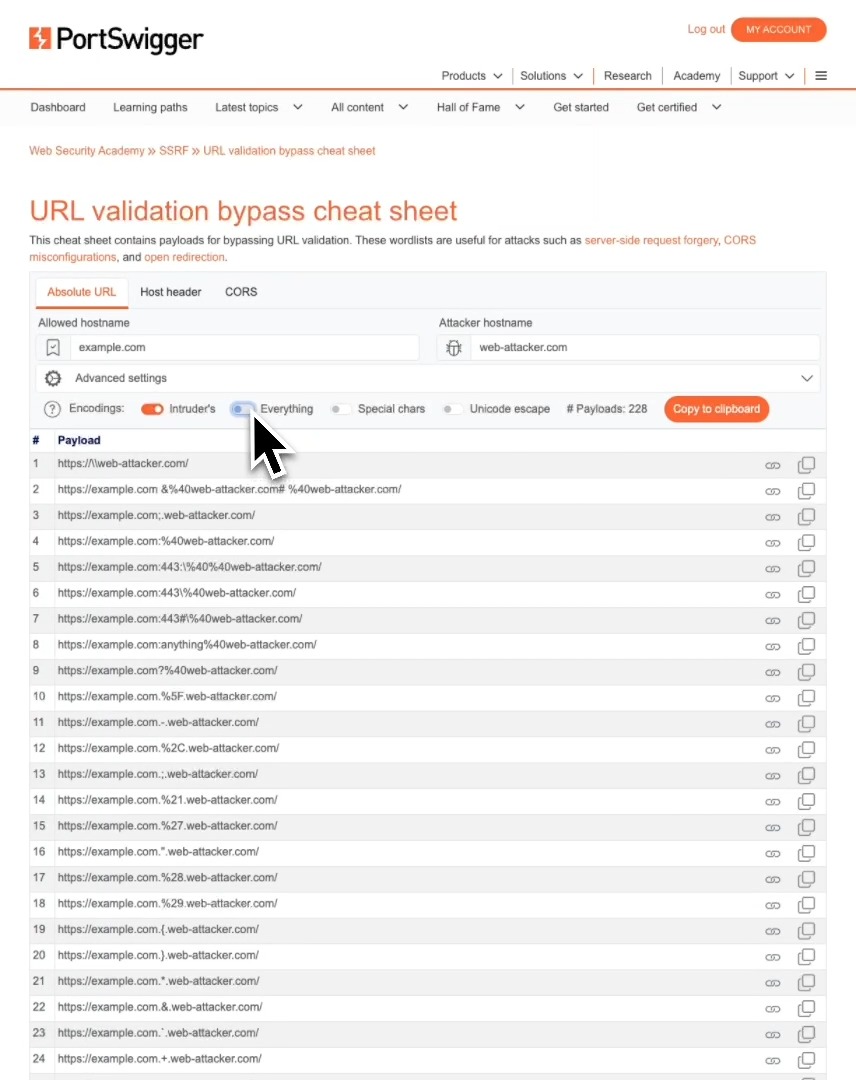
Burp Suite's "Decoder" is great for URL encoding - but there is a much faster way to do it!
Web Security Academy22,890 Aufrufe • vor 6 Monaten
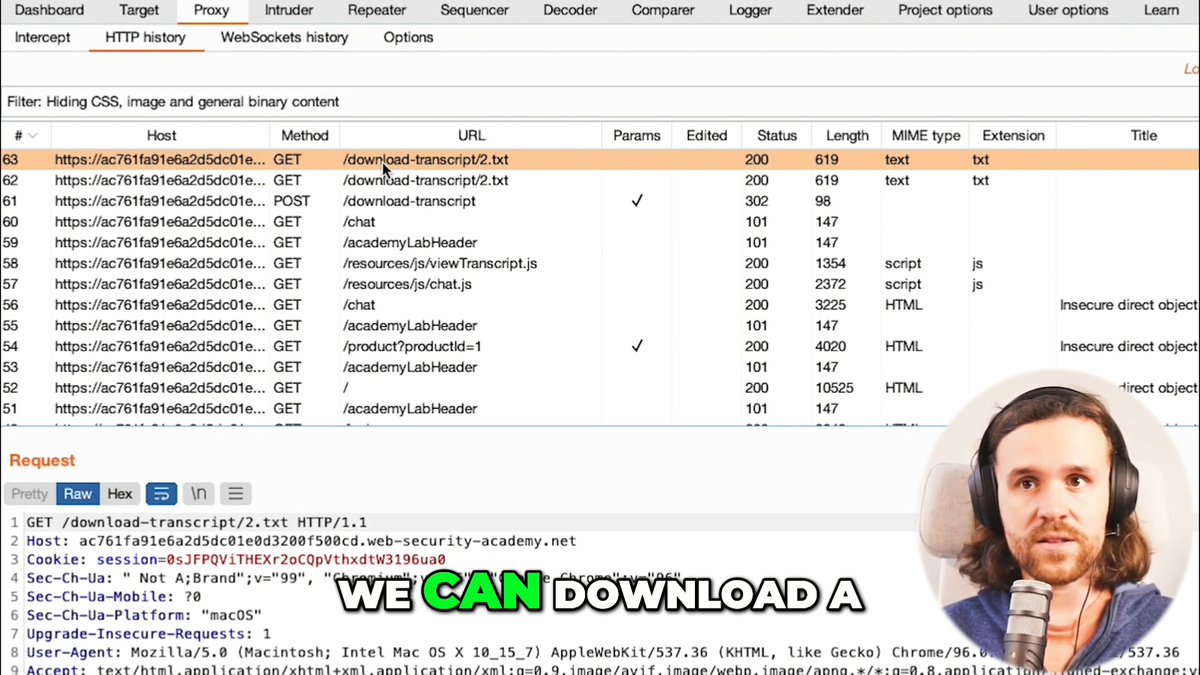
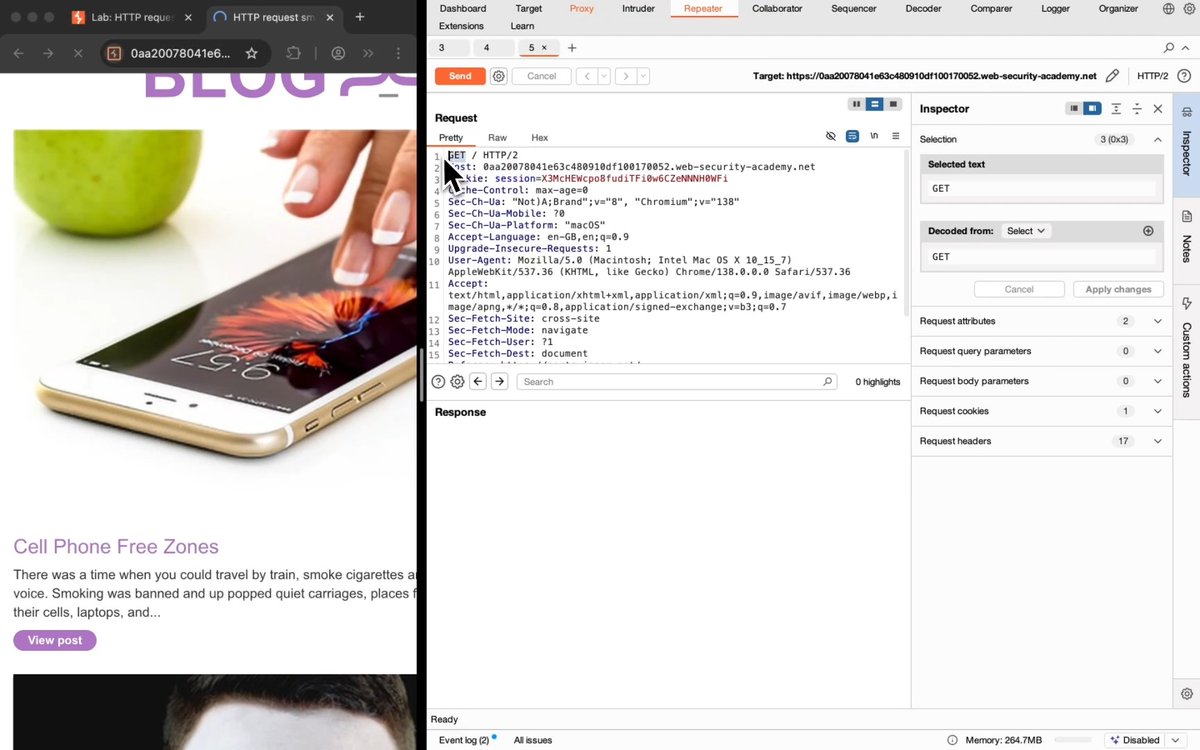
How to manually check for CL.TE Request Smuggling Vulnerabilities: 1️⃣ See if a GET request accepts POST 2️⃣ See if it accepts HTTP/1 3️⃣ Disable "Update Content-Length" 4️⃣ Send with CL & TE headers: POST / HTTP/1.1 Host: Content-Length: 6 Transfer-Encoding: chunked 0 G 5️⃣ Send request twice. If you receive a response like "Unrecognized method GPOST", you've just confirmed a CL.TE vulnerability! Try this out for yourself in our CL.TE lab:
Web Security Academy27,993 Aufrufe • vor 1 Jahr

How to use Burp Suite's "Decoder" for URL-encoding. (plus a much easier way to do it)
Web Security Academy31,375 Aufrufe • vor 1 Jahr
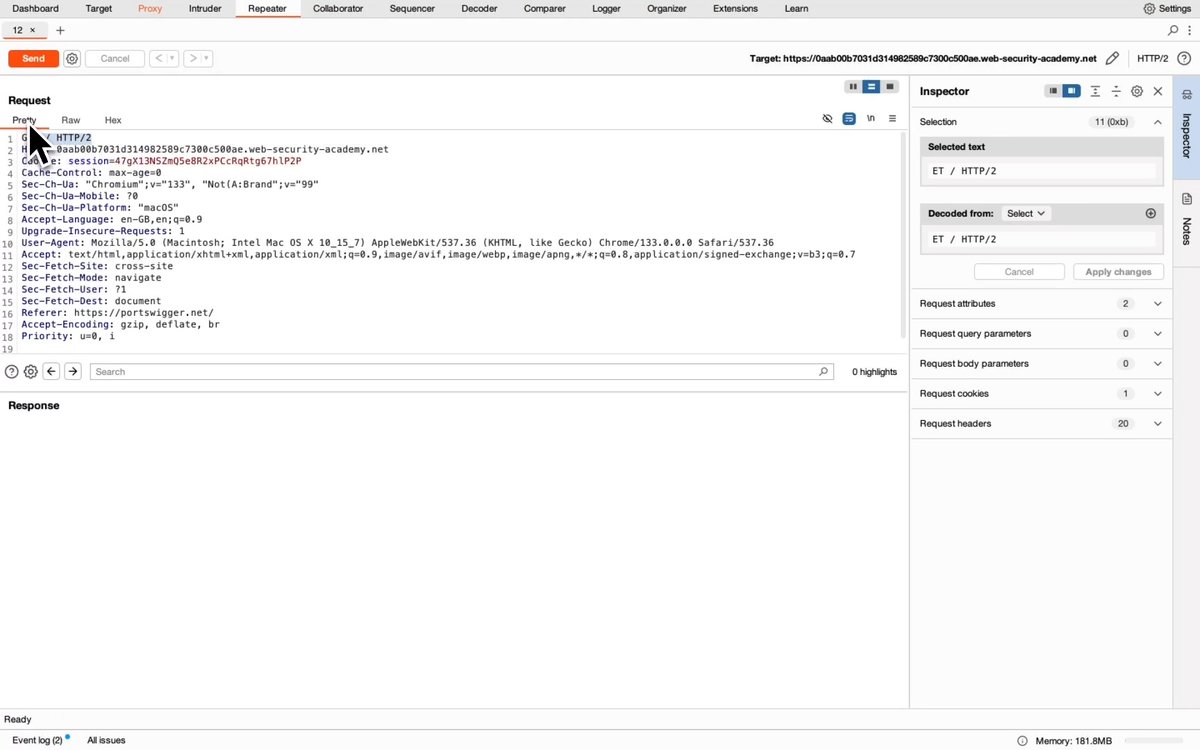
HTTP Request Smuggling Lab Walkthrough: Confirming a CL.TE vulnerability via differential responses. How to identify CLTE Vulnerabilities: 1. Send request to repeater 2. Downgrade protocol to HTTP/1.1 3. Disable "Update Content-Length" 4. Set Content-Length to 6 5. Add "Transfer-Encoding: chunked" heading 6. Send a chunk with an invalid chunk size If the backend times out, this indicates a potential CLTE vulnerability. Confirm the vulnerability with differential responses: 7. Create and send the attack request: - Replace previous chunk with a terminating chunk. - Add a smuggled request after the chunked body. - Append X-ignore: X (without a newline) and send. 8. Send a normal request to repeater, downgrade to HTTP/1.1 and send immediately after the attack request. If the response to the normal request is 404 instead of 200, the backend was poisoned! 🤮 Well done! To learn more about HTTP Request Smuggling and take on this lab yourself, head over the the Web Security Academy now #requestsmuggling #pentesting #bugbounty #hacking #cybersecurity
Web Security Academy26,360 Aufrufe • vor 1 Jahr