
@Google • 31,898,321 subscribers
Here to help.
Shorts


![Lamine Yamal’s world-class footwork had an unexpected start 🐶 Learn more about your favorite players with Google Search. [GooglePartner]](https://image.24vids.com/tw-2066997115981631491/amplify_video_thumb/2066996954395992064/img/BjL3fTc7uD_Z9env.jpg)


Videos


Our engineers used Gemini 4 Argon to eliminate an entire category of browser crashes in @GoogleChrome. Argon helped separate core webpage handling from a 6-million line legacy folder in Chromium's 40-million line codebase, completing months of work in just weeks. Here's how ↓
Google922,140 views • 4 days ago

Introducing Fitbit Edge, our next-generation health and fitness tracker. Featuring sleek design, a brilliant display, glanceable fitness guidance and advanced health tracking to support your wellness goals. It's designed for both active lifestyles and everyday wear.
Google1,003,535 views • 5 days ago
Project Suncatcher is our moonshot exploring whether we can one day host machine learning infrastructure in space 🚀 To do so, we need to know whether our AI hardware can operate in orbit. Can our TPUs handle the physical stress of spaceflight and the radiation and thermal extremes of space? These are the questions Google researchers have been exploring for the past few years. Last week, we launched our first test satellite carrying four TPUs into orbit — putting us one step closer to getting answers.
Google1,164,581 views • 10 days ago



Gemini 4 Argon can turn messy data into clean, visual narratives in just minutes 🪐 Here’s how it processed 80,000 files from NASA's open archives (CSVs, images, PDFs, web articles, XML logs, and raw videos) to build a Google Slides deck based on strict design guidelines.
Google174,445 views • 2 days ago

At Isomorphic Labs, researchers are using Gemini 4 Argon as a partner to accelerate drug discovery and design research 🧬 Argon quickly synthesizes complex PDFs and patents to extract pertinent information, reducing a process that typically takes weeks into just hours.
Google161,980 views • 2 days ago


We asked Gemini 4 Argon to make a realistic 3D scene in pure Python with zero external libraries. It wrote 5,000+ lines of code and built its own 3D ray-tracing engine, custom video tool, and audio mixer to render and document this sunlit library from scratch — producing, narrating, and assembling this video with Gemini 3.8 TTS and music by Lyria 3.5.
Google164,315 views • 3 days ago


Up, up, and away. 🚀 Today, in partnership with Planet, we launched a prototype satellite carrying four TPUs into orbit on SpaceX's Transporter-18 rideshare mission. This launch is the first step of Project Suncatcher, our long-term research moonshot to see whether we can one day host scalable machine learning infrastructure in space. Over the coming weeks, we'll gather in-orbit data on how our TPUs handle the physical stress, radiation, and thermal extremes of space. Whatever we learn, we'll use it to refine our future designs.
Google697,880 views • 16 days ago
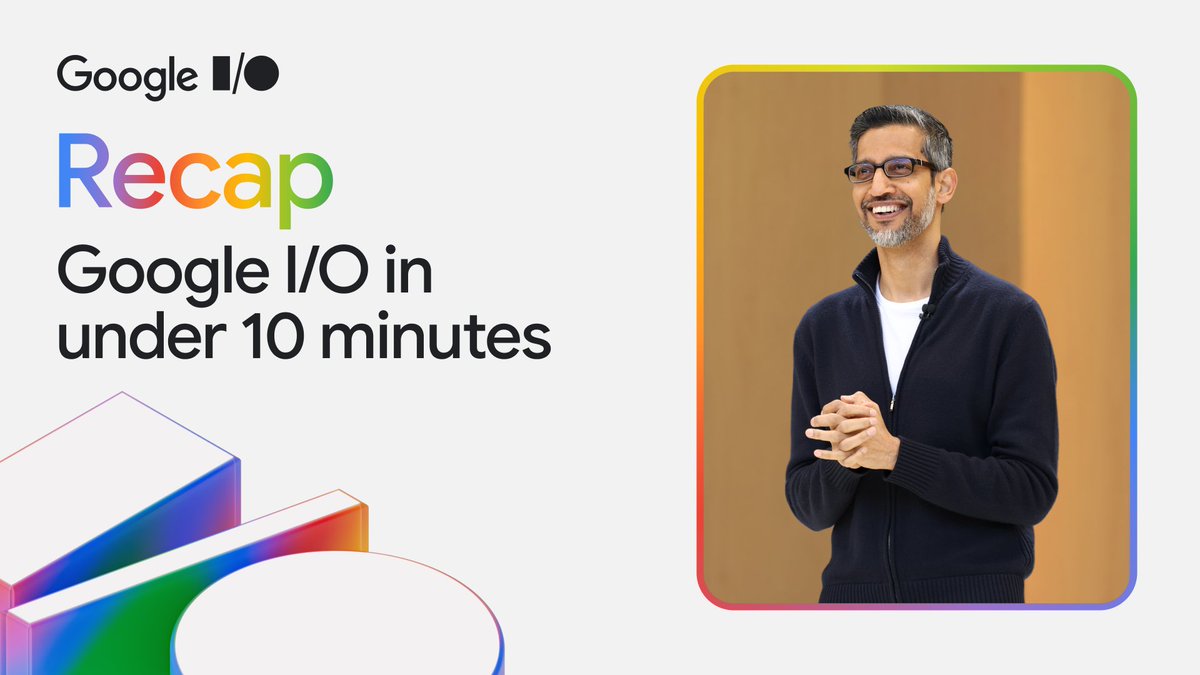
ICYMI: Catch up on all the announcements from #GoogleIO in under 10 minutes ↓
Google41,801,121 views • 1 year ago


We’re sending TPUs to space (yes, really). After years of research, we’re launching a satellite to evaluate if and how Google Tensor Processing Units (TPUs) hold up in orbit. The test mission, as part of our latest moonshot — Project Suncatcher — is designed to gather data exploring how we can one day host machine learning infrastructure in space.
Google995,920 views • 23 days ago


We just released Gemma 4 — our most intelligent open models to date. Built from the same world-class research as Gemini 3, Gemma 4 brings breakthrough intelligence directly to your own hardware for advanced reasoning and agentic workflows. Released under a commercially permissive Apache 2.0 license so anyone can build powerful AI tools. 🧵↓
Google7,761,261 views • 6 months ago
