

Web Security Academy
@WebSecAcademy • 145,389 subscribers
Free web security training from @PortSwigger
Shorts
Videos
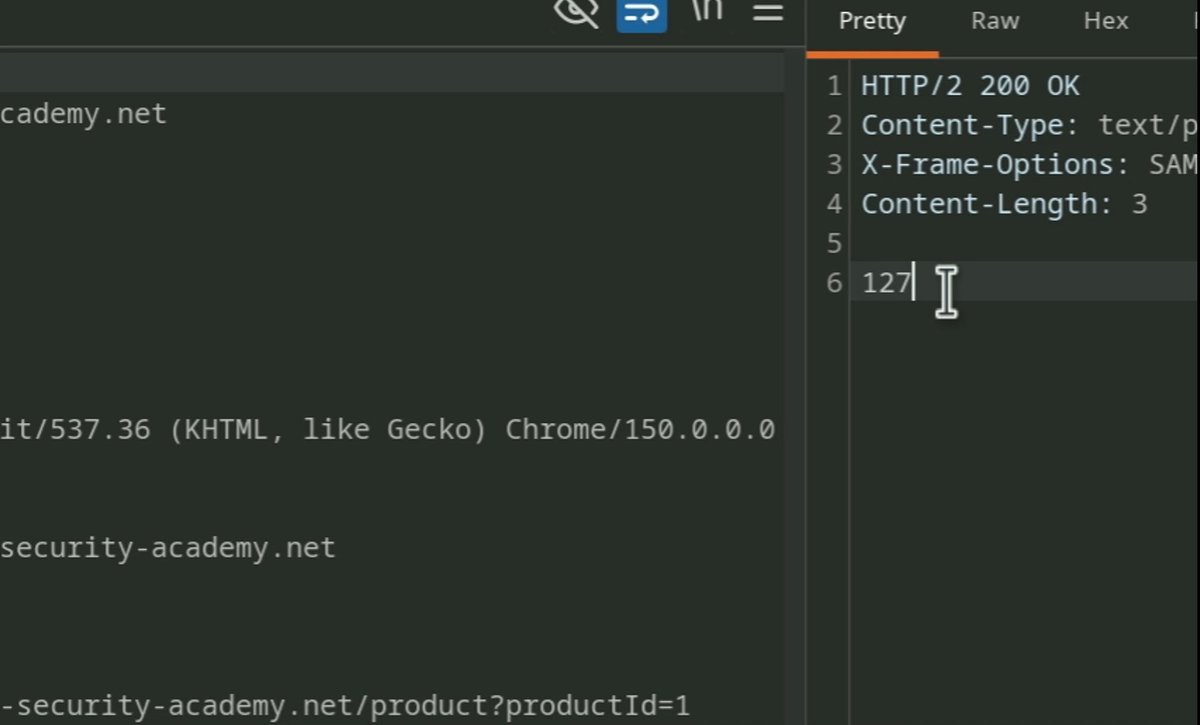
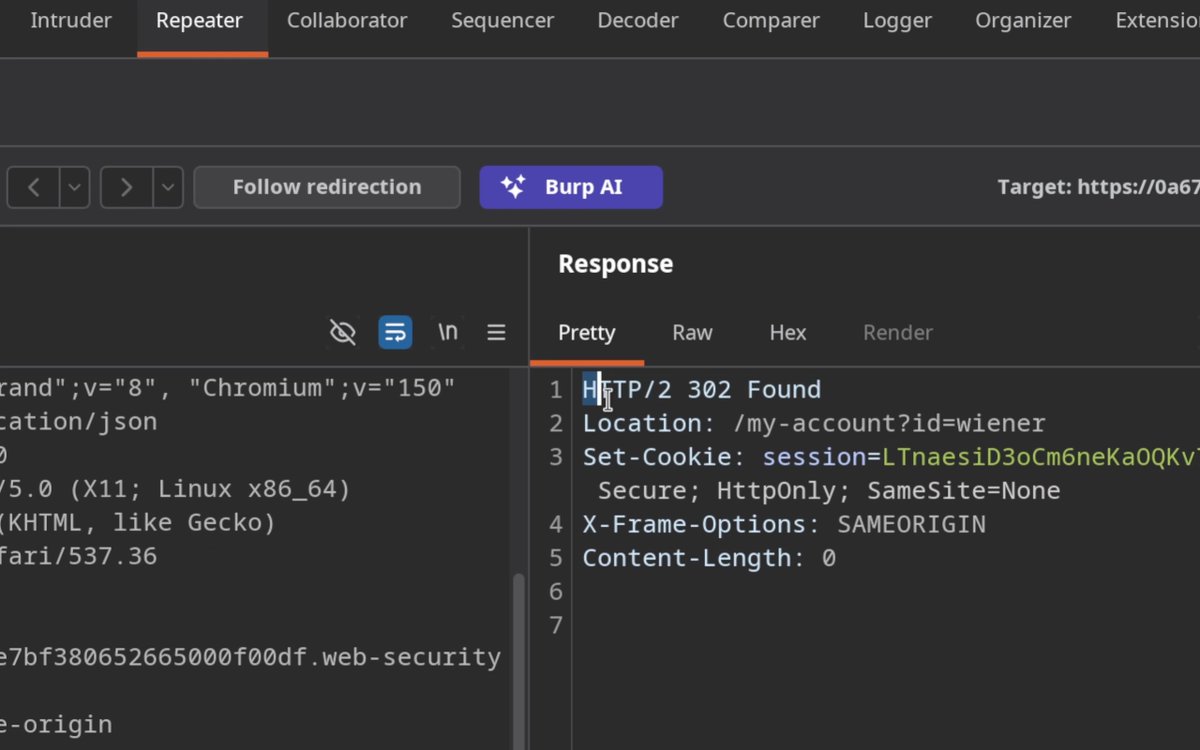
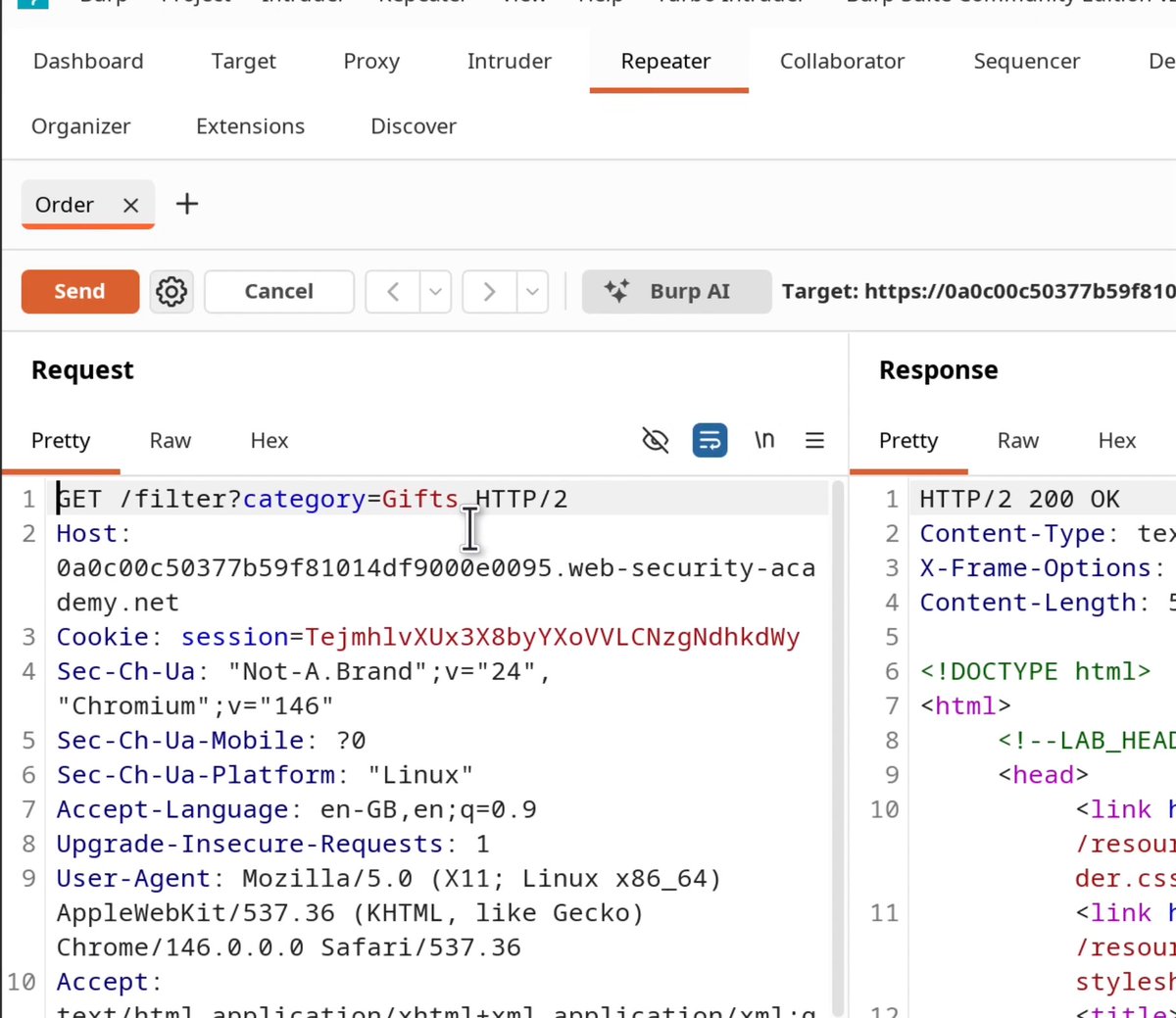
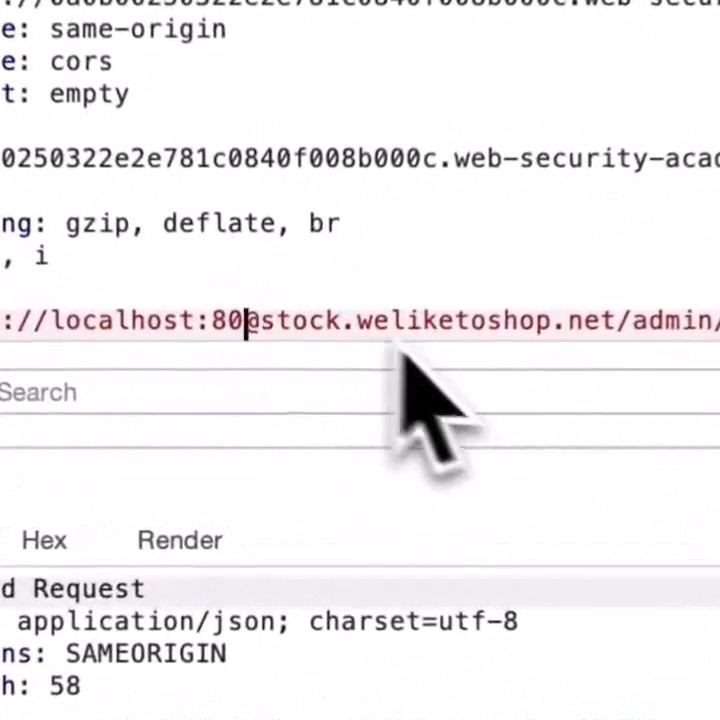
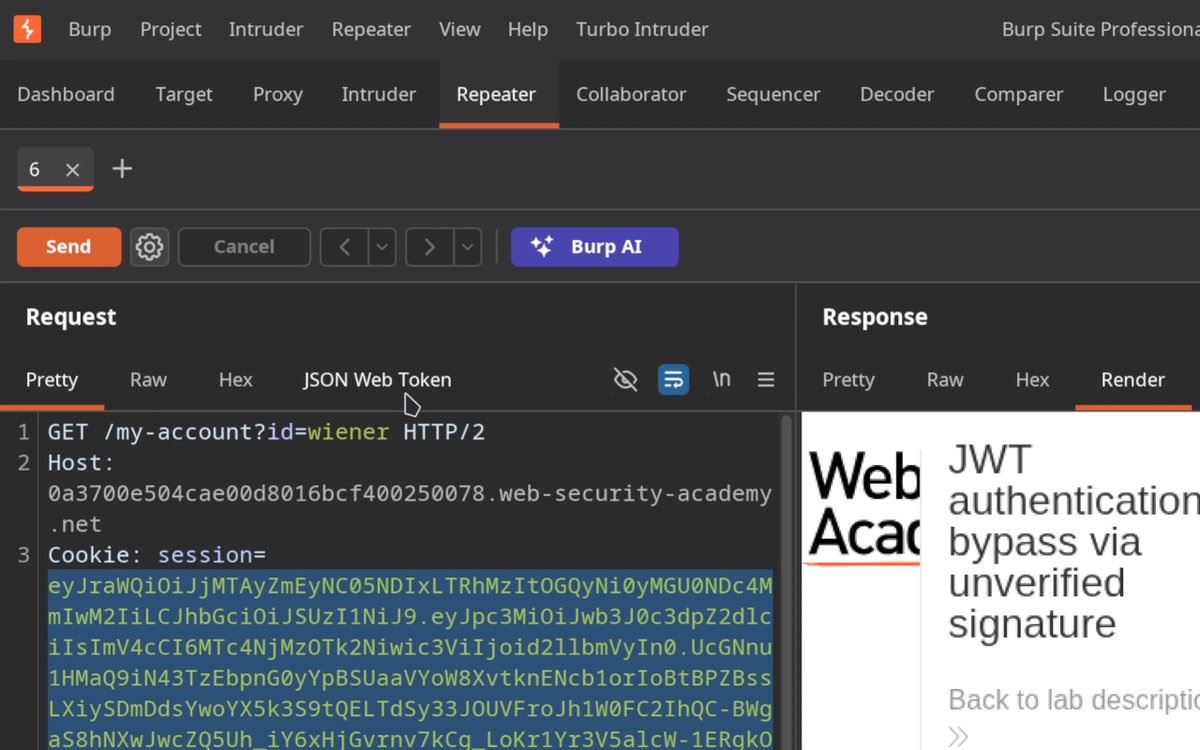
One of the simplest (and most impactful) bugs to look for is switching out the algorithm on JWT tokens to "none". Here are the steps: 🟧 Decode the JWT and set the header to {"alg":"none","typ":"JWT"}. 🟧 Change the sub claim to {"sub":"administrator"}. 🟧 Strip the signature, keeping the trailing dot so the token ends in . 🟧 Send it! Try it yourself here 👇
Web Security Academy20,339 次观看 • 2 个月前
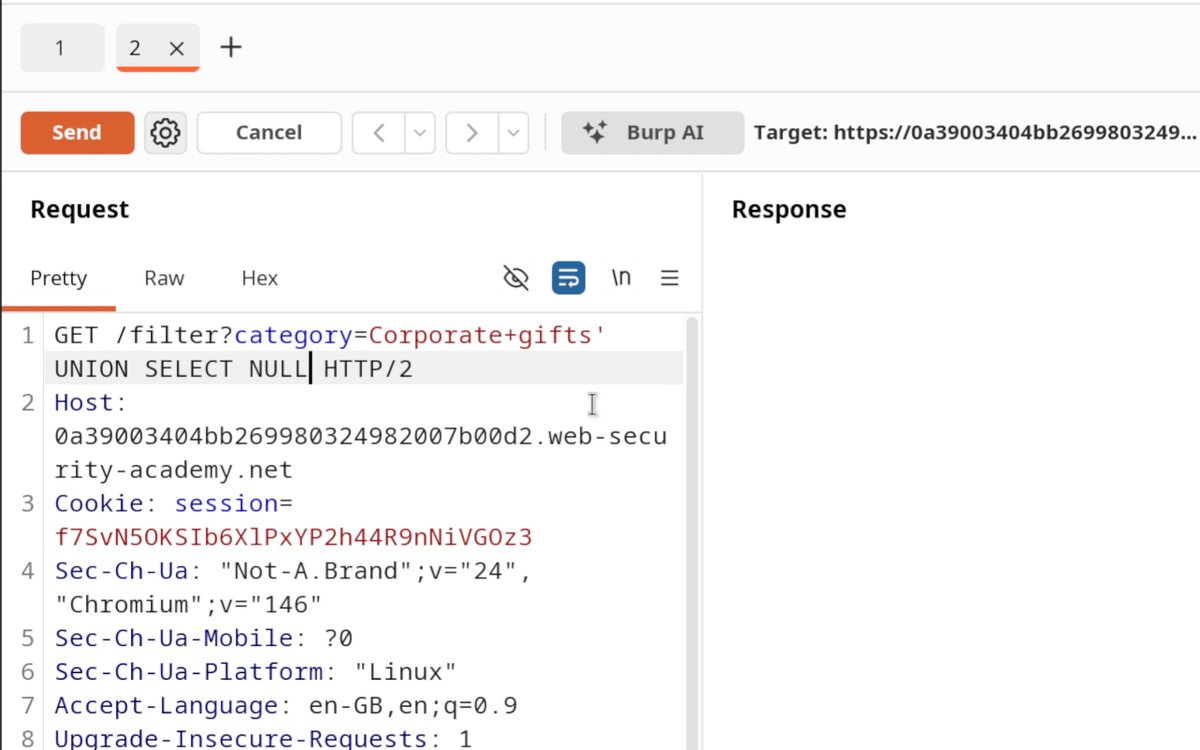
SQL injection! 💉 After finding the number of columns using the NULL trick, you can take it a step further and identify which column takes which data type. Swap 'abc' into one position at a time. The one that comes back without an error is your string column, and that's where your data goes. Want to practice this technique? Hack our FREE labs! 👇
Web Security Academy20,676 次观看 • 2 个月前
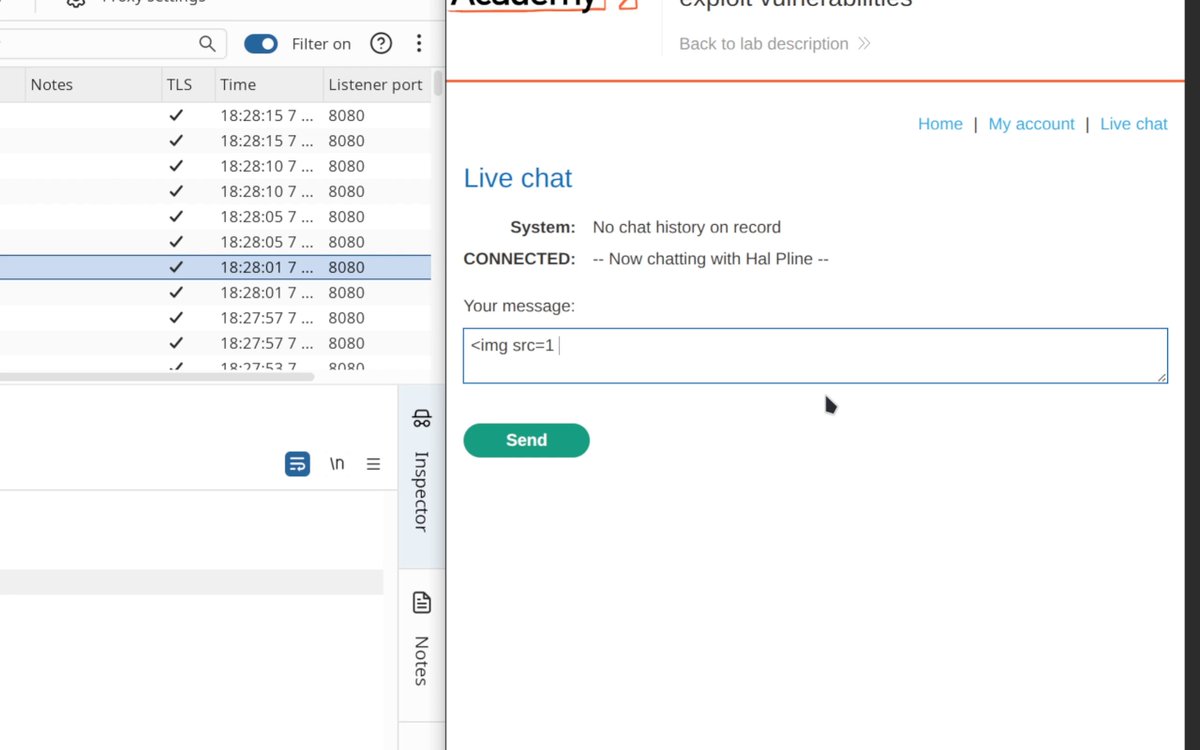
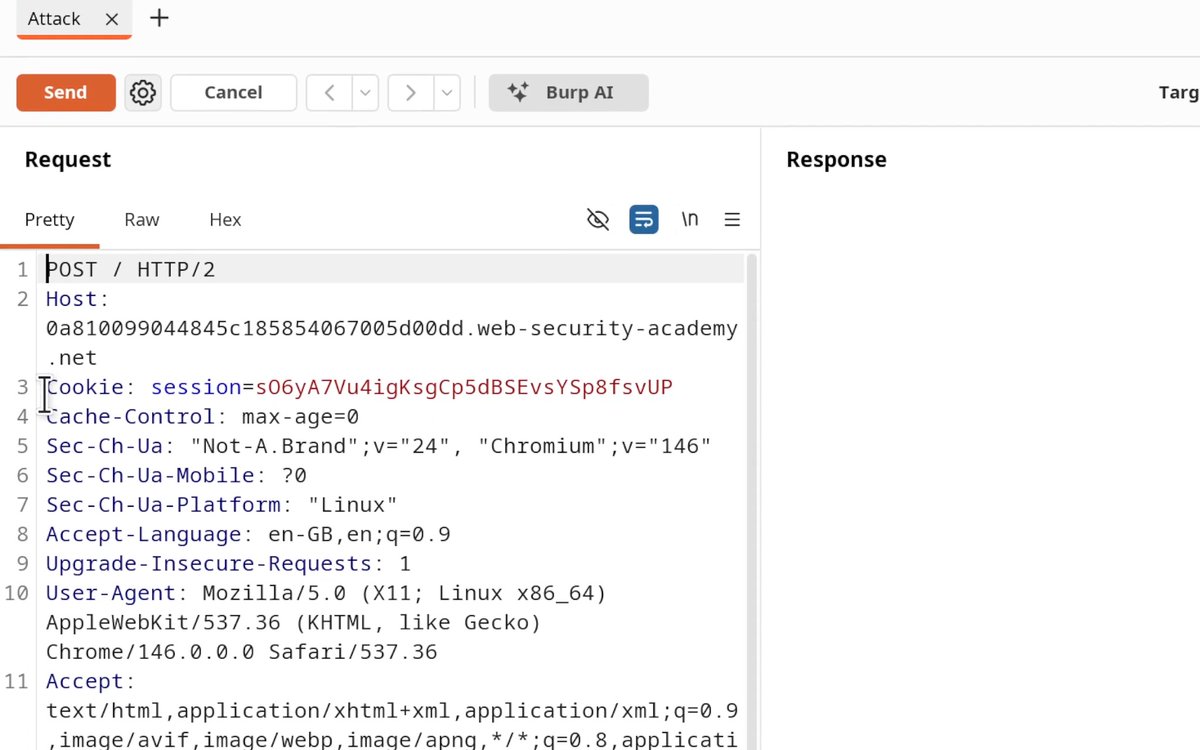
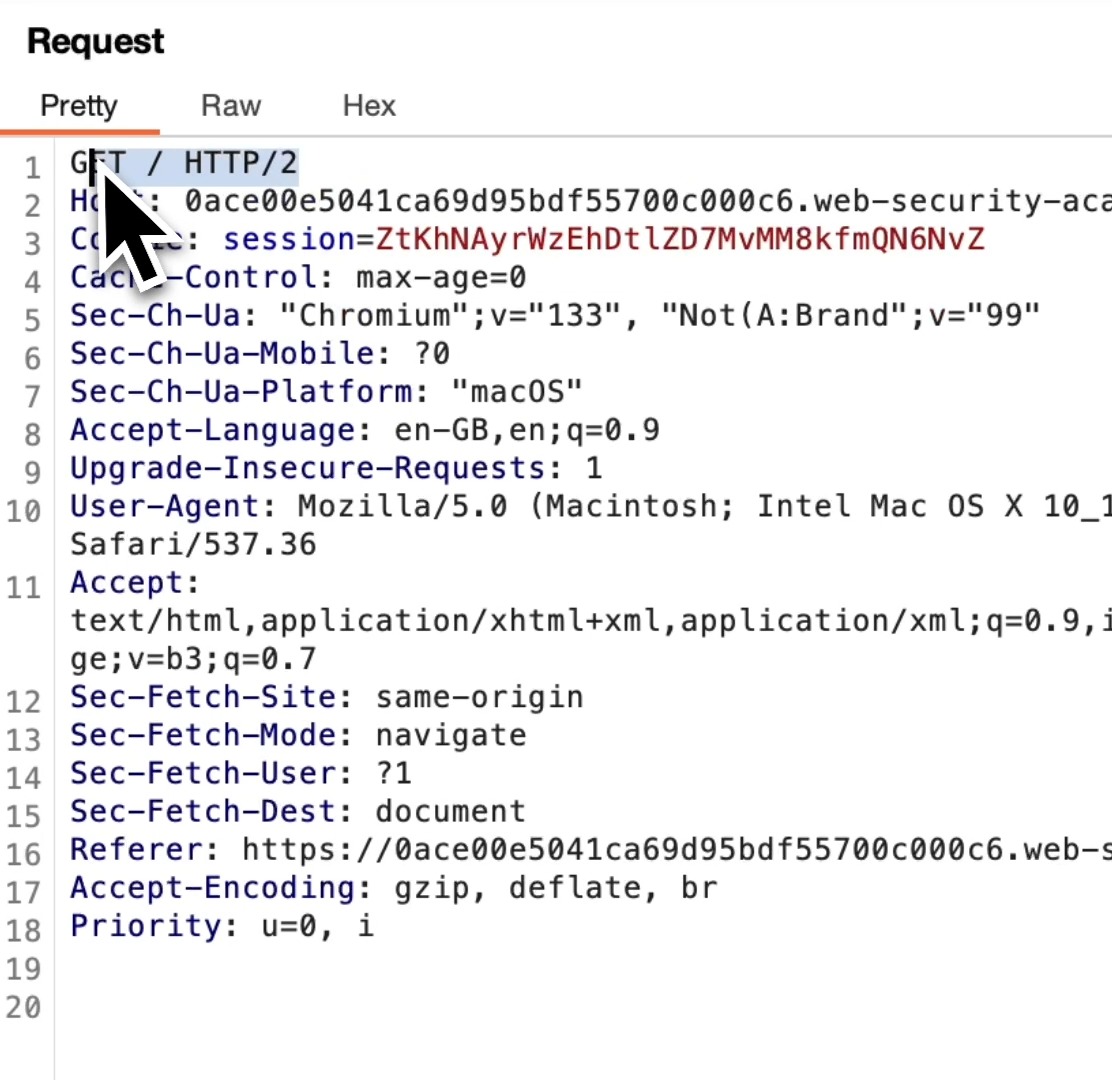
What is HTTP Downgrading, why use it, and how does it work? HTTP/2 is default for most web apps these days, however, it's not uncommon for backend servers to still use HTTP/1.1 causing parsing mismatches between frontend and backend. And that's where HTTP downgrading comes in! But what is it? HTTP downgrading is the process of forcing a request to be processed under HTTP/1.1 instead of HTTP/2. This allows you to manipulate how the frontend and backend servers interpret requests and exploit vulnerabilities unique to HTTP/1.1 parsing such as Content-Length Transfer-Encoding (CL.TE) attacks. How to downgrade HTTP/2 to HTTP/1.1 using Burp Suite 1️⃣ Open Burp Suite and Navigate to Proxy → HTTP History 2️⃣ Locate the request that is currently using HTTP/2. 3️⃣ Send the Request to Repeater 4️⃣ In the Repeater tab, open the "Inspector" panel → Request Attributes → Protocol 5️⃣ Change HTTP Version to HTTP/1.1 6️⃣ Click "Send" in Repeater. If successful, you should receive a valid response, confirming the server accepts HTTP/1.1. And that's it! You've just downgraded the HTTP protocol and confirmed that the frontend server accepts HTTP/1.1! 🥳 You are now ready to smuggle requests! If you want to learn how to exploit this, we've got a Web Academy Lab you need to check out: Thanks for reading! #requestsmuggling #cybersecurity #BurpSuite #hacking #infosec
Web Security Academy62,818 次观看 • 1 年前
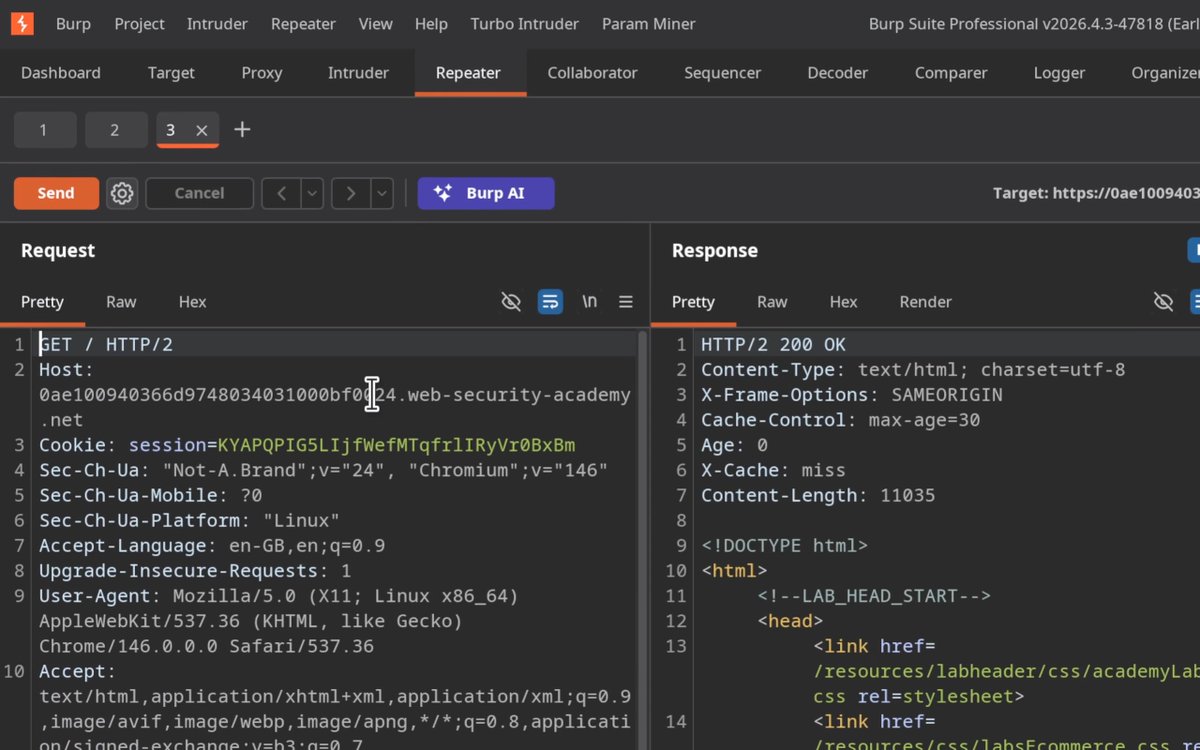
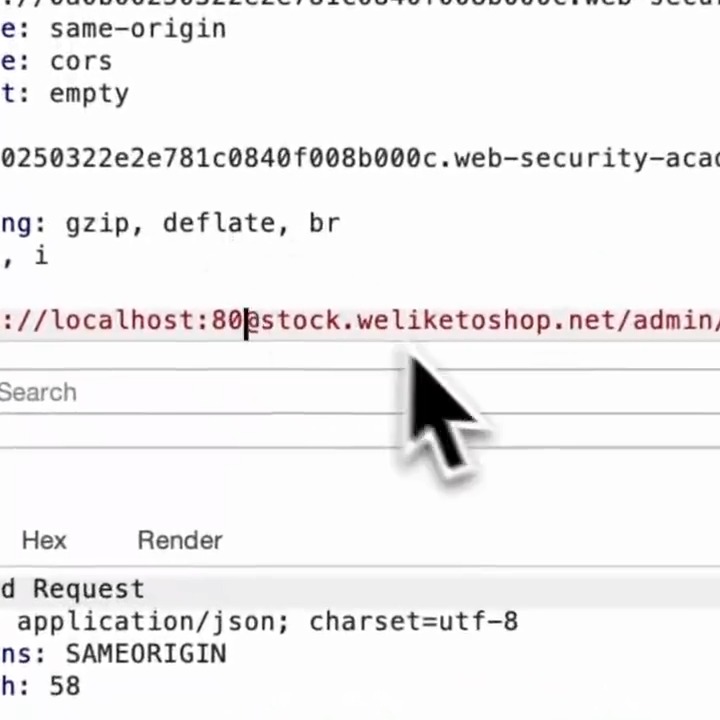
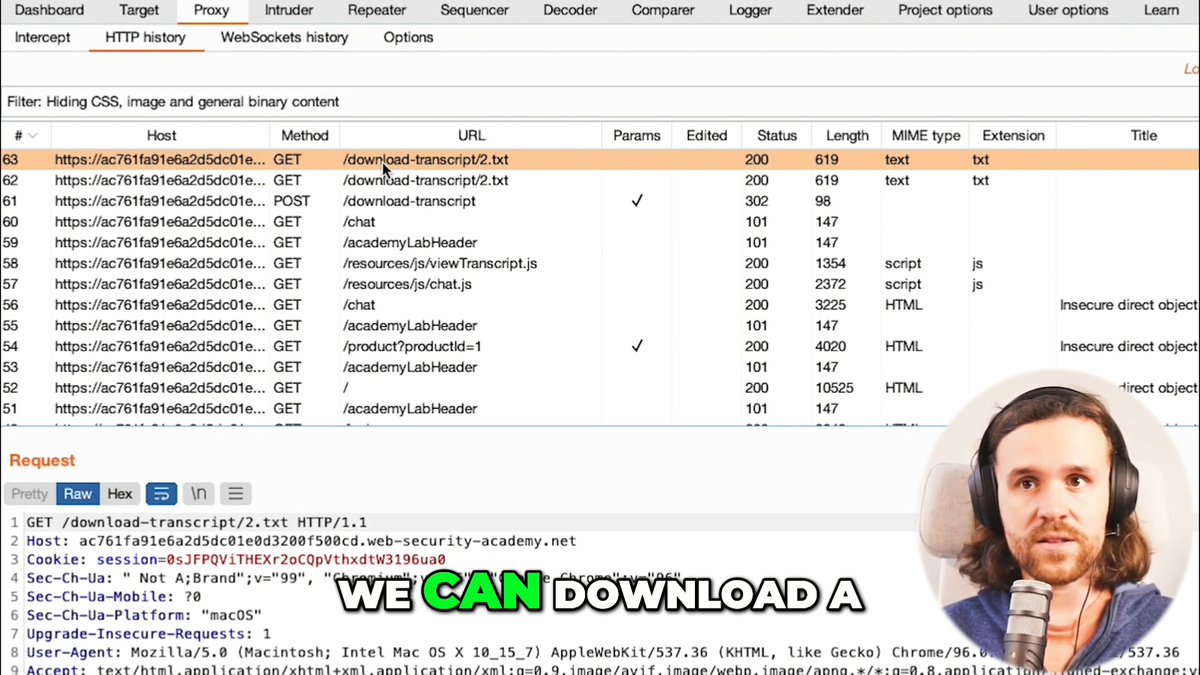
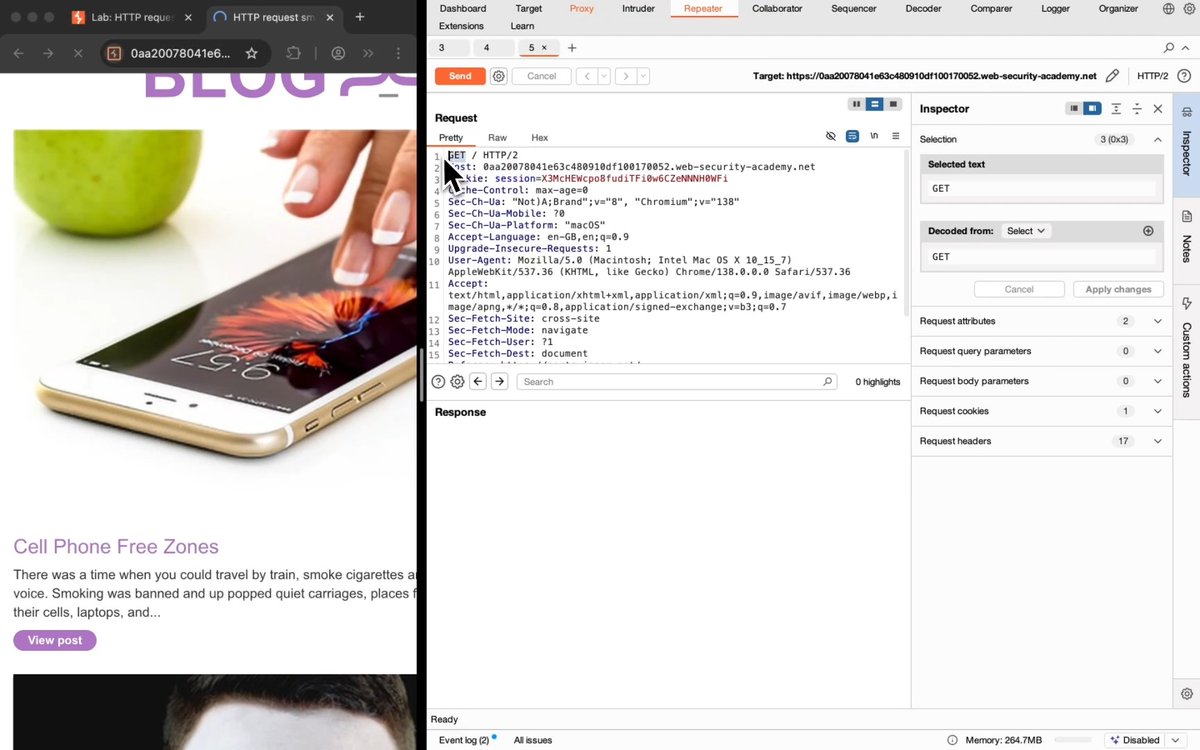
How to manually check for CL.TE Request Smuggling Vulnerabilities: 1️⃣ See if a GET request accepts POST 2️⃣ See if it accepts HTTP/1 3️⃣ Disable "Update Content-Length" 4️⃣ Send with CL & TE headers: POST / HTTP/1.1 Host: Content-Length: 6 Transfer-Encoding: chunked 0 G 5️⃣ Send request twice. If you receive a response like "Unrecognized method GPOST", you've just confirmed a CL.TE vulnerability! Try this out for yourself in our CL.TE lab:
Web Security Academy27,993 次观看 • 1 年前

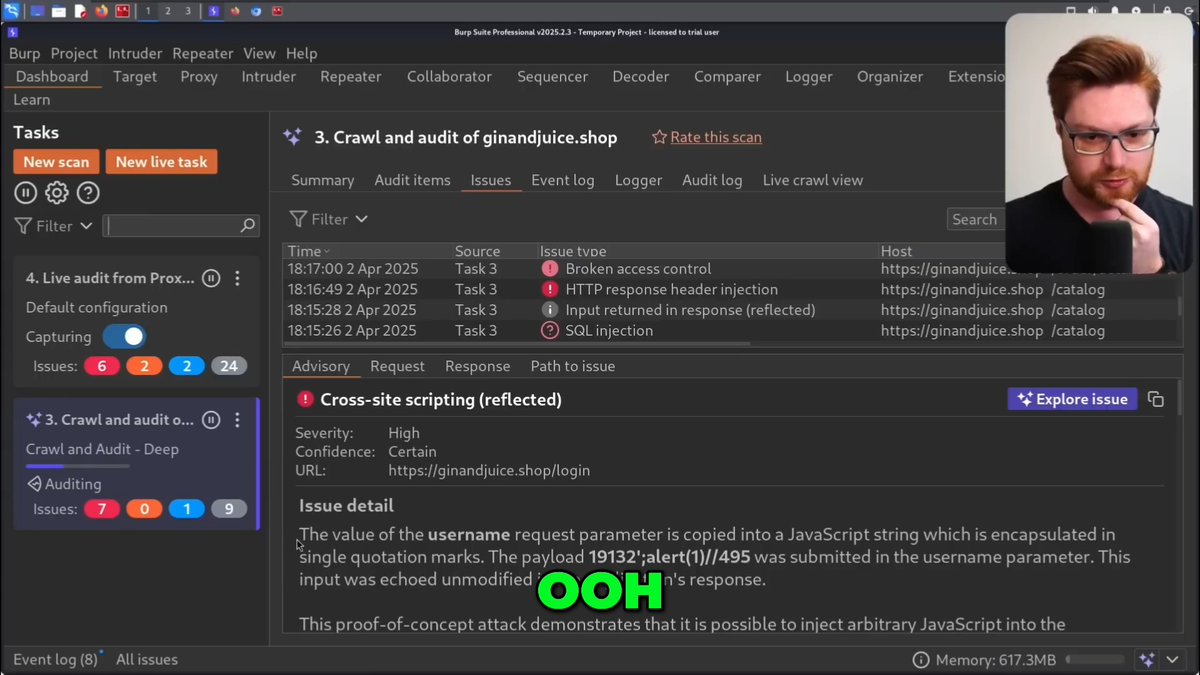
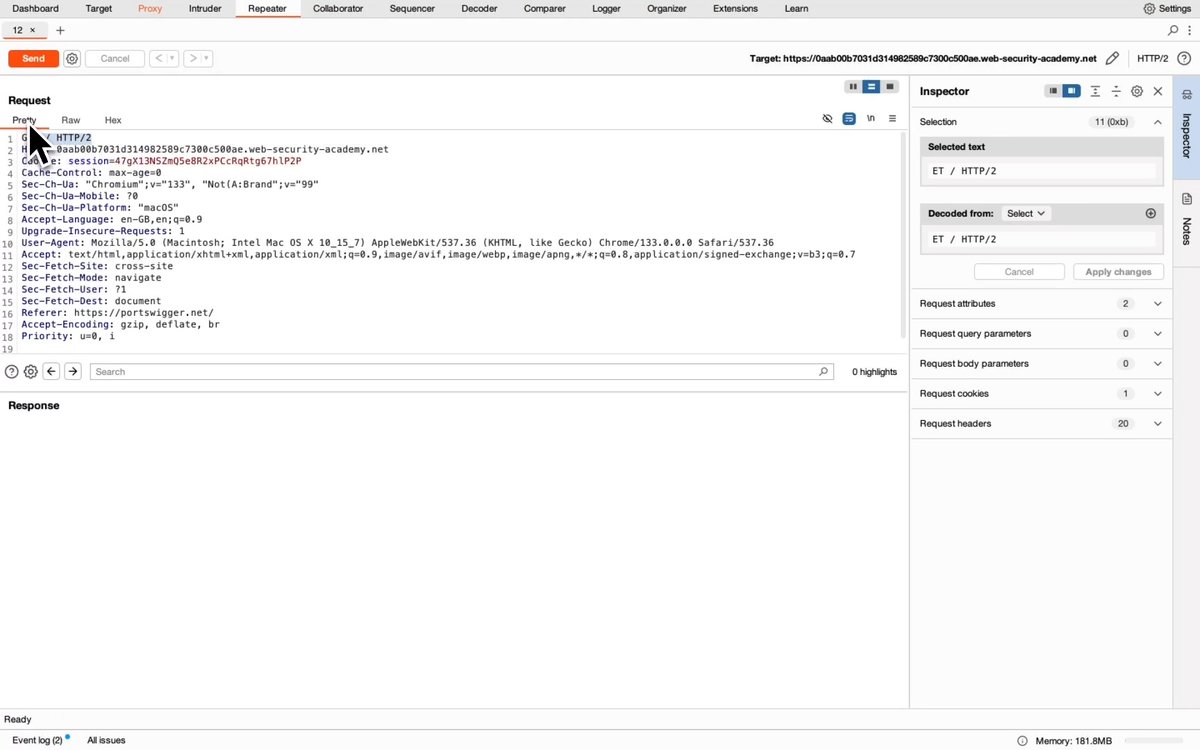
HTTP Request Smuggling Lab Walkthrough: Confirming a CL.TE vulnerability via differential responses. How to identify CLTE Vulnerabilities: 1. Send request to repeater 2. Downgrade protocol to HTTP/1.1 3. Disable "Update Content-Length" 4. Set Content-Length to 6 5. Add "Transfer-Encoding: chunked" heading 6. Send a chunk with an invalid chunk size If the backend times out, this indicates a potential CLTE vulnerability. Confirm the vulnerability with differential responses: 7. Create and send the attack request: - Replace previous chunk with a terminating chunk. - Add a smuggled request after the chunked body. - Append X-ignore: X (without a newline) and send. 8. Send a normal request to repeater, downgrade to HTTP/1.1 and send immediately after the attack request. If the response to the normal request is 404 instead of 200, the backend was poisoned! 🤮 Well done! To learn more about HTTP Request Smuggling and take on this lab yourself, head over the the Web Security Academy now #requestsmuggling #pentesting #bugbounty #hacking #cybersecurity
Web Security Academy26,360 次观看 • 1 年前
![How to Find Path Delimiter Issues with Burp Suite Intruder Sometimes web servers treat special characters (like ; or ?) differently in URLs. This can lead to security issues like web cache deception or access control problems. Here's how you can test for path delimiter discrepancies: 1️⃣ Capture the Request Find a request you want to test GET /my-account HTTP/2 2️⃣ Right click the request and "Send to Intruder". In Intruder, highlight add a new position after /my-account followed by abc. It should look like this: GET /my-account§§abc HTTP/2 Attack Type = Sniper (only changing one spot). Payload: Paste a list of special characters, like this: ! # $ % & ' ( ) * + , - . / : ; = ? @ [ \ ] _ ~ ... A full list of delimiters can be found here: 3️⃣ Start the Attack Press Start Attack. Look at the Status, Length, and Response columns. Watch for differences (like bigger/smaller pages, changes to status code or different behavior) and if you notice something different then you've likely found a delimiter discrepancy! 🎉 Why is this important? When special characters confuse the server or cache, you might find: 🔸 Web cache deception: Caching personal pages by accident 🔸 Access bypass: Skipping security checks 🔸 Leaked info: Seeing data you shouldn't Try this lab for yourself and dive even deeper into how to exploit this when you find it: #BugBounty #WebSecurity #BurpSuite #EthicalHacking #Cybersecurity](https://image.24vids.com/tw-1919142786885943404/media/GqIqLRLXIAAdsLM.jpg)
How to Find Path Delimiter Issues with Burp Suite Intruder Sometimes web servers treat special characters (like ; or ?) differently in URLs. This can lead to security issues like web cache deception or access control problems. Here's how you can test for path delimiter discrepancies: 1️⃣ Capture the Request Find a request you want to test GET /my-account HTTP/2 2️⃣ Right click the request and "Send to Intruder". In Intruder, highlight add a new position after /my-account followed by abc. It should look like this: GET /my-account§§abc HTTP/2 Attack Type = Sniper (only changing one spot). Payload: Paste a list of special characters, like this: ! # $ % & ' ( ) * + , - . / : ; = ? @ [ \ ] _ ~ ... A full list of delimiters can be found here: 3️⃣ Start the Attack Press Start Attack. Look at the Status, Length, and Response columns. Watch for differences (like bigger/smaller pages, changes to status code or different behavior) and if you notice something different then you've likely found a delimiter discrepancy! 🎉 Why is this important? When special characters confuse the server or cache, you might find: 🔸 Web cache deception: Caching personal pages by accident 🔸 Access bypass: Skipping security checks 🔸 Leaked info: Seeing data you shouldn't Try this lab for yourself and dive even deeper into how to exploit this when you find it: #BugBounty #WebSecurity #BurpSuite #EthicalHacking #Cybersecurity
Web Security Academy18,220 次观看 • 1 年前